Free trial
New accounts receive 4 free credits with no credit card required, refreshed automatically each month for limited free generation.
Learn moreTurn photos and text prompts into print-ready coloring pages and books.

iPage AI is an AI book generator tool that turns photos and text prompts into print-ready coloring pages and books. iPage AI generates printable line-art coloring pages and full coloring books from text prompts or uploaded photos, with batch generation, print upscaling and a KDP Builder aimed at Amazon KDP and Etsy sellers.
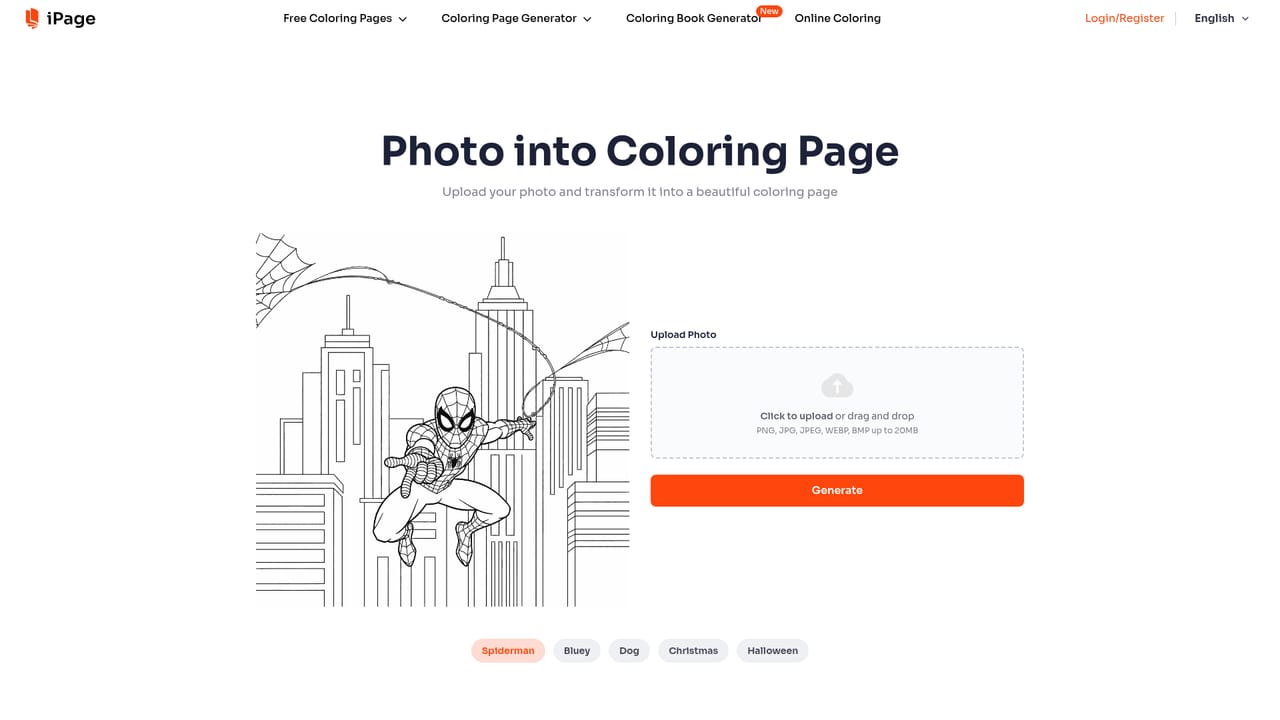
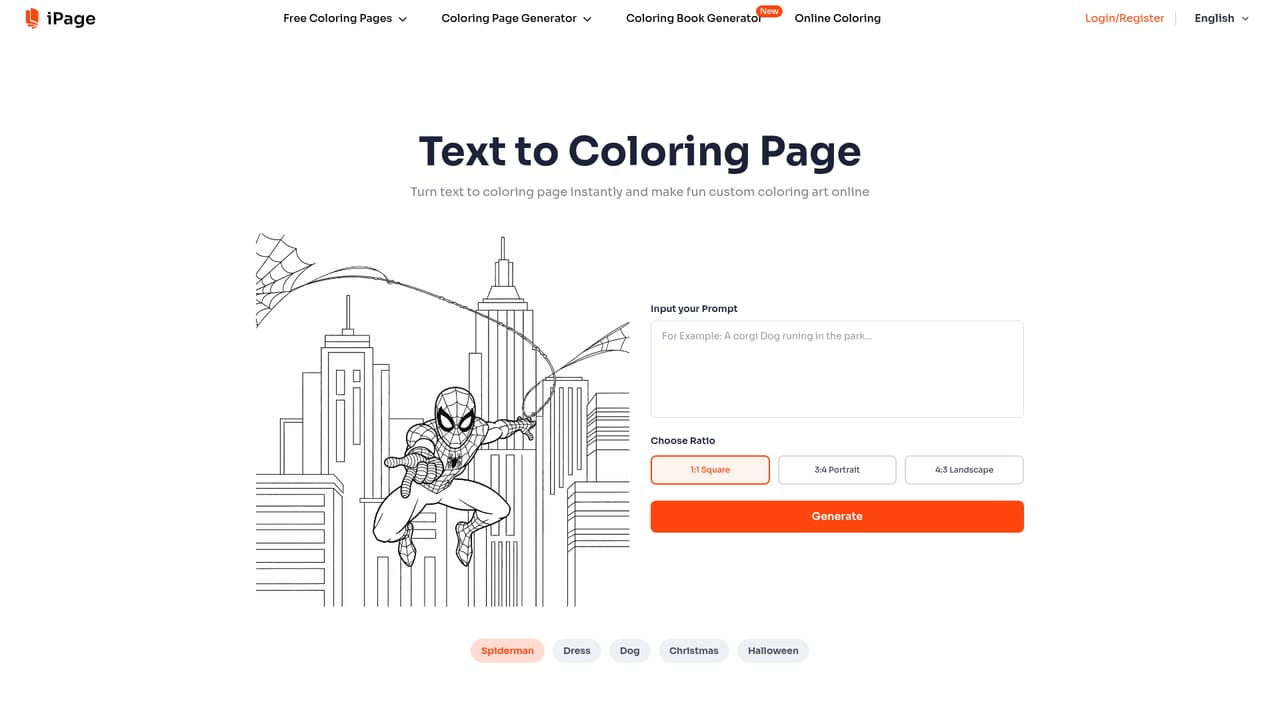
iPage AI is a browser-based generator that converts text prompts or uploaded photos into line-art coloring pages. Two core modes cover most of the workflow: Text to Coloring Page draws a scene from a written description, while Photo to Coloring Page traces an uploaded image into clean, printable line art. A third mode, the AI Coloring Book Generator, assembles a full multi-page book with step-by-step guidance. Outputs download as PNG for single sheets or PDF for multi-page books, and creators can pick target age groups so complexity shifts from simple shapes for children to intricate patterns for adults. The product is aimed squarely at sellers rather than hobbyists alone. Paid plans carry a commercial license for Amazon KDP, Etsy, print-on-demand stores and digital downloads, and a KDP Builder formats pages to Amazon's print specifications (dimensions, bleed margins, file format). Batch Mode accepts one upload and produces many pages at scale, keeping a consistent style across a themed series. Standard output lands at 687 x 1024 px, with an Upscale for Print option raising pages to 2748 x 4096 px for crisp physical printing. Practical use is straightforward. A free account starts with 4 monthly credits and no card, and failed generations return credits automatically. Work is saved under Dashboard and My Creations, and Privacy Mode keeps generated pages private to the account holder. Watermark removal, premium brushes and palettes, and multi-page book generation sit behind paid tiers. Against alternatives, iPage AI trades generic image generators for a single-purpose pipeline: style, print resolution and KDP formatting are handled in one place instead of being stitched together across tools. The trade-off is narrowness, since anyone wanting color illustrations or broad design control will need something else. It sits closest to print-on-demand publishing utilities rather than to general art platforms.
New accounts receive 4 free credits with no credit card required, refreshed automatically each month for limited free generation.
Learn moreFour paid tiers bill monthly or yearly with 32 percent off annual. Starter is $6.99 per month (100 pages, personal use), Hobby $13.99 (300 pages), Professional $27.99 (1000 pages, commercial use, up to 200 page books) and Business $69.99 (5000 pages). All include watermark removal, Batch Mode and KDP Builder.
Learn moreEmail support is listed on all paid tiers, with 24/7 email support from Hobby upward. No phone or live chat channel is mentioned.
Text to Coloring Page and Photo to Coloring Page generators, an AI Coloring Book Generator, Batch Mode for bulk output, watermark removal, Upscale for Print, premium brushes and palettes, KDP Builder formatting, plus a library of over 10,000 free printable pages in PDF and PNG.
Learn more AI Angels400+ customizable AI girlfriends for NSFW chat, voice calls, and roleplay
 Candy AIExperience the future of companionship with AI friends who chat, role-play, and connect with you on a human level.
 ourdream.aiA vast AI roleplay platform with millions of characters for chat, images, video and voiceAI Angels400+ customizable AI girlfriends for NSFW chat, voice calls, and roleplayCandy AIExperience the future of companionship with AI friends who chat, role-play, and connect with you on a human level.ourdream.aiA vast AI roleplay platform with millions of characters for chat, images, video and voice


