Integrations
Cloud storage and file sync are built in, letting documents move between phone, tablet and desktop and be managed from the web app. No third-party integrations or API are listed on the homepage.
Learn moreMobile scanner that turns paper into clean, editable PDFs

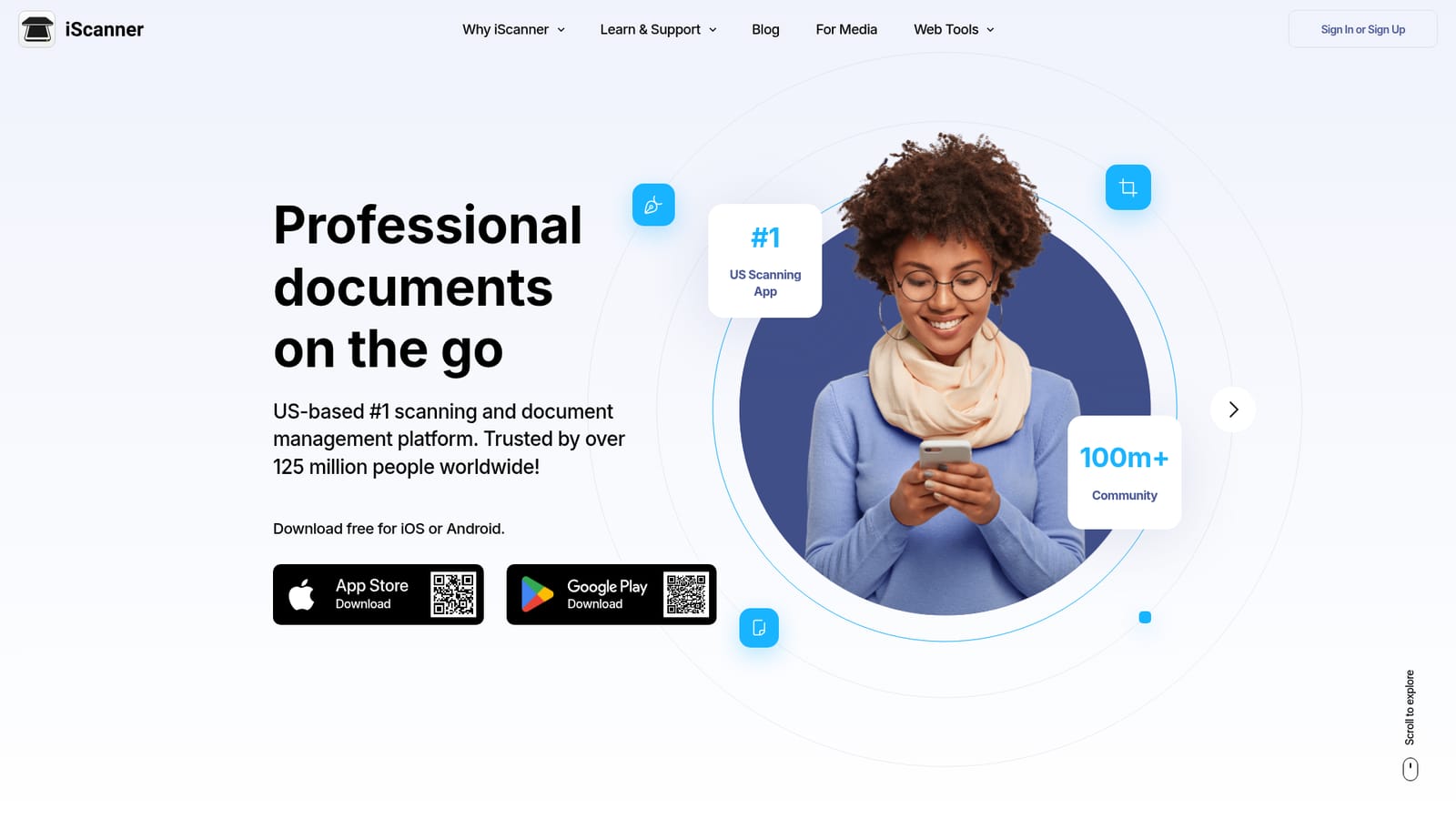
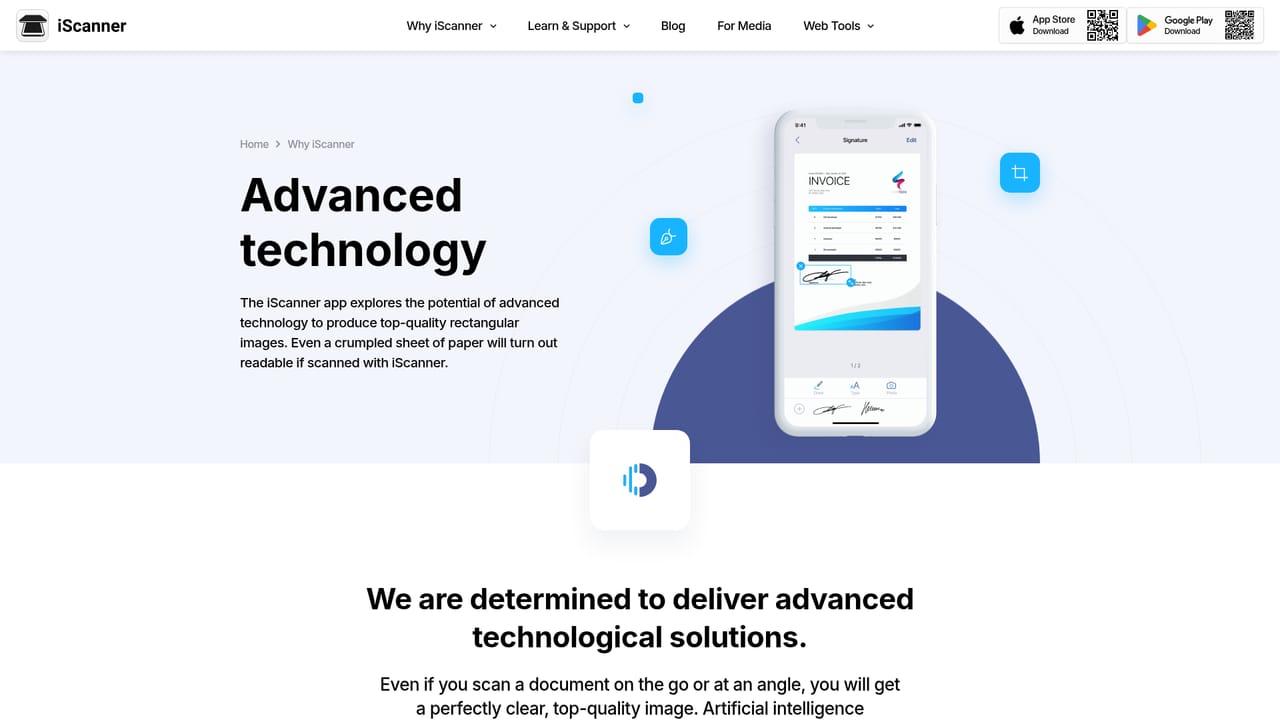
iScanner is a free iOS and Android scanning app that converts paper into clean PDFs with AI cropping, distortion correction, OCR in 23 languages, e-signature and a built-in editor. Extra modes cover math solving, object counting and room area measurement.
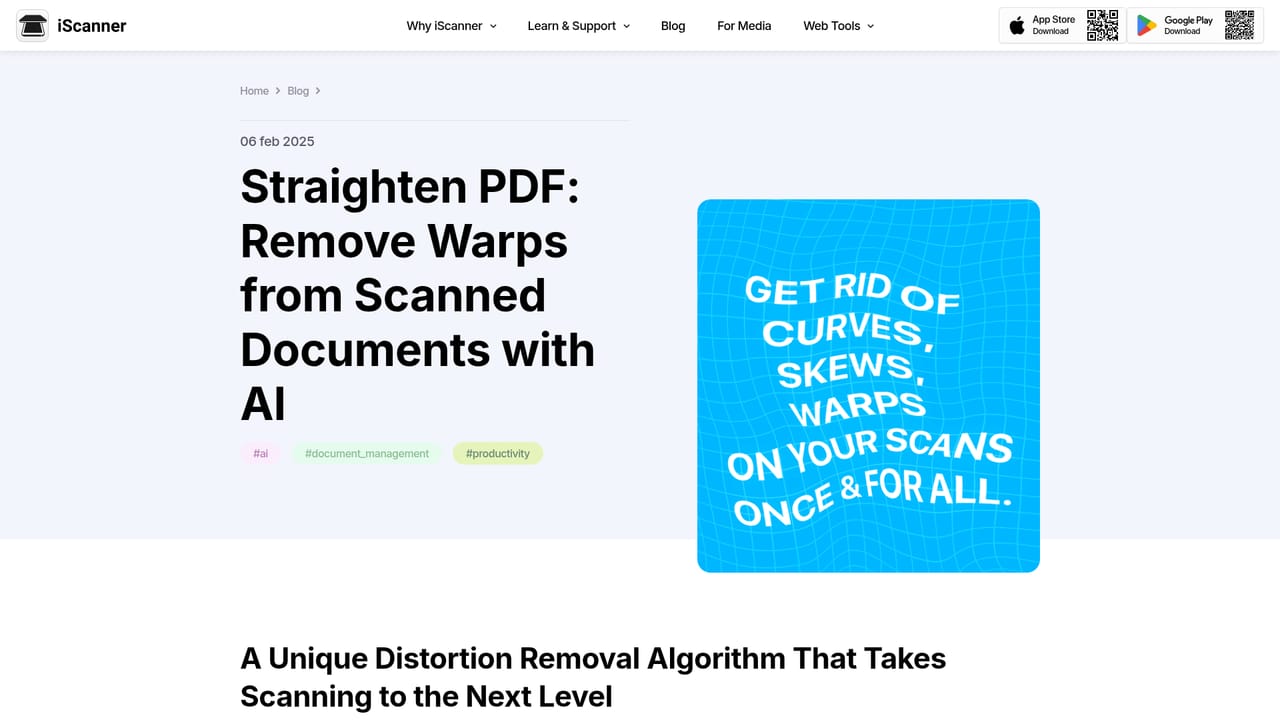
iScanner is a mobile document scanner built around a camera-first workflow. A phone or tablet becomes the capture device, and the app handles the rest: automatic cropping, distortion correction, and a rectangular, crisp result that looks like it came off a flatbed. The company describes itself as a US-based scanning and document management platform with more than 125 million users, and it is free to download on iOS and Android. Beyond basic capture, iScanner bundles a set of modes that go past what a scanner does. Math mode reads and solves equations from a photo, Count mode tallies similar objects in a frame, and Area mode builds a 3D room plan and calculates surface area, which makes it useful for remodeling and real estate work. An AI straightener fixes skews, warps and curves across a page, and smart filters retouch scans by cleaning up background noise. OCR converts scans into editable text in 23 languages, and a live text extractor grabs text as it appears in the camera. On top of that sits a document editor: e-signature and stamps, merge and split, page reordering, page numbers, annotations, text editing and hiding, images, shapes and watermarks. Files sync to cloud storage so the same document opens on phone, tablet or desktop, and the web app lets users manage iScanner documents from a browser. The tool fits individuals and small teams that handle paperwork away from a desk: freelancers sending invoices, realty agents signing forms on site, students digitizing notes, and small businesses keeping records in order. It is a direct competitor to phone scanner apps rather than desktop PDF suites, so it wins on portability and speed (the site claims under 5 seconds to scan and save) and asks users to accept a mobile editing surface. Ratings are strong, with 4.7 on the App Store, 4.5 on Google Play, and 4.9 on several software review sites.
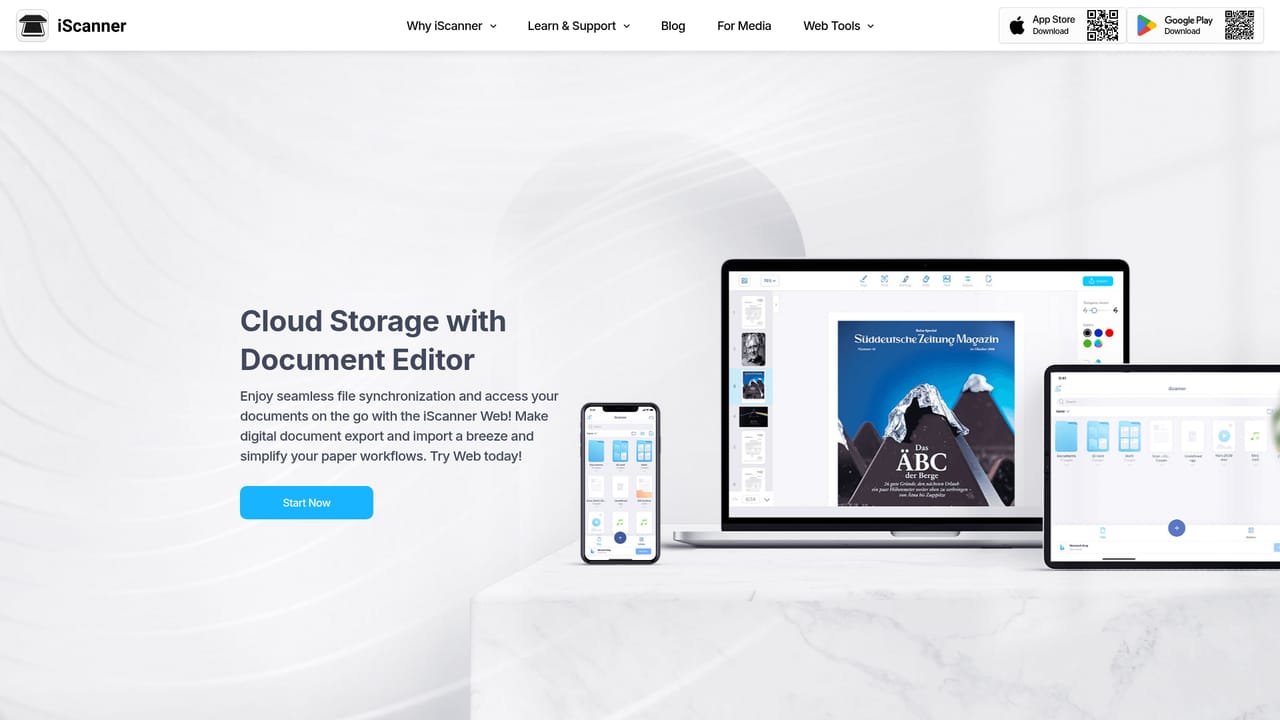
Cloud storage and file sync are built in, letting documents move between phone, tablet and desktop and be managed from the web app. No third-party integrations or API are listed on the homepage.
Learn moreAI cropping and distortion correction, an AI straightener for skews and warps, and smart filters that clean backgrounds and remove fingers from shots. OCR turns scans into editable text in 23 languages with a live text extractor. The editor handles e-signature and stamps, merge and split, page reordering and numbering, annotations, text editing and hiding, images, shapes and watermarks. Extra modes cover math solving, object counting and 3D room area measurement.
Learn more AI Angels400+ customizable AI girlfriends for NSFW chat, voice calls, and roleplay
 Candy AIExperience the future of companionship with AI friends who chat, role-play, and connect with you on a human level.
 ourdream.aiA vast AI roleplay platform with millions of characters for chat, images, video and voiceAI Angels400+ customizable AI girlfriends for NSFW chat, voice calls, and roleplayCandy AIExperience the future of companionship with AI friends who chat, role-play, and connect with you on a human level.ourdream.aiA vast AI roleplay platform with millions of characters for chat, images, video and voice