Jamie

Meeting intelligence without a bot on the call.

Beginner API
Screenshot of Jamie, Meeting intelligence without a bot on the call

What is Jamie?

Jamie is a device based meeting intelligence tool that records and summarizes online and in-person meetings without a bot on the call. It offers pre meeting briefings, custom note templates, chat across past meetings, and automated follow up workflows, with EU data residency and ISO 27001 compliance.

Jamie is a meeting intelligence platform built around a simple premise: no bot should join a call just to record it. The application runs on the user's own device, whether that is a laptop or a phone, and captures conversations across Zoom, Teams, Google Meet, or any other online platform. It also handles in-person meetings, which are recorded from the device itself. According to the company, the typical user recovers about five hours per week that would otherwise go into note taking and follow up. The product follows a prepare, capture, document, chat, and integrate cycle. Before a meeting, Jamie assembles a briefing from past conversations and connected tools so the user arrives with context. During the meeting, it records and produces structured notes in seconds, using custom templates to match the format a team requires. Afterward, users can chat across their entire meeting history to ask what was said or decided, and automate post meeting workflows, such as updating a CRM or drafting follow ups. Those workflows can run automatically or wait for review. Jamie is aimed at professionals who deal in sensitive or high stakes conversations: private equity, banking, M&A, law, consulting, healthcare, and the public sector. The homepage lists firms such as Elvaston, NORD Holding, and Draycott among its customers, and the security posture reflects that audience. Data is stored and processed within the EEA, Switzerland, and the UK. Audio is streamed but never stored, encryption is TLS 1.2 in transit and AES 256 at rest, and recordings are never used to train models. The platform holds ISO 27001 and is GDPR compliant, with alignment to DORA for regulated industries. Enterprise controls include SAML 2.0 single sign-on, SCIM provisioning, verified domains, and admin oversight. Against bot based meeting assistants, the main differentiator is the absence of a virtual participant and the emphasis on EU data residency and compliance. For developers and teams that want meeting data to flow into other systems, Jamie offers an API, webhooks, and an MCP integration for tools like Claude and ChatGPT. Pricing details are not published on the homepage, though the site invites prospective users to book a demo or download the application.

How do you use Jamie?

  1. 1Download Jamie to your device
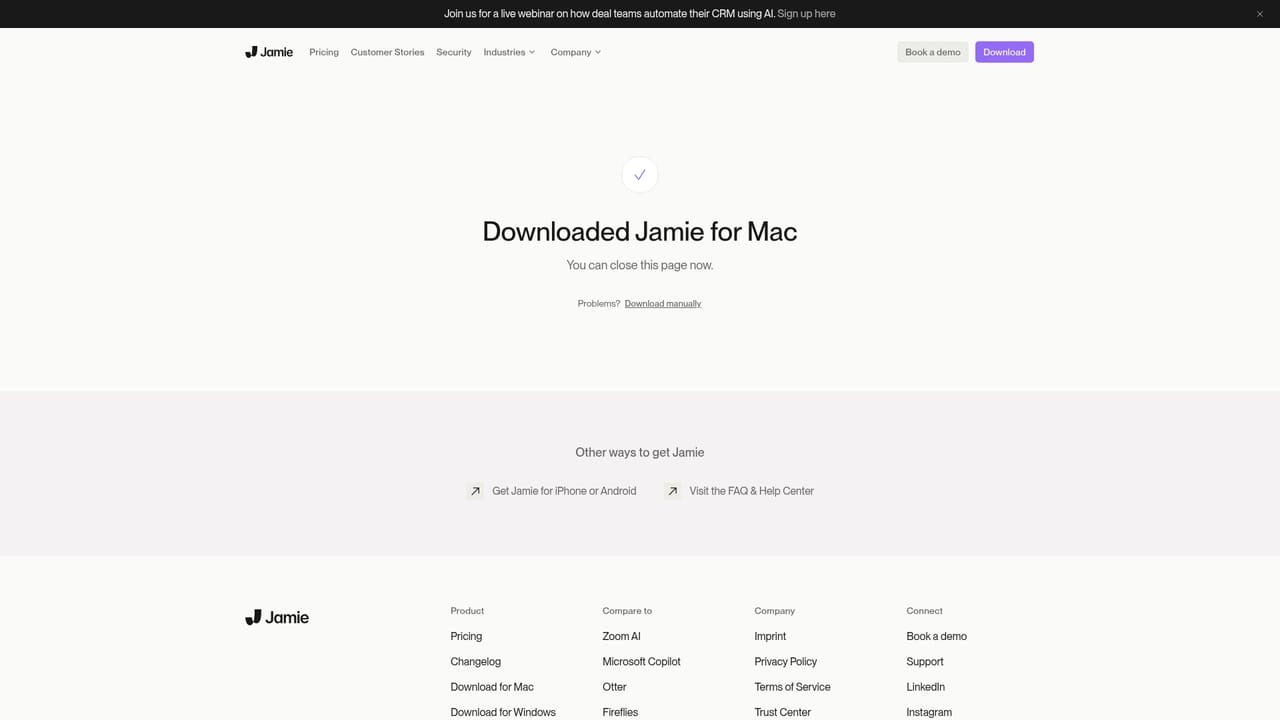
    Visit the download page and install the application on your laptop or phone. Because Jamie runs locally, no bot needs to be invited to your calendar or meeting.
    Jamie — Download Jamie to your device
  2. 2Review the security and compliance details
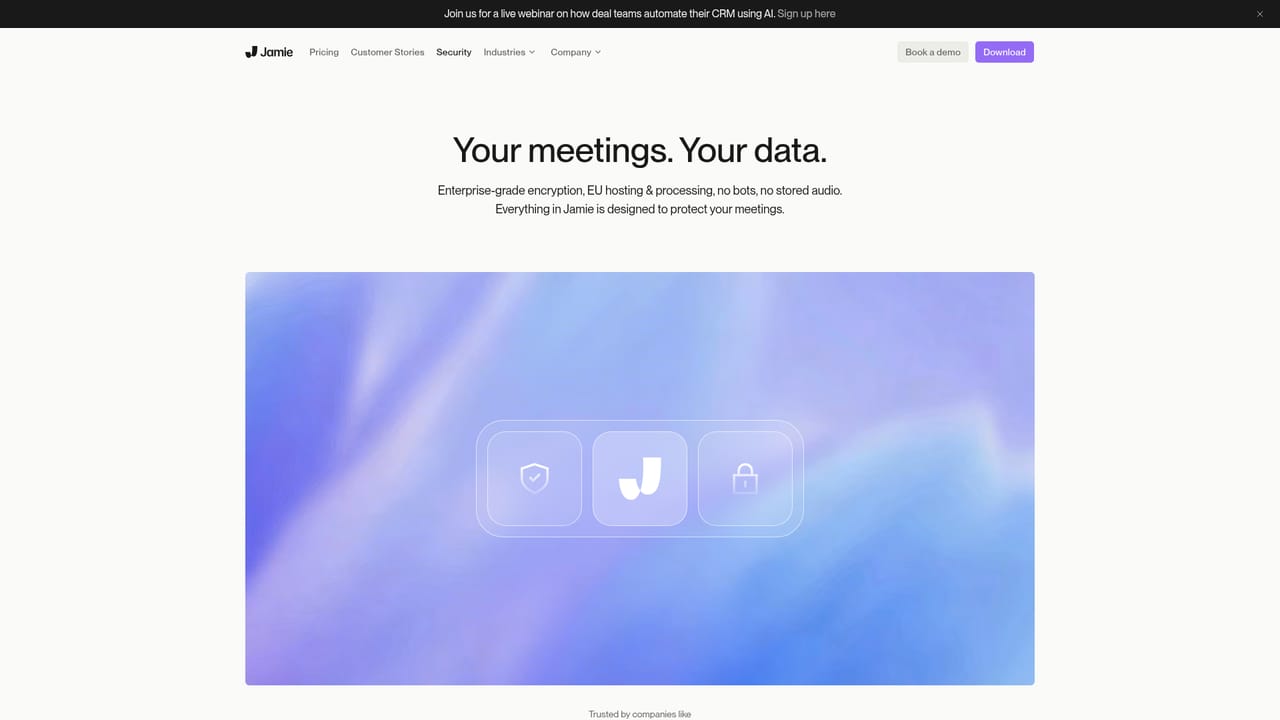
    Read through the security page to understand data residency, encryption, and certifications before connecting any work tools. This step matters for teams in regulated industries.
    Jamie — Review the security and compliance details
  3. 3Run a first meeting capture
    Start a meeting in Zoom, Teams, Google Meet, or in person and let Jamie record and generate notes. Use a custom template if your team has a required format.
  4. 4Chat with your meeting history
    Open the chat view and ask questions about what was said or decided in past meetings. This turns the archive into a searchable knowledge base.
  5. 5Connect tools and build a workflow
    Link your CRM and documents, then create a workflow that updates records or drafts follow ups after each meeting. Choose automatic runs or review before publishing.
  6. 6Extend with API, webhooks, or MCP
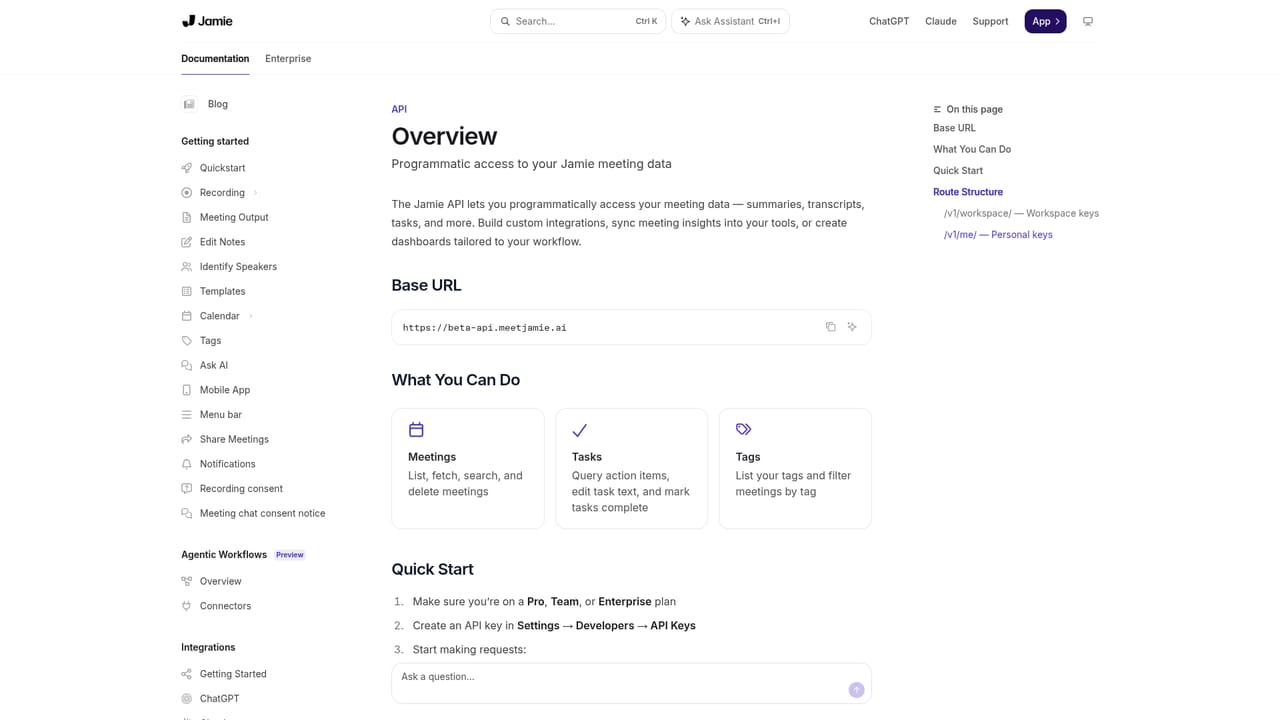
    For custom pipelines, use the developer documentation to pull notes and action items into your own systems, or connect Claude and ChatGPT through MCP.
    Jamie — Extend with API, webhooks, or MCP

Pros and cons

Pros

  • No virtual participant joins calls, which suits clients and external parties who dislike bots.AI
  • Covers online platforms and in-person meetings from the same device based application.AI
  • Strong privacy posture: EU data residency, audio never stored, and no model training on recordings.AI
  • Post meeting workflows can update CRMs and draft follow ups automatically or with review.AI
  • Enterprise features include SAML 2.0 SSO, SCIM, verified domains, and admin controls.AI

Cons

  • Pricing is not published on the homepage, so cost must be obtained through a demo request.AI
  • The approach depends on the user's own device, which may raise questions about battery, storage, and device management on managed fleets.AI
  • No free tier or trial is described on the homepage, which makes evaluation harder for small teams.AI
  • The product is positioned around high stakes sectors; lighter use cases may find the compliance overhead unnecessary.AI
  • The homepage does not detail note accuracy benchmarks or language support, leaving quality claims to be tested in a demo.AI

How much does Jamie cost?

Integrations

Jamie connects to CRMs and document tools for workflow automation, offers an MCP integration for Claude, ChatGPT, and similar assistants, and provides webhooks and an API for sending notes, action items, and transcripts to other systems.

Learn more

Features

Pre meeting briefings from past meetings and connected tools, bot free capture across online and in-person meetings, AI notes with custom templates, chat across meeting history, automated post meeting workflows, and integrations through MCP, webhooks, and API. Security features include EU data residency, no audio storage, TLS 1.2 and AES 256 encryption, ISO 27001, GDPR, DORA alignment, and enterprise controls such as SAML 2.0 SSO and SCIM.

Frequently asked questions about Jamie

  • Does Jamie have an API?
    Yes, Jamie offers an API.
  • How do you use Jamie?
    The walkthrough on this page covers 6 steps: 1. Download Jamie to your device 2. Review the security and compliance details 3. Run a first meeting capture 4. Chat with your meeting history 5. Connect tools and build a workflow 6. Extend with API, webhooks, or MCP.
  • What platforms does Jamie support?
    Jamie is available on Web App, iOS, Android, MacOS and Windows.
  • What does Jamie integrate with?
    Jamie connects to CRMs and document tools for workflow automation, offers an MCP integration for Claude, ChatGPT, and similar assistants, and provides webhooks and an API for sending notes, action items, and transcripts to other systems.
  • What are the limitations of Jamie?
    Pricing is not published on the homepage, so cost must be obtained through a demo request. The approach depends on the user's own device, which may raise questions about battery, storage, and device management on managed fleets. No free tier or trial is described on the homepage, which makes evaluation harder for small teams.

Status

StatusActive
Views0
Outbound clicks0
Added10/21/2026

Platforms

Web AppiOSAndroidMacOSWindows

Pricing

PaidSubscription