Free trial
The homepage invites visitors to start for free with no credit card and describes a free forever plan, but it does not state how long paid features can be trialled or what the free tier includes.
Learn moreAI website builder plus bookings, shop and payments for solopreneurs

Jimdo is an app creation tool. Jimdo combines an AI website builder with bookings, smart forms, an online shop, invoicing and payment links, all sharing one customer database. Aimed at solopreneurs and local service businesses, it emphasizes GDPR compliance and European hosting over deep design customisation.
Jimdo is an all in one platform aimed at solo operators and very small businesses that need a website and the day to day admin around it. The core product is an AI website builder: describe what the business does and Jimdo assembles structure, copy, images and calls to action, with the company claiming a live site in under five minutes. Content is written for search visibility on Google and for citation in AI assistants, and the company states the setup is GDPR ready with servers hosted in Europe. The more distinctive part is what sits behind the site. Bookings, smart forms and an online shop all feed a single customer database, so an enquiry, an appointment and an order are records about the same person rather than three disconnected lists. Invoices can be generated from completed bookings and orders, and payment links can be sent by email, WhatsApp or on the invoice itself. For a barber, consultant, baker or knitting supplier, that removes the usual patchwork of a booking widget, a spreadsheet and a separate invoicing tool. A companion AI runs across the whole account rather than only at build time. It drafts forms, sharpens page copy, suggests SEO changes and reports on what is working, with prompts framed around the decisions a one person business actually makes. Jimdo Local adds a single business profile pushed to maps and directories, plus brand monitoring, and the site connects to WhatsApp, Instagram, Facebook, Google Ads and Google Maps. Jimdo competes with general site builders such as Wix and Squarespace, and with booking specialists such as Calendly paired with a separate store. Its argument is consolidation and European data handling rather than design flexibility. Businesses that need deep customisation, complex multi vendor catalogues or a large team workflow will likely outgrow it; freelancers and local service businesses that want one login and one customer record are the intended fit. The company has operated from Germany since 2007.



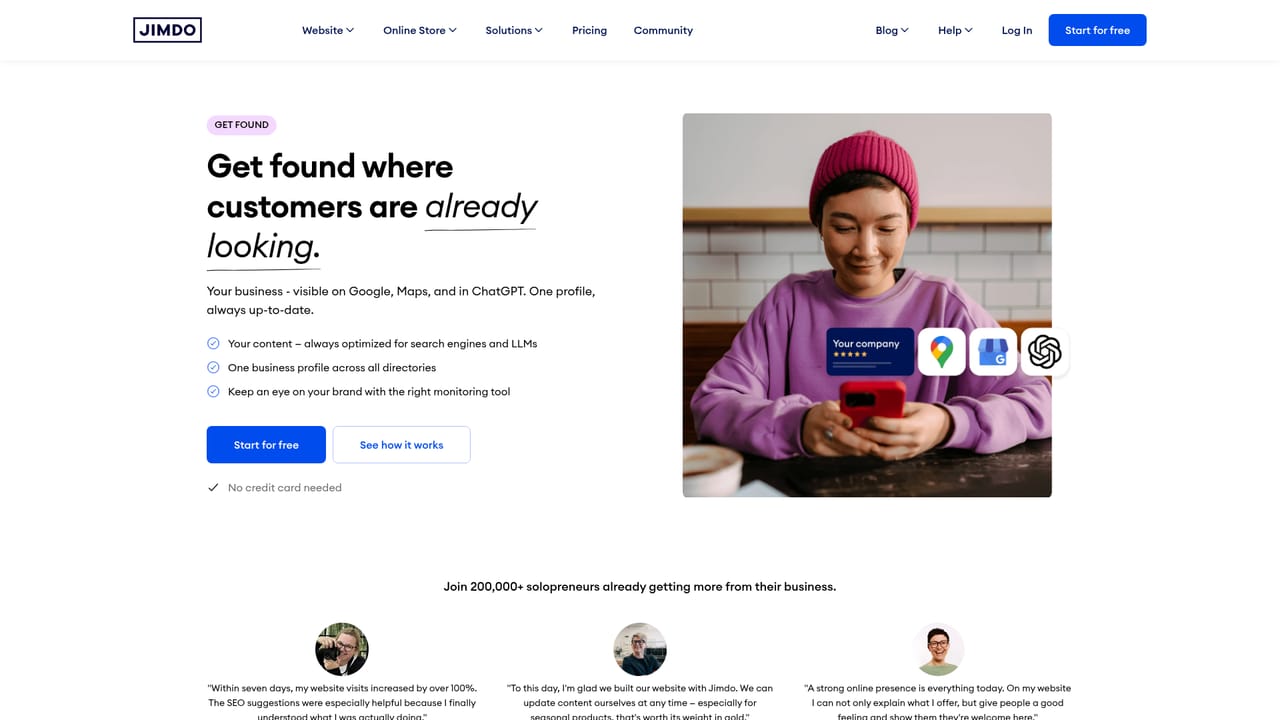
The homepage invites visitors to start for free with no credit card and describes a free forever plan, but it does not state how long paid features can be trialled or what the free tier includes.
Learn moreThe homepage names WhatsApp, Instagram, Facebook, Google Ads, Meta and Google Maps as connected channels, and describes social channels linking to the shop. No wider integration directory is given.
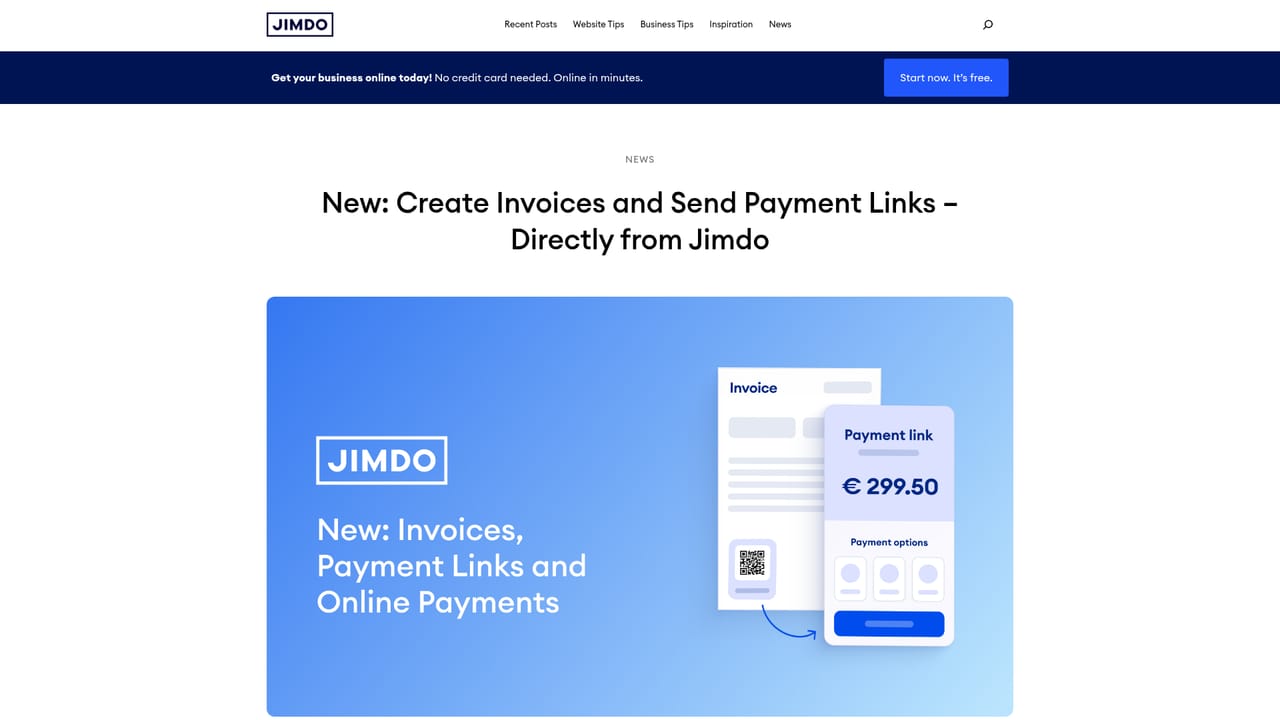
Learn moreAI generated websites with copy, images and calls to action tuned for Google and AI assistants; SEO tooling; Jimdo Local business profile and brand monitoring; one on one, group and recurring bookings synced to a calendar; AI drafted smart forms; online shop with one click checkout; automatic invoices and payment links; a single customer database tying leads, bookings, orders and payments together; companion AI for content and performance advice; legal texts and GDPR ready European hosting.
Learn more AI Angels400+ customizable AI girlfriends for NSFW chat, voice calls, and roleplay
 Candy AIExperience the future of companionship with AI friends who chat, role-play, and connect with you on a human level.
 ourdream.aiA vast AI roleplay platform with millions of characters for chat, images, video and voiceAI Angels400+ customizable AI girlfriends for NSFW chat, voice calls, and roleplayCandy AIExperience the future of companionship with AI friends who chat, role-play, and connect with you on a human level.ourdream.aiA vast AI roleplay platform with millions of characters for chat, images, video and voice


