Free trial
A free browser preview builds the assistant and lets you hear how Kai answers, with no card needed. The paid line starts at $2 for the first week, then from $10 per month.
Learn moreA business phone line with an AI secretary answering the calls

KaiCalls is a business phone service with an AI secretary named Kai built in. It answers inbound and outbound calls and handles texts, WhatsApp, email and meeting notes on the same line. A free browser preview requires no card, and paid plans start at $10 per month after a $2 first week.
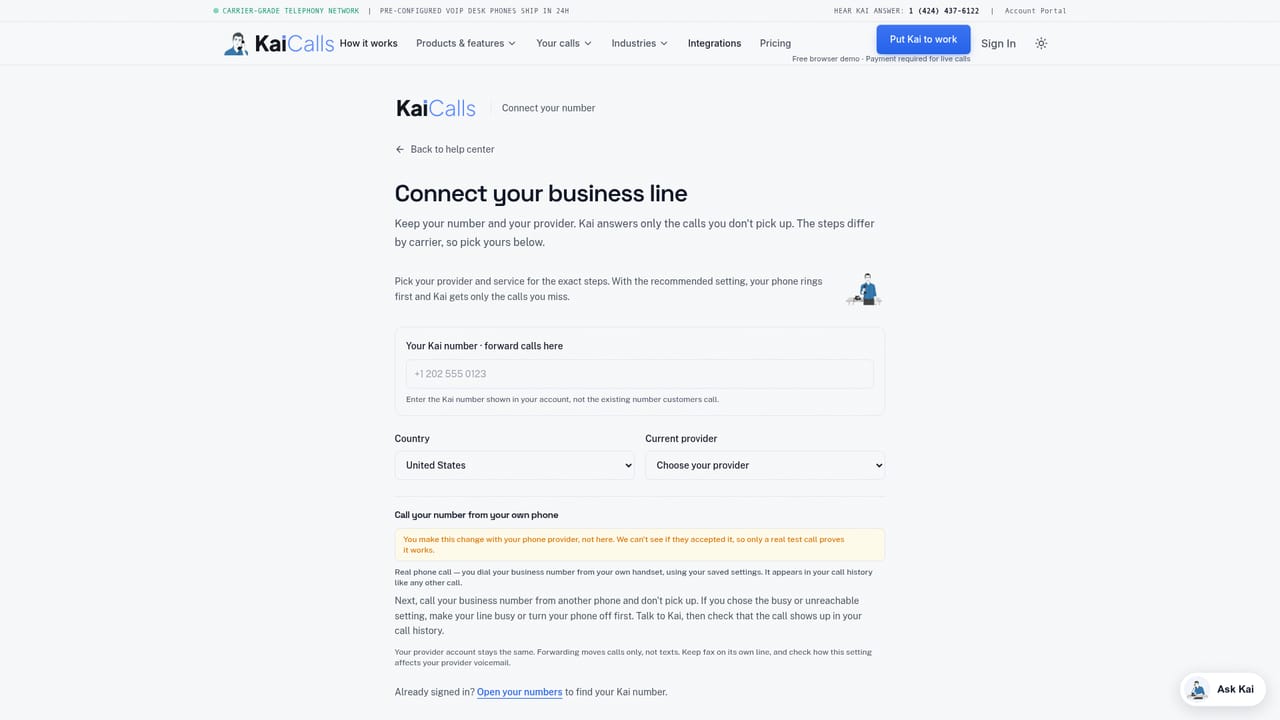
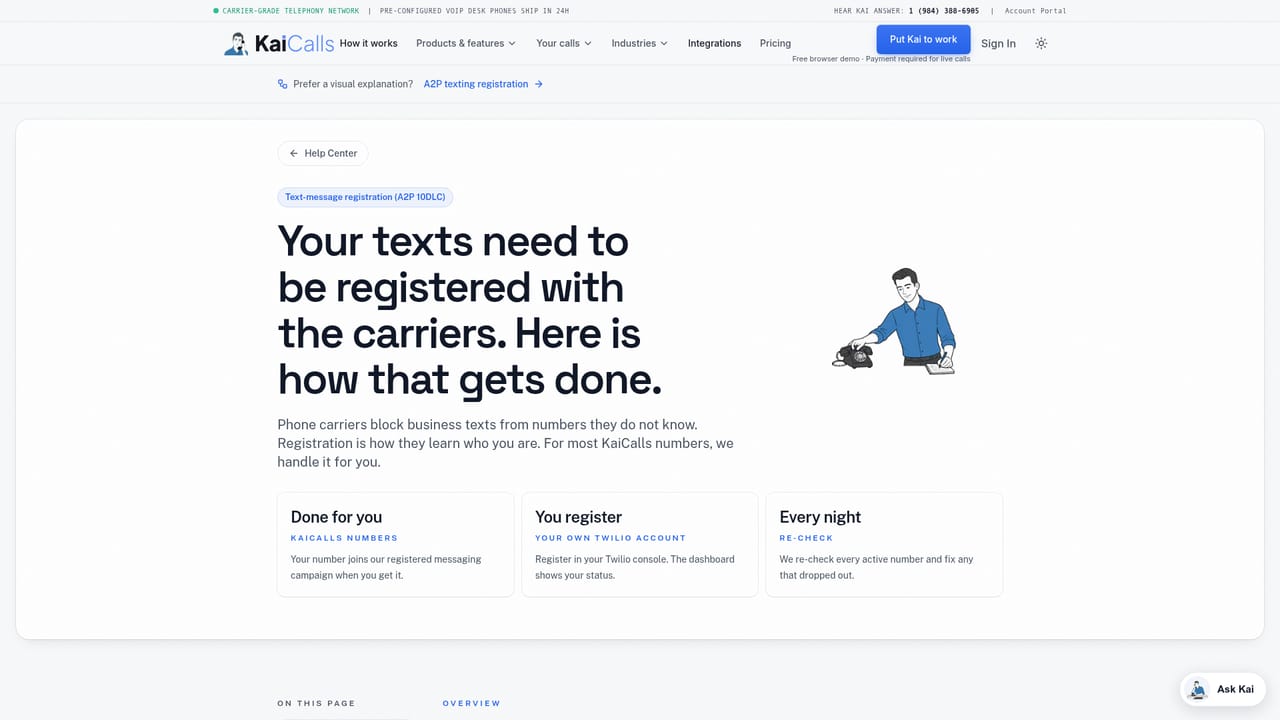
KaiCalls combines two things small teams usually buy separately: a business phone number and a receptionist. The phone line is the product, and Kai is the secretary built into it. Kai handles inbound and outbound calls, and the same number also covers texts, WhatsApp, email and meeting notes, so a single line becomes the front door for most customer contact. Setup begins in the browser. A free preview lets you add a website or business details and listen to how Kai answers before any money changes hands. No card is needed to build and preview the assistant. You pay when you want a real number, and plans start at $10 per month, with a $2 first week. The site also runs a coverage check so you can confirm that your own cell number and the Kai number you want can sit in different countries before you commit. In practice this suits freelancers, solo operators and small service businesses that miss calls while working and cannot justify a full time receptionist. Kai answers, takes messages and passes on leads, and texts keep the same thread. Call forwarding connects your existing line to the Kai number, which is documented separately from the signup flow. Texting is not switched on by default: it needs separate consent and carrier registration, known as A2P setup, so teams that rely on SMS should plan for that step. Callbacks and transfers are still subject to destination restrictions, and local carrier forwarding rules and charges apply. The honest framing is that KaiCalls is a phone service first and an AI tool second. It is a reasonable fit for a business that wants one number with a secretary attached, and a poor fit for someone who only wants a chat widget or a voice agent bolted onto an existing PBX. Calling it a full contact centre would overstate it.
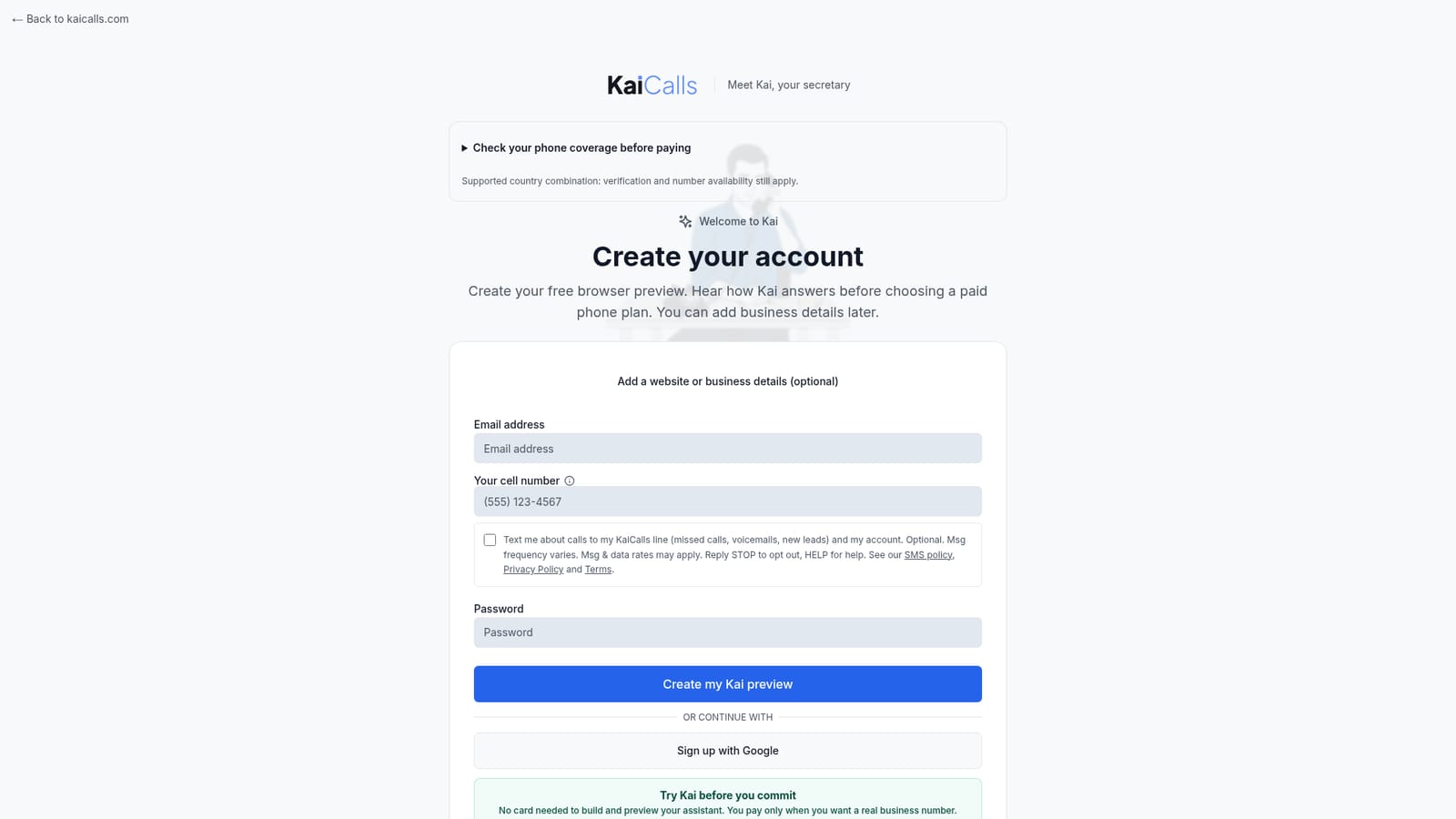
A free browser preview builds the assistant and lets you hear how Kai answers, with no card needed. The paid line starts at $2 for the first week, then from $10 per month.
Learn morePlans start at $10 per month, and the first week costs $2 before the standard monthly rate begins. Cancellation is anytime. The free browser preview needs no card, so payment only starts when you want a real business number.
Learn moreSupport is documented through help pages, including call forwarding details and the A2P texting setup, plus an SMS consent policy covering opt out and help replies.
Learn moreThe page describes one integration path: call forwarding from your existing phone line to the Kai number. Texting depends on carrier A2P registration. Nothing else is listed.
Learn moreKai answers inbound and outbound calls and handles texts, WhatsApp, email and meeting notes on one business number. Call forwarding routes your existing line to Kai, and missed calls, voicemails and new leads can be sent to your cell by text. A coverage check confirms number availability across countries before purchase.
 AI Angels400+ customizable AI girlfriends for NSFW chat, voice calls, and roleplay
 Candy AIExperience the future of companionship with AI friends who chat, role-play, and connect with you on a human level.
 ourdream.aiA vast AI roleplay platform with millions of characters for chat, images, video and voiceAI Angels400+ customizable AI girlfriends for NSFW chat, voice calls, and roleplayCandy AIExperience the future of companionship with AI friends who chat, role-play, and connect with you on a human level.ourdream.aiA vast AI roleplay platform with millions of characters for chat, images, video and voice


