Free trial
No time-limited trial is described. The free Little Explorer tier provides 500 Sparks every month with no credit card required and functions as a permanent starting point.
Learn moreA walled-garden AI studio where kids make art, comics, movies and books

Kidgeni is a Children's stories tool. A supervised AI creation app for children ages 5 to 12, covering art, stories, comics, movies and question answering. Grown-ups own the account, prompts and outputs are filtered, and everything stays private unless shared to a moderated Space.
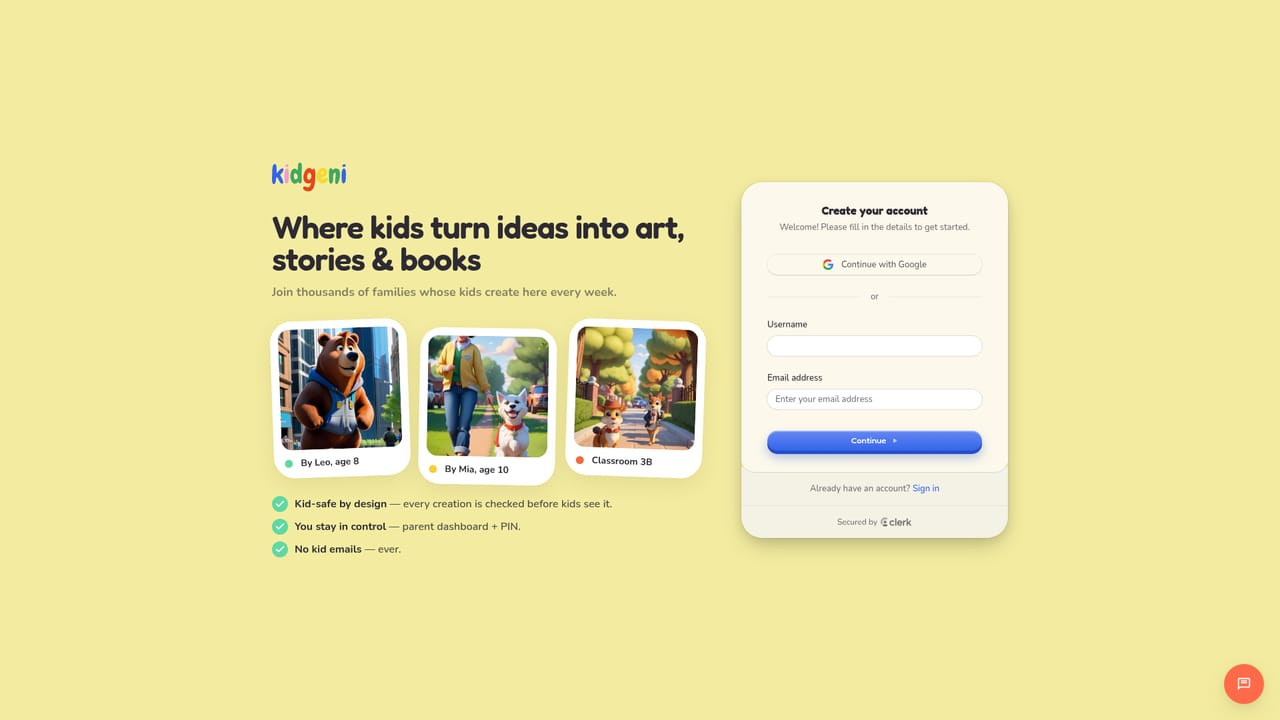
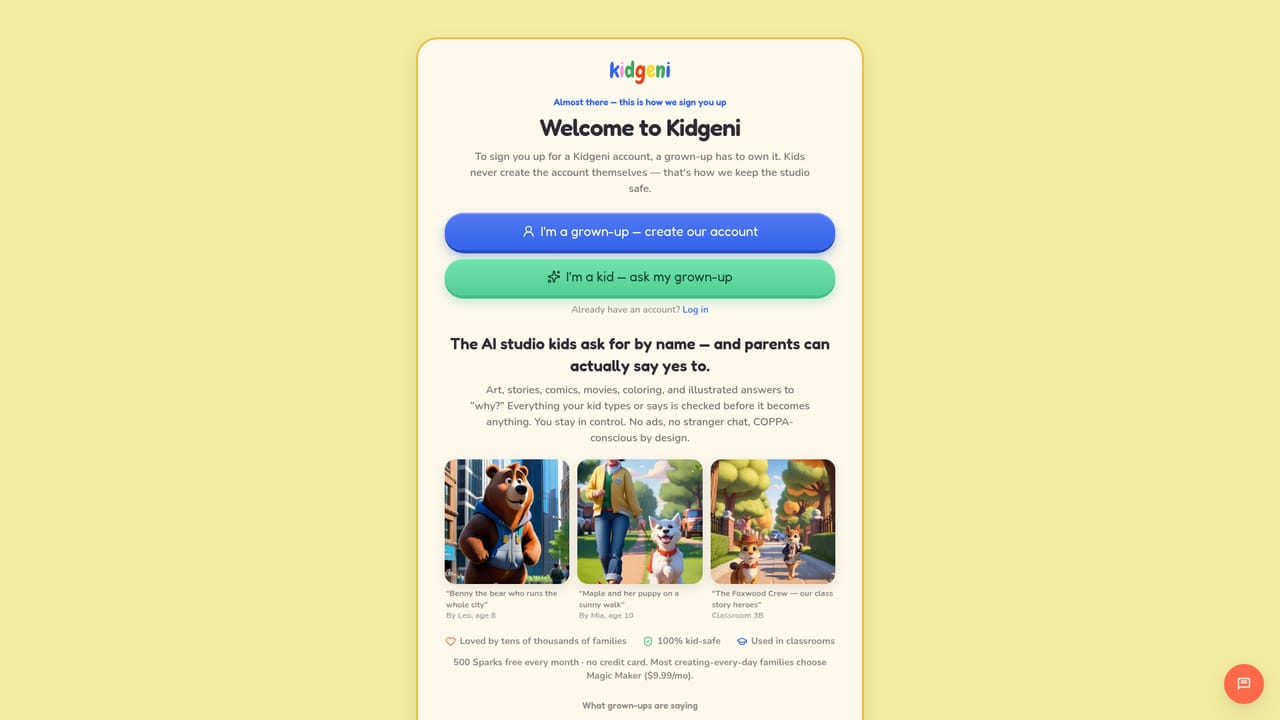
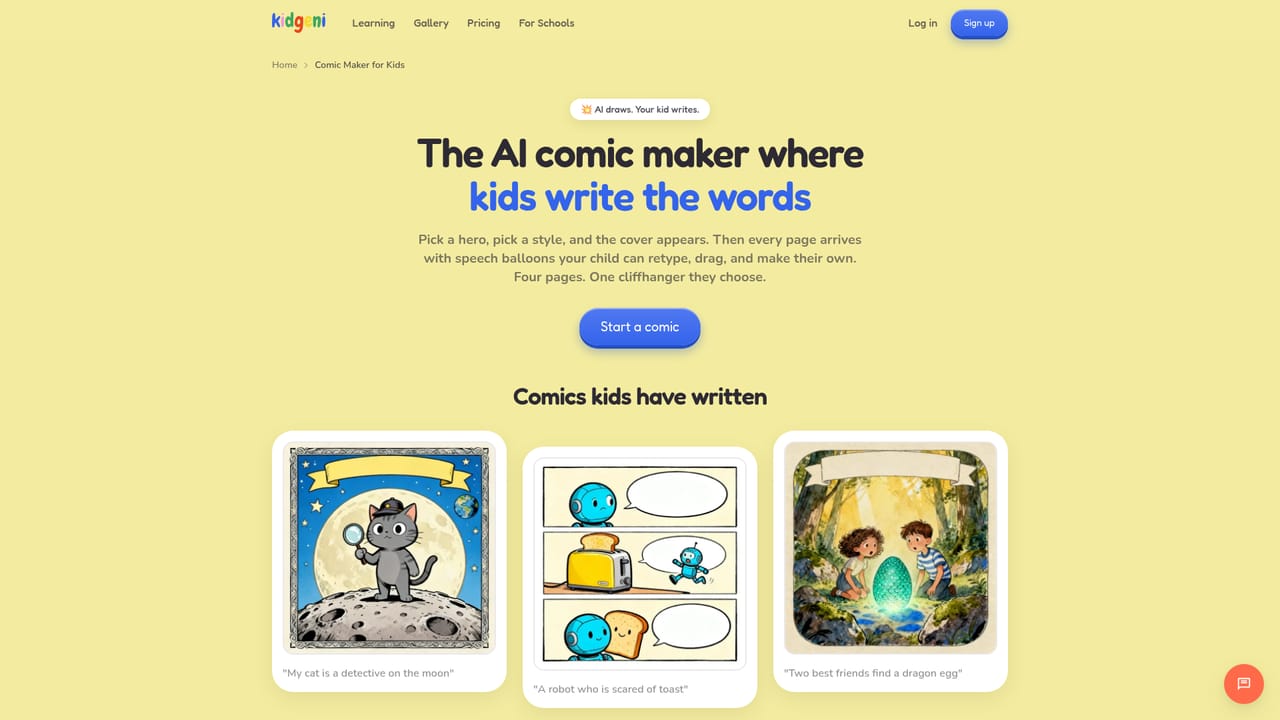
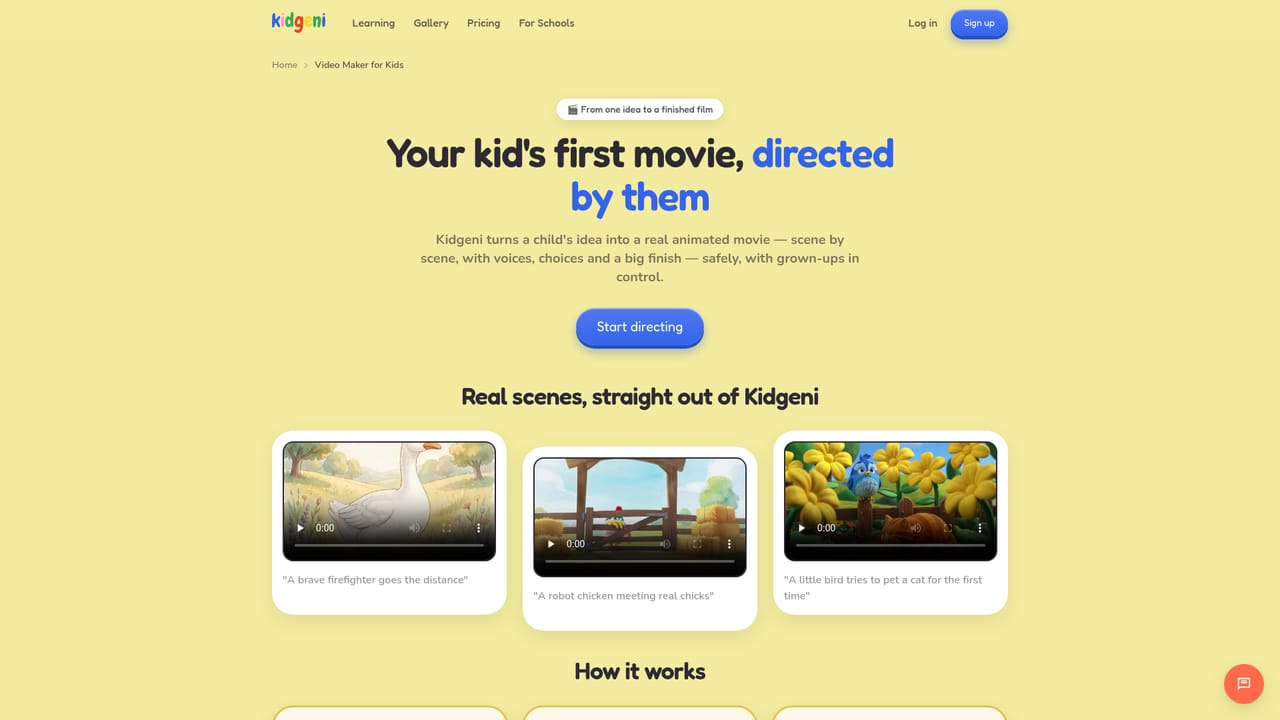
Kidgeni is a web-based creative studio built around a simple premise: children aged roughly 5 to 12 should be able to use generative AI without a grown-up hovering over every keystroke. A parent, guardian or teacher owns the account, and the child signs in with a screened username and PIN rather than an email address or phone number. From there the child can turn a typed or spoken idea into artwork, a story, a coloring page, a comic or an illustrated book, all inside an environment the site describes as a walled garden. In practice the tool works as a set of front doors rather than one blank prompt box. The art and doodle modes take a description and return images in selectable styles. The comic maker generates a cover and three-panel pages, but leaves every speech balloon pre-filled and editable, so the child rewrites the dialogue themselves. The movie maker turns a one-line idea into a scene with motion and voices, ends each scene on a cliffhanger with choices, and stitches the finished adventure into a single video. Learn about anything answers a single question from a curated list of kid-safe sources, explains it at the child's age level, illustrates it, and offers follow-up questions instead of drifting into open chat. Safety is enforced in layers. Prompts are screened and gently rewritten toward kid-friendly output before generation, and each image, story and comment passes its own check before a child sees it. Creations stay in a private family gallery, served through expiring links, and only reach other people when shared to a Space a grown-up owns and moderates. There is no direct messaging, and any piece of content can be flagged with an ask a grown-up option. Compared with general image and story generators, Kidgeni trades raw output quality and open-ended prompting for supervision, curriculum-friendly classroom Spaces and a credit system (Sparks) that caps monthly use. Families who want unbounded generation will find it restrictive; parents and primary teachers who want creative writing practice without exposure to the open internet are the intended audience.
No time-limited trial is described. The free Little Explorer tier provides 500 Sparks every month with no credit card required and functions as a permanent starting point.
Learn moreLittle Explorer is free with 500 Sparks a month, basic styles and standard resolution. Magic Maker is $8.33/mo billed yearly at $99.99 (3,250 Sparks, all styles, HD downloads, stories and books). Magic Master is $16.67/mo billed yearly at $199.99 (6,500 Sparks, video and animation, priority generation). Schools is $82.50/mo billed $990 a year, with pooled Sparks and teacher tools.
Learn moreThe site offers a live chat widget with a human handoff option plus a contact page for questions, including school plan enquiries. No knowledge base or ticketing portal is described.
Learn moreArt, story, book, comic, movie, doodle and coloring generators driven by typed or spoken prompts. Comic maker supplies an AI-drawn cover and three-panel pages with editable speech balloons. Movie maker renders scenes with motion and voices and stitches them into one video. Learn about anything researches a single question from curated kid-safe sources and illustrates an age-appropriate answer. Classroom Spaces add rosters, moderated feeds and pooled Sparks on the Schools plan.
 AI Angels400+ customizable AI girlfriends for NSFW chat, voice calls, and roleplay
 Candy AIExperience the future of companionship with AI friends who chat, role-play, and connect with you on a human level.
 ourdream.aiA vast AI roleplay platform with millions of characters for chat, images, video and voiceAI Angels400+ customizable AI girlfriends for NSFW chat, voice calls, and roleplayCandy AIExperience the future of companionship with AI friends who chat, role-play, and connect with you on a human level.ourdream.aiA vast AI roleplay platform with millions of characters for chat, images, video and voice


