Free trial
A free trial is offered from the homepage, with sign-up prompts reading Start Free Trial and Try StudyHall.AI for Free. The homepage does not state the trial length or what it includes.
Learn moreAI learning copilot for readers, writers and creators aged 7-14

Studyhall AI is a Children's stories tool. An AI learning copilot for ages 7-14, with six themed halls covering reading, writing, deep research, exam prep, creative AI and AI literacy. A character named Dakota coaches children inside books and articles, and parents get progress insights.
Studyhall AI is an AI learning companion for children aged 7 to 14, built around a character named Dakota who coaches kids through reading, writing, research and creative projects. The pitch is that children gain confidence across those skills by talking to an assistant that explains rather than answers for them. It is aimed at parents and schools rather than at adult professionals, and the marketing leans on school partnerships (HMC independent schools, prep schools in London) and badges from Google, EdSafe and Digital Promise to reassure buyers on safety. The product is organised into six so-called Halls. Reading Hall puts Dakota inside real books from publishers and grows comprehension and vocabulary, with a reading age test and parent insights. Writing Hall supports both stories and essays, covering plot and character work as well as claims, evidence and structure, and kids can build a graphic novel. Deep Research gives access to 1.2M+ articles with coaching that adapts across four reading levels. Exam Hall builds adaptive practice sets and mock exams for ISEB, 11+ Consortium, CEM Select, Eton List, 13+ and Year 6 SATs. Creator Hall teaches prompt engineering for images and video, and AI Futures Hall covers AI, robotics and ethics with a certificate in safe prompting. In practice a child opens a hall, asks Dakota a question in plain language and works through the answer in conversation, earning achievement certificates for reading, writing and research improvement. The homepage claims reading age gains of nine months in twelve weeks and describes the platform as one of the few Google-approved AI platforms considered safe for under-13s, with guardrails on interactions. Among alternatives it sits closer to a structured tutoring product than to a general chatbot, since the six halls impose curriculum and exam focus that a raw assistant does not. The pricing is per hall rather than per child-seat, which makes it a consideration for families comparing it with school-provided tools.
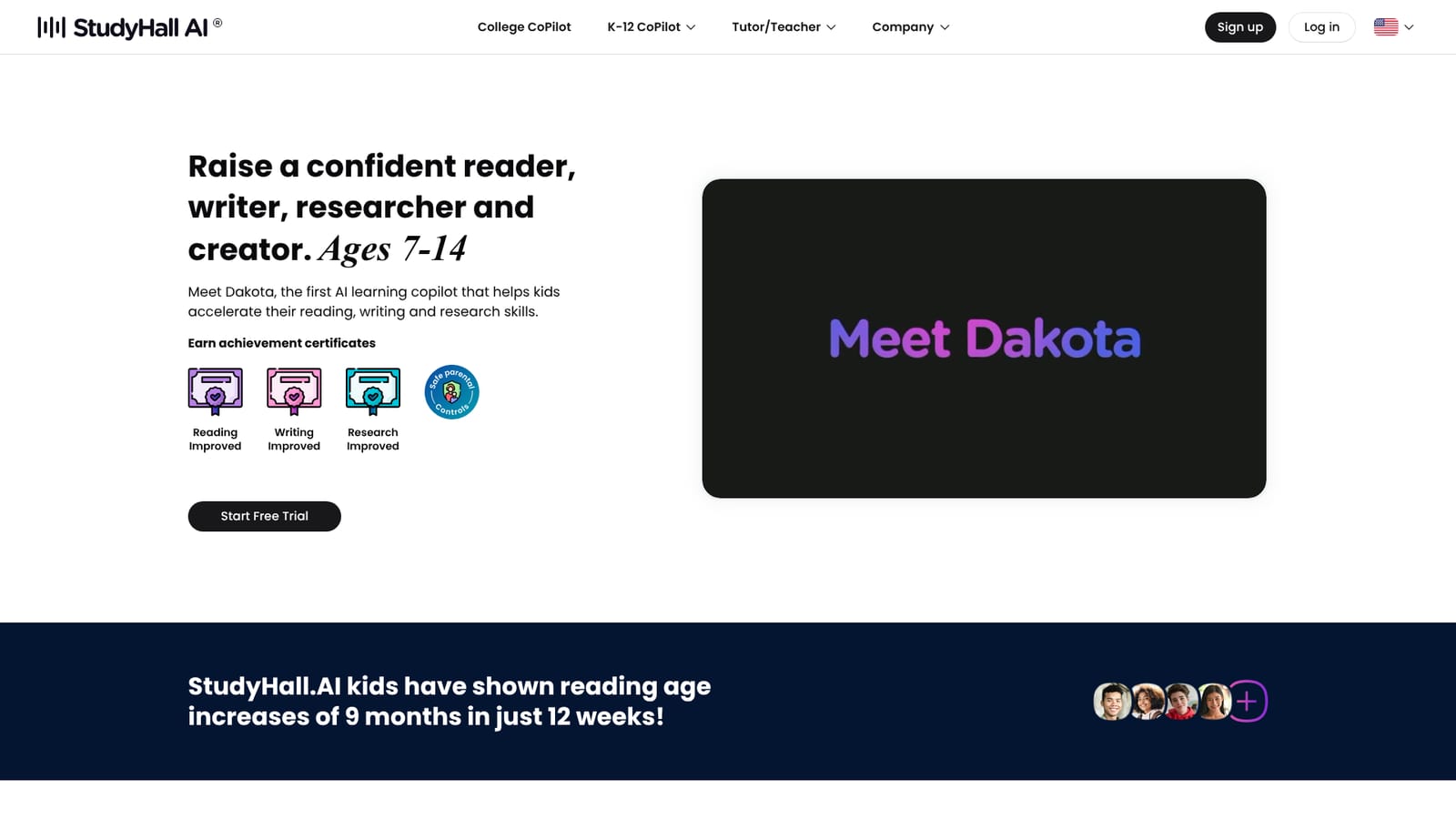

A free trial is offered from the homepage, with sign-up prompts reading Start Free Trial and Try StudyHall.AI for Free. The homepage does not state the trial length or what it includes.
Learn moreThree tiers, all per month: Pro at $£25 for one hall, Master at $£45 for any two halls, and Ultimate at $£75 for all halls. Pricing is per hall rather than per number of children, and a free trial is offered.
Learn moreSix halls: Reading (coaching inside real publisher books, reading age test, parent insights), Writing (stories, essays, graphic novels), Deep Research (1.2M+ articles, four reading levels), Exam Hall (adaptive mock exams for ISEB, 11+, CEM Select, Eton List, 13+, SATs), Creator Hall (images, video, prompt engineering) and AI Futures Hall (AI literacy with a prompting certificate).
 AI Angels400+ customizable AI girlfriends for NSFW chat, voice calls, and roleplay
 Candy AIExperience the future of companionship with AI friends who chat, role-play, and connect with you on a human level.
 ourdream.aiA vast AI roleplay platform with millions of characters for chat, images, video and voiceAI Angels400+ customizable AI girlfriends for NSFW chat, voice calls, and roleplayCandy AIExperience the future of companionship with AI friends who chat, role-play, and connect with you on a human level.ourdream.aiA vast AI roleplay platform with millions of characters for chat, images, video and voice


