Pricing
The homepage does not publish a standard subscription price. It lists gift memberships only: a year starting at $150 and a month starting at $15, purchased through the Nookly account portal.
Learn morePersonalized stories, songs and games that turn a child's moment into a learning plan

Nookly turns one sentence about a child's situation into personalized stories, songs, games and printable resources, sequenced into a twice-weekly learning plan. Built for parents, educators and therapists working with children roughly ages 2 to 11, with a remix library and COPPA and FERPA compliant profiles.
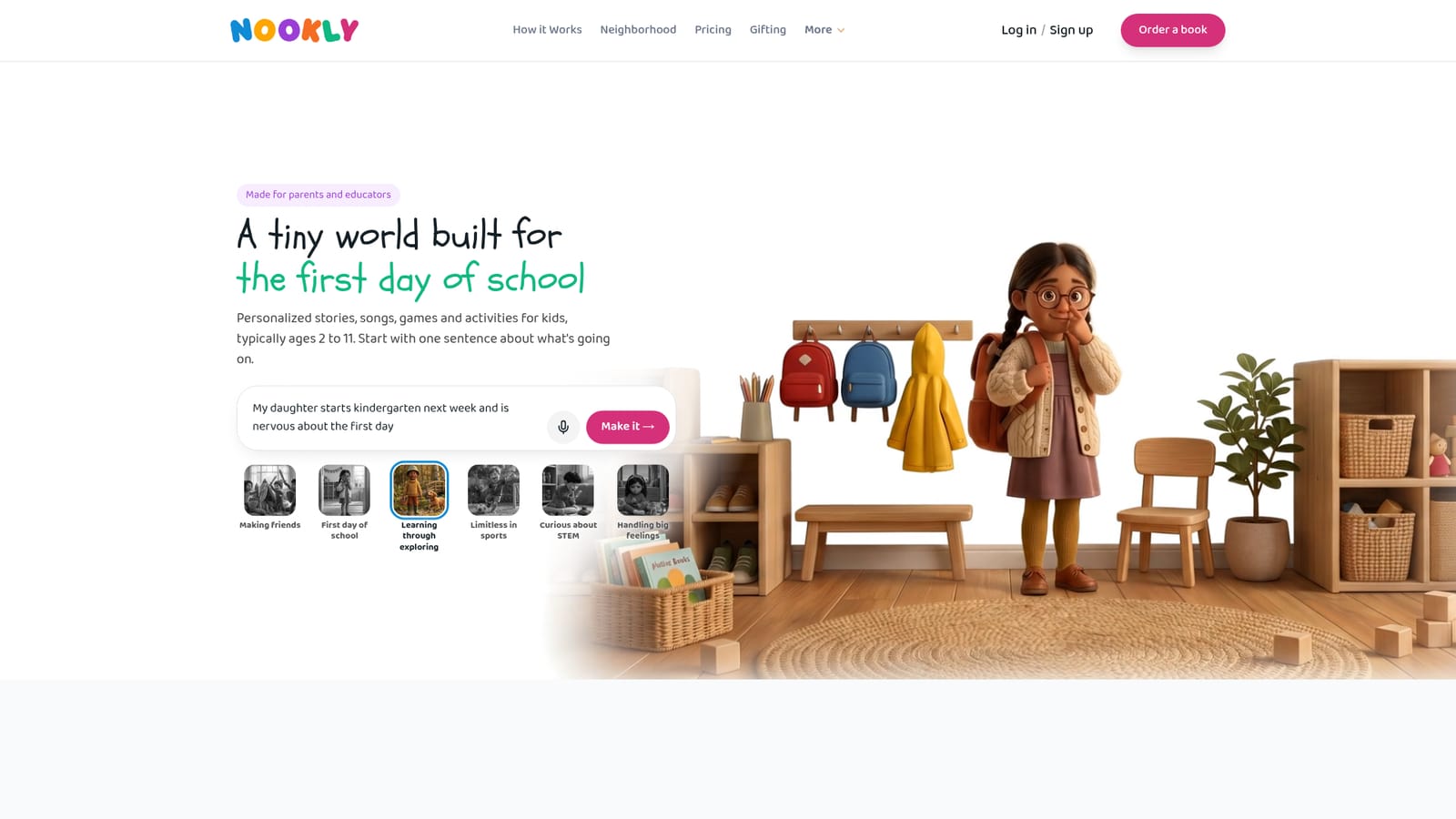
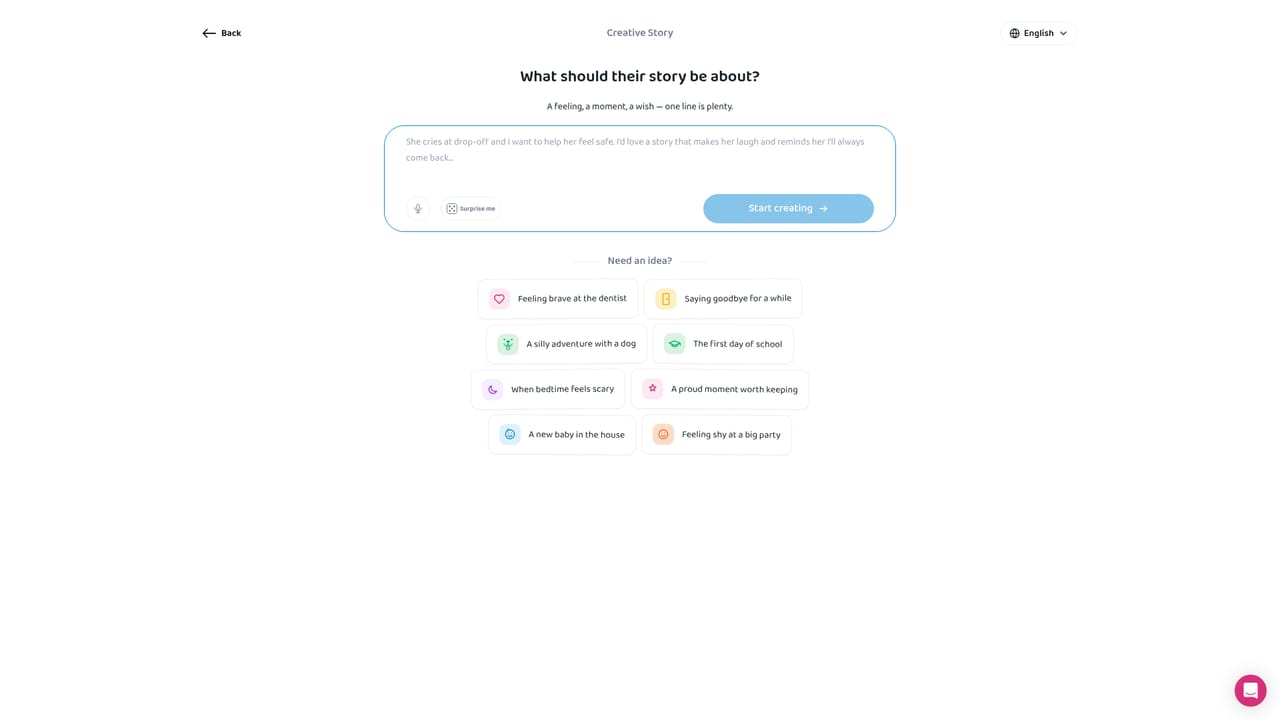
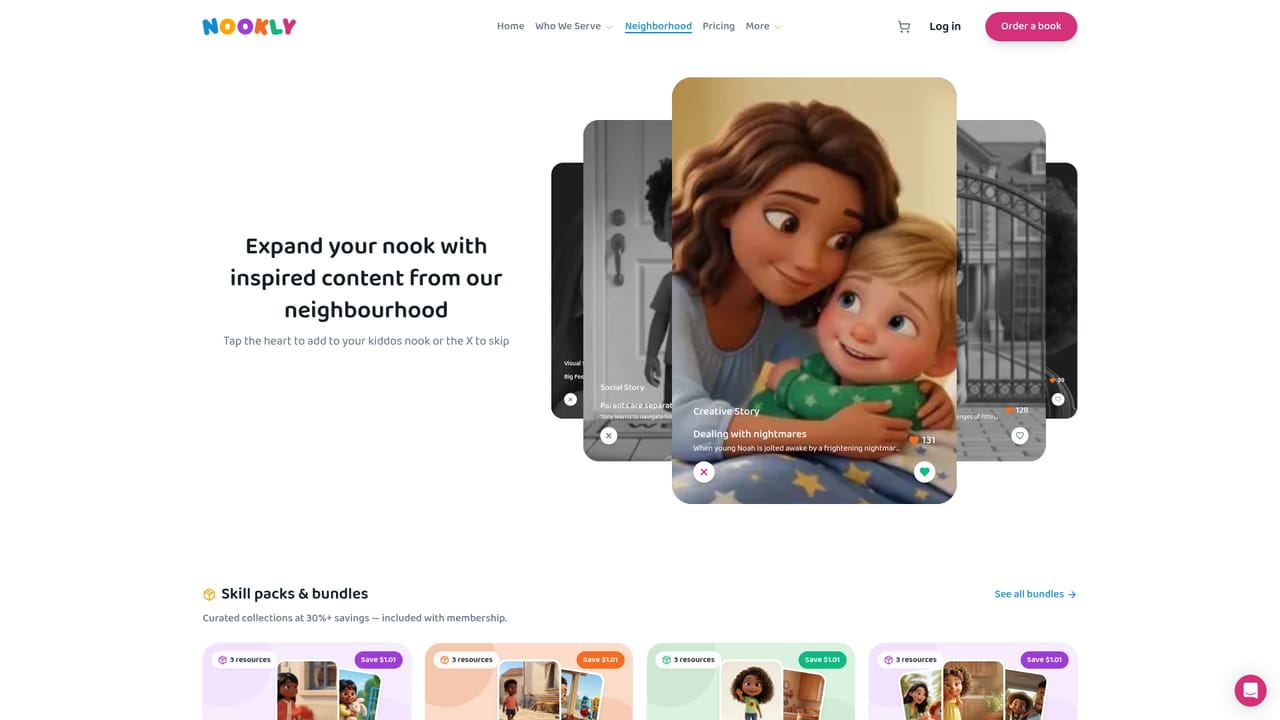
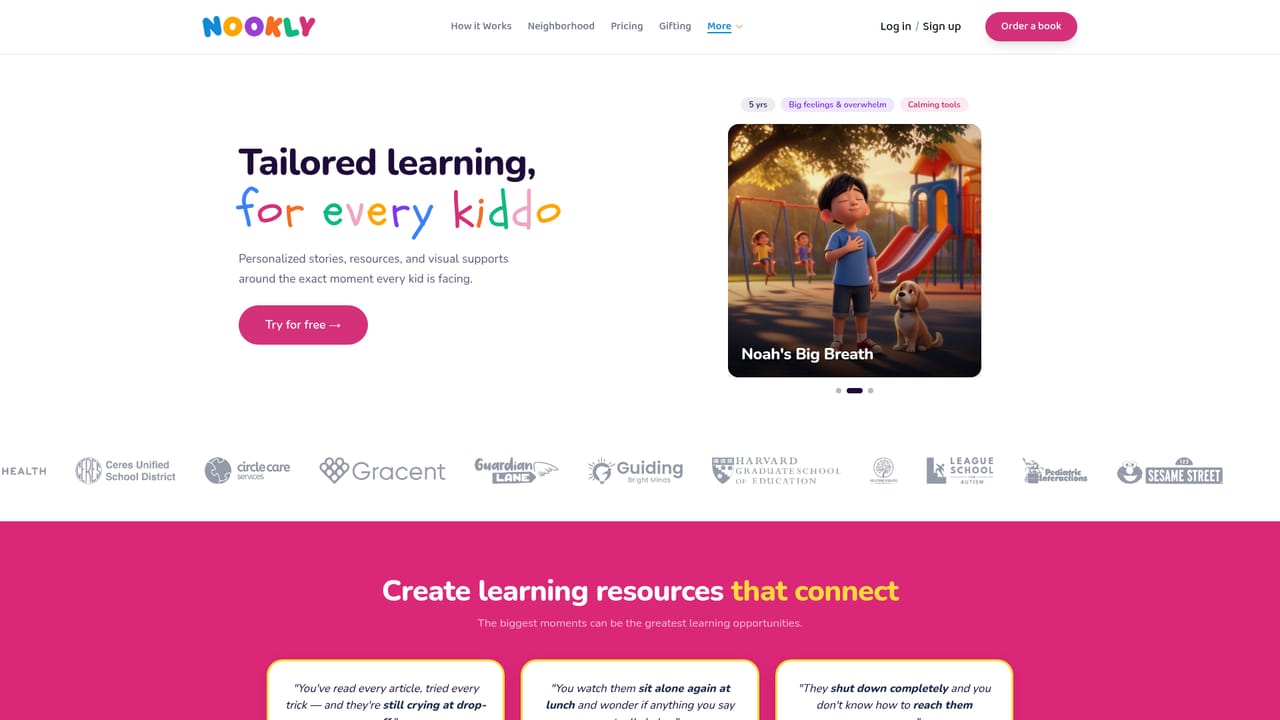
Nookly is a content generation platform for early childhood, aimed at parents, educators and therapists working with children roughly ages 2 to 11. The starting point is a single sentence about what is happening in a child's life: a rough drop-off, a fear of the dark, a missing grandparent, a first day at school. Nookly takes that prompt and builds a personalized set of materials around it, including illustrated stories, songs, podcasts, games, emotion cards, visual schedules and printable worksheets. The core mechanic is the plan rather than the one-off artifact. A parent or professional states a goal, and Nookly sequences a mix of stories, songs and games toward that goal, paced for real life and delivered twice a week. Individual pieces can also be generated on demand in minutes, and a child's profile carries their name, age, interests and supporting cast, plus appearance details such as skin tone, eye color and hair style. The catalog covers animated songs, creative stories, emotion cards, exercises and sheets, first-then boards, lesson plans, picture cards, speech cards and social stories. A remix library sits underneath. Resources such as Calm Down Steps or Overcoming Fears show how many times other families have adapted them, and any of those can be re-spun for a specific child rather than built from scratch. Stories can be turned into printed books, and output is available in English, Arabic and Spanish. The stated safety posture is COPPA and FERPA compliance, no advertising, and a closed child profile with no way to navigate out. Nookly competes less with general image or story generators than with printable worksheet marketplaces and therapy resource publishers. Its differentiator is the combination of personalization, sequencing and a professional-facing resource set, and its audience skews toward special education teachers, therapists and parents who need material matched to a specific child rather than a general audience.
The homepage does not publish a standard subscription price. It lists gift memberships only: a year starting at $150 and a month starting at $15, purchased through the Nookly account portal.
Learn moreGenerates personalized stories, songs, podcasts, games, emotion cards, exercises and printable sheets, plus first-then boards, lesson plans, picture cards, speech cards and social stories. A goal-setting plan sequences resources twice a week, a remix library allows adaptation of existing material, stories can become printed books, and output is offered in English, Arabic and Spanish.
Learn more AI Angels400+ customizable AI girlfriends for NSFW chat, voice calls, and roleplay
 Candy AIExperience the future of companionship with AI friends who chat, role-play, and connect with you on a human level.
 ourdream.aiA vast AI roleplay platform with millions of characters for chat, images, video and voiceAI Angels400+ customizable AI girlfriends for NSFW chat, voice calls, and roleplayCandy AIExperience the future of companionship with AI friends who chat, role-play, and connect with you on a human level.ourdream.aiA vast AI roleplay platform with millions of characters for chat, images, video and voice


