Free trial
The homepage presents several complete books as free, AI-created stories that can be read instantly, which functions as a no-cost way to try the output. It does not describe a formal trial period or trial terms.
Learn morePersonalized illustrated children's books from your child's own ideas
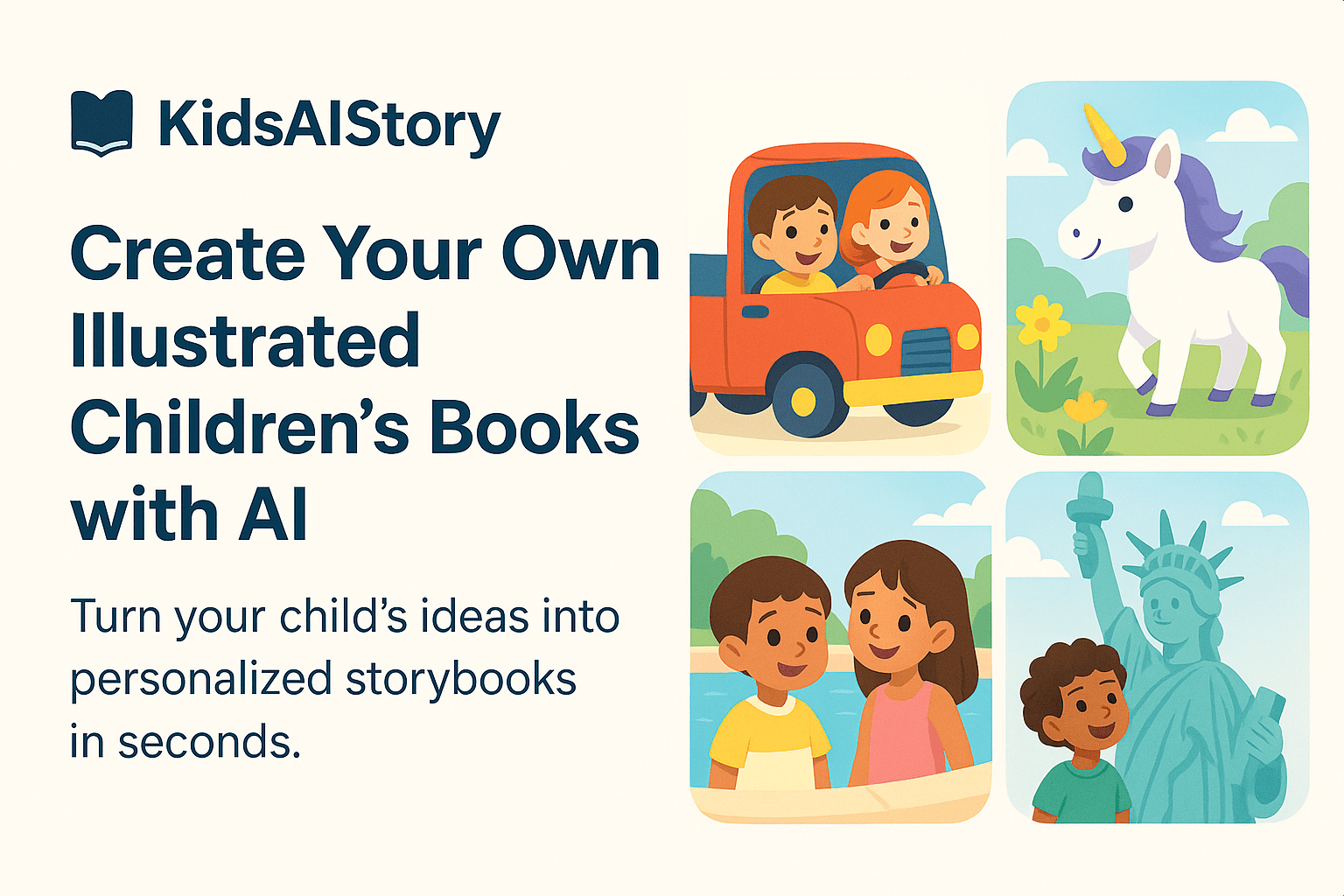
KidsAIStory is an AI book generator tool. A browser-based tool that turns a child's interests into a complete illustrated storybook with cover and artwork, aimed at parents who want safe, personalized bedtime reading without any design work.
KidsAIStory is a browser-based generator for children's picture books. A parent or child describes what they want the story to be about, naming the subjects that matter to them (magic ponies, friendly lions, dinosaurs, space travel), and the service produces a complete illustrated book with text and artwork matched to the theme. The result opens in a reader and can be viewed immediately, with no file exports, layout work or design skills involved. The product is aimed squarely at families rather than publishers. The homepage frames it around bedtime bonding and around helping children process unfamiliar situations, citing a trip to the dentist or the first day of school as examples. Because the stories are generated with a safety filter described as age-appropriate, the intended user is a parent who wants a controlled storytelling environment rather than a general purpose image or text generator that would need heavy supervision. In practice the workflow is short. You start a new story, supply the premise, and the tool assembles pages with covers and illustrations in a consistent visual style. The site keeps a public library of sample books, including titles such as Benny the Brave Little Bear and Alex's Rock Wall Adventure, so you can read finished output before committing to your own. Stories are read in the browser on any device, with nothing to install. Among alternatives, KidsAIStory sits closer to a dedicated storybook appliance than to a general writing assistant or image generator. You trade the flexibility of open-ended tools for a constrained pipeline that handles both words and pictures and keeps the output child friendly. The homepage cites more than 5,000 families using the service, which positions it as a small, focused product rather than a broad publishing suite.
The homepage presents several complete books as free, AI-created stories that can be read instantly, which functions as a no-cost way to try the output. It does not describe a formal trial period or trial terms.
Learn moreGenerates complete illustrated children's books from a short description of the child's interests, with a cover and matching artwork. Stories are written to be safe and age-appropriate. Premises can cover fantasy themes or real situations such as a dentist visit or starting school. Books are read instantly in the browser on any device, with no installation and no design skills required.
 AI Angels400+ customizable AI girlfriends for NSFW chat, voice calls, and roleplay
 Candy AIExperience the future of companionship with AI friends who chat, role-play, and connect with you on a human level.
 ourdream.aiA vast AI roleplay platform with millions of characters for chat, images, video and voiceAI Angels400+ customizable AI girlfriends for NSFW chat, voice calls, and roleplayCandy AIExperience the future of companionship with AI friends who chat, role-play, and connect with you on a human level.ourdream.aiA vast AI roleplay platform with millions of characters for chat, images, video and voice


