Free trial
Every instrument app and the homepage demo transcribe the first 20 seconds of audio for free, which is enough to judge output quality on your own recording before choosing a plan.
Learn moreTurn audio, YouTube links and live playing into sheet music, TABs and MIDI
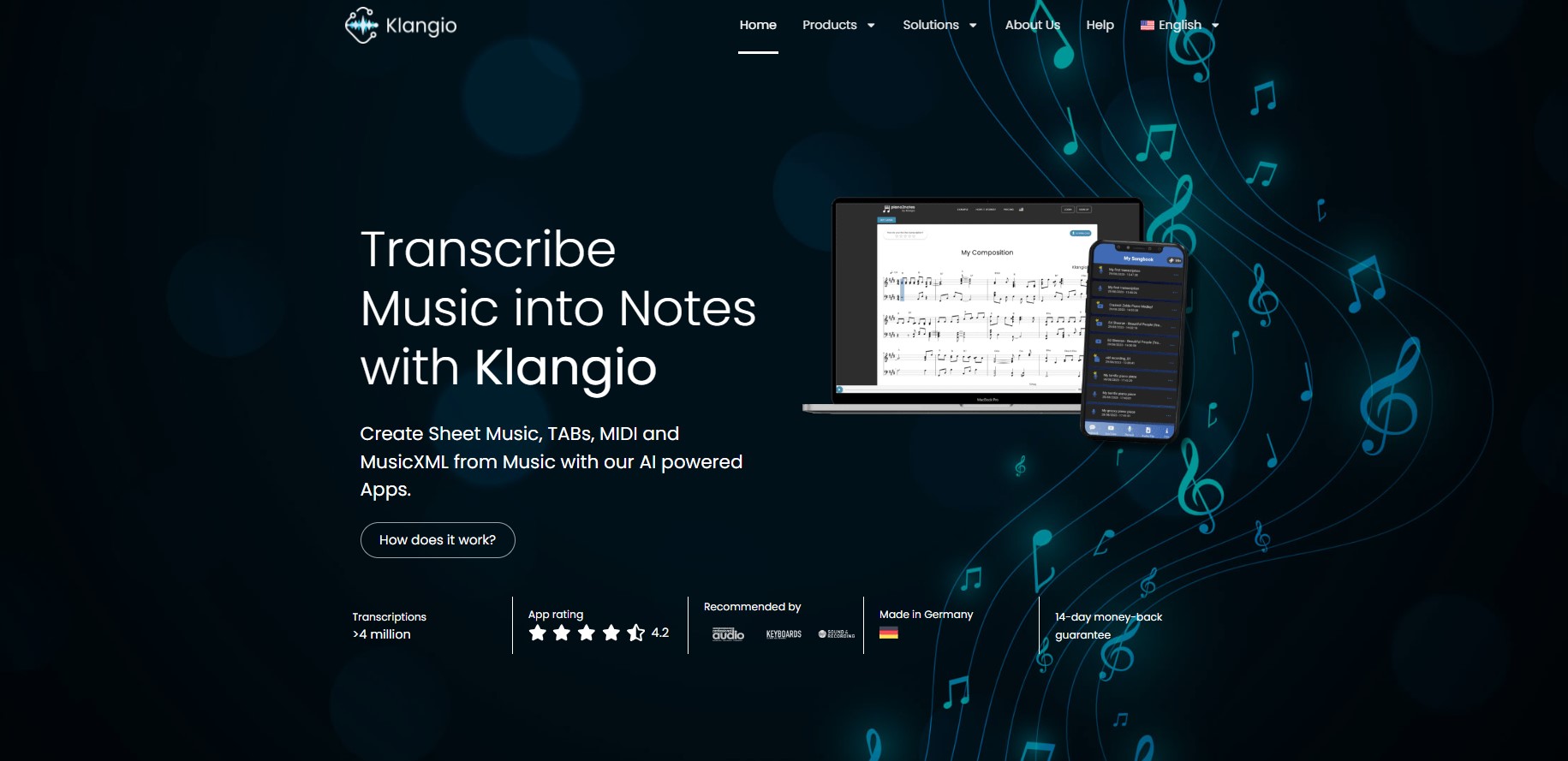
Klangio is a bass tab tool that turns audio, YouTube links and live playing into sheet music, TABs and MIDI. Klangio converts audio files, YouTube links and live recordings into sheet music, guitar TABs, MIDI and MusicXML using instrument-specific AI models, with a browser editor for corrections and export to notation software and DAWs.
Klangio is an AI music transcription service that converts recorded audio into written notation. Its core promise is simple: feed it an MP3, WAV, MP4 or a YouTube link (or record yourself playing directly in the browser), and the engine returns sheet music, guitar TABs, MIDI or MusicXML in seconds. The company reports more than 14 million transcriptions generated and an app rating of 4.2, and the service is built in Germany with a 14-day money-back guarantee on paid plans. The product is organised as a family of apps rather than a single tool. Piano2Notes, Guitar2Tabs, Sing2Notes, Drum2Notes, Violin2Notes and Wind2Notes each use a model tuned to the challenges of one instrument, while Klangio Transcription Studio combines them for full, multi-instrument arrangements in the browser and as a plugin for digital audio workstations. Adjacent tools cover other jobs: Scan2Notes for scanning printed scores, Melody Scanner for turning whole songs into piano arrangements, and a free Song Search for chord analysis. In practice a session runs from upload to export. The AI detects melody, chords and rhythm, then opens the result in a browser editor with both a sheet music view and a piano roll. Measures and notes can be adjusted there without installing notation software. Exports include PDF, MIDI, MusicXML and Guitar Pro, which means the output drops cleanly into MuseScore, Sibelius, Finale, Guitar Pro or a DAW for further work. Klangio suits pianists sketching compositions away from manuscript paper, guitarists who need TABs from a recording, educators arranging material for students, and transcribers who want a fast first draft to correct by hand. It competes with manual transcription and with general notation software: less control than a full notation editor, but far faster from audio to a readable first pass.
Every instrument app and the homepage demo transcribe the first 20 seconds of audio for free, which is enough to judge output quality on your own recording before choosing a plan.
Learn moreThe homepage lists a 14-day money-back guarantee and a heatwave sale banner offering 50 percent off, and it points to a dedicated subscription help page. It does not state tier prices, credit limits or what each plan includes, so check the subscriptions page before committing.
Learn moreKlangio publishes a help centre covering getting started, improving transcription quality, supported music, export formats and subscriptions, plus a contact page for direct enquiries.
Learn moreAudio, YouTube and live recording input; instrument-specific AI models for piano, guitar and bass, vocals, drums, strings and brass or woodwind; polyphonic detection of melody, chords and rhythm; multi-instrument transcription in Studio and its DAW plugin; browser editor with sheet music and piano roll views; PDF, MIDI, MusicXML and Guitar Pro export; plus Scan2Notes, Melody Scanner and Song Search for scanning, arranging and chord analysis.
Learn more AI Angels400+ customizable AI girlfriends for NSFW chat, voice calls, and roleplay
 Candy AIExperience the future of companionship with AI friends who chat, role-play, and connect with you on a human level.
 ourdream.aiA vast AI roleplay platform with millions of characters for chat, images, video and voiceAI Angels400+ customizable AI girlfriends for NSFW chat, voice calls, and roleplayCandy AIExperience the future of companionship with AI friends who chat, role-play, and connect with you on a human level.ourdream.aiA vast AI roleplay platform with millions of characters for chat, images, video and voice