Free trial
Described as free to start, with no further trial terms stated on the homepage.
Learn moreTurn a text idea or lyrics into a finished song with vocals

Kleep is a music tool that turns a text idea or lyrics into a finished song with vocals. Kleep is a web-based AI song generator that turns text, lyrics or an idea into a finished song with vocals, in any language.
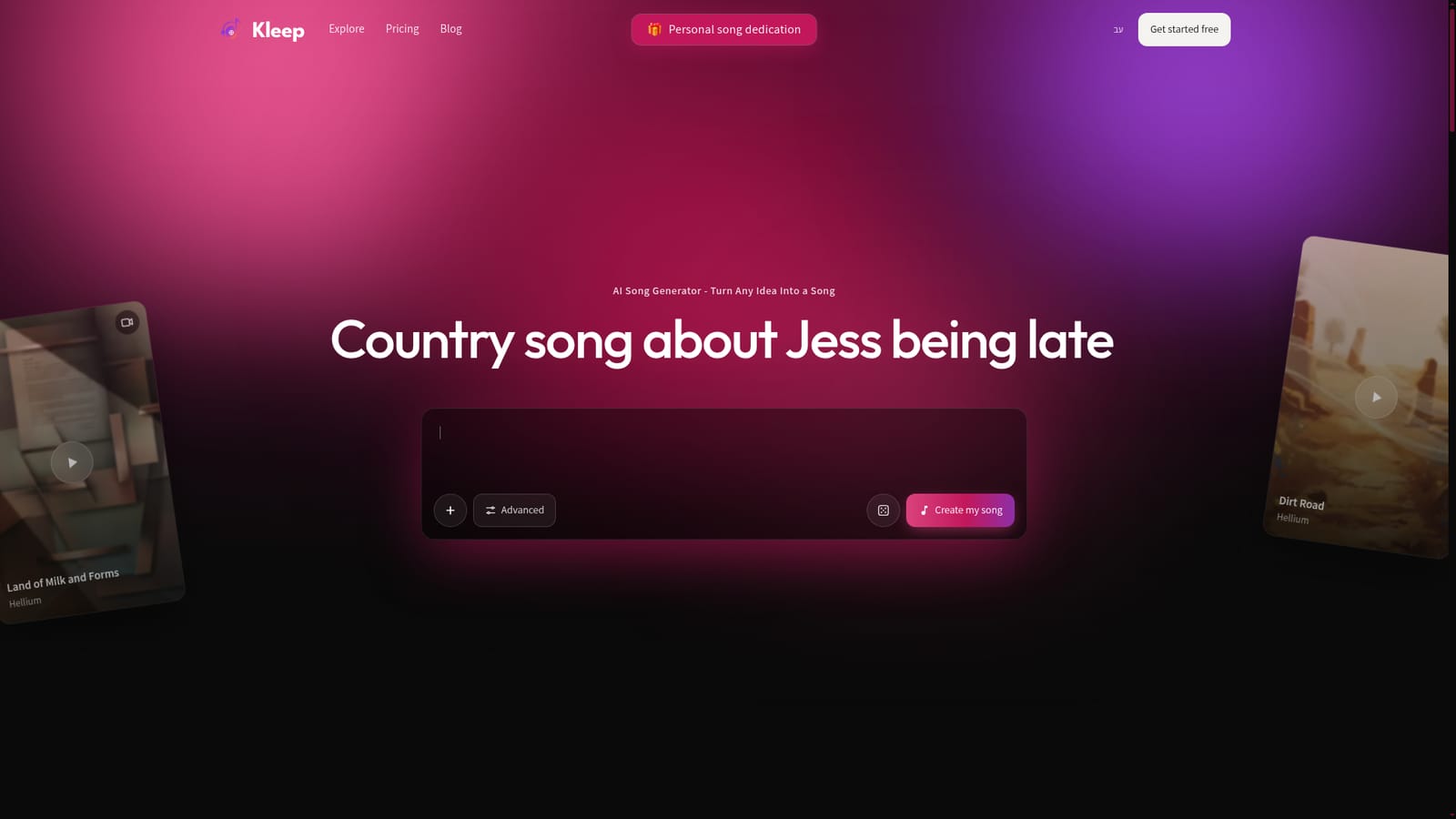
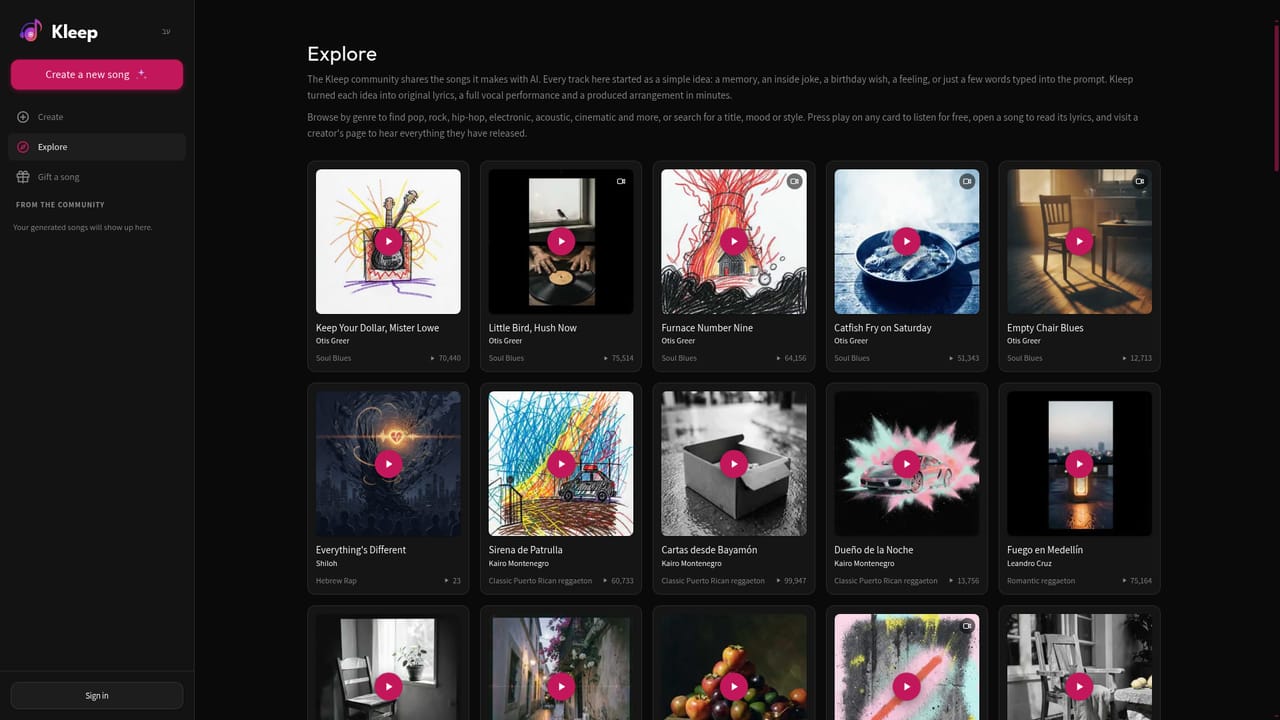
Kleep is a web-based AI song generator that converts a short text prompt, a set of lyrics or a loose idea into a complete track with vocals. The prompt box on the homepage suggests the kind of input it expects: a country song about a friend who is always late, a birthday song for a parent, a lo-fi track about rainy Sundays, a wedding song for a couple, a game day pop anthem or a lullaby. An Advanced option sits beside the main button for people who want more control than a single sentence allows. The service is aimed at people with no music background. Gift givers, parents, couples, hobbyists and content creators can describe an occasion and receive a personalised song without learning a digital audio workstation or hiring a vocalist. The site states that songs can be created in any language, and the public examples reflect that range, with Hebrew-language pop, folk and hip-hop, Spanish-language reggaeton, soul blues and contemporary R&B all featured on the homepage. In practice, the workflow is short: write a prompt or paste lyrics, choose the Advanced settings if needed, and press the create button. Finished songs can be shared, and Kleep runs a public side to the product. An Explore page collects tracks made by the community, each with its own page, cover artwork, genre label and a play count. An Artists directory groups songs under named artist profiles, such as Otis Greer for soul blues and Nadav Ezra for Israeli hip-hop, which makes the catalogue browsable like a streaming service. Among AI music tools, Kleep stands out for its focus on personal, occasion-driven songs and multilingual output rather than on production tooling such as stems, mixing or DAW export, none of which the homepage mentions. It suits quick, shareable results more than detailed arrangement work. The site says it is free to start, although the homepage does not detail paid tiers, usage limits or licensing terms for commercial use, so anyone planning to publish tracks professionally should confirm those points first.
Described as free to start, with no further trial terms stated on the homepage.
Learn moreThe site says it is free to start. Details of paid plans, credits or usage limits are not given on the homepage.
Learn moreGenerates songs with vocals from text, lyrics or an idea, in any language. Offers an Advanced mode, a public Explore gallery of community songs with genre labels and play counts, and browsable artist profiles.


