pdoomvideo

Turn one sentence into an original song and a drawn music video

Beginner
Screenshot of pdoomvideo, Turn one sentence into an original song and a drawn music video

What is pdoomvideo?

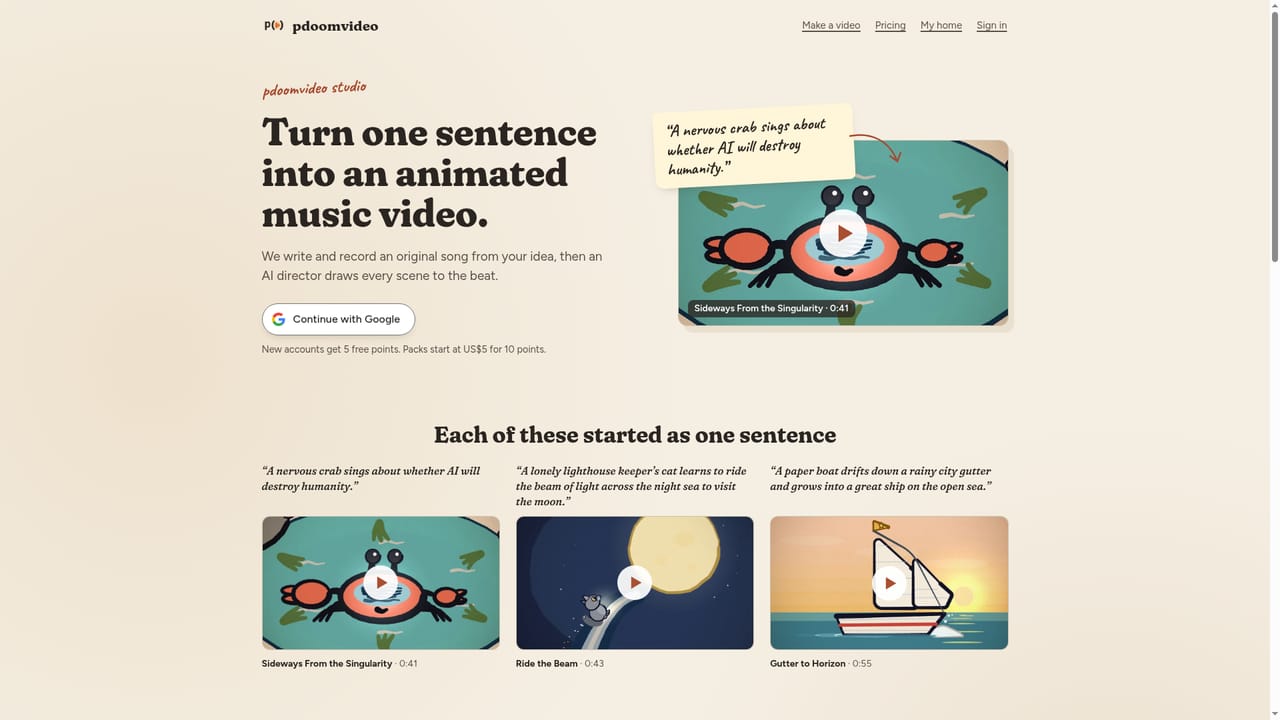
pdoomvideo is a generative video tool that turns one sentence into an original song and a drawn music video. pdoomvideo turns a one-sentence idea into an original song and an illustrated 1080p music video, delivered by email in about 35 minutes.

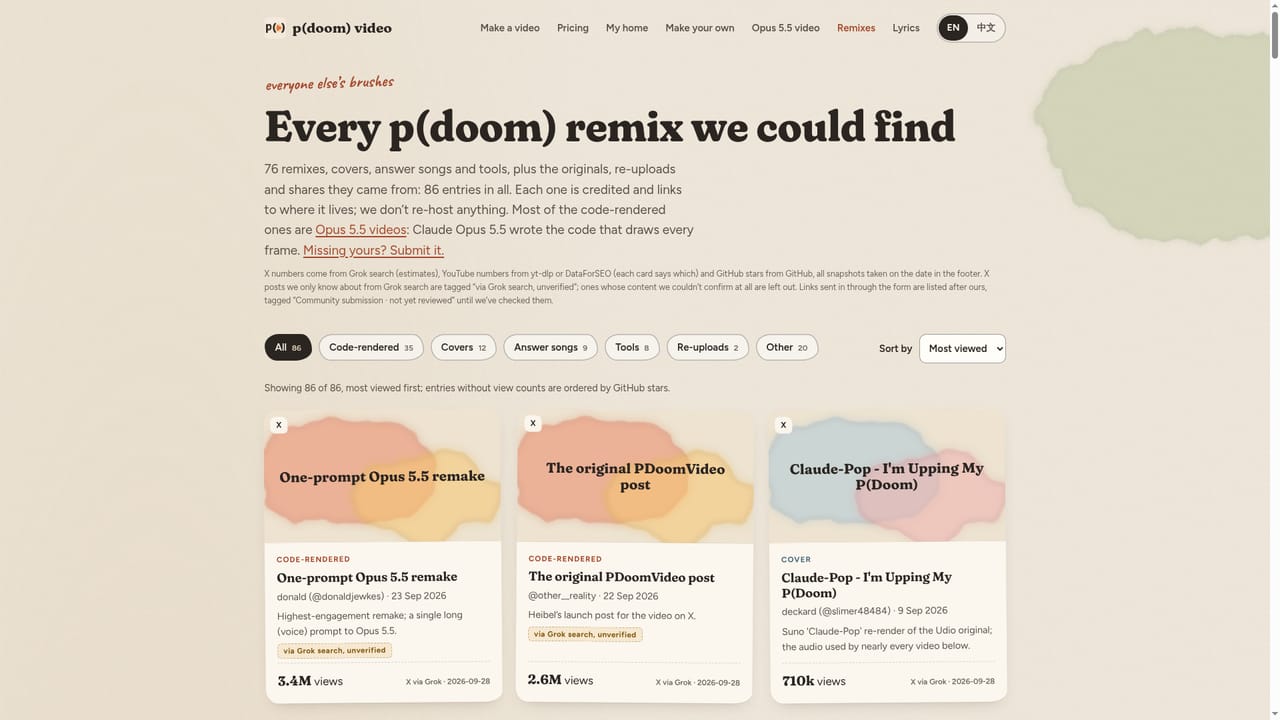
pdoomvideo is a web service that turns a single written sentence into a finished music video. The user describes who or what the song is about, and the service writes and records an original track, then an AI director illustrates each scene in time with the beat. Output is a 1920×1080 MP4 that can be downloaded from the account's home page, and an email arrives when it is done. The site pitches itself around the viral "p(doom)" video, an AI-safety pop song animated with code that Claude Opus 5.5 wrote. The workflow is short. A visitor types an idea (the homepage suggests prompts such as a cat's midnight bakery, a paper boat racing the rain, or a crab worried about AI), chooses a length anywhere from 5 seconds to 5 minutes, and picks one of five drawing styles or leaves the choice to the director. Delivery takes roughly 35 minutes. Billing runs on points, where one point buys one second of video. New accounts receive 5 free points, packs start at US$5, and points are returned if a video cannot be completed. Beyond the generator, the site works as a small hub for the p(doom) phenomenon. It hosts a gallery of 76 remixes, covers, answer songs and tools, each credited and linked to its original location rather than re-hosted, plus a line-by-line explanation of the song's lyrics with a glossary of AI-safety terms. A separate ten-step guide is aimed at tinkerers who would rather build a video by hand with Claude Code, the ClaudeAnimationBase starter kit, Node.js, Chrome, ffmpeg and a song from a tool such as Suno. Among alternatives, pdoomvideo sits closer to a narrow, idea-to-song-to-video generator than to general video editors or broad text-to-video platforms. It suits casual creators, fans of the original video and anyone wanting a short, stylised, illustrated clip without handling audio or animation tools. The hand-built route suits developers comfortable with a terminal and a paid Claude Code plan.
How do you use pdoomvideo?

  1. 1Write one sentence
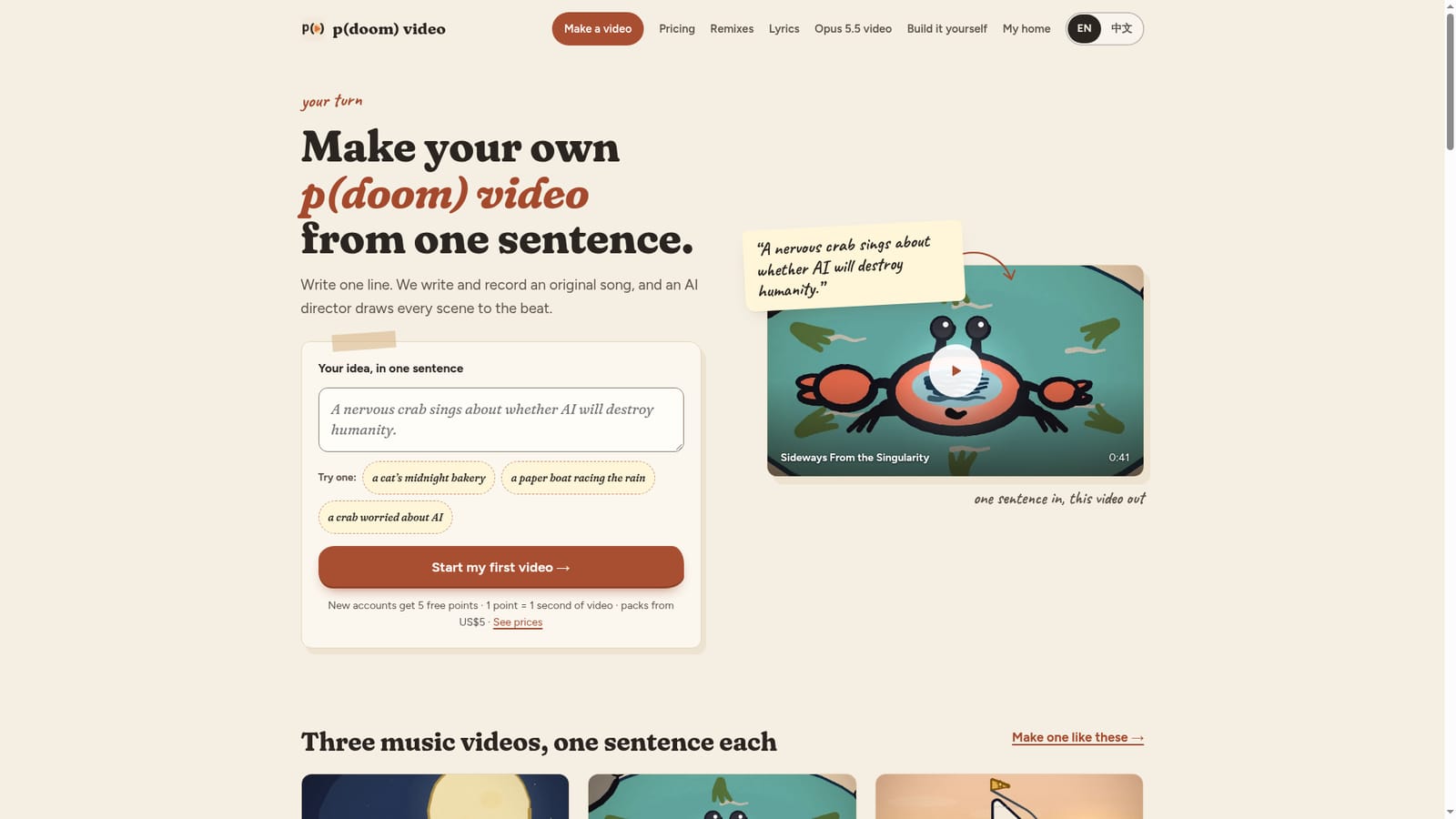
    Describe who the song is about and what happens. Names, places and inside jokes make the result more personal.
    pdoomvideo — Write one sentence
  2. 2Choose a length and style
    Pick any duration from 5 seconds to 5 minutes, then select one of five drawing styles or let the AI director decide.
    pdoomvideo — Choose a length and style
  3. 3Check your points
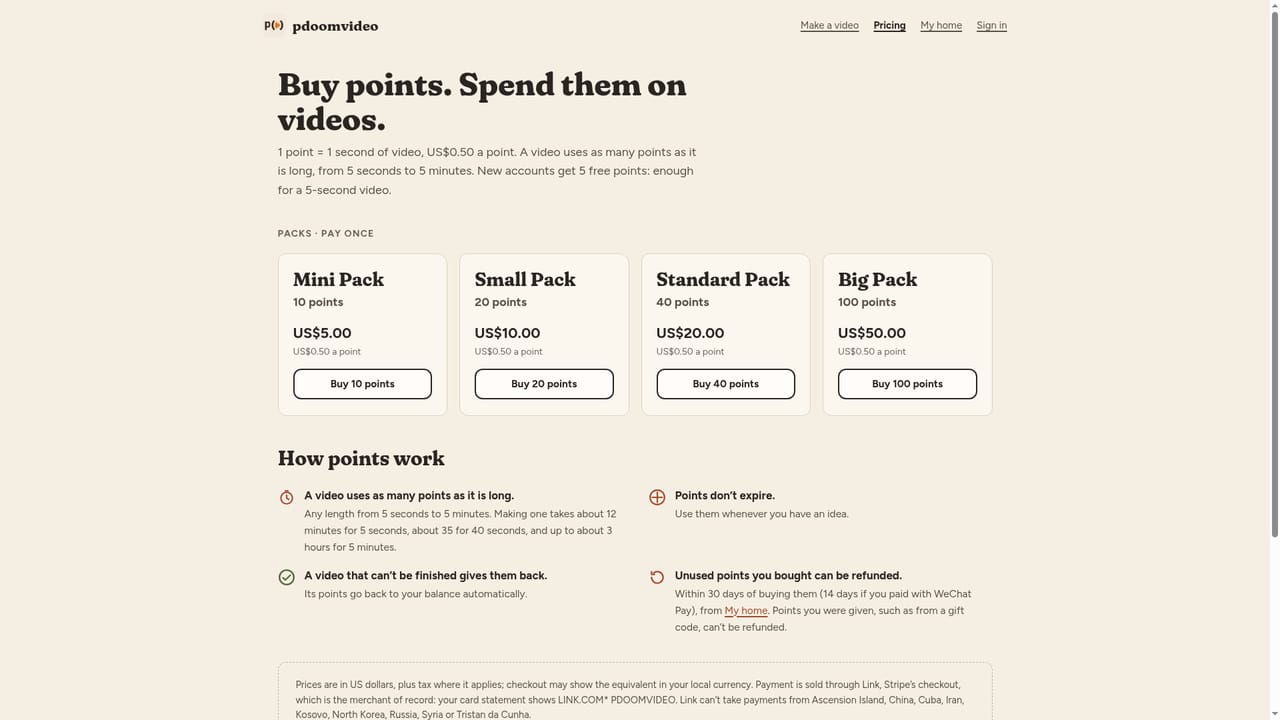
    New accounts get 5 free points, and 1 point equals 1 second of video. Buy a pack from US$5 if a longer video is needed.
    pdoomvideo — Check your points
  4. 4Wait for the email
    Rendering takes about 35 minutes. A message arrives when the video is ready, and it also stays on the My home page.
  5. 5Download the MP4
    Save the 1920×1080 MP4 from My home. If a video could not be finished, its points are returned to the account.
  6. 6Explore remixes for ideas
    Browse the remix gallery to see covers, answer songs and code-rendered videos that can inspire a new prompt.
    pdoomvideo — Explore remixes for ideas

Pros and cons

Pros

  • Needs only one sentence to produce both an original song and a matching animated videoAI
  • Five drawing styles, plus a director option, and lengths from 5 seconds to 5 minutesAI
  • Simple pay-per-second points model with 5 free points for new accountsAI
  • Failed videos have their points refunded, which lowers the risk of trying itAI
  • Extra material includes a remix gallery, lyric explainer and a free ten-step DIY guideAI

Cons

  • Turnaround is about 35 minutes per video, so quick iteration on ideas is not possibleAI
  • Only five drawing styles are offered, which limits visual rangeAI
  • Free allowance of 5 points covers just 5 seconds of video, too little for a full test songAI
  • Much of the site is devoted to one viral song, which may feel off-topic for general usersAI
  • The DIY route requires Claude Code, a terminal, ffmpeg and ideally a GPUAI

How much does pdoomvideo cost?

Free trial

New accounts receive 5 free points, enough for 5 seconds of video at 1 point per second.

Learn more

Pricing

Points-based: 1 point equals 1 second of video. New accounts get 5 free points, and point packs start at US$5. Points are refunded if a video cannot be finished.

Learn more

Features

One-sentence prompt to original song and illustrated music video, lengths from 5 seconds to 5 minutes, five drawing styles or director's choice, 1920×1080 MP4 download, email notification, remix gallery, lyric explainer and a ten-step DIY guide.

Learn more

Frequently asked questions about pdoomvideo

  • How much does pdoomvideo cost?
    Points-based: 1 point equals 1 second of video. New accounts get 5 free points, and point packs start at US$5. Points are refunded if a video cannot be finished.
  • Does pdoomvideo offer a free trial?
    New accounts receive 5 free points, enough for 5 seconds of video at 1 point per second.
  • How do you use pdoomvideo?
    The walkthrough on this page covers 6 steps: 1. Write one sentence 2. Choose a length and style 3. Check your points 4. Wait for the email 5. Download the MP4 6. Explore remixes for ideas.
  • What platforms does pdoomvideo support?
    pdoomvideo is available on Web App.
  • What are the limitations of pdoomvideo?
    Turnaround is about 35 minutes per video, so quick iteration on ideas is not possible. Only five drawing styles are offered, which limits visual range. Free allowance of 5 points covers just 5 seconds of video, too little for a full test song.

Status

StatusActive
Views0
Outbound clicks0
Added10/18/2026

Platforms

Web App

Pricing

PaidFree Trial