Integrations
A separate Koala MCP connection lets paid plans link an outside AI assistant to 62 SEO tools and KoalaWriter; the chat page itself lists no third-party app integrations.
Learn moreEveryday AI chat assistant with live web data and a prompt library

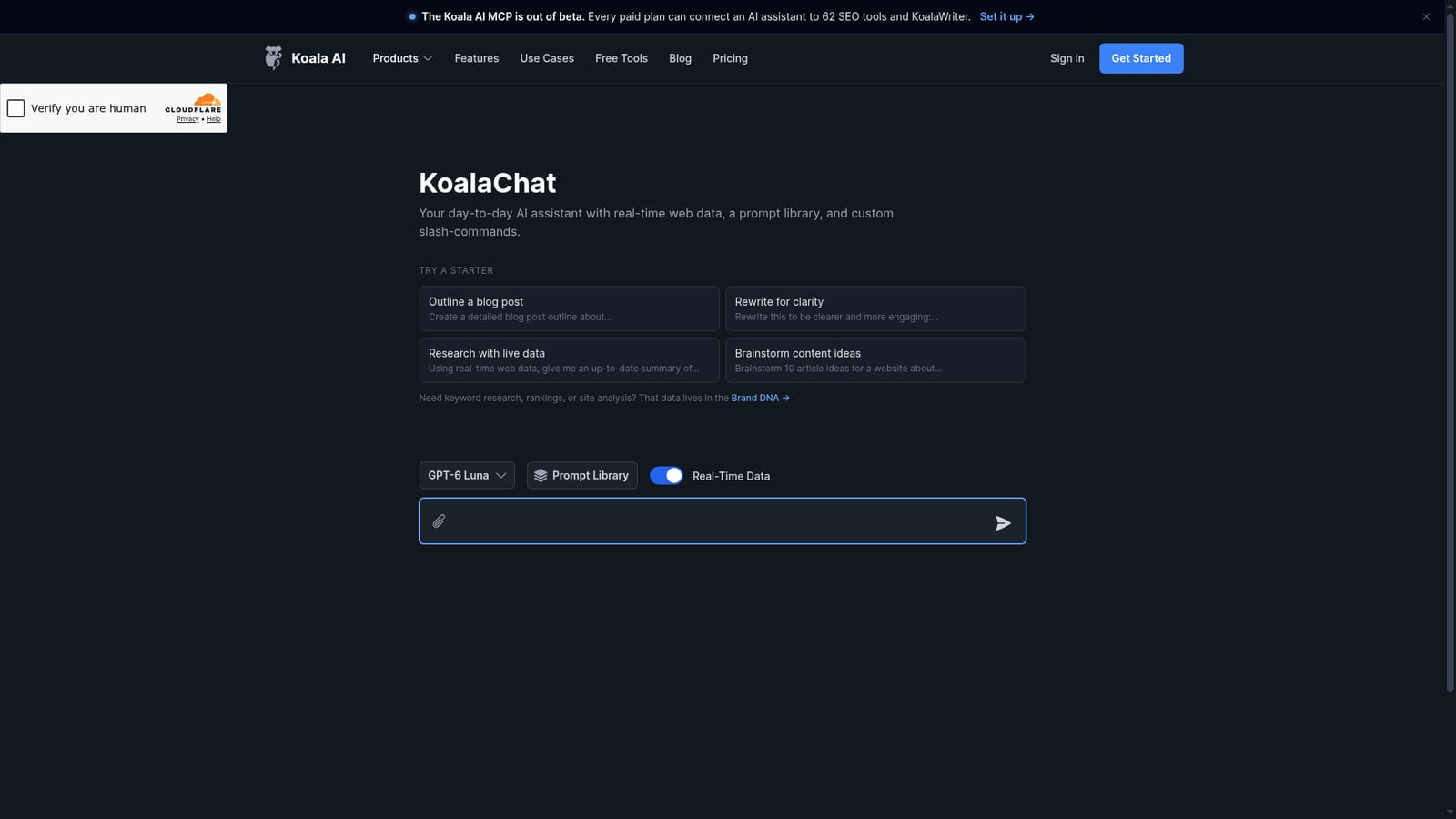
KoalaChat is Koala AI's everyday chat assistant, combining GPT-5 and Claude 4 models with real-time web lookups, file and image uploads, a prompt library and custom slash-commands for recurring content tasks.
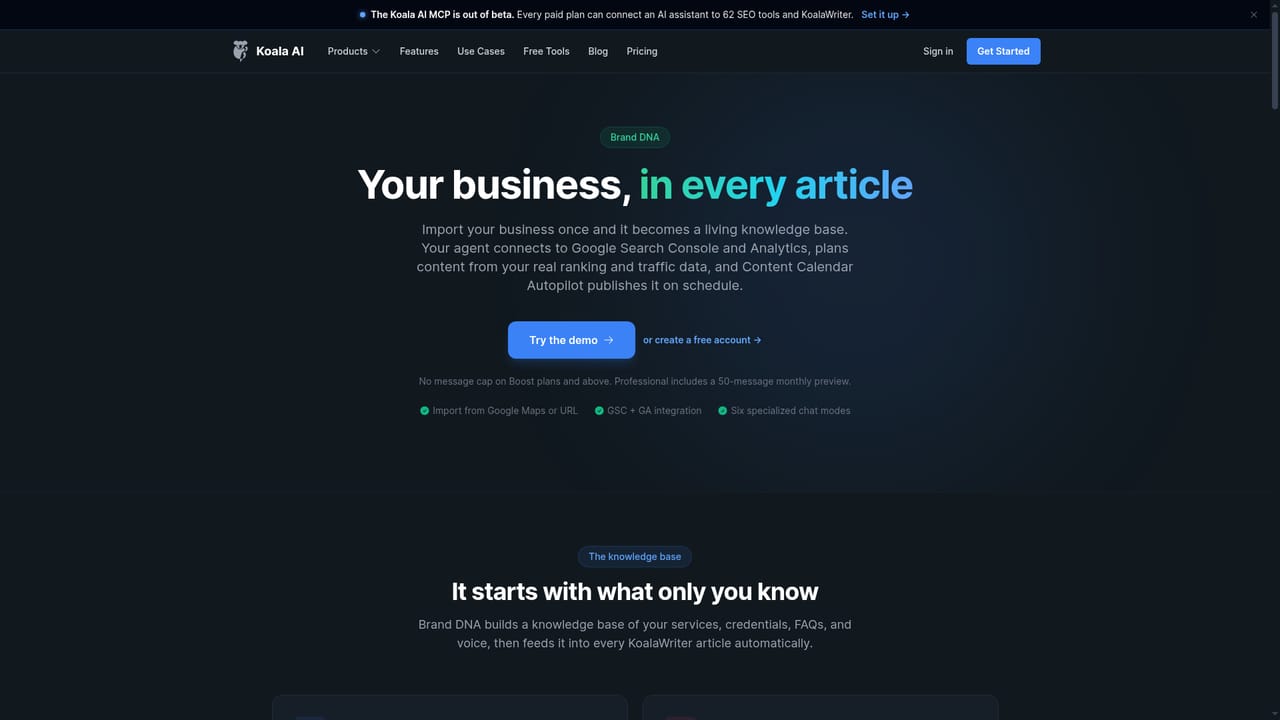
KoalaChat is a general-purpose chat interface built by Koala AI, the team behind a larger SEO writing platform. It positions itself as a day-to-day assistant rather than a specialist research tool: the interface ships with starter prompts for outlining posts, rewriting copy, brainstorming article ideas and pulling current information from the web, plus a prompt library and custom slash-commands so repeatable tasks can be triggered with a short typed instruction instead of a long setup message. The feature set described on the product page centers on four things. Model choice includes GPT-5 and Claude 4, with a model labelled GPT-6 Luna shown in the selector. Conversations can draw on real-time web data, which matters for anything time-sensitive such as news summaries or competitor checks. File and image uploads let a user work over documents and visuals inside the same thread. The prompt library and slash-commands turn the chat into a light personal workflow layer, which is the main differentiator against a bare model interface. The tool is aimed at content creators, marketers and small teams that already know what they want to produce and need a fast drafting partner. Writers outlining a blog post, solo marketers rewriting landing copy or anyone collecting a current overview of a topic are the obvious users. It is not the place for keyword research, rank tracking or site analysis: the page explicitly redirects that work to Brand DNA, a separate Koala product grounded in your own site data. In practice KoalaChat sits between a general chatbot and an all-in-one content suite. Compared with a raw ChatGPT or Claude login it adds a curated prompt layer, a persistent library and consistent access to several frontier models in one place. Compared with Koala's own SEO stack it is deliberately lighter. The catch is that the value depends on whether the prompt library matches your actual work, and the pricing tiers, limits and any platform apps are not spelled out on the chat page itself.
A separate Koala MCP connection lets paid plans link an outside AI assistant to 62 SEO tools and KoalaWriter; the chat page itself lists no third-party app integrations.
Learn moreChat interface with GPT-5 and Claude 4 models plus a GPT-6 Luna option, real-time web data for current answers, file and image uploads, a reusable prompt library, custom slash-commands and starter prompts for outlining, rewriting and brainstorming.
 AI Angels400+ customizable AI girlfriends for NSFW chat, voice calls, and roleplay
 Candy AIExperience the future of companionship with AI friends who chat, role-play, and connect with you on a human level.
 ourdream.aiA vast AI roleplay platform with millions of characters for chat, images, video and voiceAI Angels400+ customizable AI girlfriends for NSFW chat, voice calls, and roleplayCandy AIExperience the future of companionship with AI friends who chat, role-play, and connect with you on a human level.ourdream.aiA vast AI roleplay platform with millions of characters for chat, images, video and voice


