Free trial
No account or payment is required to preview results: upload a photo and see colorized variations for free. Only downloads consume credits.
Learn moreAI colorization that rebuilds true color in old black-and-white photographs.

Kolorize is a colorize drawing tool. Kolorize colorizes black-and-white and sepia photos with proprietary AI models, generating several color passes per upload so you can preview free and pay only when you download. No account is needed to try, files are deleted after processing, and results are licensed for commercial use.
Kolorize is a web-based colorizer for black-and-white photography. You drop in a monochrome image, the model reads its tone, grain and subject context, and a full-color version comes back in seconds. The site pitches itself as the pioneer of the category since 2023 and reports more than 120,000 people using it to restore historical photos. Uploads are capped at 4096 by 4096 pixels, and anything larger is downscaled automatically before processing. JPEG, PNG, WebP, GIF, HEIC and AVIF files are accepted, and finished images download as high-quality JPGs. The workflow is deliberately narrow: one upload box, no sliders, no masking tools and no editing skill required. Instead of a single output, Kolorize generates several color interpretations of the same photograph so you can slide between the original and each pass and keep whichever feels faithful. It also detects whether a file was shot in black and white, sepia-toned or printed in faded color, then either introduces new color or restores the original hues. The stated aim is era-accurate reconstruction rather than a flat tint, which the team says comes at the cost of a few extra seconds compared with generic one-click filters. Family historians and archivists are the obvious audience, along with photographers handling inherited negatives, documentarians and anyone sitting on a shoebox of prints. Privacy is handled by processing over an encrypted connection and deleting files once work finishes, and the vendor states that no human views or retouches submissions. Colorized output is yours to use commercially without extra licensing. Against general-purpose image editors and filter apps, Kolorize trades flexibility for a single well-defined job. It will not retouch scratches, upscale resolution or composite layers. Credit accounting is the main friction: previews cost nothing, but each download spends a credit, and credits expire after two years.
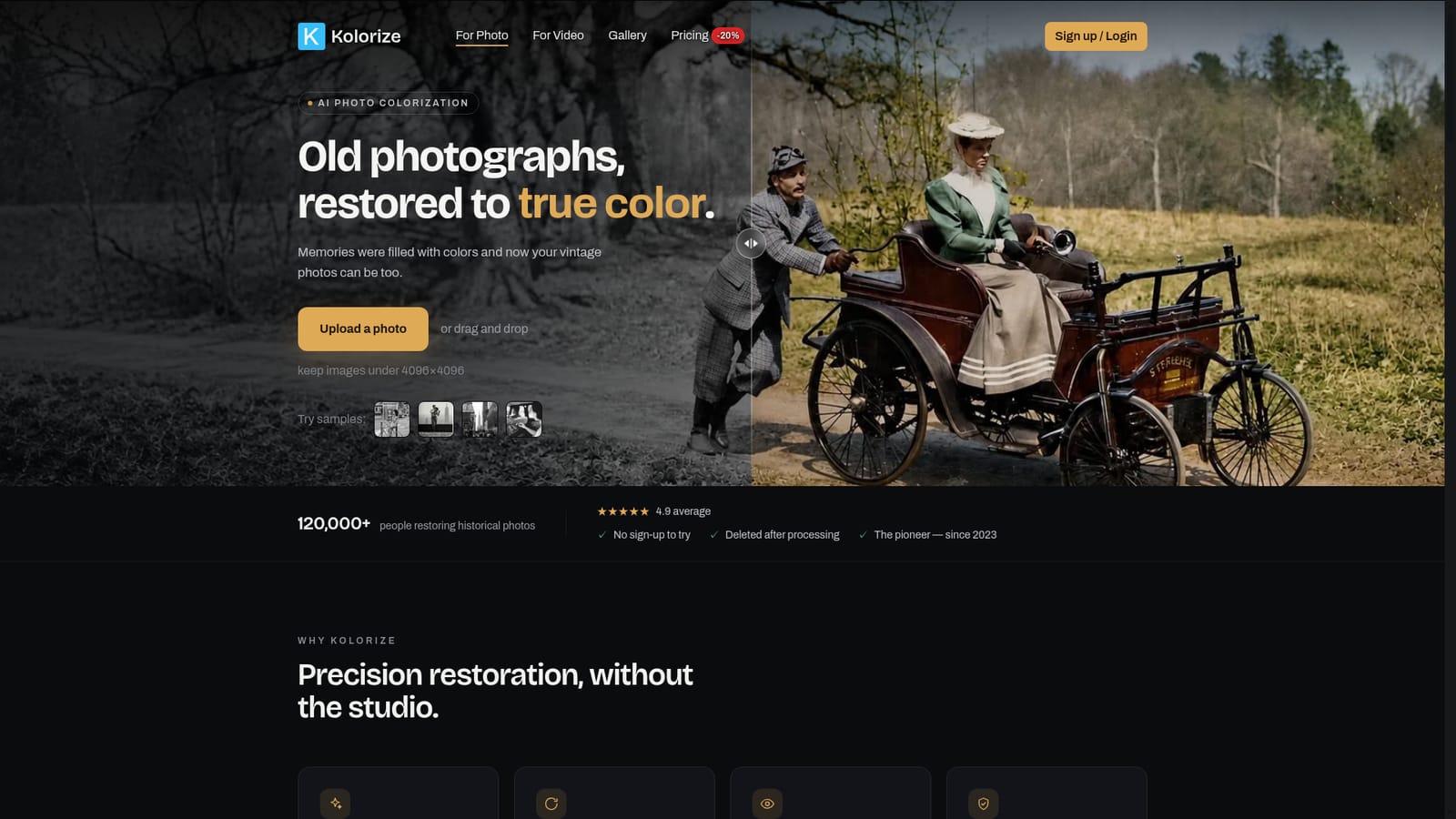
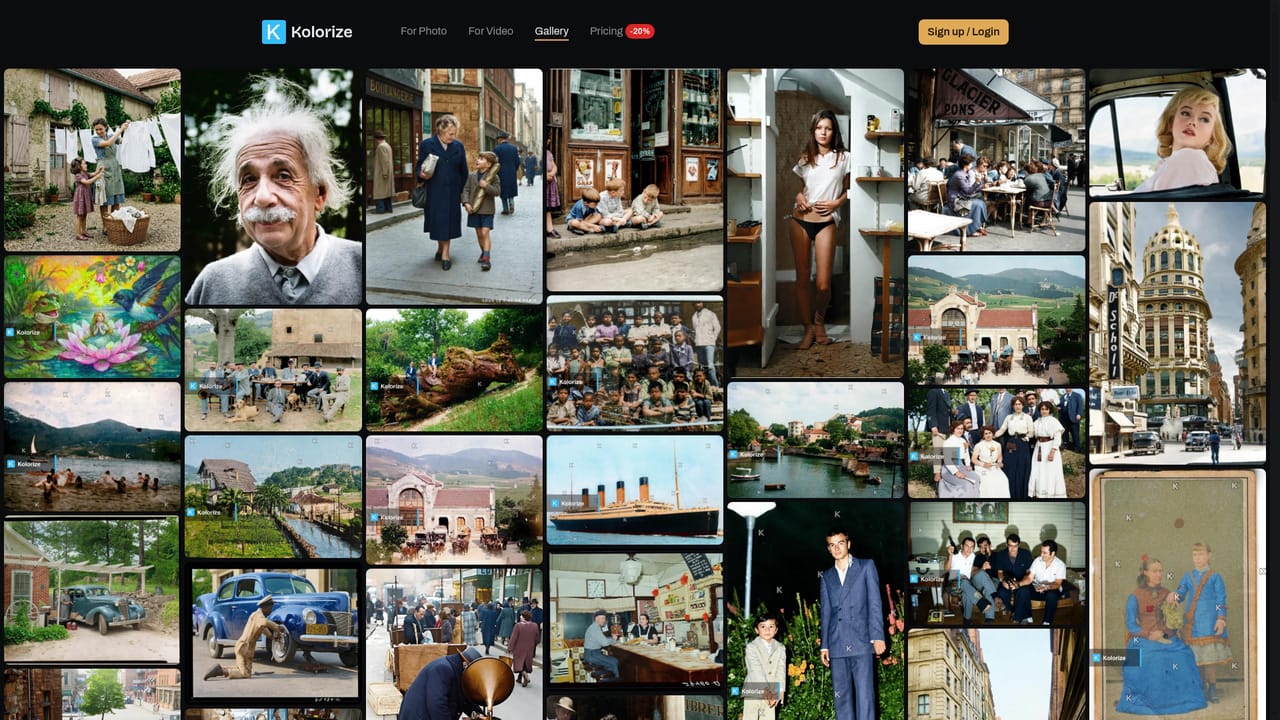
No account or payment is required to preview results: upload a photo and see colorized variations for free. Only downloads consume credits.
Learn moreKolorize uses a credit system: previews are always free, and one credit is spent per download. Re-downloading the same processed image at the same resolution is free, and credits stay valid for two years. The pricing page advertises a 20 percent discount, though the homepage does not list per-credit rates.
Learn moreAnswers to common questions about formats, accuracy, processing time, credits and licensing appear in an FAQ on the homepage. No dedicated help centre or contact channel is listed on the site pages provided.
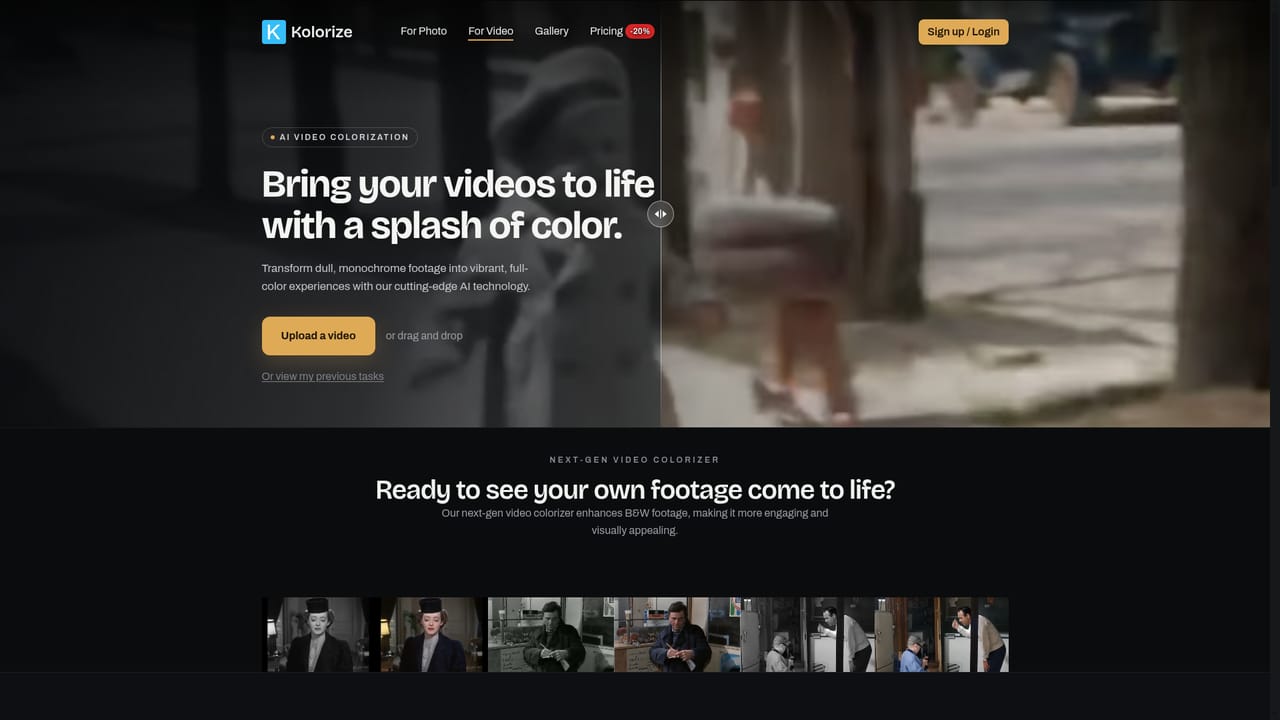
Proprietary colorization models trained on millions of restorations, several color passes per upload with before and after comparison, detection of black-and-white versus sepia versus faded color sources, preservation of grain and resolution, 3 to 8 second processing, automatic downscaling above 4096 by 4096, high-quality JPG downloads, encrypted transfer with files deleted after processing, and a separate video colorizer.
 AI Angels400+ customizable AI girlfriends for NSFW chat, voice calls, and roleplay
 Candy AIExperience the future of companionship with AI friends who chat, role-play, and connect with you on a human level.
 ourdream.aiA vast AI roleplay platform with millions of characters for chat, images, video and voiceAI Angels400+ customizable AI girlfriends for NSFW chat, voice calls, and roleplayCandy AIExperience the future of companionship with AI friends who chat, role-play, and connect with you on a human level.ourdream.aiA vast AI roleplay platform with millions of characters for chat, images, video and voice