Free trial
The homepage states it is free and requires no credit card to start, but it does not describe a time-limited trial or which features are gated.
Learn moreWhite-label AI website builder made for agencies and local clients

Kopage is a white-label, AI-assisted website builder for agencies and freelancers building sites for local clients. Describe the business, get a generated site, then refine it with drag and drop content blocks, built-in e-commerce, blog, SEO tools and embeddable custom code.
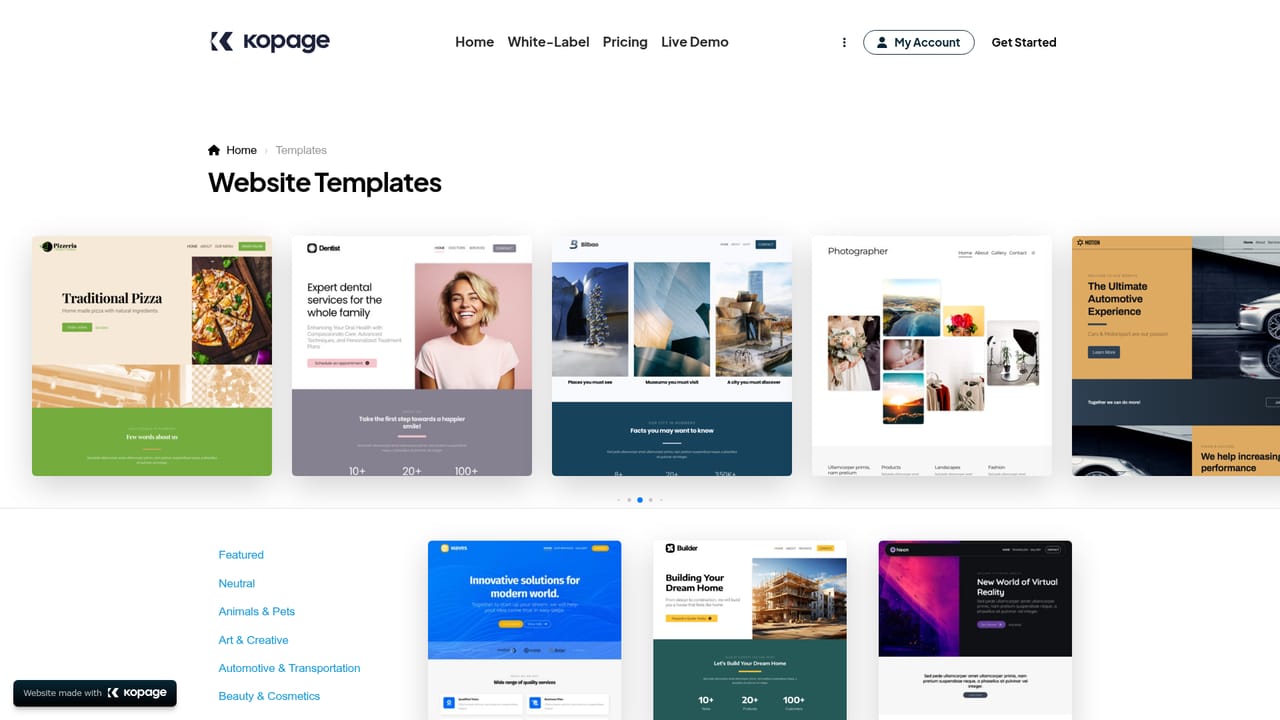
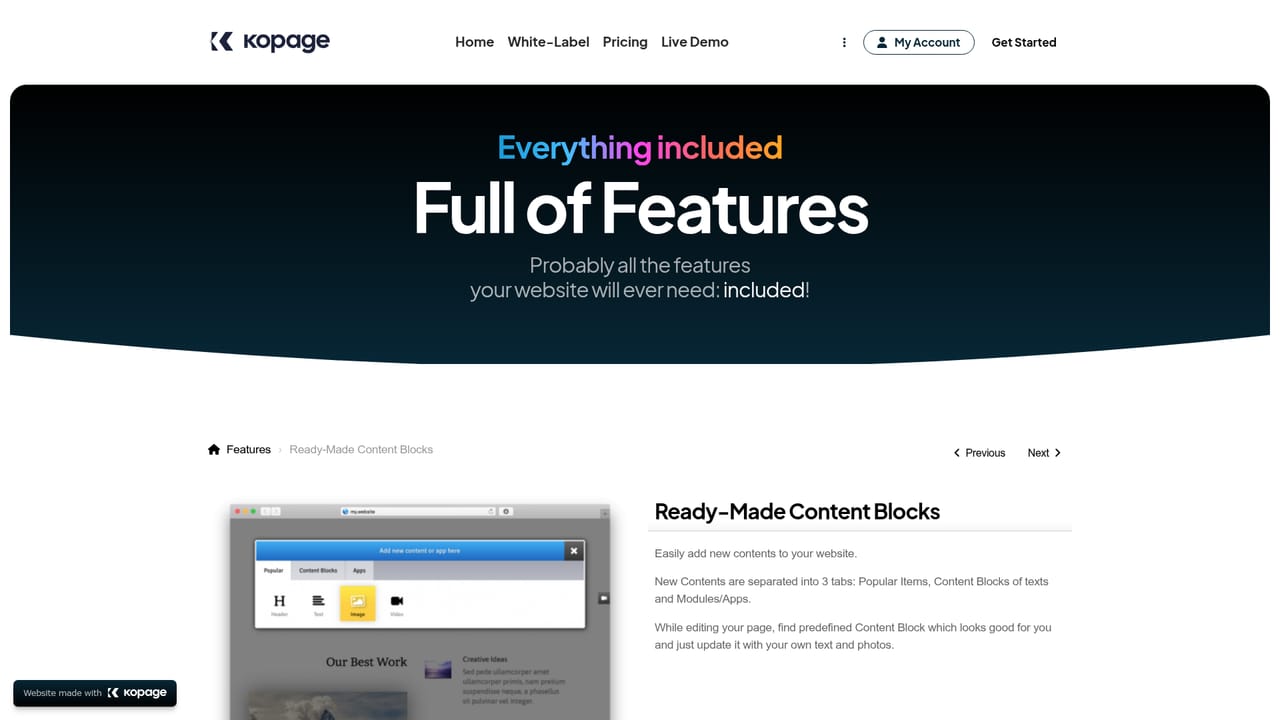
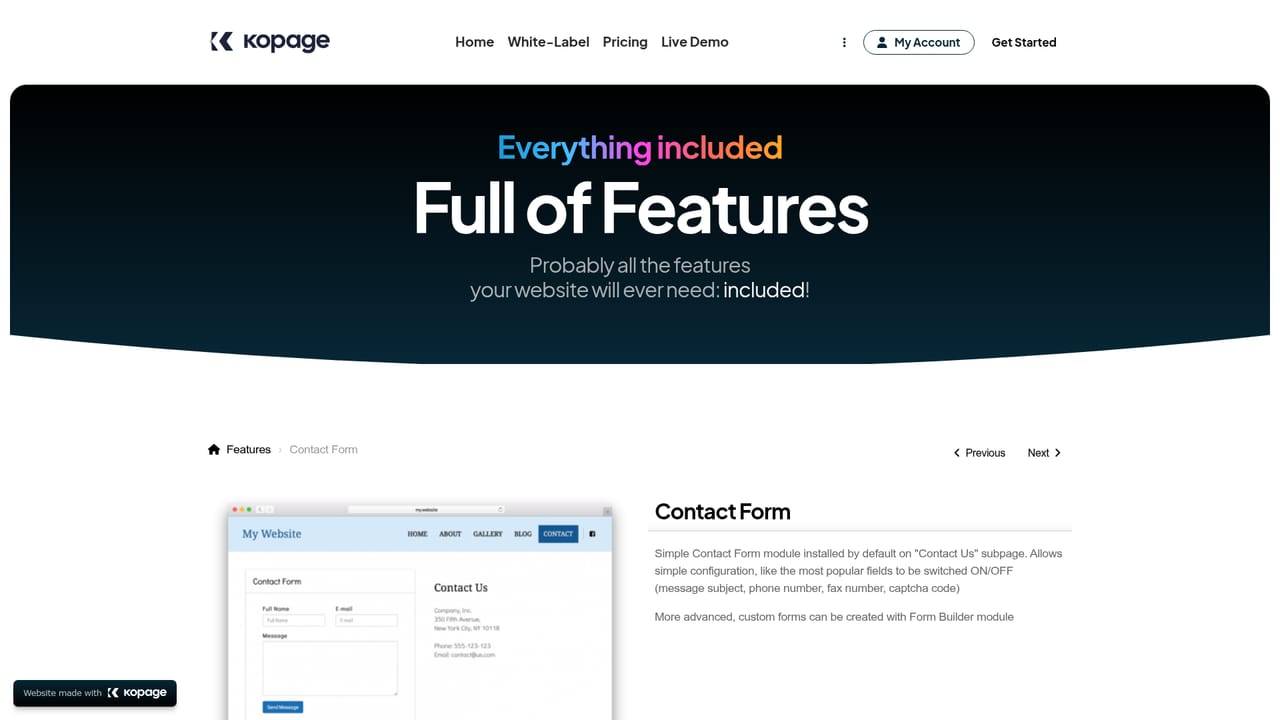
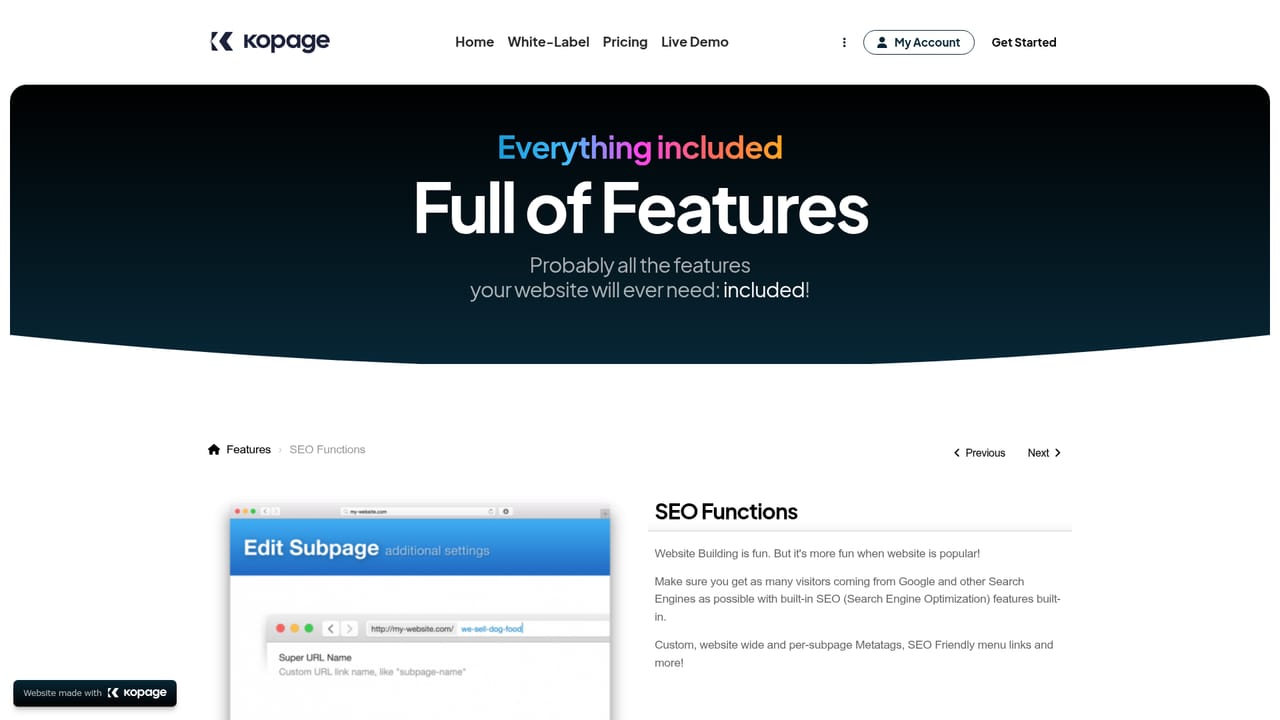
Kopage is a white-label website builder aimed at web agencies and freelancers who build and sell sites for local clients under their own brand. The core idea is speed: you describe what the website is about, the AI generator assembles a fully featured site, and you spend your time refining rather than starting from an empty canvas. Pre-made themes are available as an alternative starting point when the client already has a clear visual direction. Editing is structured around content blocks rather than a single sprawling page. Subpages are assembled from blocks you drag and drop to rearrange, with more than 100 pre-made blocks on offer and the option to build your own inside the Block Designer by adding, deleting or moving individual elements. Menus support multiple levels with drag and drop reordering and drop-down submenus, the editor is browser based, and the output is described as responsive across phones and tablets. Design controls include Google Fonts, a large set of hand-picked color schemes and on-scroll animations. The feature set is broad enough that most client projects do not need a second tool: SEO functions including clean links, sitemap and meta tags, a blog, photo galleries, sliders, contact forms, a Google Maps location block, newsletters, e-commerce with Stripe, PayPal and other gateways, a members area, a course maker and a knowledge base or wiki. Custom HTML, CSS and JavaScript can be embedded site-wide or inside individual blocks, private subpages can be hidden from menus or password protected, any subpage can become a landing page in one click, and built-in statistics cover traffic and referrers. Kopage positions itself against WordPress, arguing that less technical clients prefer a more intuitive environment than a self-managed CMS demands. The pitch is strongest for agencies managing many small business sites and weakest for teams that need deep plugin ecosystems.
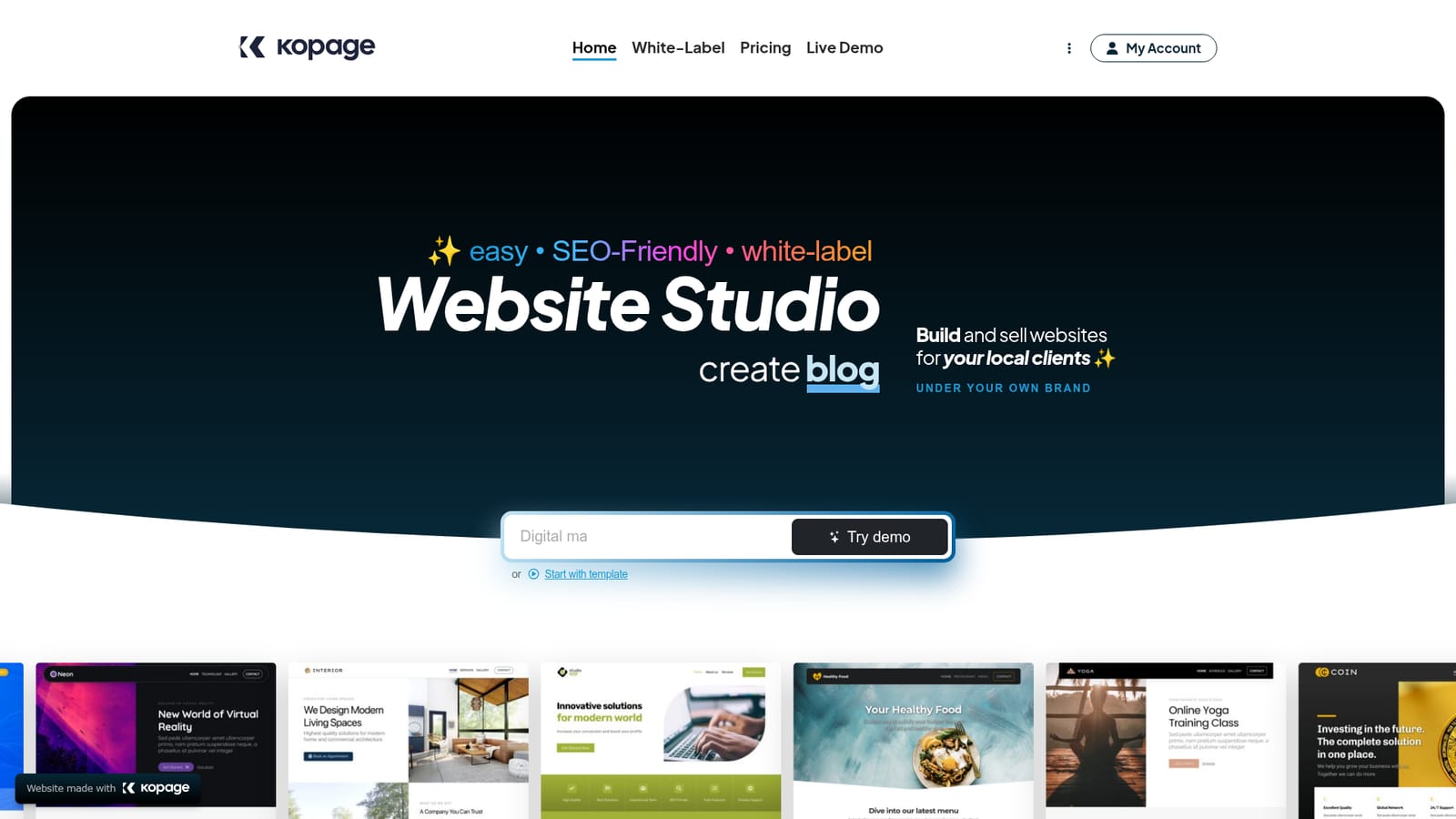
The homepage states it is free and requires no credit card to start, but it does not describe a time-limited trial or which features are gated.
Learn moreA dedicated support page is linked from the site, and buyers with white-label or agency requirements are routed to a contact sales form.
Learn morePayment gateways including Stripe and PayPal plus 10+ others, Google Maps for location blocks, Google sign-in for account access, and custom code embedding for third party widgets.
Learn moreAI site generation from a plain description, a template gallery, 100+ drag and drop content blocks with a Block Designer, multi-level menus, mobile-friendly output, SEO functions, blog, photo galleries, sliders, contact forms, Google Maps, newsletters, e-commerce with Stripe and PayPal plus other gateways, members area, course maker, knowledge base, one-click landing pages, private subpages, statistics and custom HTML/CSS/JavaScript.
Learn more AI Angels400+ customizable AI girlfriends for NSFW chat, voice calls, and roleplay
 Candy AIExperience the future of companionship with AI friends who chat, role-play, and connect with you on a human level.
 ourdream.aiA vast AI roleplay platform with millions of characters for chat, images, video and voiceAI Angels400+ customizable AI girlfriends for NSFW chat, voice calls, and roleplayCandy AIExperience the future of companionship with AI friends who chat, role-play, and connect with you on a human level.ourdream.aiA vast AI roleplay platform with millions of characters for chat, images, video and voice


