Kovvid

Browser image generator running Nano Banana Pro and Seedream 4.5

Beginner
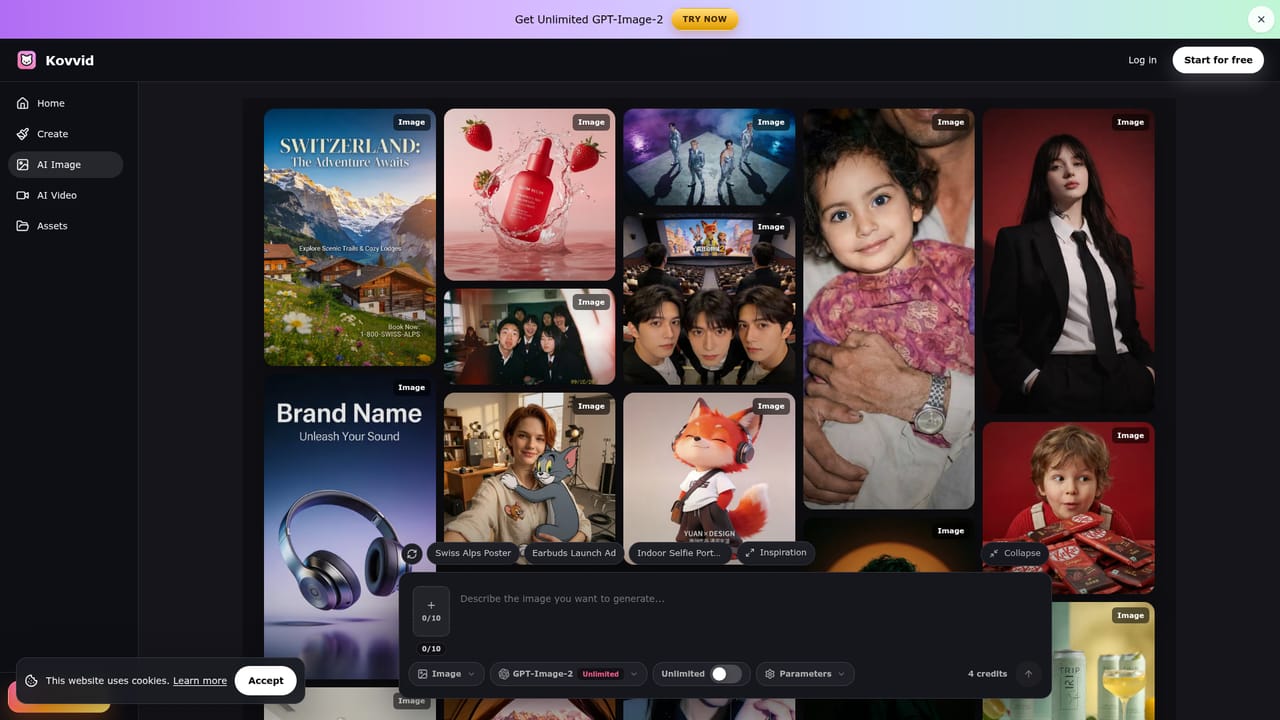
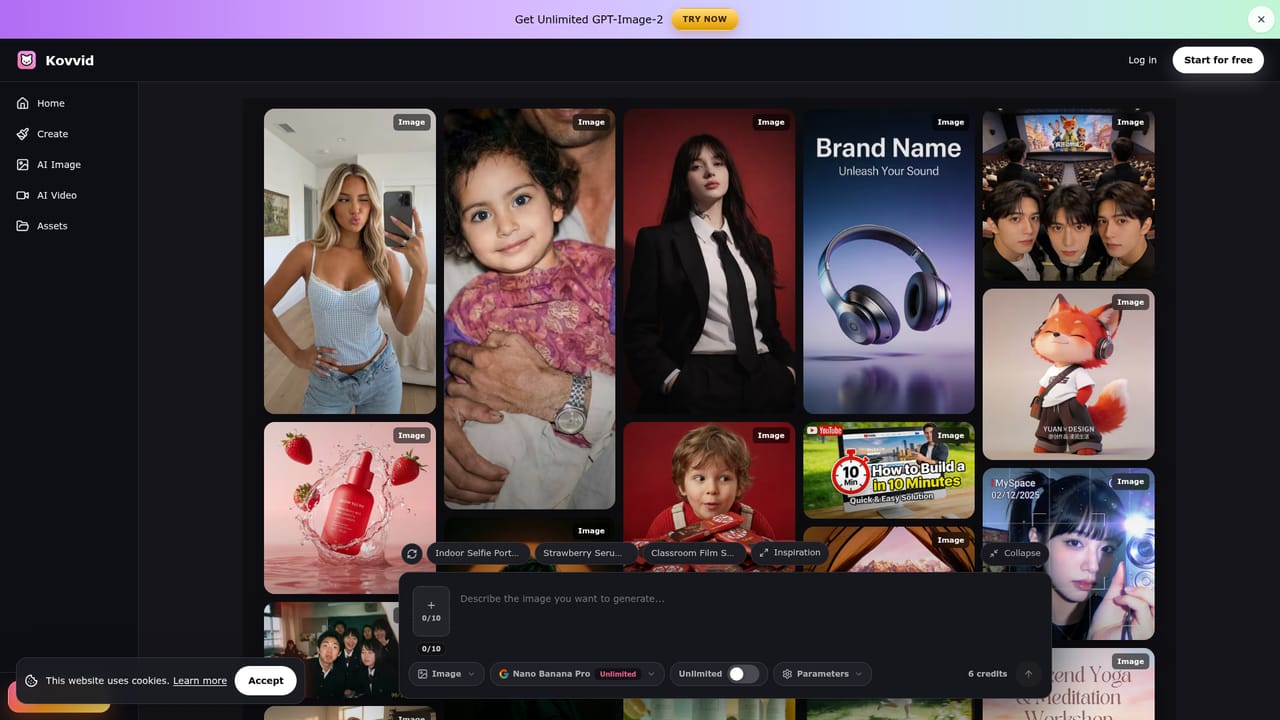
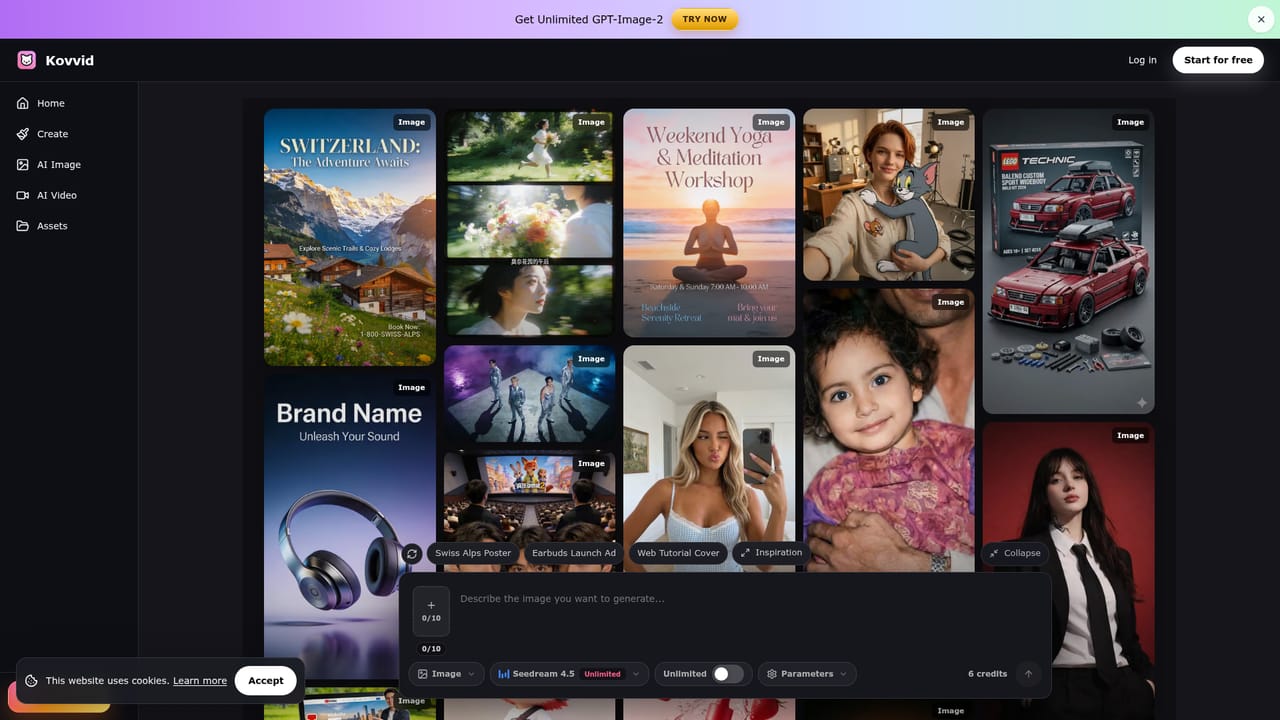
Screenshot of Kovvid, Browser image generator running Nano Banana Pro and Seedream 4.5

What is Kovvid?

Kovvid is a web AI image generator for text-to-image and image-to-image work, offering models like Nano Banana Pro, Seedream 4.5 and GPT Image 2, with video models on the side. It targets posters, product shots and 4K visuals.

Kovvid is a web-based AI image generator that offers text-to-image and image-to-image creation through several third-party models in one interface. The homepage highlights Nano Banana Pro and Seedream 4.5, and the site also carries separate pages for Nano Banana 2 and GPT Image 2, plus video generation with models such as Sora 2, Veo 3 and Seedance 2.0. The headline pitch centers on producing product images, posters and 4K visuals without needing design software. The example gallery shows the intended range: travel and yoga posters, brand and advertising shots for products like headsets and skincare bottles, YouTube thumbnails, character and mascot designs, retro camera-style selfies, group portraits that merge several uploaded photos, and old photo restoration. Many sample prompts contain placeholder fields (for example an outfit, a color or a title) that a user swaps for their own values, which suggests a template-driven workflow where a long, detailed prompt is reused and tweaked rather than written from scratch. In practice, a user picks a model, writes a description or uploads one or more reference photos, and receives an image. Reference uploads matter for the identity-preserving examples, where prompts ask the model to keep faces consistent across a new scene. The page title describes the generator as free, and a banner promotes unlimited GPT-Image-2 access, though the homepage text does not spell out credit limits or plan terms. Kovvid fits the aggregator category: instead of committing to one engine, a creator can compare outputs from different models for the same brief. That suits marketers, social media creators, small e-commerce sellers and hobbyists who want polished visuals quickly. Compared with single-model tools or full design suites, it trades deep editing controls for breadth of models and speed. Anyone needing layered editing, brand asset management or a documented API will likely pair it with other software, since none of those capabilities are described on the homepage.

How do you use Kovvid?

  1. 1Open the image generator
    Go to the AI image generator page on Kovvid and choose between text-to-image and image-to-image creation.
    Kovvid — Open the image generator
  2. 2Pick a model
    Select an engine such as Nano Banana Pro or Seedream 4.5. Each model has its own page that shows what it handles best.
    Kovvid — Pick a model
  3. 3Write or adapt a prompt
    Describe the subject, style, lighting and any text to appear in the image. Borrowing a gallery prompt and changing its placeholder values is a fast starting point.
  4. 4Add a reference photo if needed
    For image-to-image work, upload a source picture and ask the model to keep the face or outfit consistent while changing the scene.
  5. 5Generate, compare and refine
    Run the prompt, then try another model such as Seedream for the same brief and adjust wording until the result fits.
    Kovvid — Generate, compare and refine

Pros and cons

Pros

  • Several image models, including Nano Banana Pro and Seedream 4.5, are available in one place for comparing resultsAI
  • Supports both text-to-image and image-to-image, so reference photos can guide the outputAI
  • Large example gallery with full prompts doubles as a learning resource for prompt writingAI
  • Template-style prompts with swappable fields make it quick to reuse a good briefAI
  • Also lists video generation models, so one account can cover stills and clipsAI

Cons

  • Homepage gives no pricing, credit allowance or usage limits, so true cost is unclear before signing upAI
  • The 'free' and 'unlimited' claims are not explained, and restrictions may applyAI
  • No editing tools such as layers, masks or brand kits are described, only generationAI
  • Output quality depends on third-party models, so results and availability can change outside Kovvid's controlAI
  • No mention of an API, integrations or commercial-use terms for generated imagesAI

How much does Kovvid cost?

Features

Text-to-image and image-to-image generation, multiple models (Nano Banana Pro, Nano Banana 2, Seedream 4.5, GPT Image 2), 4K output, photo restoration, reference-based portraits, template prompts with editable fields, plus separate AI video generation with Sora 2, Veo 3 and Seedance 2.0.

Learn more

Frequently asked questions about Kovvid

  • How do you use Kovvid?
    The walkthrough on this page covers 5 steps: 1. Open the image generator 2. Pick a model 3. Write or adapt a prompt 4. Add a reference photo if needed 5. Generate, compare and refine.
  • What platforms does Kovvid support?
    Kovvid is available on Web App.
  • What are the limitations of Kovvid?
    Homepage gives no pricing, credit allowance or usage limits, so true cost is unclear before signing up. The 'free' and 'unlimited' claims are not explained, and restrictions may apply. No editing tools such as layers, masks or brand kits are described, only generation.

Status

StatusActive
Views0
Outbound clicks0
Added10/18/2026

Platforms

Web App

Pricing

Freemium