Free trial
A free entry point is advertised on the homepage ("Start for Free. Upgrade anytime!"), with no stated time limit or card requirement.
Learn moreOne AI workspace for projects, docs, goals and enterprise search

Kroolo is an AI project builder tool. Kroolo combines AI project management, collaborative docs, OKR tracking and enterprise search in one workspace, with prebuilt agents for functions like marketing, engineering and HR. It targets teams trying to cut app sprawl and put a shared AI layer over their work data.
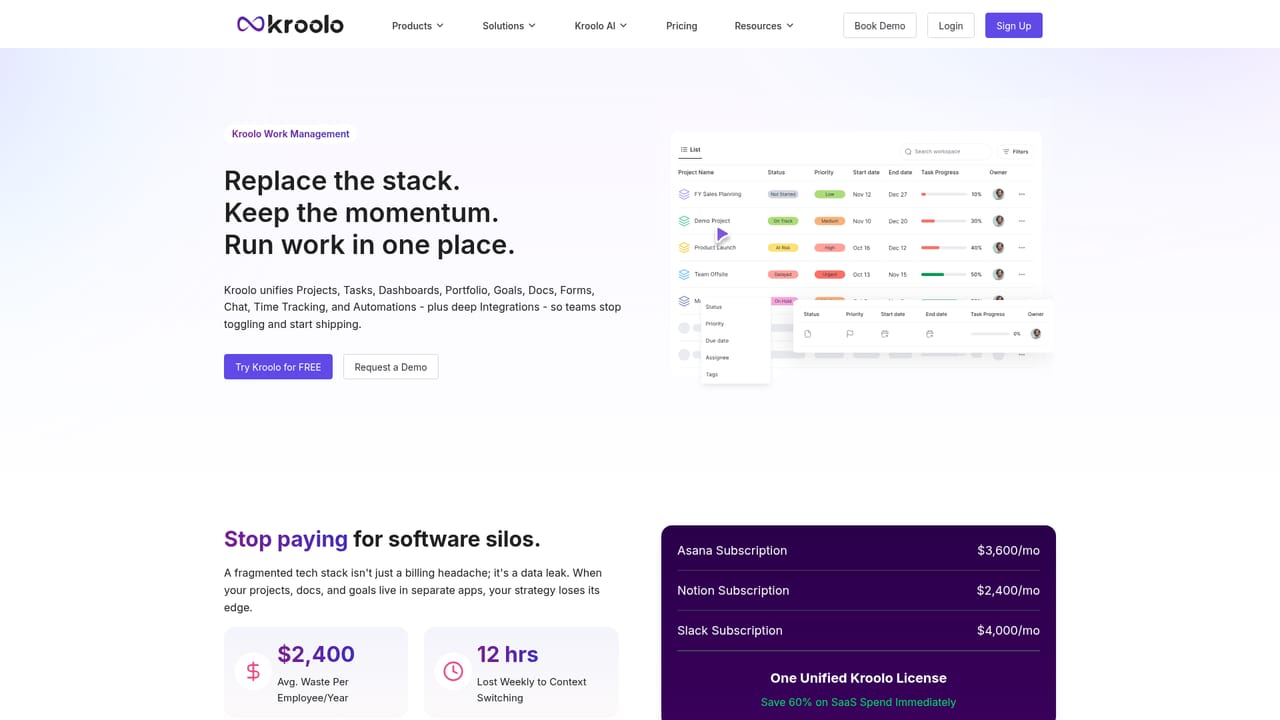
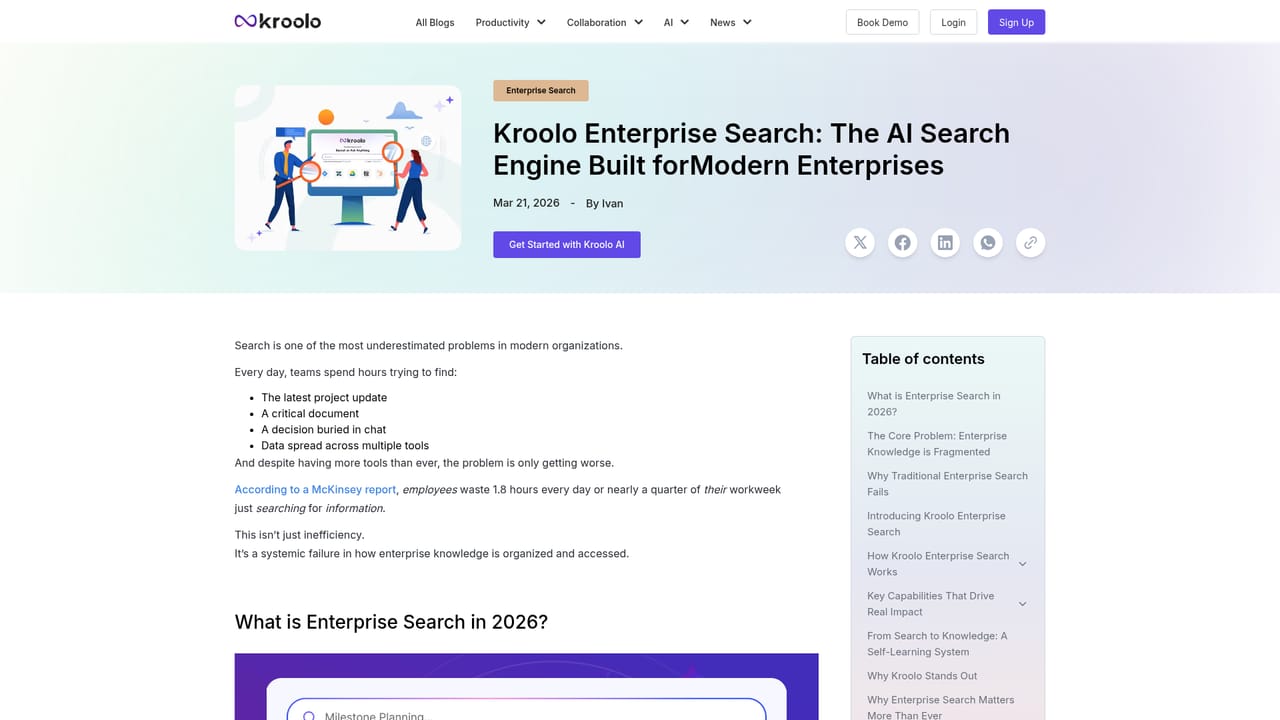
Kroolo is an AI-native workspace that bundles three products into one platform: Kroolo Work for projects, sprints and goals, Kroolo Search for enterprise-wide retrieval, and Kroolo Agents for task automation. The pitch is consolidation, and the homepage is blunt about the target: replace more than ten fragmented apps with a single subscription that covers project boards, documents, OKR tracking, forms and dashboards. AI is not bolted on as a sidebar chat; it is woven into the data layer so the assistant can reason across tasks, docs, chats and tickets at once. The work management side follows familiar ground. Teams plan sprints, track OKRs, write collaborative docs and build smart workflows, with AI stepping in to draft project outlines, flag cross-project risks and redistribute workload. A voice-to-workflow feature turns spoken instructions into actionable boards, and a library of more than 180 enterprise prompts covers recurring business operations. The search product indexes institutional history so answers carry context rather than starting cold, while the agent layer ships prebuilt assistants tuned by function: project management, product, engineering, QA, marketing, sales, operations, IT support, HR and education. Practical use looks like this: a manager pastes an RFP, asks the project agent to build a task board, and gets subtasks plus a suggested distribution plan for a five-person team. Elsewhere the same assistant can summarize a sprint, pull a status update from linked docs or answer a question that spans several tools. Kroolo reports orchestration across five or more LLM models and over 180 features in total. It fits teams already paying for a project tracker, a wiki and a search tool separately, and who want one vendor footprint and one AI layer across all three. Single-discipline users may find the surface area larger than needed, and buyers should verify depth per module against their current stack before migrating.
A free entry point is advertised on the homepage ("Start for Free. Upgrade anytime!"), with no stated time limit or card requirement.
Learn moreThe homepage offers a free start with the option to upgrade at any time, but no tier names, seat prices or feature breakdowns are published there.
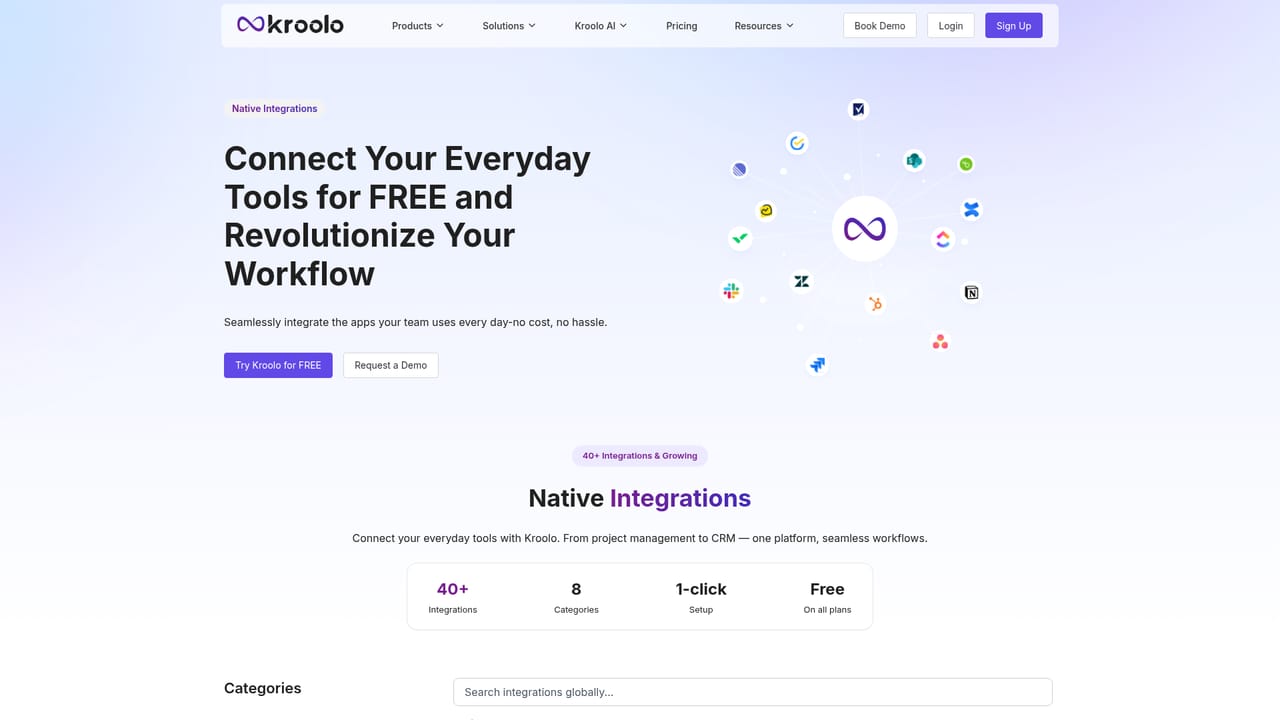
Learn moreThe homepage lists Asana, ClickUp, Smartsheet, Wrike, Jira, Notion, Trello, Linear, Gmail, Outlook, Google Calendar, Outlook Calendar and Dropbox, and cites 50+ integrations in total.
Learn moreProjects, sprints and OKRs, collaborative docs, smart workflows, AI forms and dashboards. Kroolo Search indexes docs, chats, tasks and tickets. Kroo, the agentic assistant, handles voice-to-workflow, project outlines, risk assessment and workload planning, backed by 40+ custom agents and a library of 180+ enterprise prompts.
Learn more AI Angels400+ customizable AI girlfriends for NSFW chat, voice calls, and roleplay
 Candy AIExperience the future of companionship with AI friends who chat, role-play, and connect with you on a human level.
 ourdream.aiA vast AI roleplay platform with millions of characters for chat, images, video and voiceAI Angels400+ customizable AI girlfriends for NSFW chat, voice calls, and roleplayCandy AIExperience the future of companionship with AI friends who chat, role-play, and connect with you on a human level.ourdream.aiA vast AI roleplay platform with millions of characters for chat, images, video and voice


