Support
Contact by email at support@lampbuilder.com. No help centre, documentation, or chat support is described on the homepage.
AI generates a full landing page from your product idea

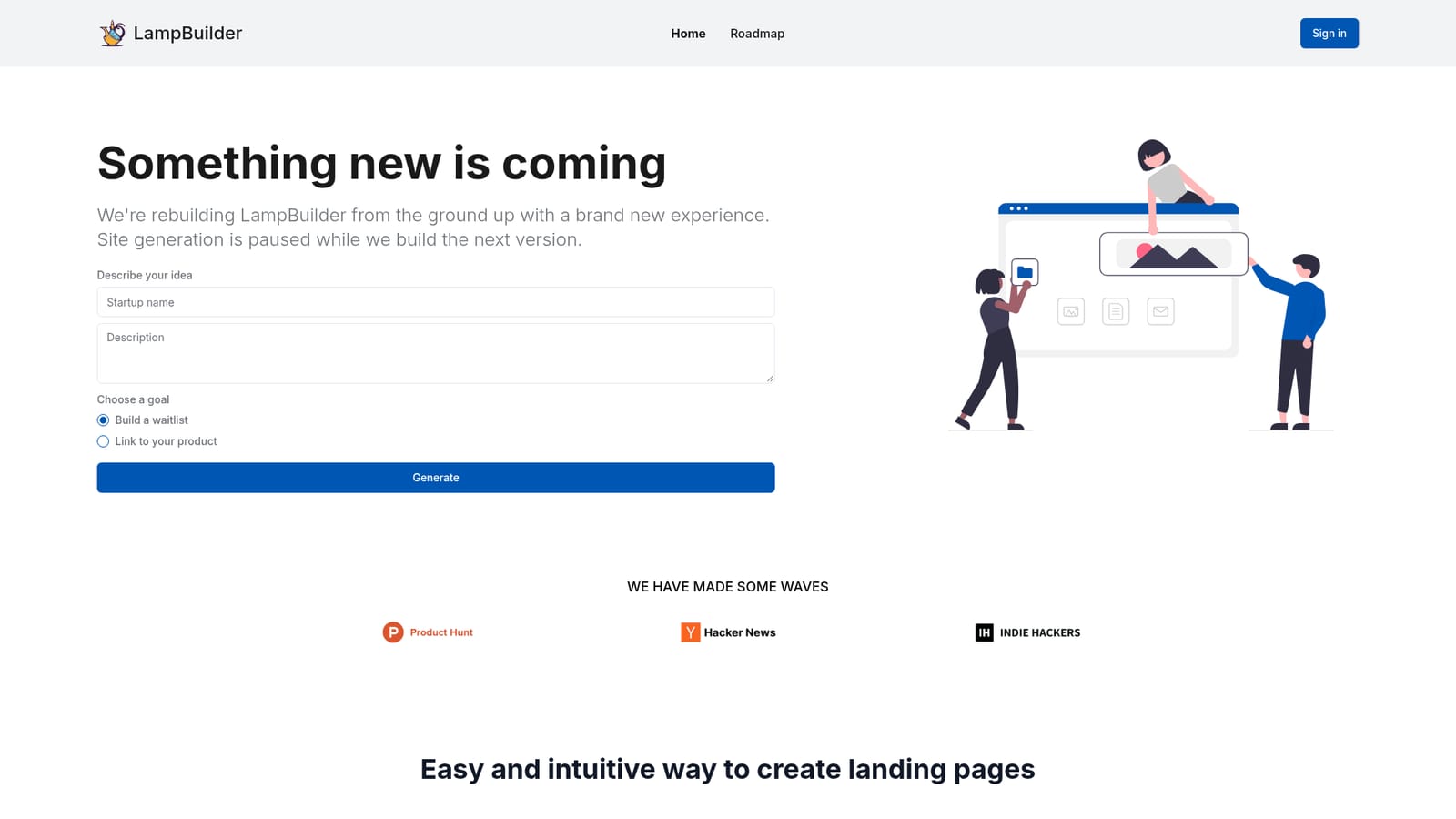
LampBuilder is an AI project builder tool. Prompt-to-page builder that creates landing page layouts, copy, and images from a product description, with on-page editing, a built-in waitlist with email follow-ups, free custom domain hosting, and SEO handling. Note that the site currently says generation is paused during a rebuild.
LampBuilder is a web tool that turns a short product description into a finished landing page. You supply the idea, pick a goal, and the system produces the layout, the marketing copy, and the supporting images in one pass. The stated output is a working page rather than a wireframe. Three ready-made templates (startup, app, and GPT) show the intended style and can be previewed before you commit to building. Editing happens on the page itself, not in a separate admin area. Click a block, change the text, swap a component, or ask the AI to adjust something in a chat panel, and the page updates there. Calls to action can point wherever you like, so a page can send visitors to an existing product, a store, or a signup form instead of a hosted waitlist. The feature set is aimed at the launch stage. A built-in waitlist collects early signups and sends automated follow-up emails, a custom domain can be attached and hosted without extra cost, and generated pages ship with on-page SEO handling and support for multiple languages. A paid premium tier opens a larger library of components for more distinctive layouts. This is a tool for founders validating an idea, indie developers shipping small products, and teams that need a credible page under time pressure without writing copy or assembling sections by hand. It sits in the same space as other prompt-to-page builders, with the editing experience and bundled waitlist as its points of difference. One caveat matters before you start: the homepage currently states that site generation is paused while the product is rebuilt, so new pages cannot be produced right now. Existing accounts can still sign in to manage their sites. Anyone evaluating it today should treat the current feature list as a preview of the relaunch rather than a live offer.
Contact by email at support@lampbuilder.com. No help centre, documentation, or chat support is described on the homepage.
AI generates a complete landing page (layout, marketing copy, and images) from a product description and a chosen goal. Pages are edited directly on the page with click-to-edit controls and an AI chat prompt. Calls to action link to any destination. A built-in waitlist sends automatic email follow-ups, custom domain hosting is free, and pages include SEO setup and multi-language support. A premium tier adds a larger component library.
 AI Angels400+ customizable AI girlfriends for NSFW chat, voice calls, and roleplay
 Candy AIExperience the future of companionship with AI friends who chat, role-play, and connect with you on a human level.
 ourdream.aiA vast AI roleplay platform with millions of characters for chat, images, video and voiceAI Angels400+ customizable AI girlfriends for NSFW chat, voice calls, and roleplayCandy AIExperience the future of companionship with AI friends who chat, role-play, and connect with you on a human level.ourdream.aiA vast AI roleplay platform with millions of characters for chat, images, video and voice


