Free trial
A free trial can be started directly from the signup page. Duration, seat limits and included features are not stated on the homepage, so confirm terms with sales before rolling it out to a team.
Learn moreOrganization-wide AI platform with chat, workflows, agents and governance built in

Langdock is an enterprise AI platform combining model agnostic chat, workflow automation and custom agents with central governance, European hosting and flexible cloud or on premise deployment.
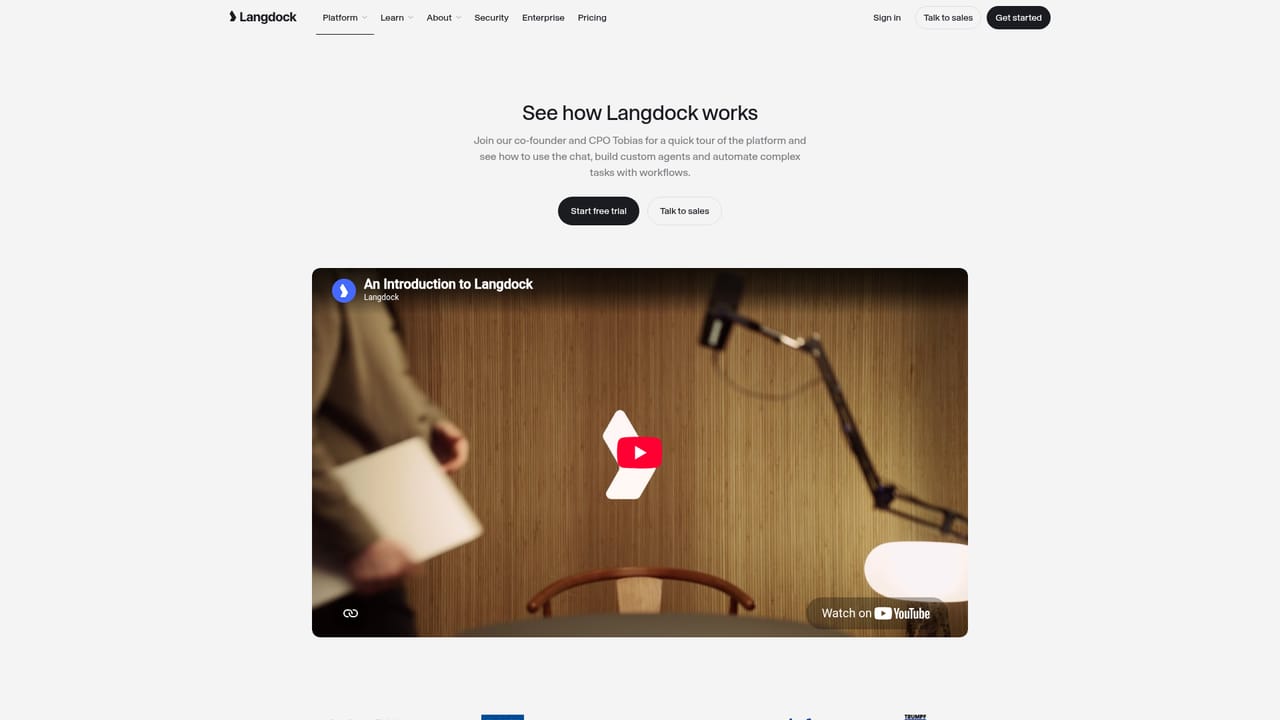
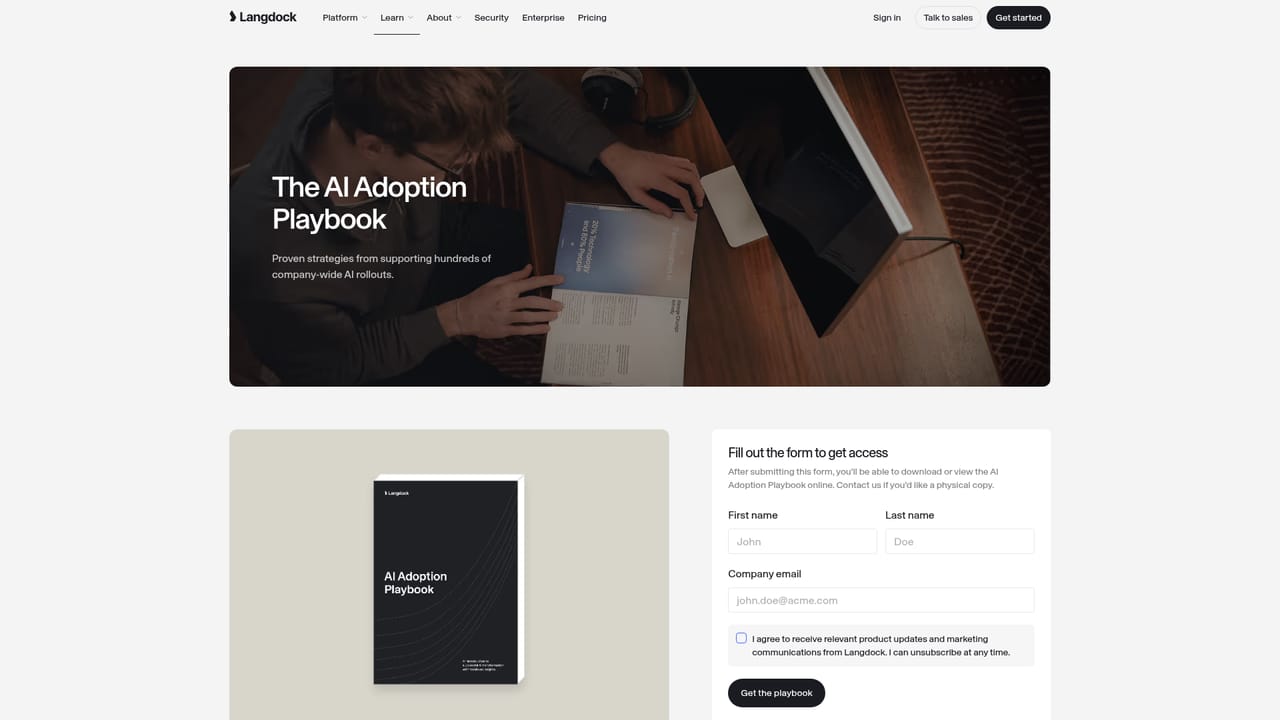
Langdock is a platform for rolling out AI across a whole company rather than one desk at a time. Its core is a model agnostic chat interface: staff pick from the leading language models on the market without being tied to a single vendor. On top of that sit Workflows for building AI automations, Agents for recurring tasks, an API for connecting internal applications, and integrations with tools teams already use. The claim is an all in one stack that stays simple for business users while leaving room for advanced use cases built by technical teams. The product is aimed at organizations rather than individuals. Central governance and admin controls, tailored branding (Merck runs its instance as a "myGPT Suite"), and security first hosting in Europe are the features that matter to IT and compliance leads. Deployment is flexible: cloud or on premise, with custom deployment offered from 1,000 seats upward. Open standards for custom tools, agents and interfaces are built in, so the platform can slot into an existing stack instead of replacing it. Reference customers include large enterprises such as Merck, which reports more than 33,000 monthly active users, alongside Würth, Trumpf, Eppendorf, Süddeutsche and UNICEF. In practice, an admin sets up the workspace, picks the models, connects the tools and defines access, then employees use chat for daily work while power users assemble workflows and agents for repetitive processes. The API and interoperability layer let internal developers extend the same environment. Compared with consumer chat subscriptions, Langdock trades a narrower feature set for control: no model lock-in, European hosting, admin oversight, and one bill and one policy for the whole company. Organizations that only need a handful of seats and no governance will find the setup heavier than a plain chatbot subscription. Those scaling past ad hoc experiments will find the adoption playbook and product tour useful for planning a rollout.
A free trial can be started directly from the signup page. Duration, seat limits and included features are not stated on the homepage, so confirm terms with sales before rolling it out to a team.
Learn moreSupport runs through documentation and a sales channel for organizations. The homepage names no phone line, SLA tiers or dedicated support plans, which are likely discussed during a sales conversation or set out in the docs.
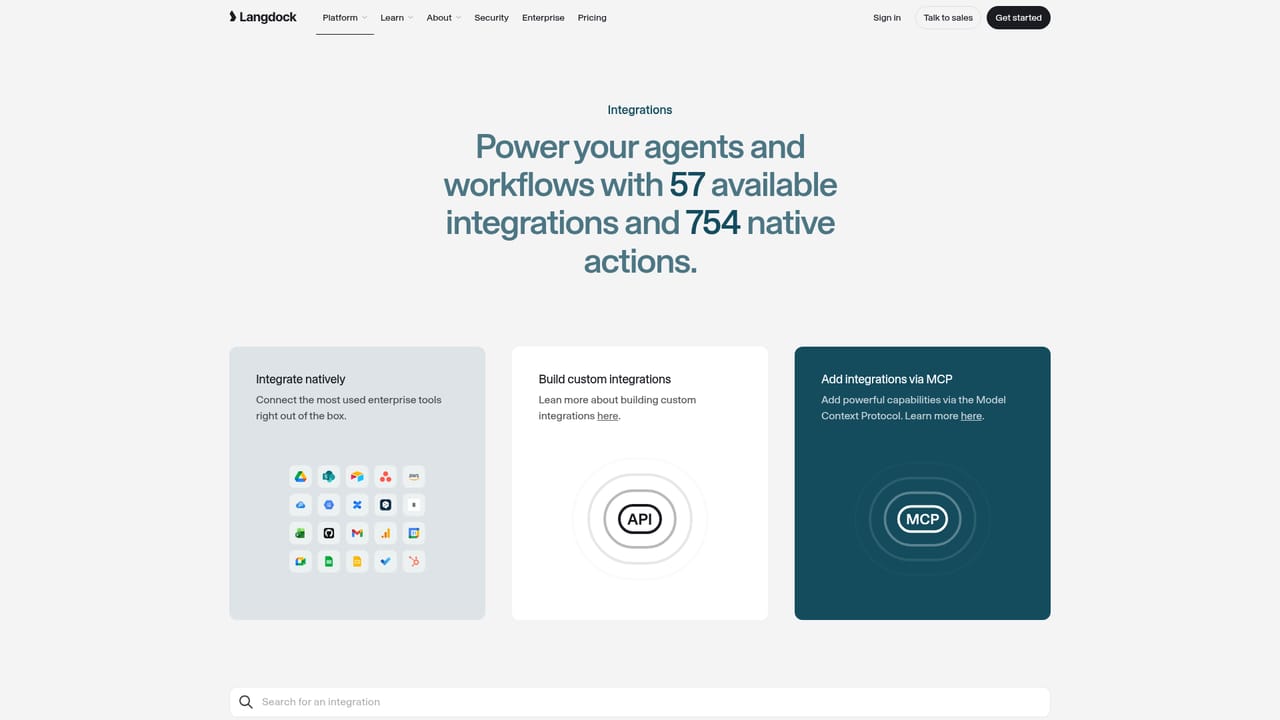
Learn moreLangdock advertises integrations with the tools companies already use and open standards for custom tools, agents and interfaces. A specific connector list is not given on the homepage, so check the integrations page for the current catalogue.
Learn moreModel agnostic chat for every employee, workflows for AI automations, custom agents for recurring tasks, integrations with existing tools, and an API for internal applications. The platform adds central governance and admin controls, custom branding, open standards for custom tools and agents, European hosting, and deployment in the cloud or on premise.
Learn more AI Angels400+ customizable AI girlfriends for NSFW chat, voice calls, and roleplay
 Candy AIExperience the future of companionship with AI friends who chat, role-play, and connect with you on a human level.
 ourdream.aiA vast AI roleplay platform with millions of characters for chat, images, video and voiceAI Angels400+ customizable AI girlfriends for NSFW chat, voice calls, and roleplayCandy AIExperience the future of companionship with AI friends who chat, role-play, and connect with you on a human level.ourdream.aiA vast AI roleplay platform with millions of characters for chat, images, video and voice


