Pricing
The homepage does not list plan tiers or per seat prices. It points to a pricing page promising flexible terms and lower per word pricing, and directs buyers to request a demo, so expect a quoted enterprise contract.
Learn moreAI translation built into the support tools your agents already use
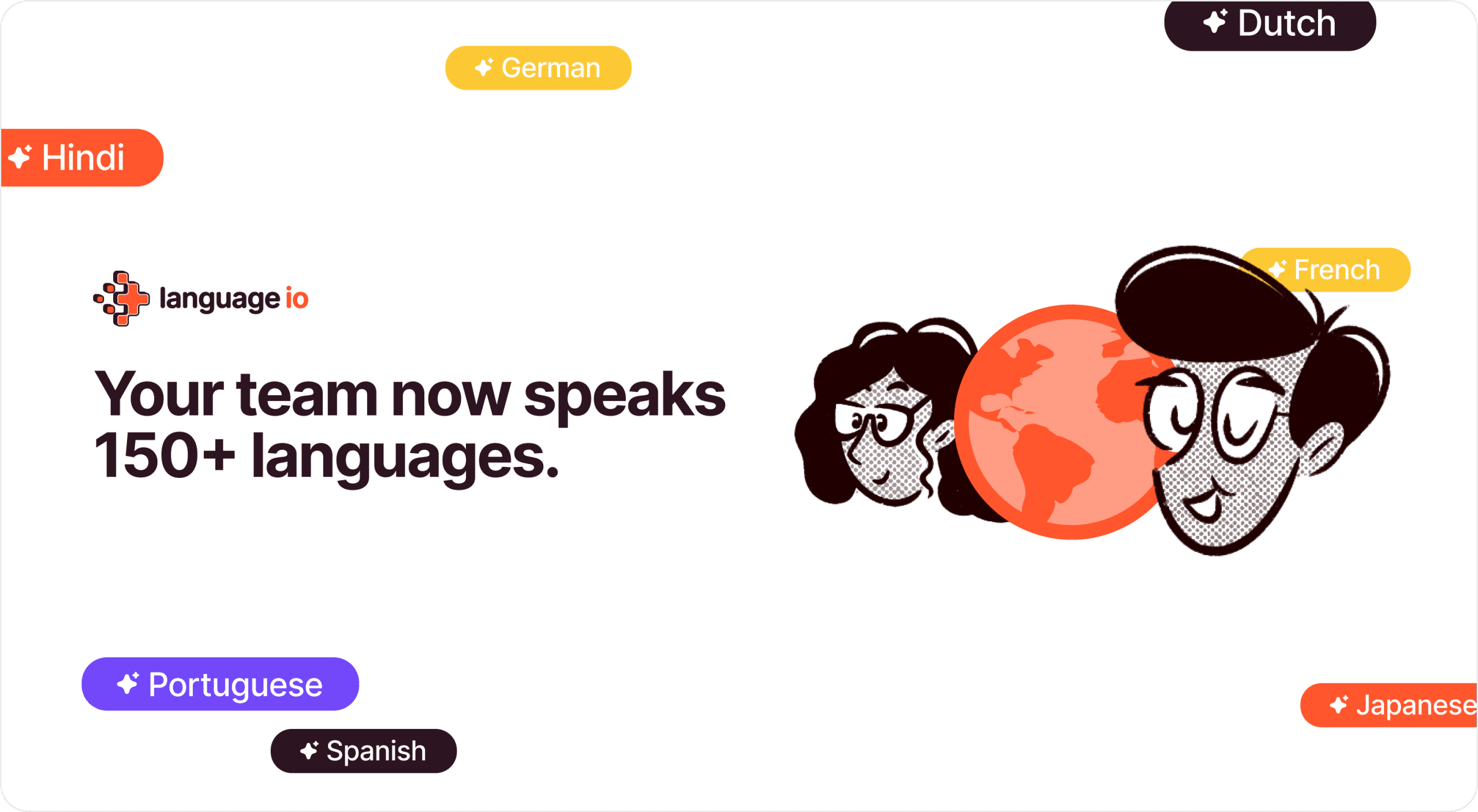
Language I/O is a formal language conversion tool. Enterprise AI translation that runs inside Salesforce, Zendesk, ServiceNow, Oracle and Intercom, letting a single support team handle chats and voice conversations in more than 150 languages with zero data retention and compliance safeguards.
Language I/O is an enterprise translation layer for customer support. Instead of asking agents to work inside a separate translation tool, it plugs into the help desk, CRM and browser where conversations already happen, then translates incoming and outgoing messages across more than 150 languages. The pitch is operational rather than consumer facing: one agent pool can serve every market, and the org chart does not need to grow to cover new regions. The product covers the main channels of a support desk. Chat and voice translation are handled separately, and a machine translation API is offered for teams that want to call the engine from their own systems. A Chrome extension extends the same capability to web based tools outside the supported platform list. Context aware translation is the core technical claim, meaning the engine is meant to account for the surrounding conversation rather than translating sentence by sentence in isolation, and brand voice is treated as something to preserve across markets. Security is a large part of the sales story. Language I/O states that it operates with zero data retention, gives customers governance over AI usage with no third party surprises, and builds in safeguards for GDPR, HIPAA and other data regulations. That positioning targets finance, healthcare and government buyers, plus any team that cannot send customer conversations to an unvetted model provider. A separate Toxicity Shield feature screens toxic language so agents are protected from abusive content. This is a fit for mid market and enterprise support organizations with multilingual ticket volume, not for individuals looking for a quick document translator. Deployment is advertised as under a day with no heavy setup or training. Alternatives tend to be generic machine translation APIs that require in house glue work, or human translation vendors that are slower and priced per word. Language I/O sits between them: automated, integrated and contract priced rather than metered.
The homepage does not list plan tiers or per seat prices. It points to a pricing page promising flexible terms and lower per word pricing, and directs buyers to request a demo, so expect a quoted enterprise contract.
Learn moreNative integrations for Salesforce, ServiceNow, Zendesk, Oracle and Intercom, plus a Chrome extension for browser based tools and a machine translation API for custom systems.
Learn moreReal time AI translation for chat and voice in over 150 languages, delivered inside existing CRM and help desk tools. Includes context aware translation, brand voice preservation, a machine translation API, a Chrome extension for other web tools, Toxicity Shield for screening abusive language, and security controls covering zero data retention, AI governance and GDPR or HIPAA safeguards.
Learn more AI Angels400+ customizable AI girlfriends for NSFW chat, voice calls, and roleplay
 Candy AIExperience the future of companionship with AI friends who chat, role-play, and connect with you on a human level.
 ourdream.aiA vast AI roleplay platform with millions of characters for chat, images, video and voiceAI Angels400+ customizable AI girlfriends for NSFW chat, voice calls, and roleplayCandy AIExperience the future of companionship with AI friends who chat, role-play, and connect with you on a human level.ourdream.aiA vast AI roleplay platform with millions of characters for chat, images, video and voice