Integrations
Supported connections include Sideshift UGC, ChatGPT Ads, RevenueCat, Stripe, PostHog, Google Ads, Apple Search Ads, Google Play, Amplitude, Segment and Slack, plus native social, ad account, App Store Connect and GitHub sources.
You build the app. Layers finds the people who install it.

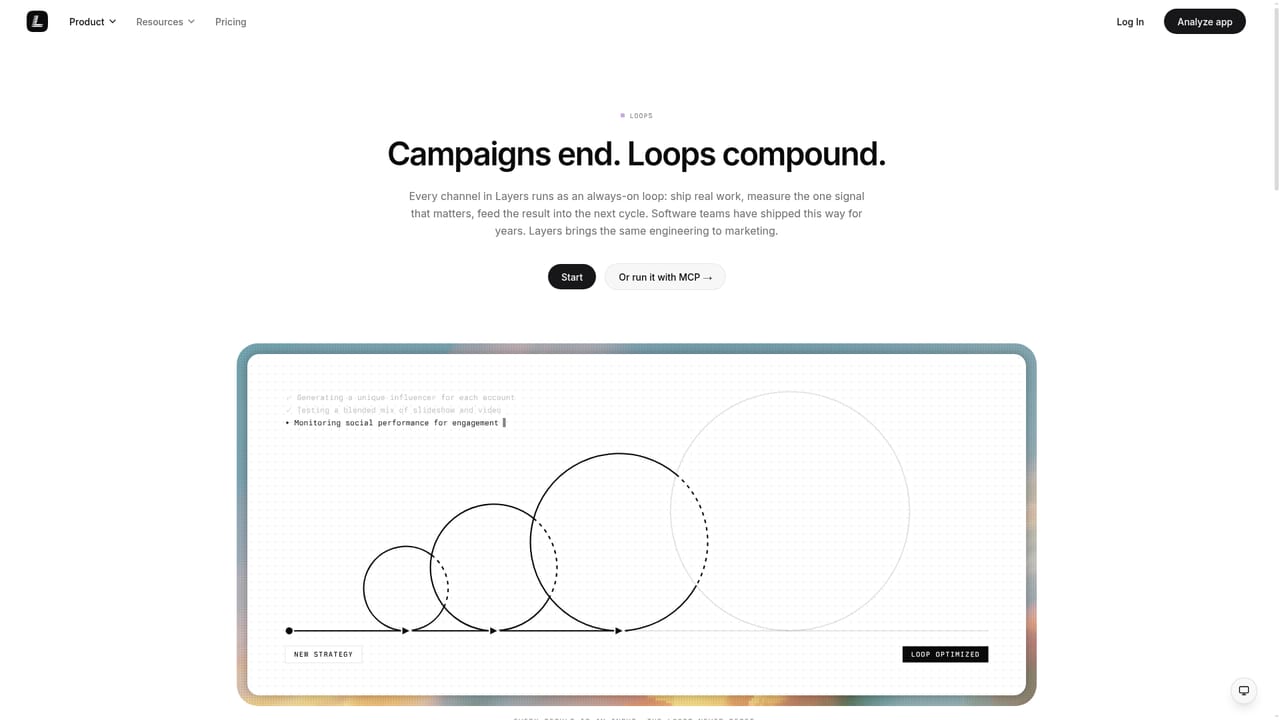
Layers is a layer separation tool. Layers connects social, trend, ad, App Store, SDK and GitHub signals into one growth loop for app teams. It turns organic outliers into paid tests and creator briefs, then traces results back to installs, trials and revenue through a dedicated set of marketing agents.
Layers is a growth platform for app teams that treats marketing as a loop rather than a set of disconnected channels. It pulls signals from social accounts, trend research, ad accounts, App Store Connect, the Layers SDK and GitHub, then routes what it learns back into content briefs, paid spend and store page changes. The premise is simple: an organic post that beats its own baseline becomes a test, a test that repeats becomes a paid campaign and a creator brief, and the loop closes when the SDK reports which hook actually produced installs, trials and revenue. Seven connectors form the backbone. Social accounts are scored against each account's own baseline instead of a global average, so an outlier stands out even on a small following. Trend research surfaces what is climbing in a category before it peaks. Ad accounts are read per creative rather than per campaign, which exposes fatigue at the asset level. App Store Connect data breaks conversion down by traffic source and search term. The Layers SDK tracks what happens after the tap (install, first session, activation), and GitHub reads commits and releases so launches stay in step with the product. A wider set of integrations covers RevenueCat, Stripe, PostHog, Google Ads, Apple Search Ads, Google Play, Amplitude, Segment, Slack, ChatGPT Ads and Sideshift UGC. The product is organised around named agents. Content Agent turns one proven hook into a month of material. Strategy Agent decides what to make before anything is produced. Ads Agent pushes budget behind what already works. Social Agent posts, measures and retests. ASO Agent aligns the store page with the promise the content made, and Measurement Agent traces a post through to revenue. This is aimed at small product and growth teams at app companies, especially studios without a dedicated analyst. Onboarding starts with a single link: a website, an App Store page or a repository. Teams that already run separate social, paid and ASO tools will find the value here in the shared feedback path between them.
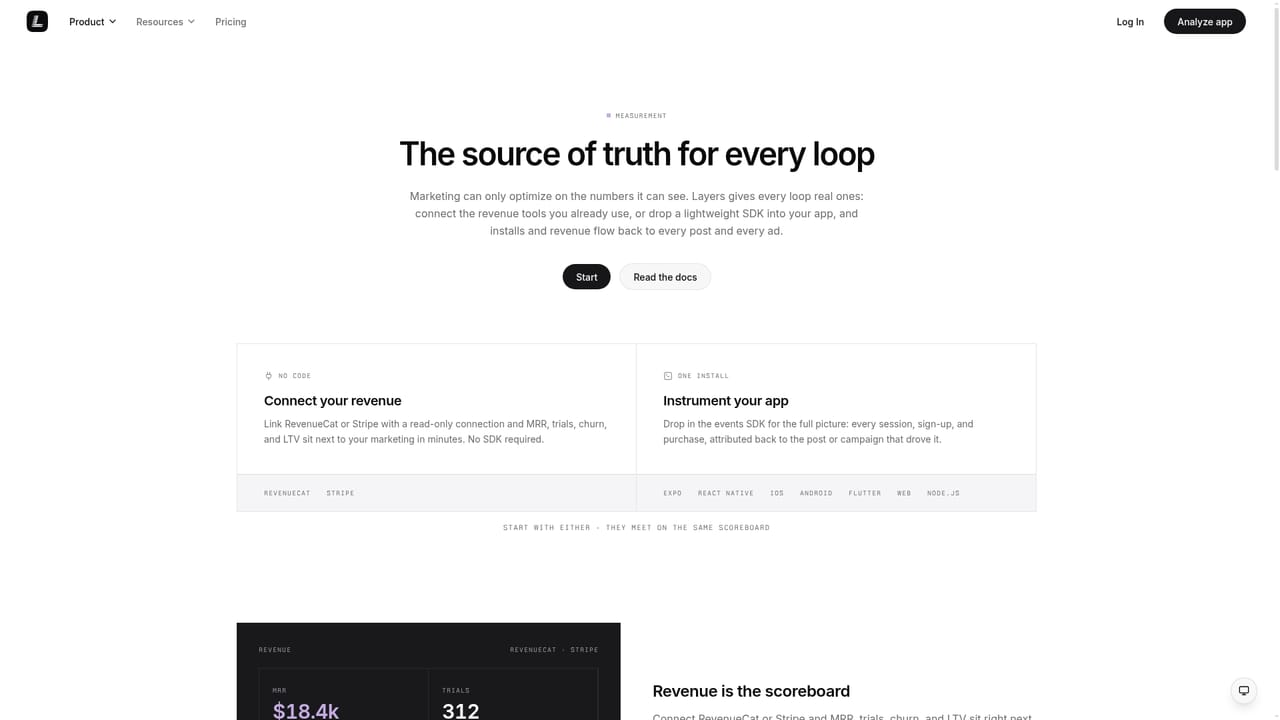
Supported connections include Sideshift UGC, ChatGPT Ads, RevenueCat, Stripe, PostHog, Google Ads, Apple Search Ads, Google Play, Amplitude, Segment and Slack, plus native social, ad account, App Store Connect and GitHub sources.
Connects social accounts, trend research, ad accounts, App Store Connect, the Layers SDK and GitHub into one loop. Social posts are scored against each account's own baseline, ads are analysed per creative, and App Store conversion is broken down by source and search term. Named agents handle content, strategy, ads, social, ASO, listening, measurement and research.
Learn more AI Angels400+ customizable AI girlfriends for NSFW chat, voice calls, and roleplay
 Candy AIExperience the future of companionship with AI friends who chat, role-play, and connect with you on a human level.
 ourdream.aiA vast AI roleplay platform with millions of characters for chat, images, video and voiceAI Angels400+ customizable AI girlfriends for NSFW chat, voice calls, and roleplayCandy AIExperience the future of companionship with AI friends who chat, role-play, and connect with you on a human level.ourdream.aiA vast AI roleplay platform with millions of characters for chat, images, video and voice