Free trial
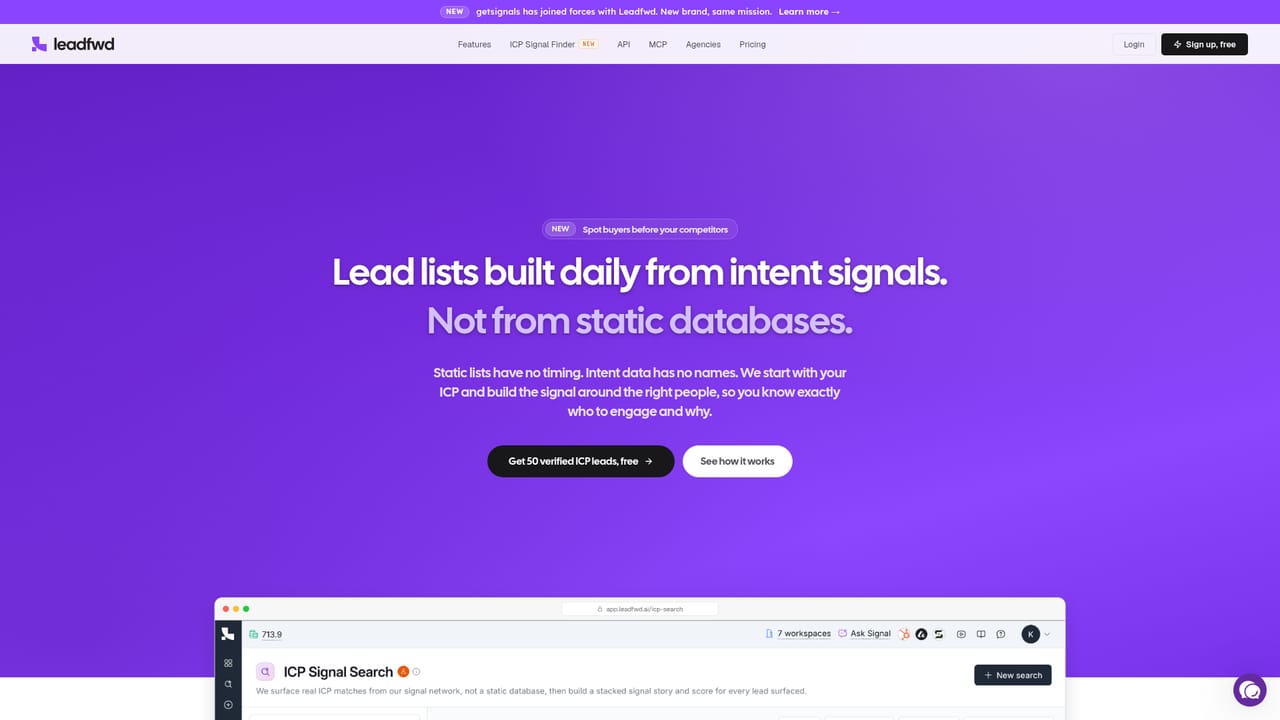
The homepage offers 50 verified ICP leads free at signup, which functions as a no-cost entry point, though no trial length or paid plan details are stated.
Learn moreFind ICP-fit buyers, stack their signals, and let AI agents start the conversation.

Leadfwd is a lead generation tool that finds ICP-fit buyers, stack their signals, and let AI agents start the conversation. Signal-led outbound platform that searches for ICP-fit leads, stacks buying signals with scored briefs and outreach hooks, runs social and email in one sequence, and lets Reply AI handle replies until a human closes.
Leadfwd is an outbound sales platform built around a different starting point than most prospecting tools: the ideal customer profile comes first, and engagement follows. Users describe their ICP in plain language (for example, marketing leaders at Y Combinator backed SaaS companies in the US), and the signal network returns matching leads scored from 0 to 100 on how closely their activity lines up with the pain the product solves. The scoring is not a generic fit score. Each lead carries a brief explaining the reasoning, a value-to-pain hook written from what the person actually said, and a suggested timing window for outreach. Context comes from two layers. The first is what the prospect is saying: posts, comments and the problems named in their own words, tagged with signals such as process frustration, tool evaluation, vendor migration or complaints. The second is what their company is doing: fundraising, hiring, launches, leadership changes, partnership announcements and geographic expansion, with users able to choose which open roles to watch. High signals mean engage now, medium means lead with the pain, and low fits still fits the ICP and can be parked on a Watchlist until the signal turns. Outreach and reply handling sit in the same product. One campaign can mix social steps (view profile, follow, react, comment, endorse a skill, connection invite, direct message, voice note, InMail) with email steps, and AI writes email copy from the lead research with waits between touches. Sender rotation spreads sending across several mailboxes and linked social accounts, while daily limits, organic ramp-up, randomized limits, human-like delays and spintax guard deliverability. Reply AI then carries the conversation until a human needs to close it, and booked meetings land on the calendar. Leadfwd fits sales teams, growth marketers and agencies that already know who they sell to and want signal-led lists rather than bulk databases. Infrastructure teams can wire it into their own stack through the API or MCP, which onboards the agent into Claude, ChatGPT or Cursor. CRM syncs push social signals into Salesforce, Attio, HubSpot and SugarAI, so enrichment lands where records already live.
The homepage offers 50 verified ICP leads free at signup, which functions as a no-cost entry point, though no trial length or paid plan details are stated.
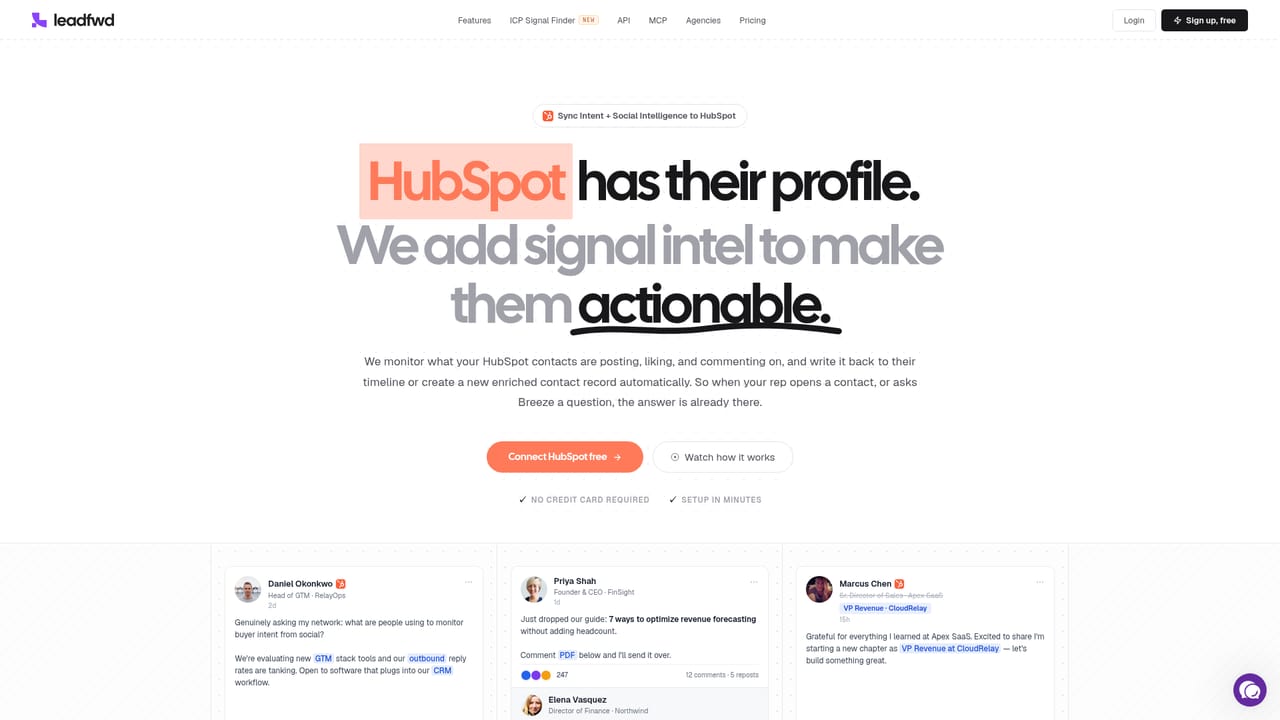
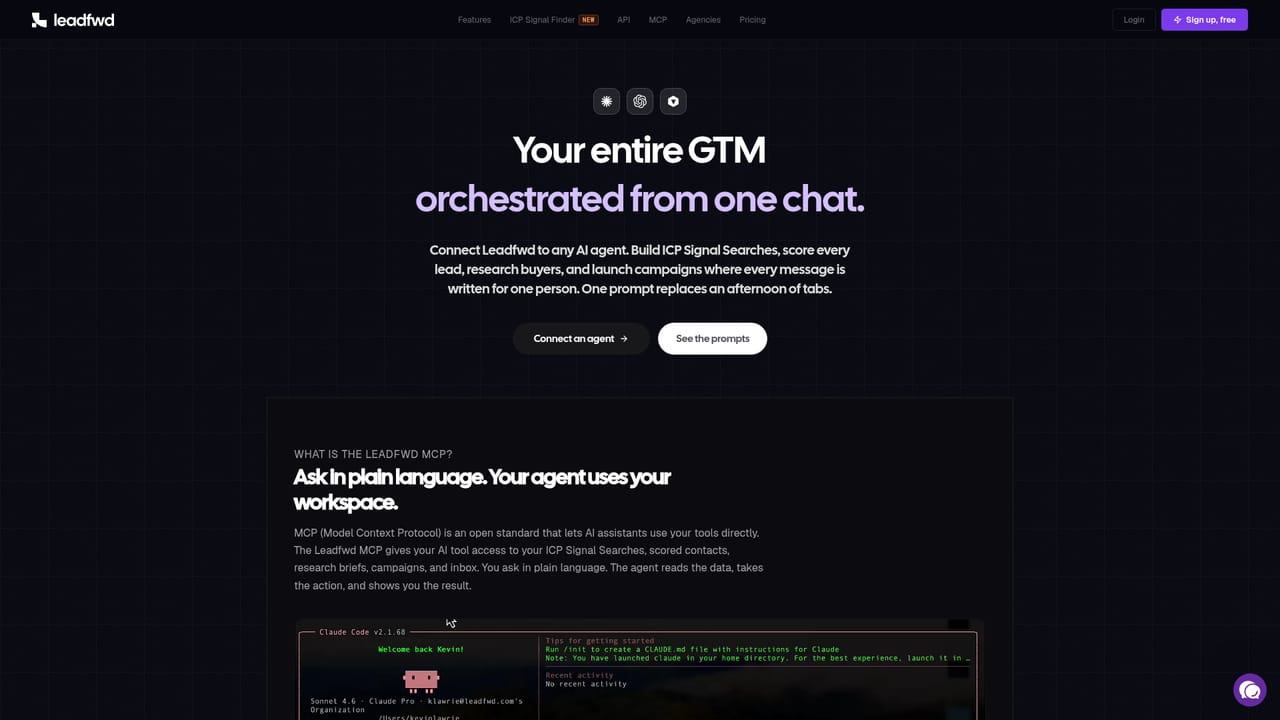
Learn moreCRM syncs are listed for Salesforce (beta), Attio, HubSpot and SugarAI (beta). ICP search results can also route to Sheets, HubSpot and webhooks, and MCP connects the agent to Claude, ChatGPT and Cursor.
Learn moreCore pieces are the ICP Signal Finder with plain language search and territory filters, stacked signals drawn from posts, comments and company events, a 0 to 100 Signal Strength score with per-lead hooks and timing windows, one campaign flow spanning social and email steps, Reply AI for handling responses, sender rotation plus daily limits and ramp-up protections, and API and MCP access.
Learn more AI Angels400+ customizable AI girlfriends for NSFW chat, voice calls, and roleplay
 Candy AIExperience the future of companionship with AI friends who chat, role-play, and connect with you on a human level.
 ourdream.aiA vast AI roleplay platform with millions of characters for chat, images, video and voiceAI Angels400+ customizable AI girlfriends for NSFW chat, voice calls, and roleplayCandy AIExperience the future of companionship with AI friends who chat, role-play, and connect with you on a human level.ourdream.aiA vast AI roleplay platform with millions of characters for chat, images, video and voice


