Support
Help content is organised as a FAQ library covering free usage, active recall, the AI mentor, imports, the Web Clipper and Quick Quizzes. No live chat or contact channel is listed on the homepage.
Learn moreScience backed study app built on active recall and spaced repetition

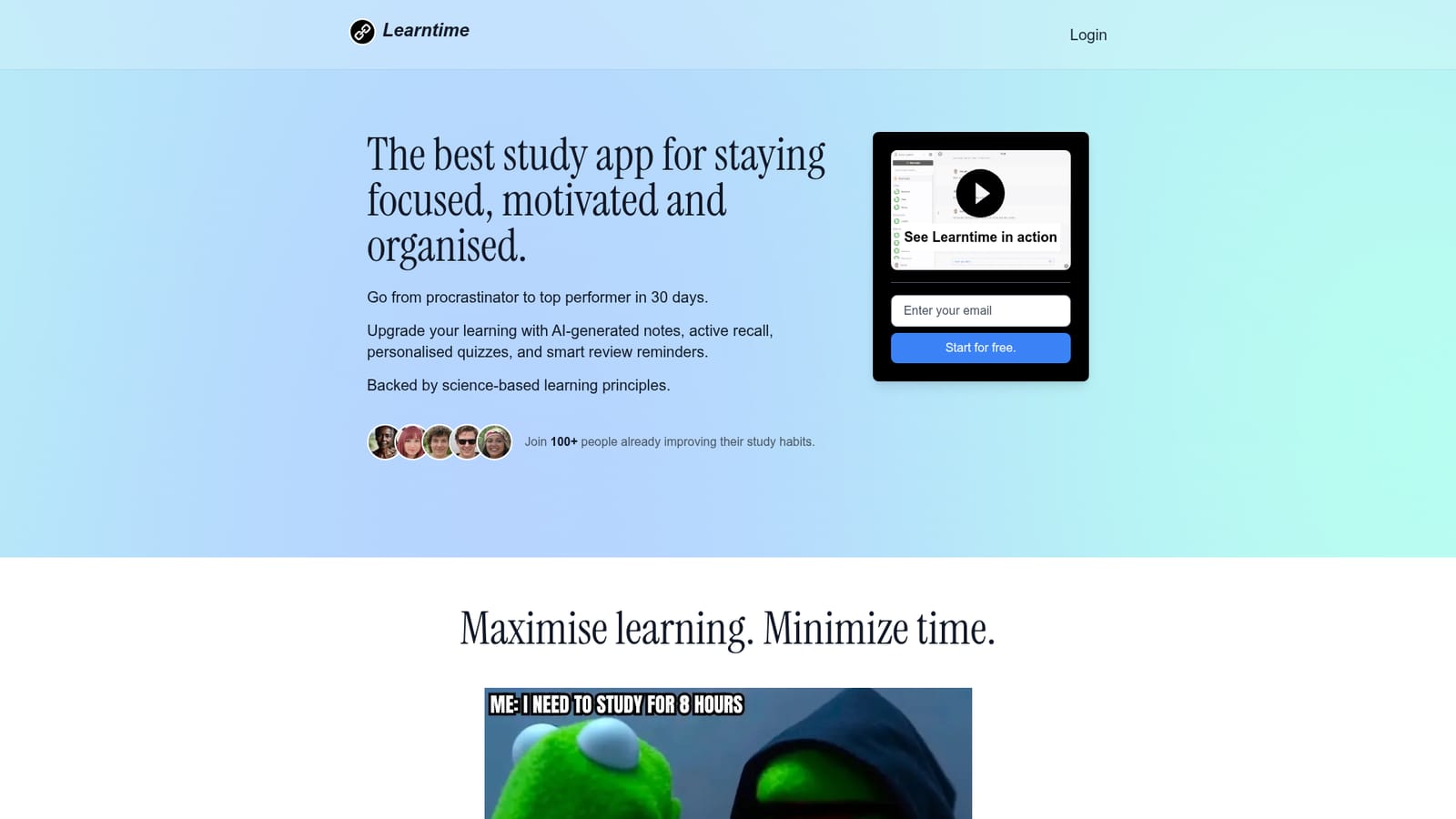
Learntime is an open source study app that pairs an AI study mentor with active recall sessions, spaced repetition scheduling and short targeted quizzes. You capture material as topics, explain them from memory, and get hints, feedback and email reminders timed to when you are about to forget.
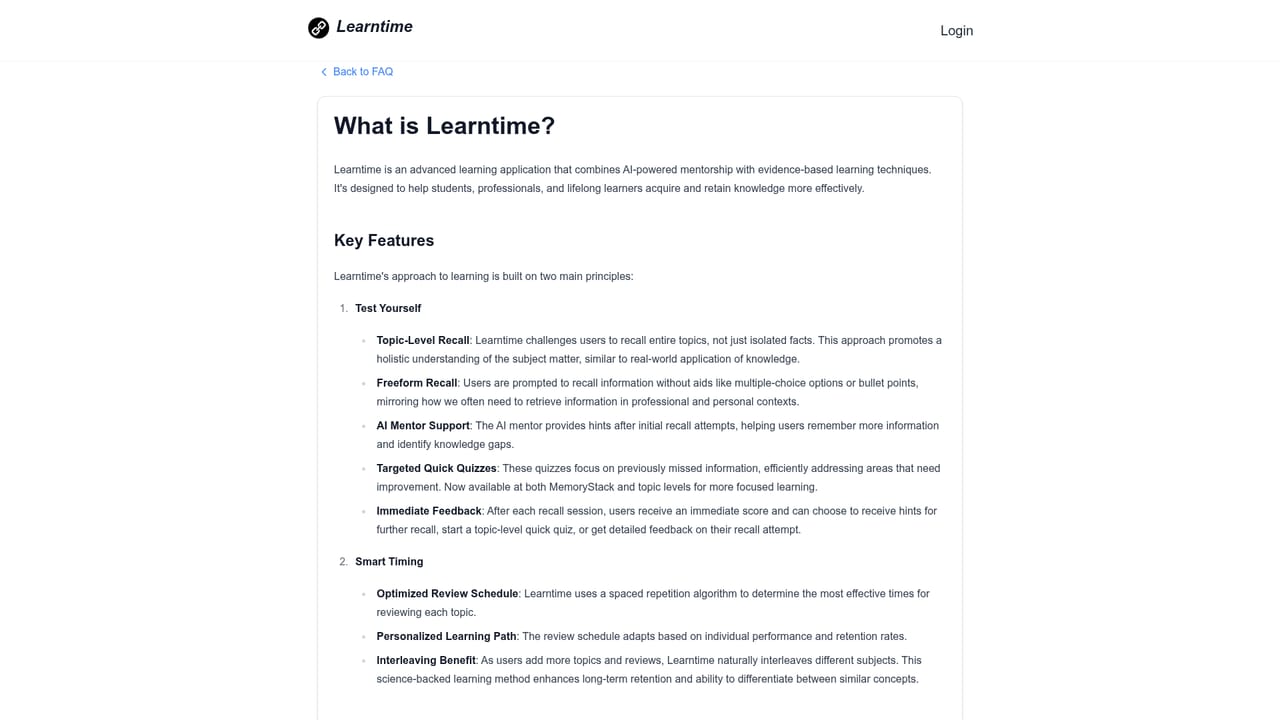
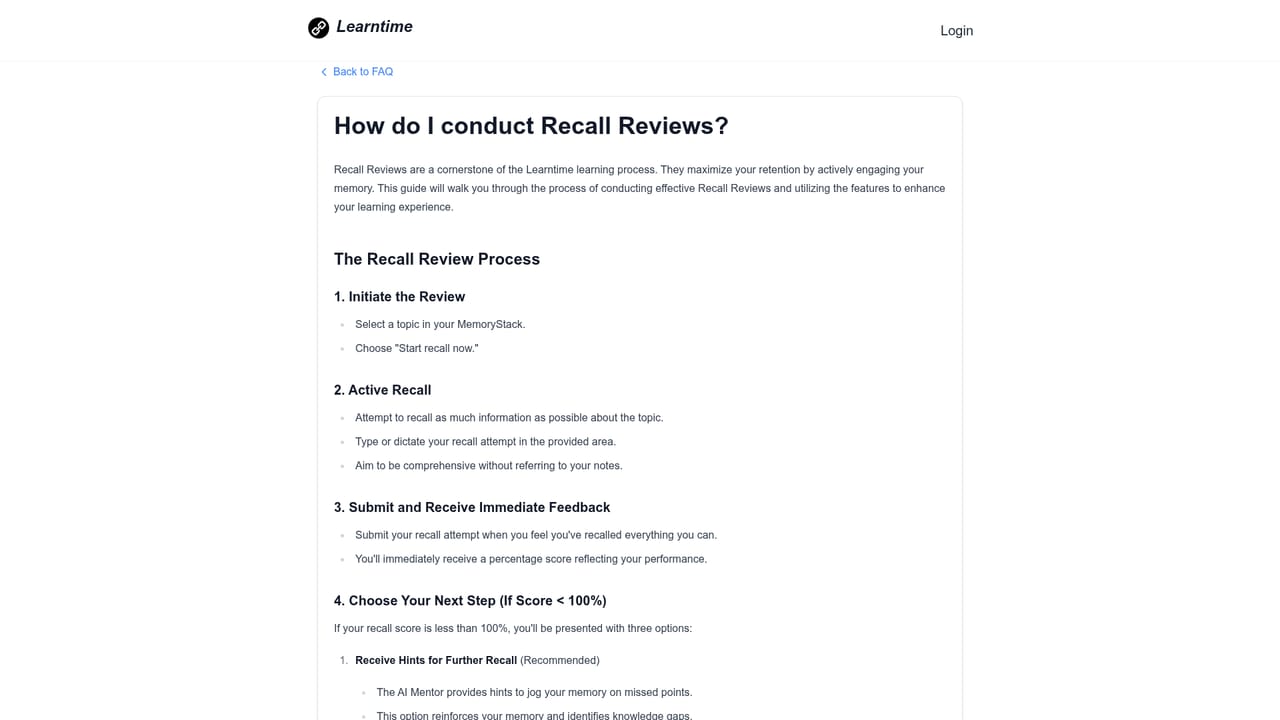
Learntime is a study application that combines active recall training with spaced repetition and an AI mentor. Instead of building flashcard decks, you capture material as topics, then test yourself by typing or speaking everything you remember about a topic without any cues. The AI mentor reviews that free recall attempt, offers hints when you stall, and gives feedback so gaps get corrected rather than quietly memorised. The workflow follows a deliberate protocol. New information goes in right after a lecture or reading session, ideally organised into clear topics. A first recall pass within the hour is recommended, since the app claims this can strengthen retention substantially. After that, Learntime analyses your performance and schedules reviews at the point it predicts you are about to forget, sending email reminders when a session is due. Quick Quizzes add a second layer: short targeted questions that surface weak spots so study time goes where it is actually needed. The tool suits university students, professional exam candidates, and self directed learners working through dense subjects such as biochemistry or law, where understanding relationships between concepts matters more than isolated definitions. It also fits people who have tried flashcard systems and found deck maintenance tedious, or who already have notes and study material they want to keep using. Where Learntime diverges from adjacent options: classic spaced repetition tools like Anki and Quizlet centre on card creation and grading, while Learntime centres on unprompted explanation of whole topics. Its AI mentor is positioned as a study specific coach rather than a general chatbot, so the guidance stays tied to your own material instead of open ended conversation. General note tools store information; Learntime is designed to interrogate whether you actually retained it. The project is open source, which matters for learners who want to inspect or adapt the software.
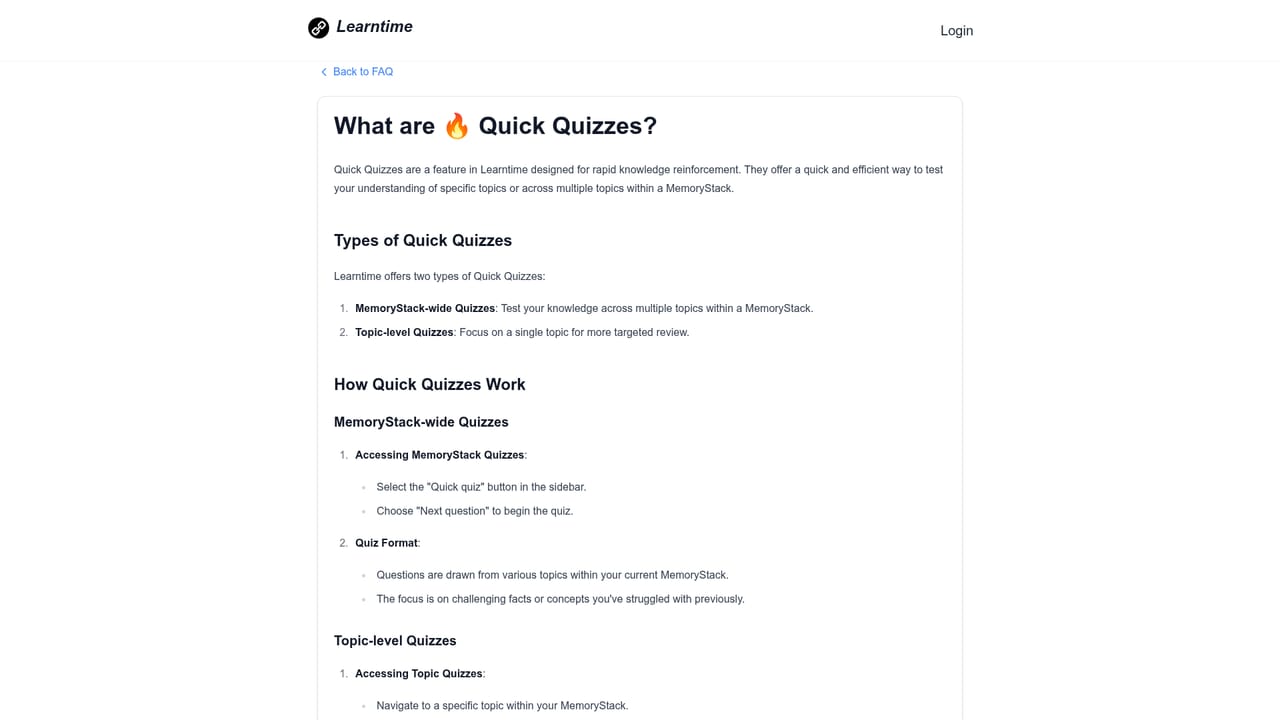
Help content is organised as a FAQ library covering free usage, active recall, the AI mentor, imports, the Web Clipper and Quick Quizzes. No live chat or contact channel is listed on the homepage.
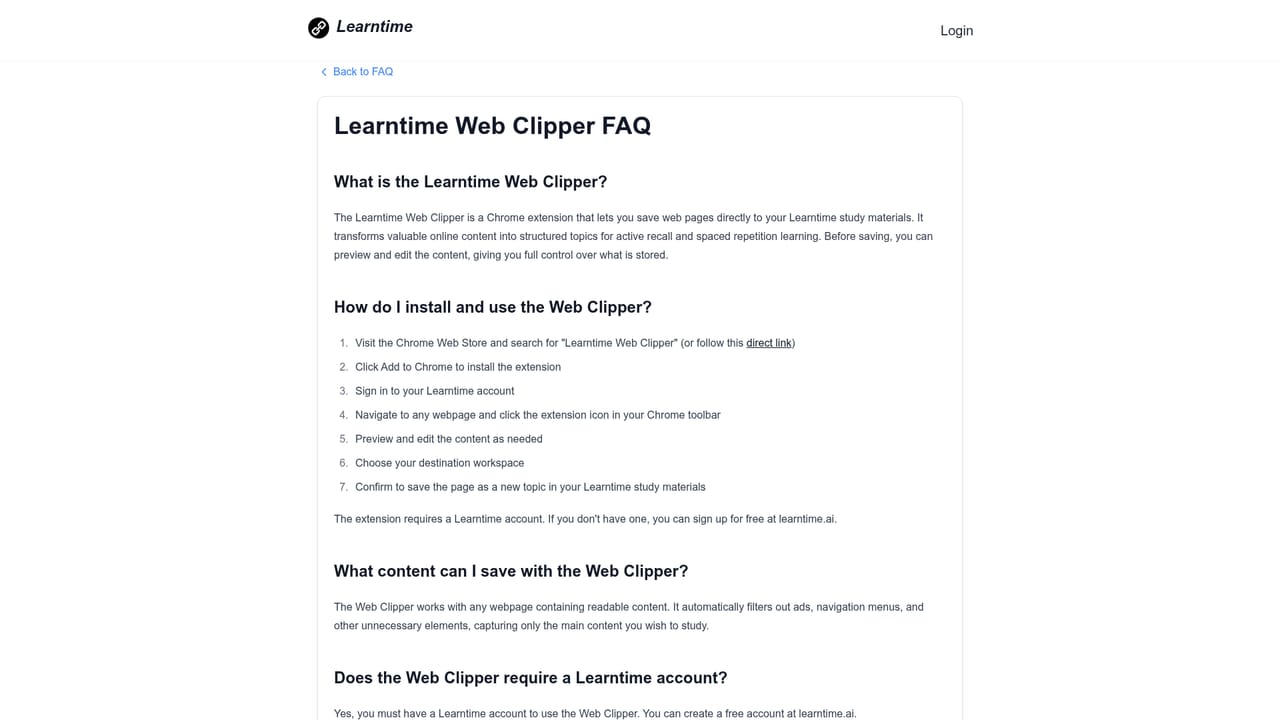
Learn moreA Chrome extension called Web Clipper saves web pages directly into your topics. No other integrations are described on the homepage.
Learn moreTopic based learning that builds connections between concepts, active recall sessions where you explain material without cues, AI mentor hints and feedback, spaced repetition scheduling with email reminders, and Quick Quizzes for targeting weak areas. The project is open source.
Learn more AI Angels400+ customizable AI girlfriends for NSFW chat, voice calls, and roleplay
 Candy AIExperience the future of companionship with AI friends who chat, role-play, and connect with you on a human level.
 ourdream.aiA vast AI roleplay platform with millions of characters for chat, images, video and voiceAI Angels400+ customizable AI girlfriends for NSFW chat, voice calls, and roleplayCandy AIExperience the future of companionship with AI friends who chat, role-play, and connect with you on a human level.ourdream.aiA vast AI roleplay platform with millions of characters for chat, images, video and voice


