Free trial
14 day free trial with no credit card required. It starts with 10 pages, and completing one listed action raises the allowance to 200 pages; email forwarding is included during the trial.
Learn moreTurn PDF bank statements into clean Excel, CSV and QBO rows

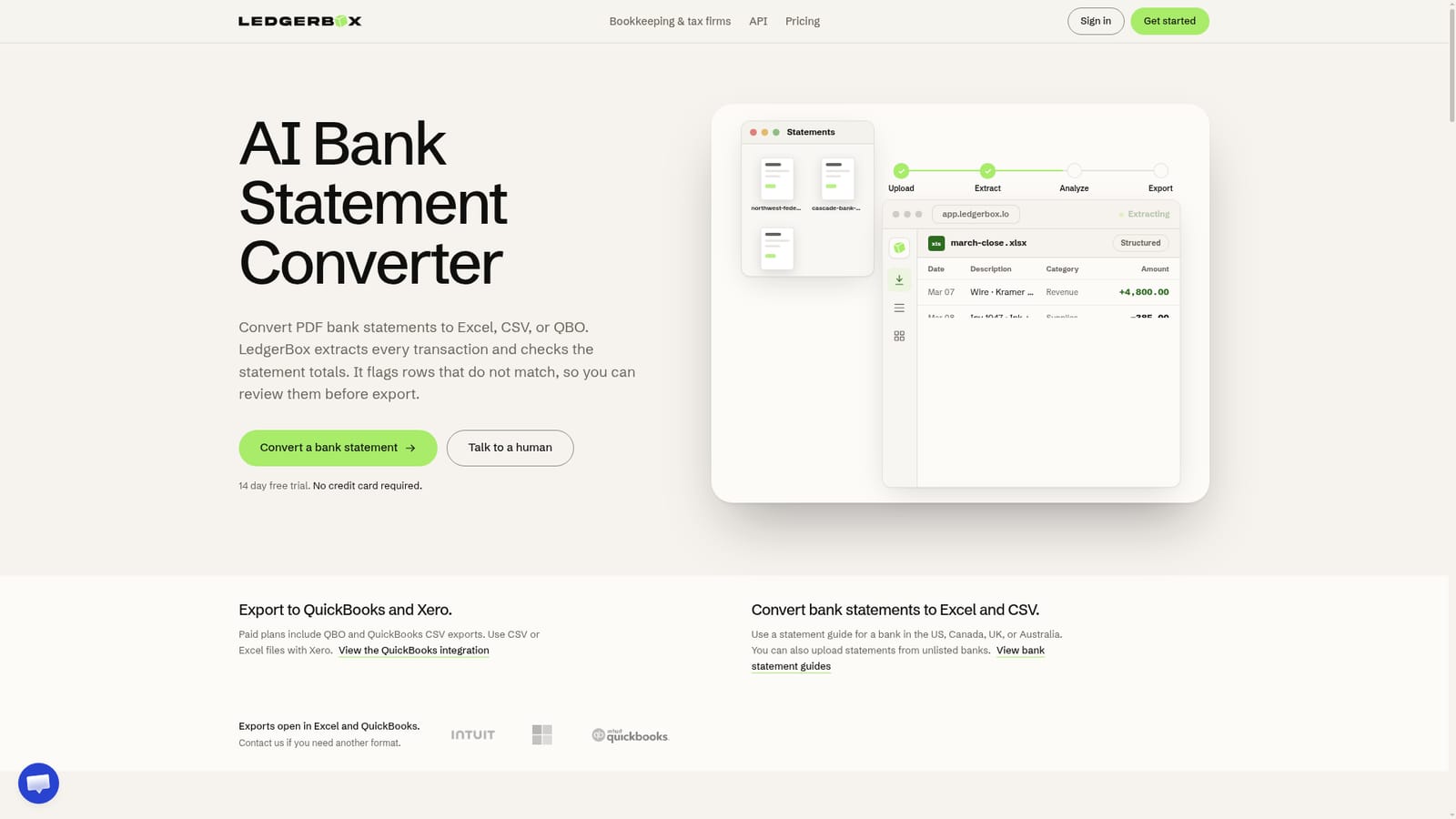
LedgerBox is an accounting journal entries tool that turns PDF bank statements into clean Excel, CSV and QBO rows. LedgerBox converts PDF and image bank statements into Excel, CSV, QBO and JSON files, checking statement totals and flagging rows that fail verification before export.
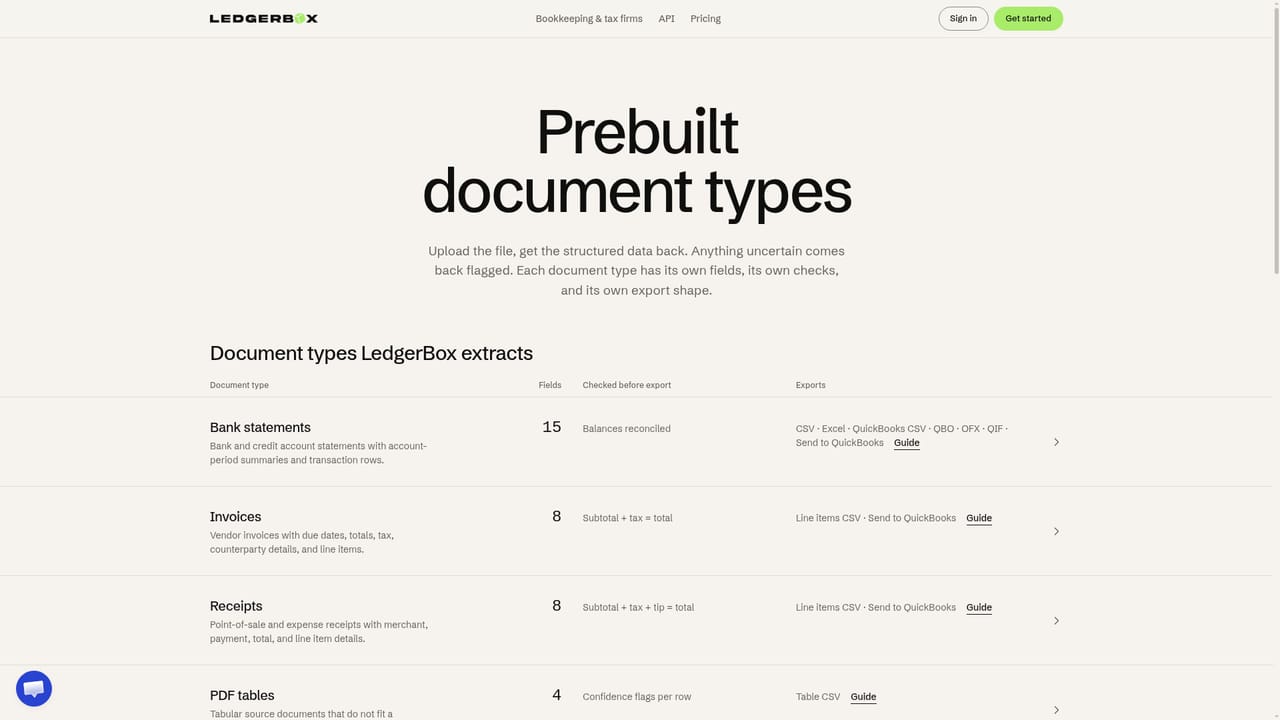
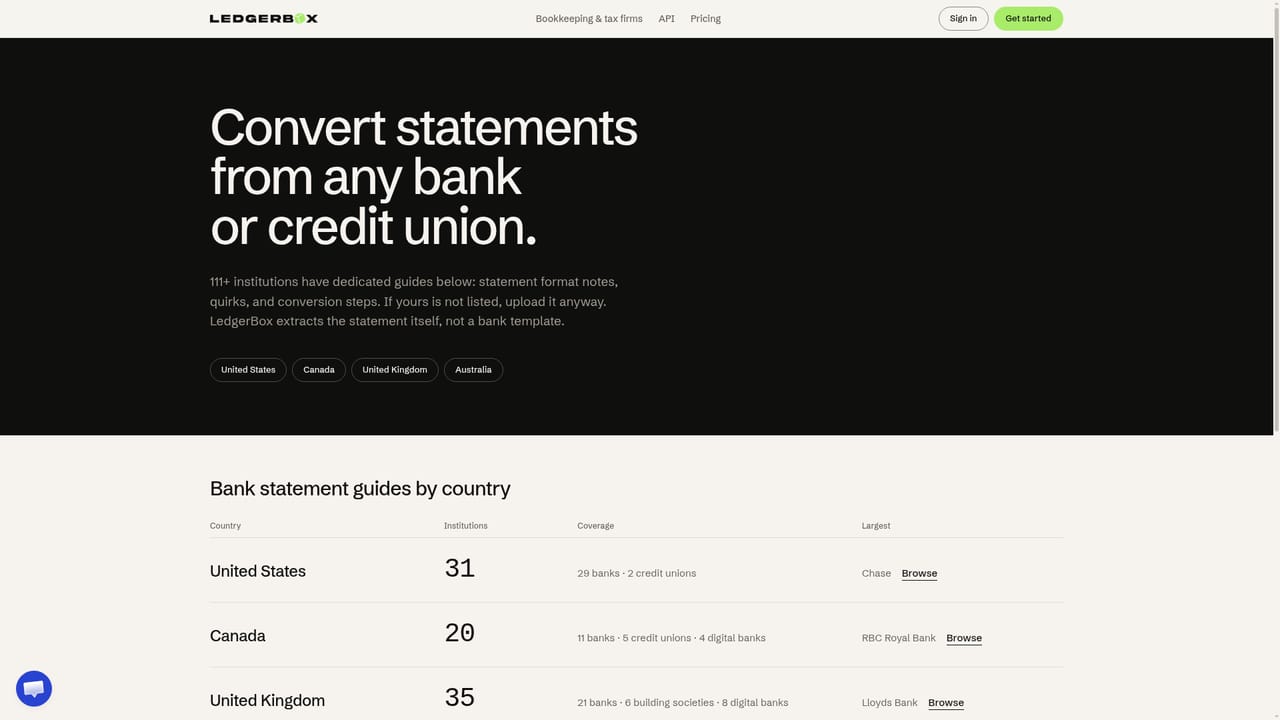
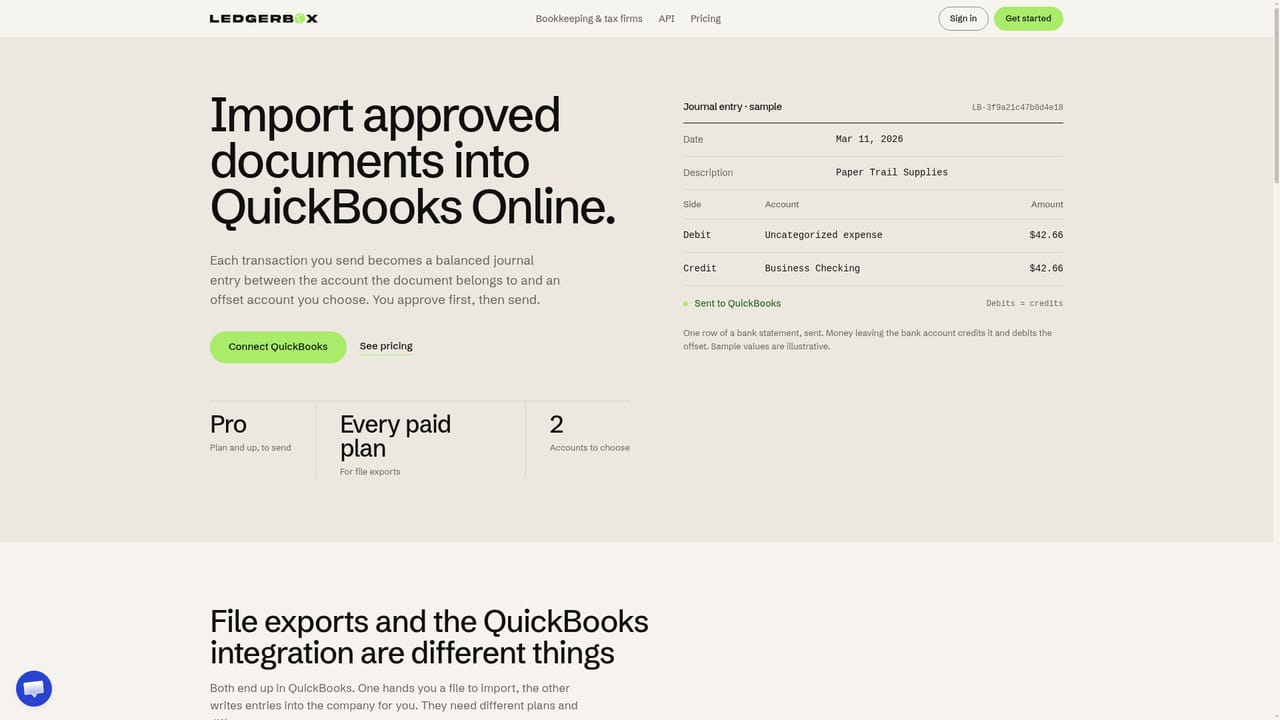
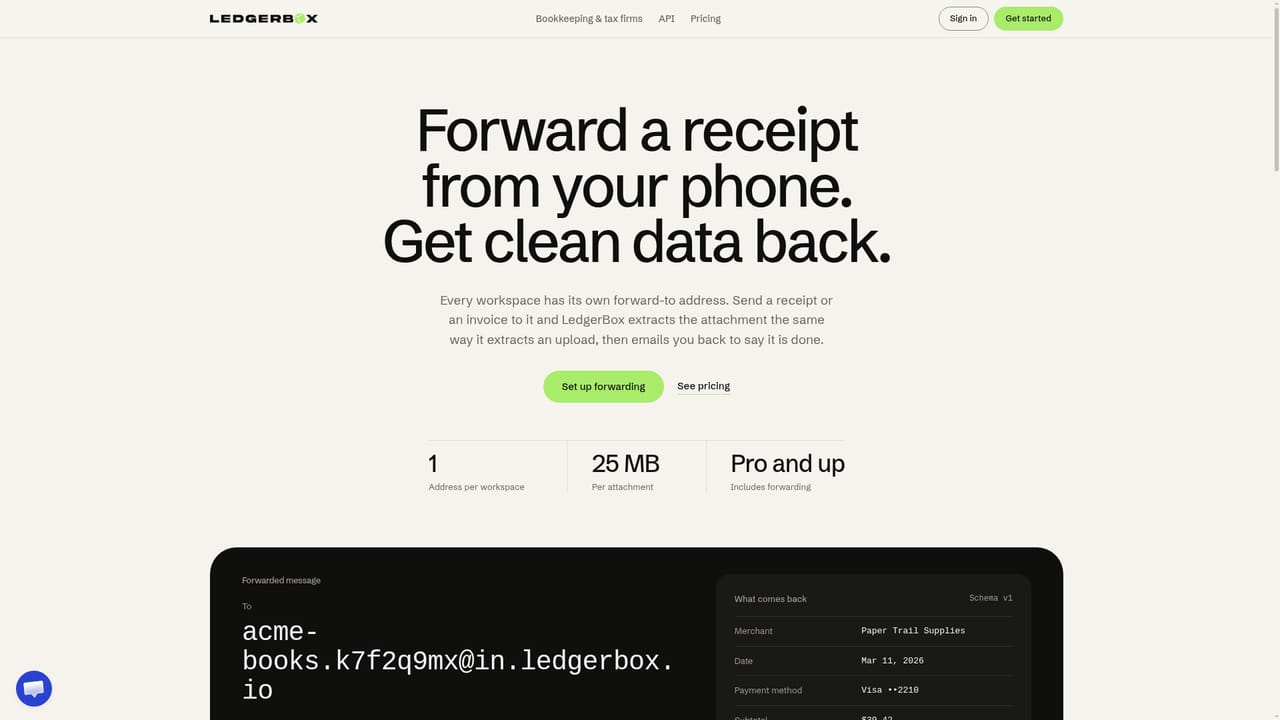
LedgerBox is a browser-based document extraction tool built around one specific job: getting transaction data out of PDF and image bank statements and into a spreadsheet or accounting file without retyping. Upload a statement and the tool detects the table structure, aligns the columns and pulls each line item as printed, including separate date, description, debit, credit and balance fields. The company is explicit that it does not invent categories: the output reflects what is on the page, and anything it cannot verify gets flagged rather than guessed. The reconciliation layer is the part that separates it from plain OCR. LedgerBox checks the statement totals and row balances, marking the document as reconciled when the arithmetic holds. Rows that do not tie out are held for review, and the in-app controls let you approve, dismiss or edit each flagged row before export. Export options cover CSV, XLSX, QBO and JSON files, with approved rows also postable to QuickBooks Online. Paid plans add a branded client portal, API access with an open-source SDK and webhooks. Bank statements are the headline use case, but the same pipeline handles invoices, receipts, pay stubs, purchase orders, tax forms, checks, merchant statements and generic PDF tables. Forwarding by email lets a receipt or invoice go straight from a phone to a workspace address, and multi-month statements and batches of up to 20 files are supported. There is no bank-specific template requirement, so statements from unlisted banks can be uploaded, though guides exist for many US, Canadian, UK and Australian banks. Bookkeepers, accounting firms and small finance teams doing month-end close are the obvious audience, particularly anyone currently copying statement rows by hand or paying per-page for a generic converter. Against dedicated bank statement converters, LedgerBox is broader in document types and narrower in accounting depth than a full ledger tool. Teams that need automatic categorization or bookkeeping logic will still do that work elsewhere, because LedgerBox deliberately stops at faithful extraction.
14 day free trial with no credit card required. It starts with 10 pages, and completing one listed action raises the allowance to 200 pages; email forwarding is included during the trial.
Learn moreMonthly plans: Starter $25 (60 pages), Pro $135 (640 pages), Business $340 (2,000 pages), plus custom Enterprise. Yearly billing saves around 30 percent: Starter $17, Pro $95, Business $239 per month. Every paid plan includes review flags, Excel, CSV, QuickBooks CSV, QBO and JSON exports, unlimited users and encryption.
Learn moreEmail support at contact@ledgerbox.io, with priority support on Business and onboarding support on Enterprise. A contact form covers product, API, billing and document type questions.
QuickBooks Online posting on Pro and above, QuickBooks CSV and QBO file exports on all paid plans, and CSV or Excel files for Xero. API access with an open-source SDK and webhooks are included on paid plans.
Learn moreTable detection on PDFs and images, line-item extraction as printed, balance reconciliation with flagged rows for review, and exports to Excel, CSV, QuickBooks CSV, QBO and JSON. Also covers invoices, receipts, pay stubs, purchase orders, tax forms, checks and merchant statements, with a branded client portal, batch extraction and an API on paid tiers.
Learn more AI Angels400+ customizable AI girlfriends for NSFW chat, voice calls, and roleplay
 Candy AIExperience the future of companionship with AI friends who chat, role-play, and connect with you on a human level.
 ourdream.aiA vast AI roleplay platform with millions of characters for chat, images, video and voiceAI Angels400+ customizable AI girlfriends for NSFW chat, voice calls, and roleplayCandy AIExperience the future of companionship with AI friends who chat, role-play, and connect with you on a human level.ourdream.aiA vast AI roleplay platform with millions of characters for chat, images, video and voice