Integrations
Google Maps is the one integration named on the homepage, used to open destinations and routes. No other third-party connections are documented.
Build a day-by-day itinerary, then watch hotel and flight prices until you book.

Let's Trip is an AI flight planner tool that builds a day-by-day itinerary, then watch hotel and flight prices until you book. An AI trip planner that turns a plain-language trip brief into an editable day-by-day itinerary with maps, local and Reddit-sourced tips, and hotel plus flight price alerts in one place.
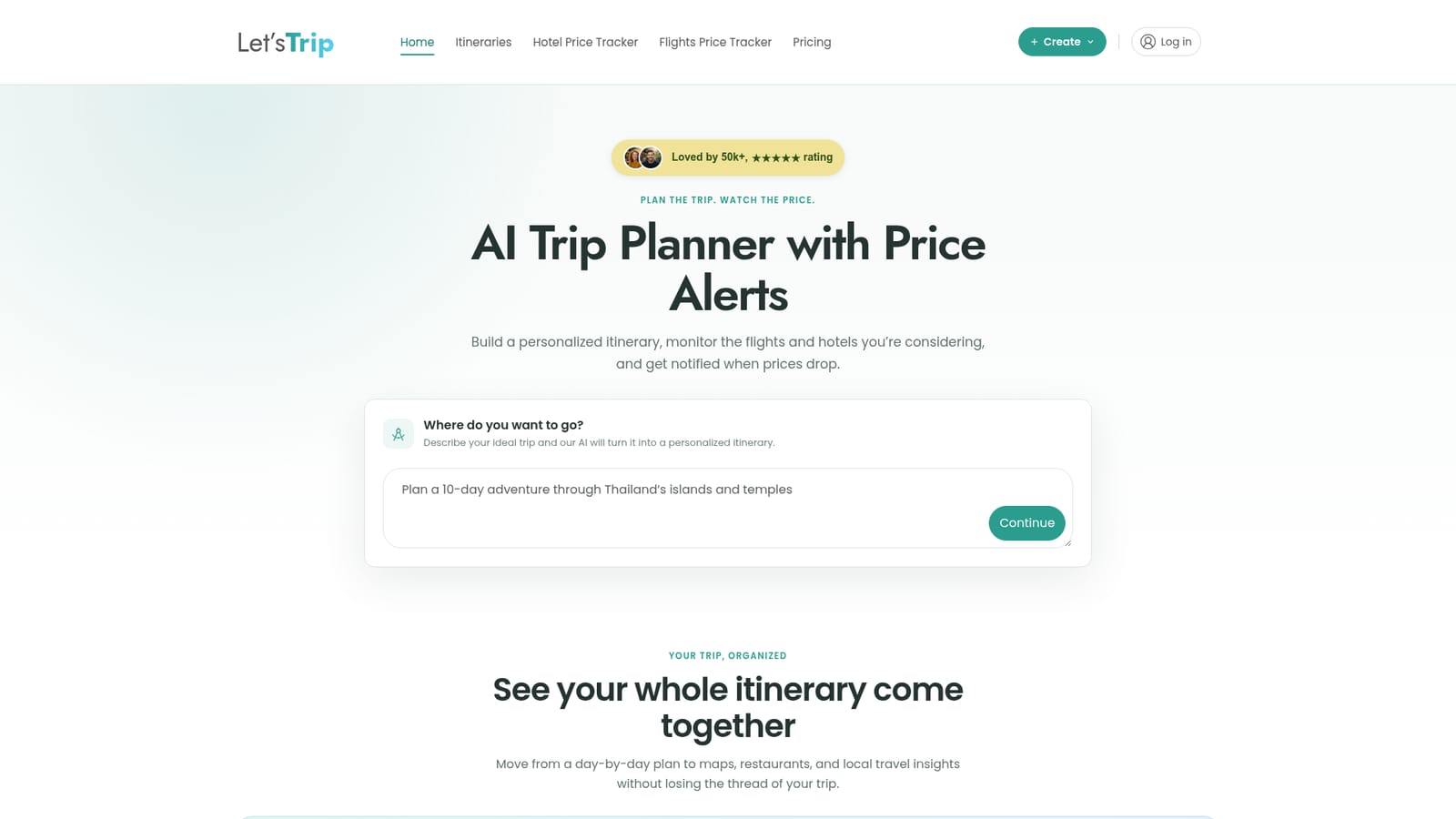
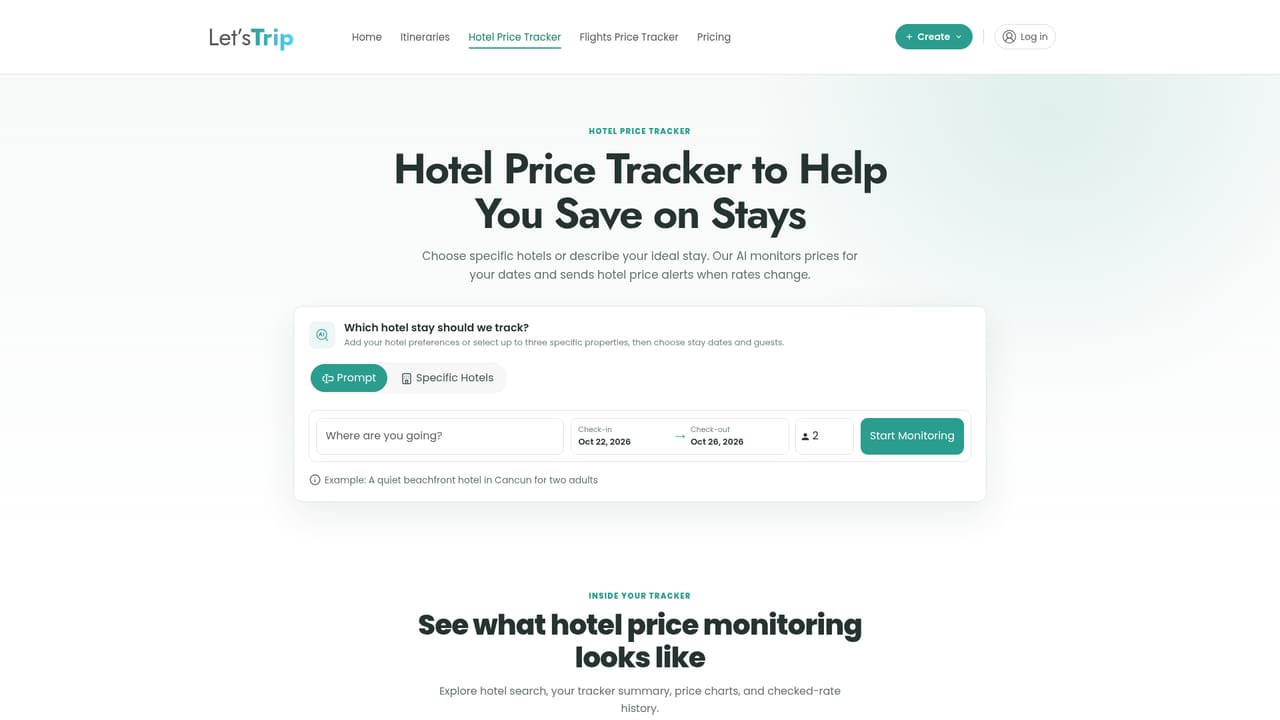
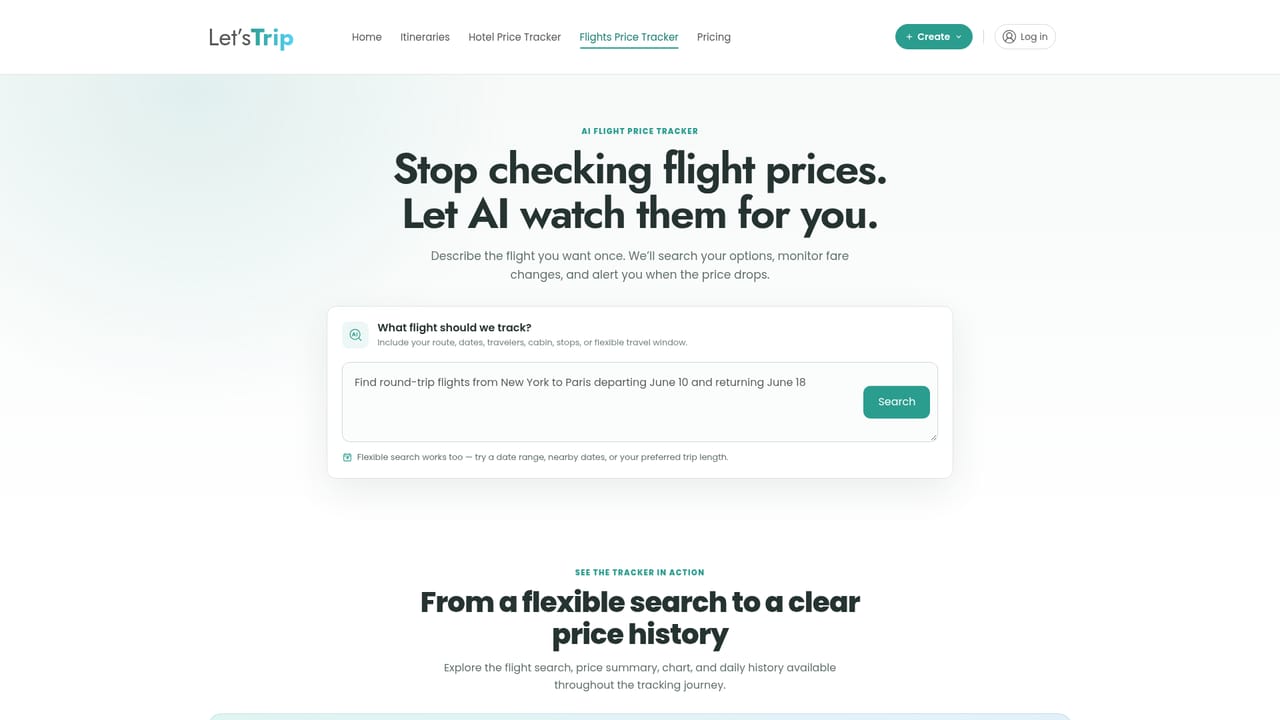
Let's Trip is an AI trip planner that combines itinerary building with price monitoring. You describe the trip in plain language (destination, dates, interests, pace, budget), and the tool returns a day-by-day plan you can edit stop by stop. Unlike a static blog listicle or a spreadsheet you assemble yourself, the plan is generated around your stated preferences, then displayed alongside an interactive map so the shape of each day is visible at a glance. Hotels, restaurants and points of interest carry photos, ratings and price ranges, and routes can be opened in Google Maps when you are ready to move. The local context layer is the part that separates it from generic planners. Eligible itineraries fold in recommendations drawn from Reddit travel discussions, which the site frames around neighborhood favorites, smaller detours and places locals would skip. In practice this means the plan can read less like a top-ten tourist checklist and more like advice from someone who has been there, and you are free to replace, reorder or annotate any suggestion. The second half of the product is price tracking. Hotel trackers run continuously and alert you when a rate on a specific property and date range moves. Flight tracking accepts a route, date range, cabin and stop preference, shows price history, and notifies you when a fare approaches a target you set. The homepage showcases recent drops on named properties, several in the double digits percentage-wise, which hints at the intended payoff of waiting and watching. Planned trips and tracked prices live in one account rather than across separate tabs. It suits independent travelers who plan their own trips but dislike stitching together itinerary docs, map pins and price-check reminders. Travelers wanting a fully booked package, corporate travel policy tools or deep loyalty program management will find it does less. Open questions include which hotel and flight suppliers feed the trackers, how many alerts a plan allows, and what the plan costs beyond the free trial path the homepage implies.
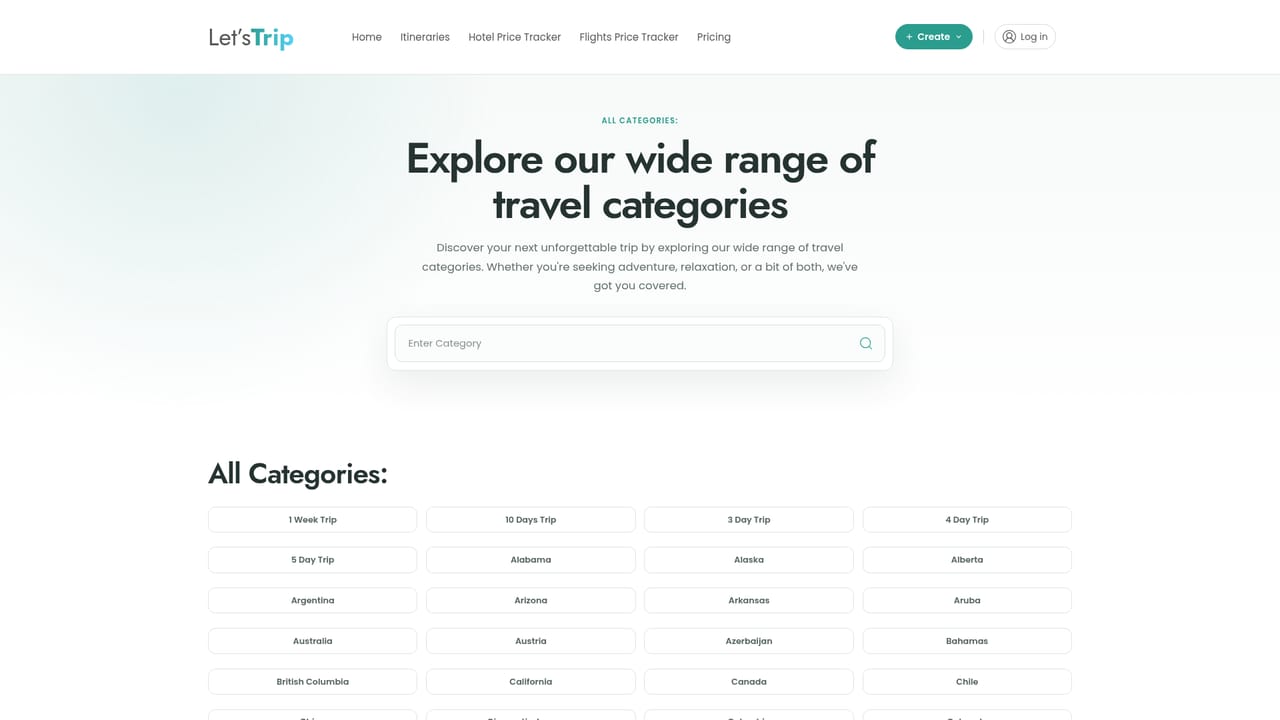
Google Maps is the one integration named on the homepage, used to open destinations and routes. No other third-party connections are documented.
Personalized day-by-day itinerary generation from dates, interests, pace and budget; an integrated map of every stop; full customization with notes and reordering; local insights and Reddit recommendations covering neighborhood favorites and hidden gems; hotel price tracking with drop alerts; flight price alerts with route, cabin and stop filters plus price history; Google Maps handoff for routes and destinations.
 AI Angels400+ customizable AI girlfriends for NSFW chat, voice calls, and roleplay
 Candy AIExperience the future of companionship with AI friends who chat, role-play, and connect with you on a human level.
 ourdream.aiA vast AI roleplay platform with millions of characters for chat, images, video and voiceAI Angels400+ customizable AI girlfriends for NSFW chat, voice calls, and roleplayCandy AIExperience the future of companionship with AI friends who chat, role-play, and connect with you on a human level.ourdream.aiA vast AI roleplay platform with millions of characters for chat, images, video and voice