LexiGym

Offline vocabulary trainer for iOS with custom dictionaries

Beginner
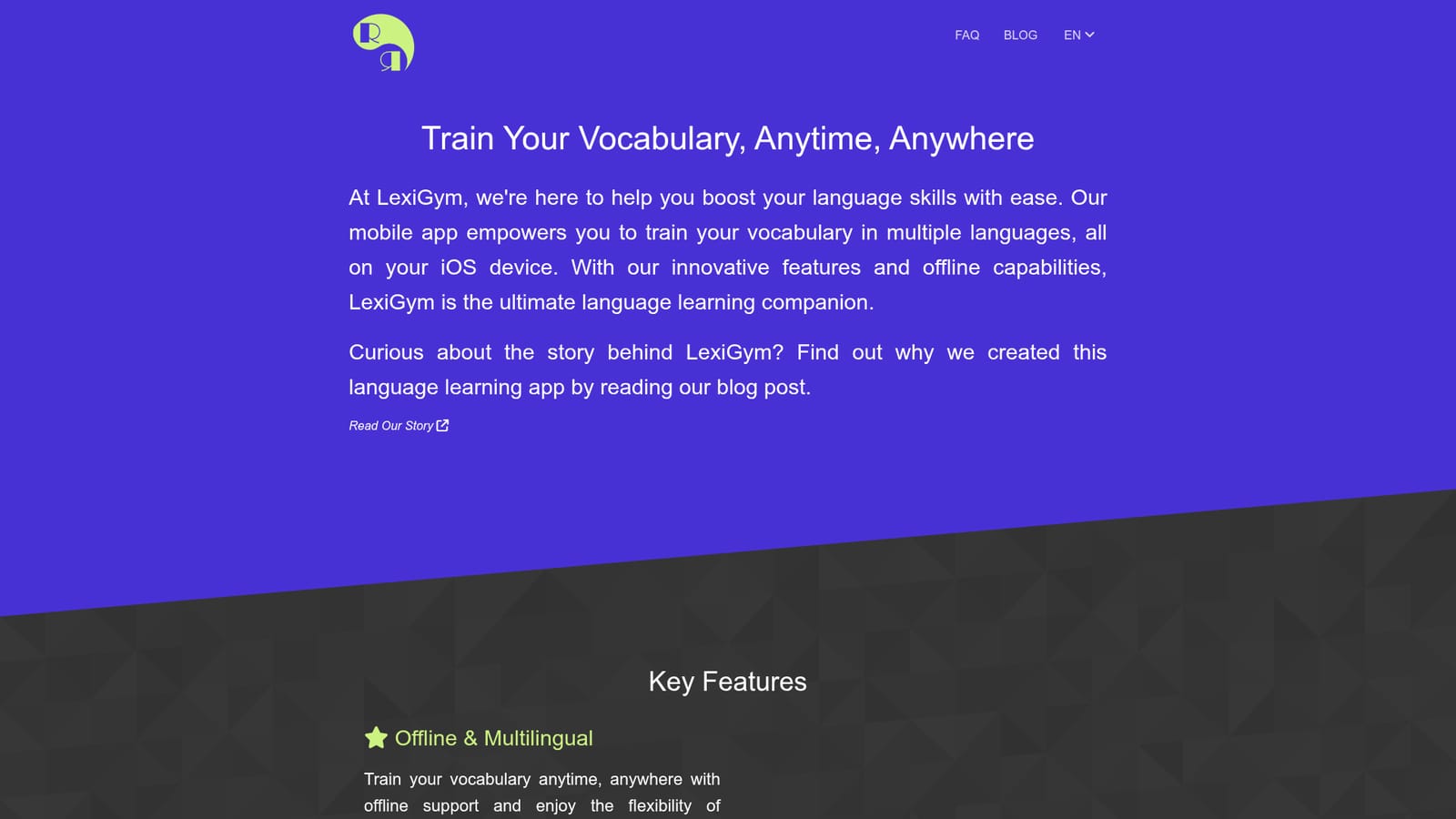
Screenshot of LexiGym, Offline vocabulary trainer for iOS with custom dictionaries

What is LexiGym?

LexiGym is an iOS vocabulary trainer that drills user-built or hub-sourced dictionaries in multiple languages, works offline, and funds itself through ads or an optional premium subscription rather than a mandatory one.

LexiGym is an iOS vocabulary trainer built around dictionaries rather than a fixed course. Instead of handing every learner the same word list, it lets you supply the words you actually want to practise, either by building a dictionary inside the app, importing one from Google Sheets, or picking a ready-made list from the LexiGym Dictionary Hub. That flexibility is the core of the product: the dictionary is the curriculum, and the app supplies the drilling. The training layer is where the learning happens. Four exercise types rotate through your word and phrase entries, and the app states that its algorithms adapt to your pace. Progress statistics sit alongside the exercises so you can see how far a given dictionary has come. One detail worth noting is that training progress is tracked per word or phrase and shared across all dictionaries, so a term you have already mastered in one list is not treated as new when it appears in another. Practicality is clearly a design priority. The app works offline, which makes it usable on a commute or a flight, and it holds multiple languages in one install with a two-click switch between them. Cost is handled in an unusual way: all trainings are described as free without a subscription, and learners can either watch ads or pay for a premium subscription to remove them. That ad-supported or premium split positions LexiGym closer to a free utility than to a subscription-first course app. It suits self-directed learners, especially polyglots juggling several languages at once, and anyone who already has vocabulary lists from a class, textbook or spreadsheet. The comparison point is vocabulary drilling software such as Anki or Quizlet, which offer similar spaced repetition and custom decks. LexiGym competes on the iOS-native experience, offline training, dictionary sharing and the ad-or-subscribe model rather than on breadth of a built-in course library.

How do you use LexiGym?

  1. 1Install the app on your iPhone
    Download LexiGym from the App Store. The homepage links directly to the iOS listing, and the app is built for iPhone use.
    LexiGym — Install the app on your iPhone
  2. 2Pick your target language
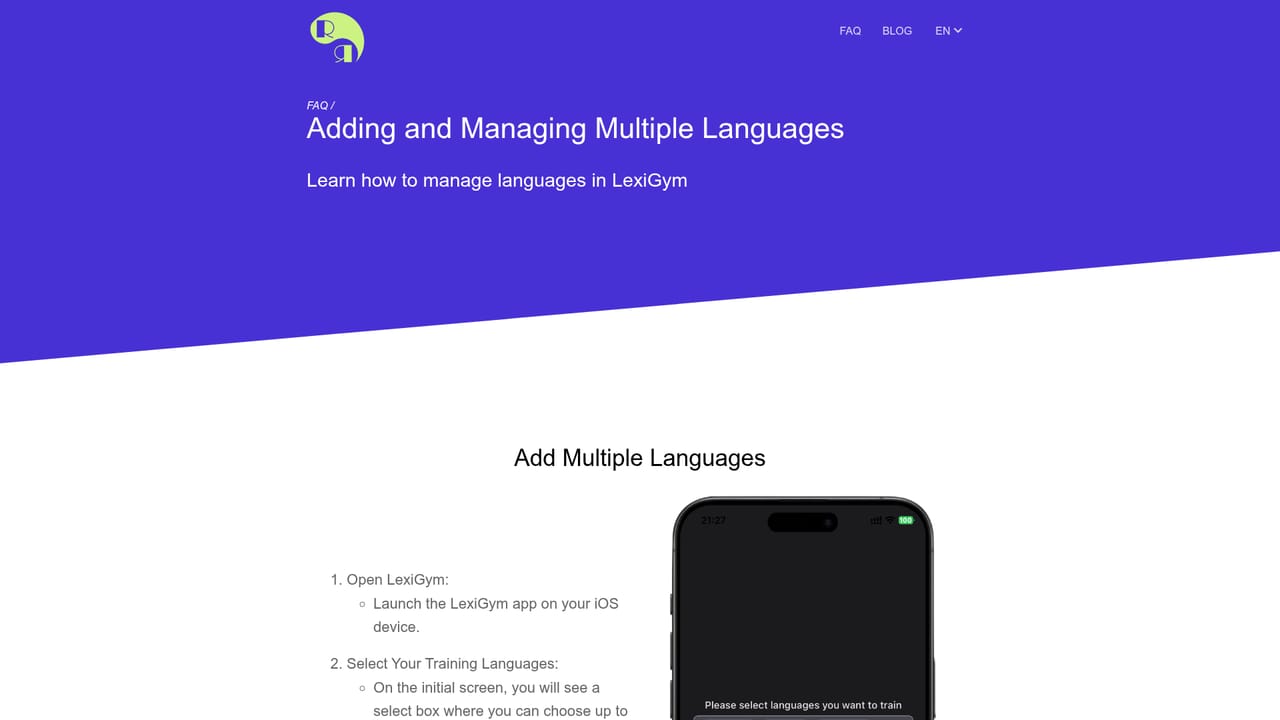
    Select the language you want to train. LexiGym supports multiple languages in one install, and you can switch later in a couple of taps.
    LexiGym — Pick your target language
  3. 3Load or create a dictionary
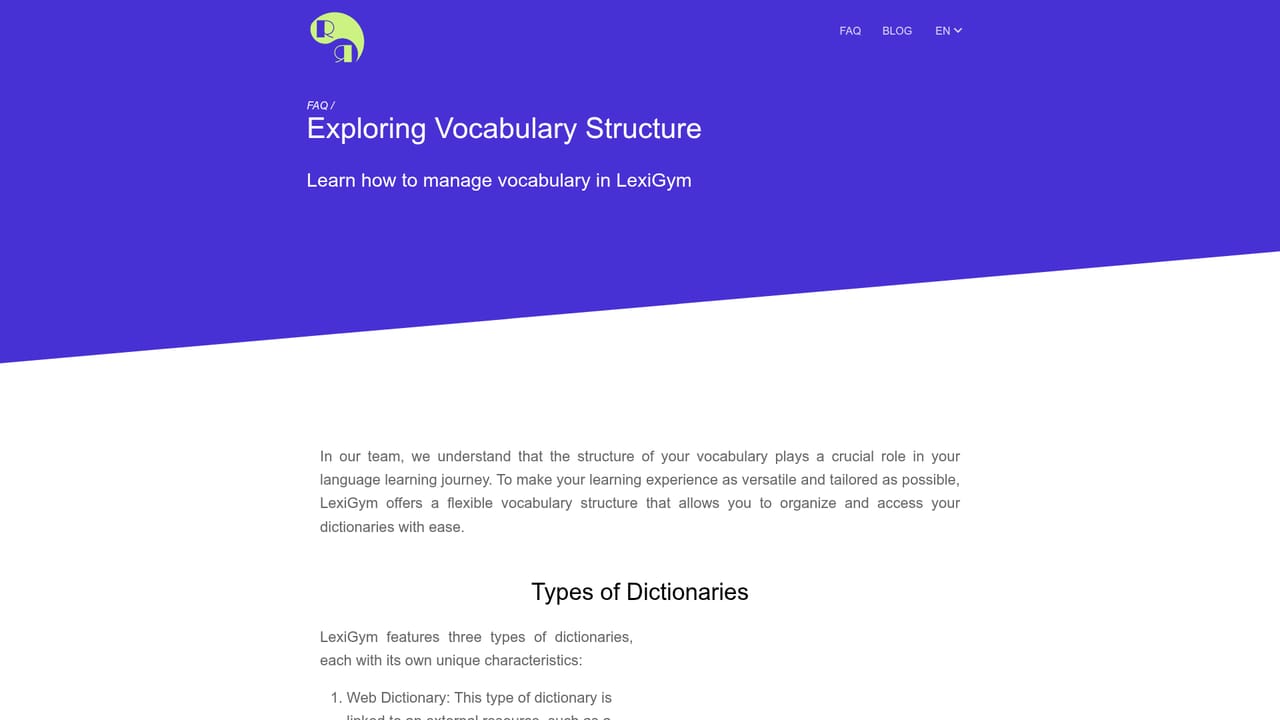
    Build your own word list in the app, bring one in from Google Sheets, or choose a ready-made set from the LexiGym Dictionary Hub. Then tap through the interface to see how entries are organised.
    LexiGym — Load or create a dictionary
  4. 4Choose a training type
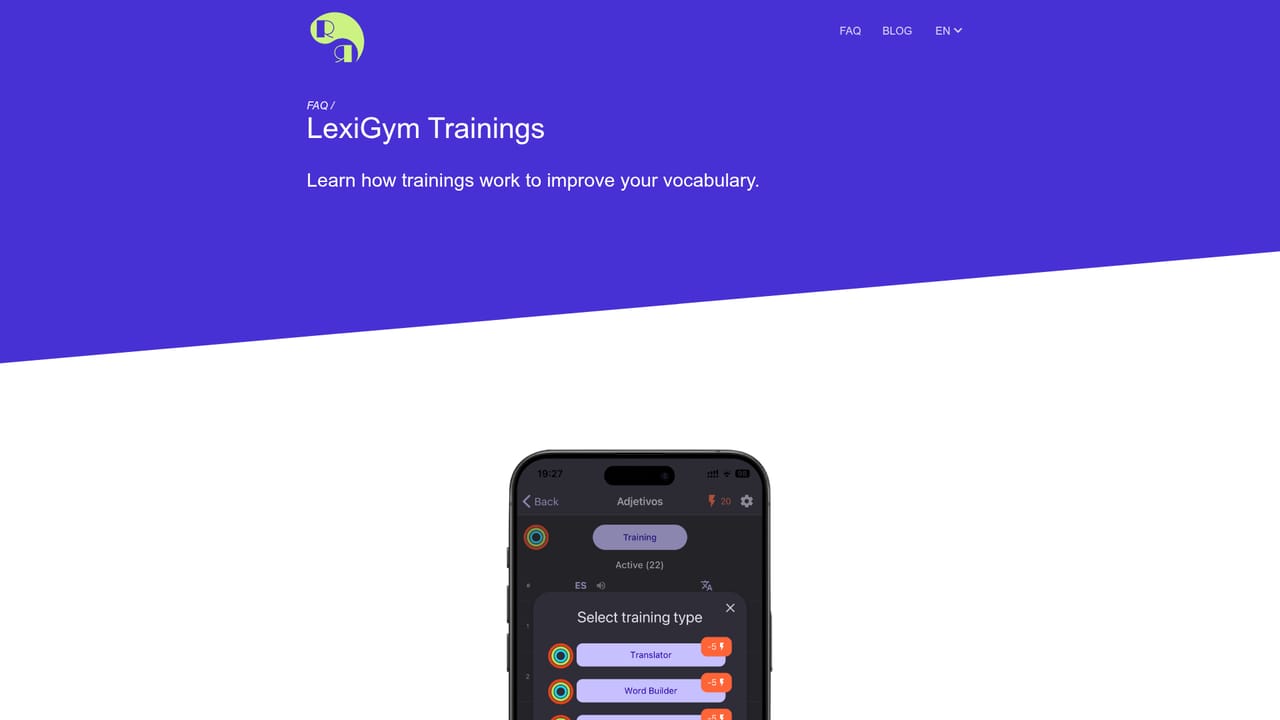
    Work through the four exercise formats the app offers and settle on the mix that fits your routine.
    LexiGym — Choose a training type
  5. 5Review your training statistics
    Open the stats screen to see how each dictionary is progressing. Progress is recorded per word and shared across dictionaries.
    LexiGym — Review your training statistics
  6. 6Follow a worked example
    Read the team write-up on building a Spanish dictionary from scratch to see how a real learner set up their list and started training.

Pros and cons

Pros

  • All trainings are usable without a subscription, with ads as the alternative to payingAI
  • Dictionaries can be created in-app, imported via Google Sheets, or taken from a built-in hubAI
  • Offline support means training works on flights, commutes and unreliable connectionsAI
  • Multiple languages live in one app and switch in about two clicksAI
  • Word-level progress is shared across dictionaries, so overlapping entries are not retrained from scratchAI

Cons

  • iOS only at the time of writing, so Android, desktop and web users cannot use itAI
  • The free tier is ad-supported, and the homepage does not say how intrusive or frequent those ads areAI
  • No built-in structured course or grammar syllabus: the quality of learning depends on the dictionaries you supply or pickAI
  • Pricing for the premium tier is not published on the homepage, so budgeting requires a check inside the App Store listingAI
  • Deeper material on trainings and statistics lives on help pages rather than in a guided onboarding flowAI

How much does LexiGym cost?

Pricing

Training content is described as free without a subscription. Learners either watch ads or take a premium subscription for uninterrupted sessions. The homepage does not state a price, billing period or what the premium tier adds beyond removing ads.

Learn more

Integrations

Google Sheets is named as a way to create dictionaries outside the app. No other integrations are listed on the homepage.

Learn more

Features

Offline vocabulary training, multiple languages in one app with quick switching, four training exercise types, adaptive algorithms, detailed training statistics, word-level progress shared across dictionaries, dictionary creation in-app or via Google Sheets, and a Dictionary Hub of ready-made lists.

Learn more

Frequently asked questions about LexiGym

  • How much does LexiGym cost?
    Training content is described as free without a subscription. Learners either watch ads or take a premium subscription for uninterrupted sessions. The homepage does not state a price, billing period or what the premium tier adds beyond removing ads.
  • How do you use LexiGym?
    The walkthrough on this page covers 6 steps: 1. Install the app on your iPhone 2. Pick your target language 3. Load or create a dictionary 4. Choose a training type 5. Review your training statistics 6. Follow a worked example.
  • What platforms does LexiGym support?
    LexiGym is available on iOS.
  • What does LexiGym integrate with?
    Google Sheets is named as a way to create dictionaries outside the app. No other integrations are listed on the homepage.
  • What are the limitations of LexiGym?
    iOS only at the time of writing, so Android, desktop and web users cannot use it. The free tier is ad-supported, and the homepage does not say how intrusive or frequent those ads are. No built-in structured course or grammar syllabus: the quality of learning depends on the dictionaries you supply or pick.

Status

StatusActive
Views0
Outbound clicks0
Added10/21/2026

Platforms

iOS

Pricing

FreemiumSubscription