Lightspeed AI

Chat-based business insights built into Lightspeed retail and restaurant POS

Beginner
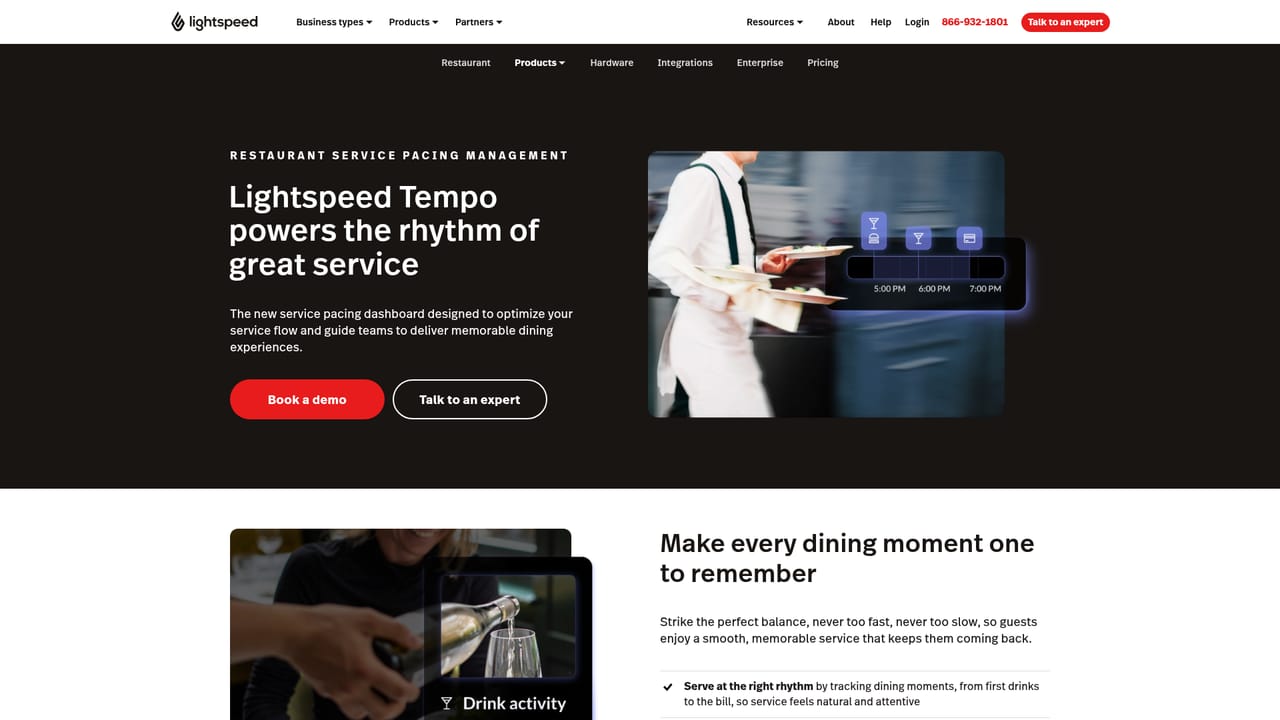
Screenshot of Lightspeed AI, Chat-based business insights built into Lightspeed retail and restaurant POS

What is Lightspeed AI?

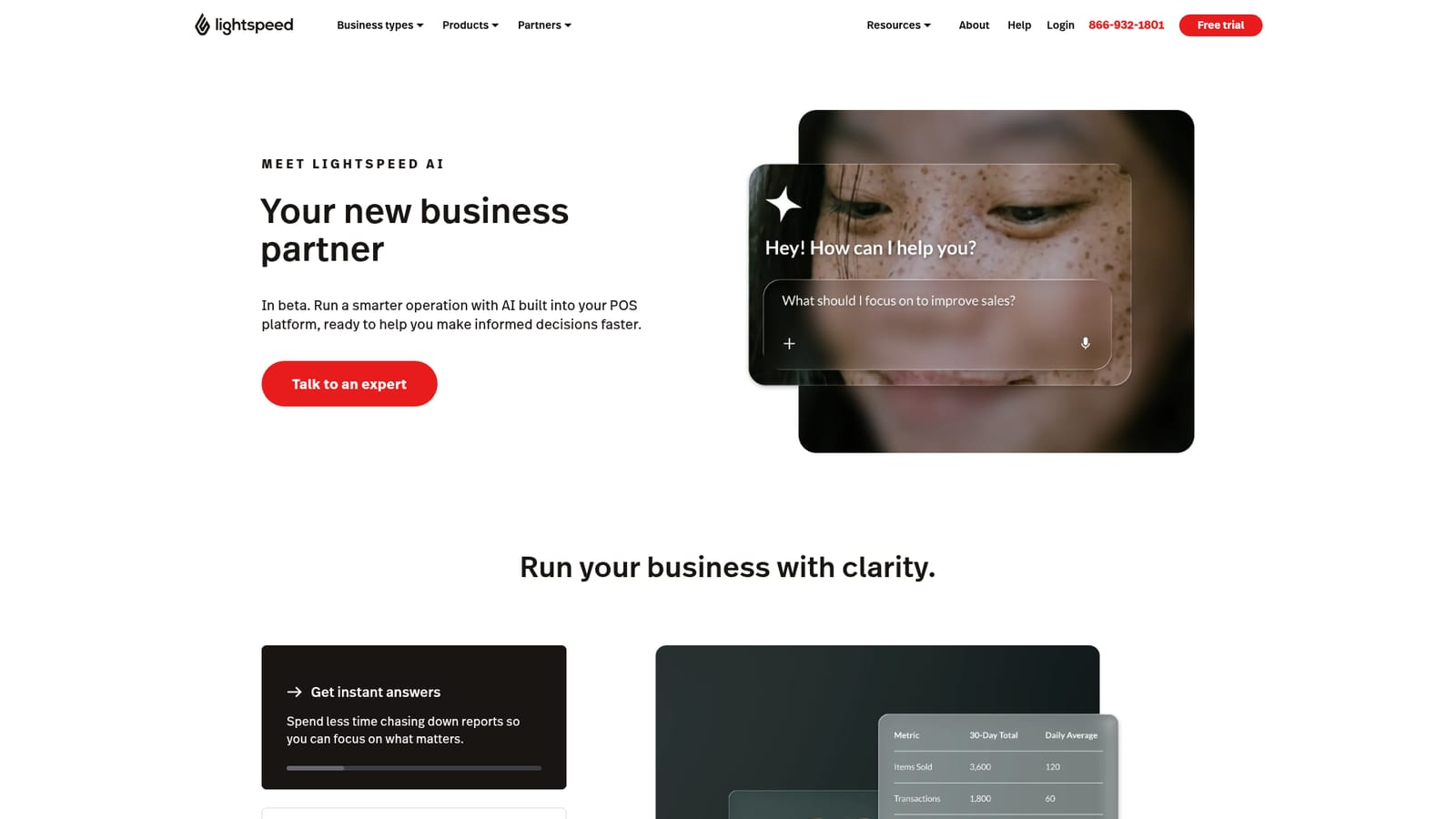
Lightspeed AI is a chat assistant inside Lightspeed Retail, Restaurant and NuORDER that answers questions about sales, inventory and staffing from a merchant's own data, builds reports and charts, and helps create sites and menus.

Lightspeed AI is an assistant built into the Lightspeed point-of-sale ecosystem. Instead of exporting spreadsheets or building reports by hand, a merchant types a question about sales, stock or staff and gets an answer drawn from their own business data. It is offered inside Lightspeed Retail, Lightspeed Restaurant and NuORDER by Lightspeed, so it is aimed at existing customers of those products rather than at anyone looking for a standalone chatbot. For retailers, the examples on the page center on merchandising and inventory: ranking bestsellers by revenue, units or profit, comparing sales across locations, checking real-time stock counts across stores, spotting low sell-through items and receiving suggestions on what to reorder before stockouts occur. Custom reports can be generated on request, and any AI-built chart can be saved to a live dashboard that refreshes on its own. Catalog tools help with image enhancement and product descriptions, and a site-building feature produces web content and design for an online storefront. Restaurateurs get a parallel set of uses: finding popular and high-margin items to lift per-table sales, flagging dishes that do not sell, reviewing staff performance, comparing venues, launching data-backed promotions and asking for step-by-step technical help. A menu can be created by scanning a photo of an existing one. On the wholesale side, the assistant learns a buyer's taste to surface brands and products that suit their stores. Related products on the page include AI Showroom for turning a catalog into an online presence, Benchmarks and Trends for comparing sales, menus and competitors, and Tempo, a service pacing dashboard. Compared with general-purpose analytics or chat tools, the main difference is that the data source is the merchant's own POS, which removes integration work but also ties the value of the assistant to staying on the Lightspeed platform. Pricing is not published on the page, and access starts with a conversation with a sales expert.
How do you use Lightspeed AI?

  1. 1Confirm you use a supported Lightspeed product
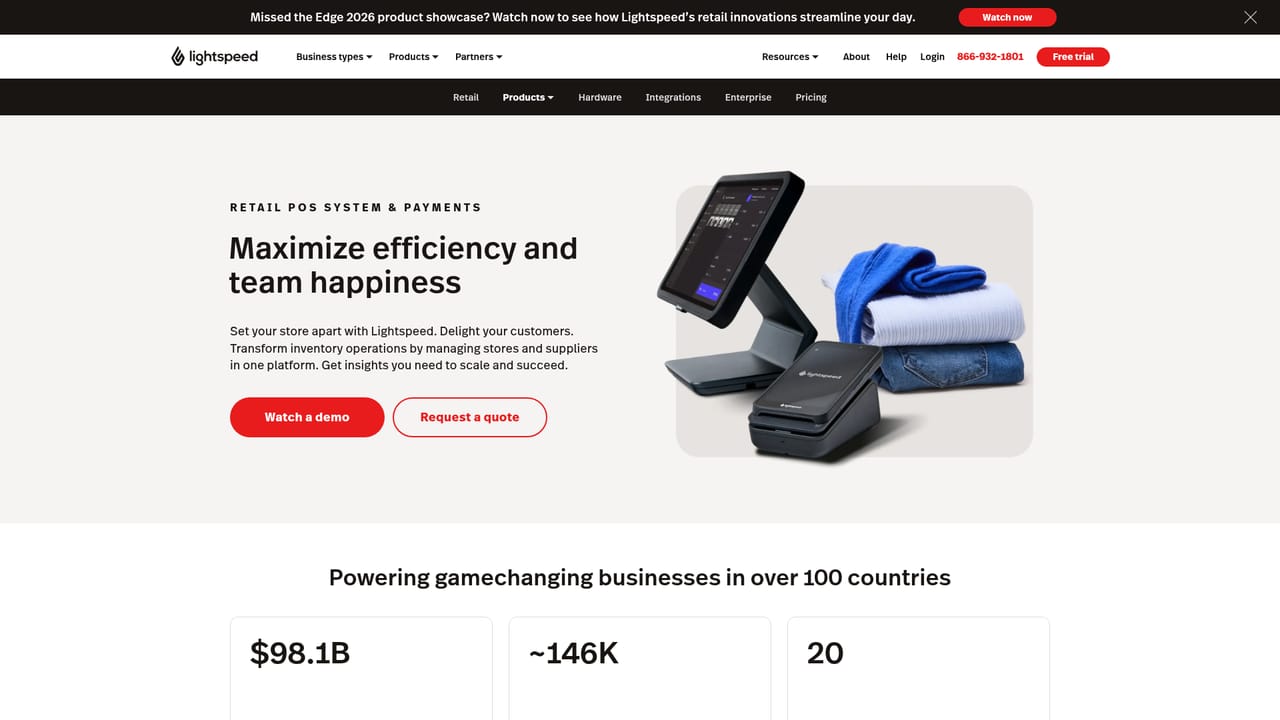
    Lightspeed AI runs inside Lightspeed Retail, Lightspeed Restaurant and NuORDER by Lightspeed. Check that your business is on one of these.
    Lightspeed AI — Confirm you use a supported Lightspeed product
  2. 2Talk to a Lightspeed expert
    Use the Talk to an expert button on the Lightspeed AI page to ask about access for your account, since pricing and setup are not listed.
    Lightspeed AI — Talk to a Lightspeed expert
  3. 3Ask a business question in the chat
    Open the assistant within your Lightspeed account and ask about top sellers, location sales, stock levels or reorder needs.
  4. 4Save a chart to your dashboard
    When the assistant produces a useful chart, save it to a live dashboard so it updates automatically as new sales come in.
  5. 5Explore related tools
    Try AI Showroom for building an online presence from your catalog, or Tempo and Benchmarks and Trends for restaurant pacing and comparisons.
    Lightspeed AI — Explore related tools

Pros and cons

Pros

  • Answers questions directly from the merchant's own POS data, so no export or manual report building is neededAI
  • Covers both retail and restaurant use cases, from reorder suggestions to staffing and upsell analysisAI
  • AI-generated charts can be saved to a live dashboard that updates automaticallyAI
  • Extra tools for catalog images, product descriptions, instant sites and menu creation from a photoAI
  • Wholesale discovery learns a buyer's taste to surface fitting brands and productsAI

Cons

  • Only available inside Lightspeed Retail, Lightspeed Restaurant and NuORDER, so it is useless without those productsAI
  • No pricing is published on the page, and the main call to action is talking to a sales expertAI
  • No self-serve trial or demo is described, which slows evaluation for small merchantsAI
  • No API, integrations list or documentation is mentioned, so extending it beyond the built-in chat is unclearAI
  • Page gives example prompts rather than accuracy details or limits on what the assistant can answerAI

How much does Lightspeed AI cost?

Support

A Talk to an expert button connects visitors with a Lightspeed specialist. The assistant itself can also give step-by-step technical help for restaurant tasks.

Integrations

Works inside Lightspeed Retail, Lightspeed Restaurant and NuORDER by Lightspeed. Related products include AI Showroom, Benchmarks and Trends, and Tempo. No third-party integrations are listed.

Features

Chat-based Q&A over sales, inventory and staff data, bestseller and profit breakdowns, reorder suggestions, custom reports, live-dashboard charts, catalog image and description tools, instant site building, menu creation from a photo, promotions and wholesale discovery.

Frequently asked questions about Lightspeed AI

  • How do you use Lightspeed AI?
    The walkthrough on this page covers 5 steps: 1. Confirm you use a supported Lightspeed product 2. Talk to a Lightspeed expert 3. Ask a business question in the chat 4. Save a chart to your dashboard 5. Explore related tools.
  • What platforms does Lightspeed AI support?
    Lightspeed AI is available on Web App.
  • What does Lightspeed AI integrate with?
    Works inside Lightspeed Retail, Lightspeed Restaurant and NuORDER by Lightspeed. Related products include AI Showroom, Benchmarks and Trends, and Tempo. No third-party integrations are listed.
  • What are the limitations of Lightspeed AI?
    Only available inside Lightspeed Retail, Lightspeed Restaurant and NuORDER, so it is useless without those products. No pricing is published on the page, and the main call to action is talking to a sales expert. No self-serve trial or demo is described, which slows evaluation for small merchants.

Status

StatusActive
Views0
Outbound clicks0
Added10/18/2026

Platforms

Web App

Pricing

Paid