Free trial
A permanent free tier rather than a timed trial: 10 uploads per month, 5 pages or slides per upload, unlimited flashcard study and downloads, with most other features partially available.
Learn moreTurn PDFs, slides and videos into ready-to-study flashcard decks

Limbiks is an exam preparation tool that turns PDFs, slides and videos into ready-to-study flashcard decks. Limbiks generates flashcard decks from PDFs, slide decks, Word documents, photos of notes, YouTube videos and Wikipedia pages, then provides spaced repetition, practice tests, study guides and one click Anki sync.
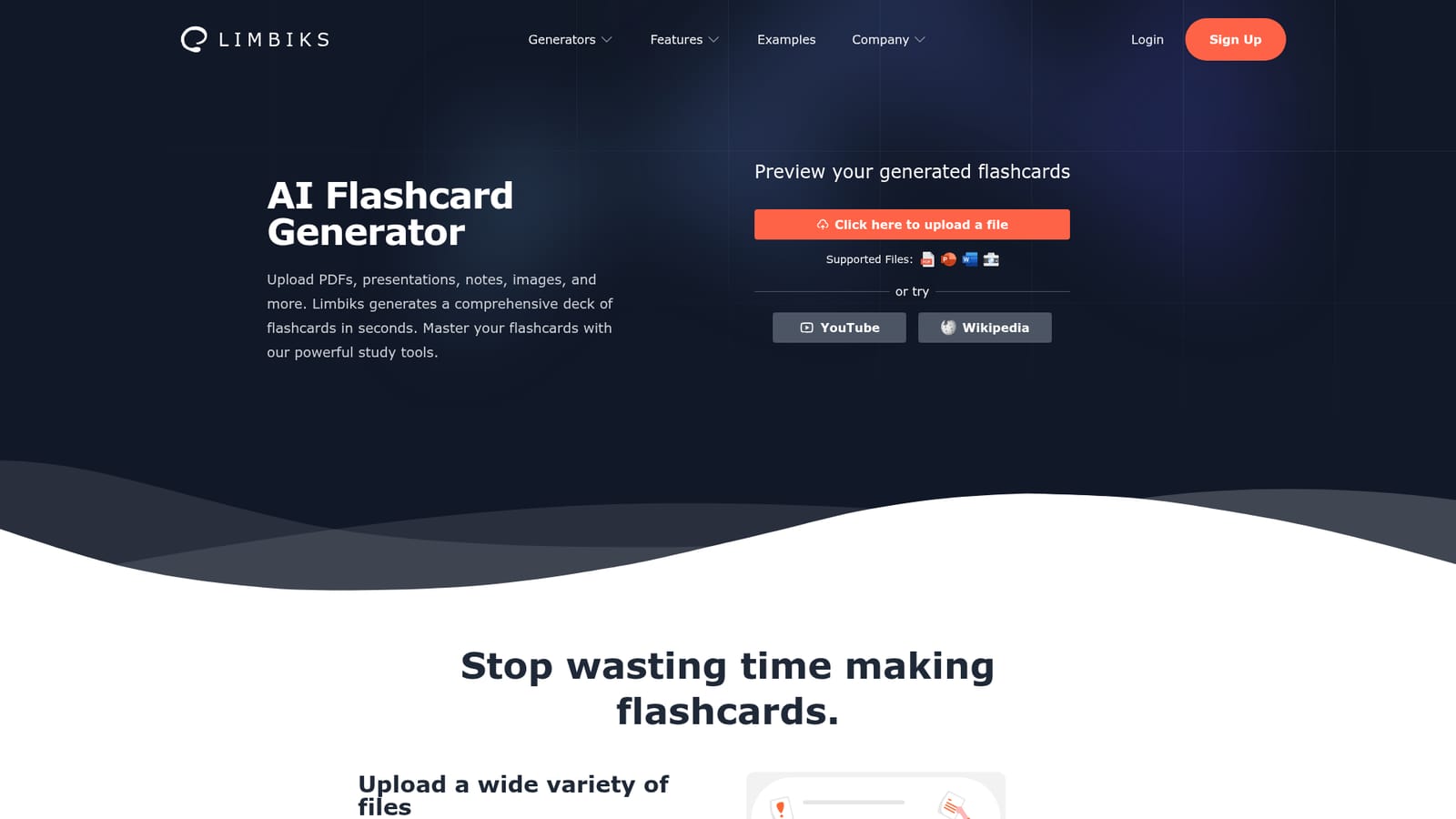
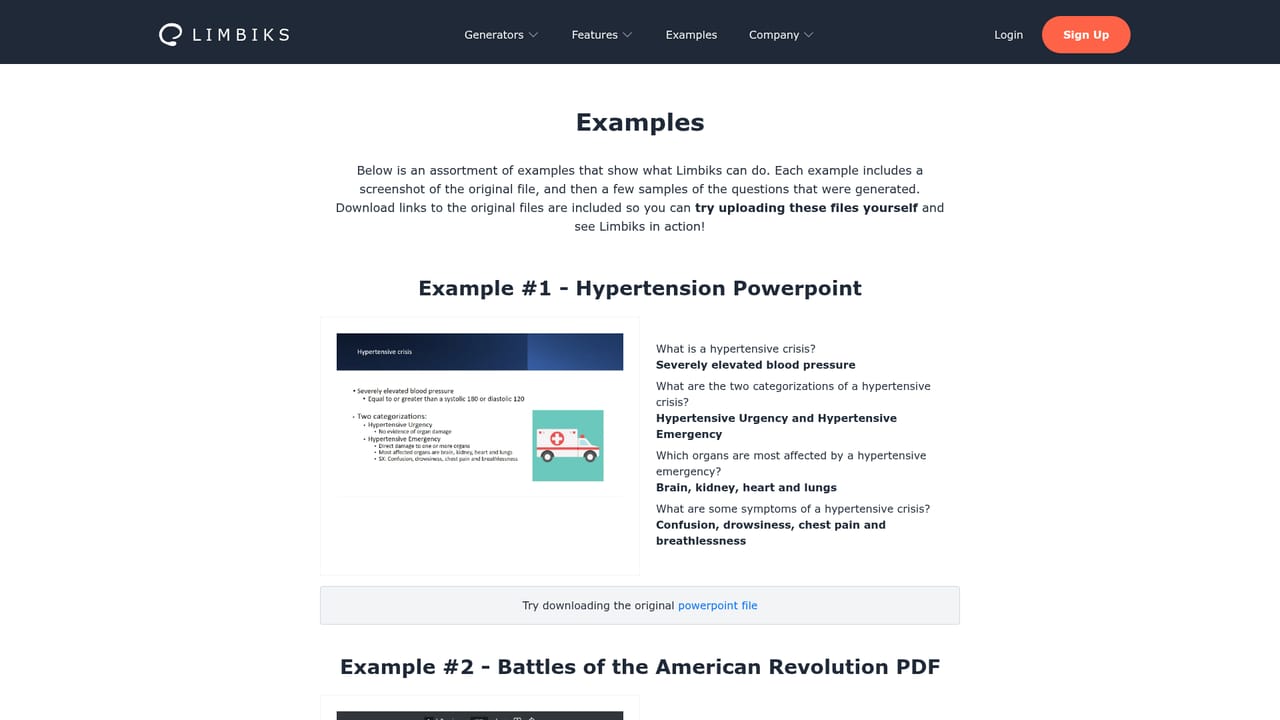
Limbiks is a study tool built around a single premise: the slowest part of exam preparation is making the cards, not learning them. The service ingests source material and returns a finished deck. Upload a PDF, a PowerPoint deck, a Word document, or a photo of handwritten notes, and Limbiks reads the content and produces a set of question and answer cards within seconds. It also accepts YouTube videos and Wikipedia articles as sources, which helps when a course has no clean textbook. The workflow is intentionally short. A file picker sits at the top of the homepage, with a page or slide selector that controls how much of a document gets processed. Generated cards appear in a preview before you commit to studying them. From there, Limbiks doubles as a study environment: spaced repetition scheduling, hints and explanations on individual cards, image occlusion cards built from figures extracted out of your files, multiple choice question banks, full practice exams with score reports, and AI generated study guides with adjustable difficulty. Cards can be exported for use elsewhere or synced to Anki with a single click, and decks can be downloaded in formats that import into Quizlet, Cram, Tinycards and similar tools. The audience is students first. The homepage lists foreign language, history, medicine, computer science and biology among the subjects it is used for, and support for 21 languages including Chinese, Japanese, Korean, Spanish, German and Polish makes it viable for language learners and for students studying in a second language. Anyone who already maintains an Anki library can treat Limbiks as a card factory rather than a replacement for their existing workflow. Competitively, it sits between generic AI chat tools that can produce quiz questions on request and dedicated spaced repetition software that does not generate content. Limbiks tries to own both ends. The free tier is workable for casual use, but the ten uploads per month and five page limit per file mean heavy course loads will push most users toward Pro.
A permanent free tier rather than a timed trial: 10 uploads per month, 5 pages or slides per upload, unlimited flashcard study and downloads, with most other features partially available.
Learn moreTwo tiers. Free is $0 with 10 uploads per month, up to 5 pages or slides per upload, unlimited flashcard study and downloads, plus limited access to most features. Pro is $5 per month (billed monthly or annually per the toggle) with 100 uploads, up to 200 pages or slides, AI study guides, unlimited practice tests and multiple choice questions.
Learn moreFlashcards can be synced to Anki with one click or downloaded for import into Quizlet, Tinycards, Cram and other study tools. No other third party integrations are described on the homepage.
Flashcard generation from PDFs, PowerPoint, Word, images, YouTube and Wikipedia; preview before studying; spaced repetition; hints and explanations per card; image occlusion cards from extracted figures; multiple choice questions; practice exams with score reports and tips; customizable AI study guides; Anki sync and export to Quizlet, Cram and others; 21 language support.
 AI Angels400+ customizable AI girlfriends for NSFW chat, voice calls, and roleplay
 Candy AIExperience the future of companionship with AI friends who chat, role-play, and connect with you on a human level.
 ourdream.aiA vast AI roleplay platform with millions of characters for chat, images, video and voiceAI Angels400+ customizable AI girlfriends for NSFW chat, voice calls, and roleplayCandy AIExperience the future of companionship with AI friends who chat, role-play, and connect with you on a human level.ourdream.aiA vast AI roleplay platform with millions of characters for chat, images, video and voice


