Free trial
The site advertises a free trial with no card required and cancellation at any time, alongside a permanent free tier that covers 10 meetings per month.
Learn moreCC an AI assistant and let it book the meeting for you.

LinaFlow is an AI task generator tool. An email-native scheduling assistant: copy lina@linaflow.eu into a reply and it proposes slots, handles the back-and-forth, and books the meeting with a video link. Reads free/busy only, not event details, and works with Google Workspace and Microsoft 365.
LinaFlow is a scheduling product built around one unusual idea: the assistant joins the email thread instead of replacing it. Rather than sending a guest to a booking page, the user replies to a meeting request the way they normally would and adds lina@linaflow.eu in CC. LinaFlow then takes over the logistics inside that same conversation, proposing time options, fielding the guest's choice, and issuing the calendar invitation with a video link attached. The mechanism matters because it changes who does the work. Booking links push the burden onto the guest and can read as impersonal in client-facing exchanges. LinaFlow keeps the human reply intact and lets the assistant handle only the part people dislike: comparing availability, converting time zones, chasing a guest who goes quiet, and creating the event. Availability is read as free/busy only, so LinaFlow sees open slots but not the contents of existing events, and it only sees threads where it has been deliberately copied. The product suits people whose calendars are a bottleneck but who cannot justify a full-time assistant: founders, consultants, operations leads, and managers coordinating across several calendars and time zones. Calendars from Google Workspace and Microsoft 365 can be combined, buffers can be set between calls, and provisional holds keep a slot blocked while a guest decides, then release it if the guest declines. A desktop menu bar app and an Outlook extension keep the CC address and pending requests within reach; a Chrome extension is listed as coming soon. Against Calendly-style schedulers, LinaFlow trades the self-service link for an email-native flow, which is a better fit for high-touch correspondence and a worse fit for high-volume inbound requests. A free tier covers 10 scheduled meetings a month, Basic removes the meeting cap for a single user, and Premium adds custom actions, tone control, and finer calendar preferences.
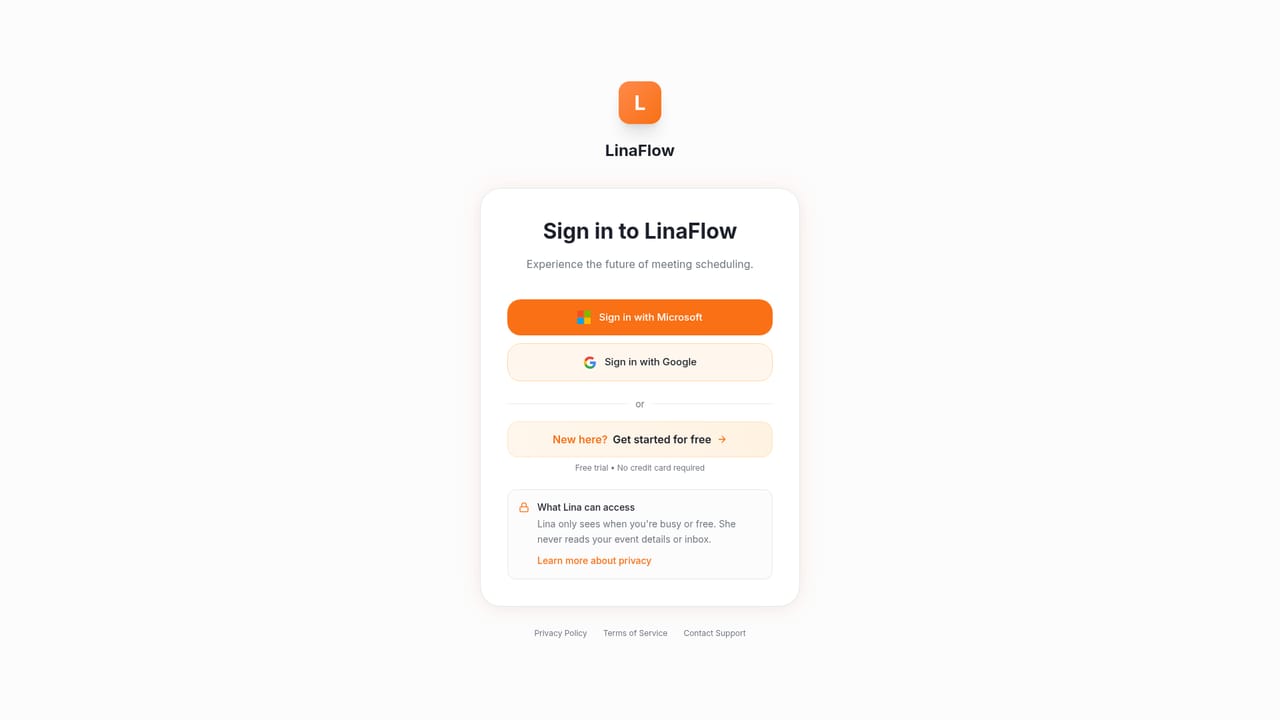
The site advertises a free trial with no card required and cancellation at any time, alongside a permanent free tier that covers 10 meetings per month.
Learn moreFree tier at 0 euros per month with 10 scheduled meetings; Basic at 29 euros per month for one user with unlimited meetings and full scheduling intelligence; Premium at 49 euros per month adding custom actions, tone and behaviour settings, and advanced agenda preferences. No card required for the trial and cancellation is allowed at any time.
Learn moreGoogle Workspace and Microsoft 365 for email and calendars, with Google Meet and Microsoft Teams links added to confirmed invites. An Outlook extension is available and a Chrome extension is listed as coming soon.
Slot proposals driven by the constraints found in an email thread, automatic follow-ups on silent guests, booking links as a fallback, multi-calendar sync across Google and Microsoft, time zone conversion, buffers between calls, provisional holds with automatic release, custom actions such as clearing a day (Premium), configurable tone and reply behaviour, a desktop menu bar app, and an Outlook extension.
 AI Angels400+ customizable AI girlfriends for NSFW chat, voice calls, and roleplay
 Candy AIExperience the future of companionship with AI friends who chat, role-play, and connect with you on a human level.
 ourdream.aiA vast AI roleplay platform with millions of characters for chat, images, video and voiceAI Angels400+ customizable AI girlfriends for NSFW chat, voice calls, and roleplayCandy AIExperience the future of companionship with AI friends who chat, role-play, and connect with you on a human level.ourdream.aiA vast AI roleplay platform with millions of characters for chat, images, video and voice


