Integrations
A Chrome browser extension is the only integration named on the site; content can also be submitted manually through the dashboard.
Turn long articles and YouTube videos into takeaways, summaries and mind maps

Linfo is an AI summarizer tool that turns long articles and YouTube videos into takeaways, summaries and mind maps. Linfo summarizes web articles and YouTube videos into key takeaways plus a mind map, accessible through a Chrome extension, an online dashboard and a local PDF mode.
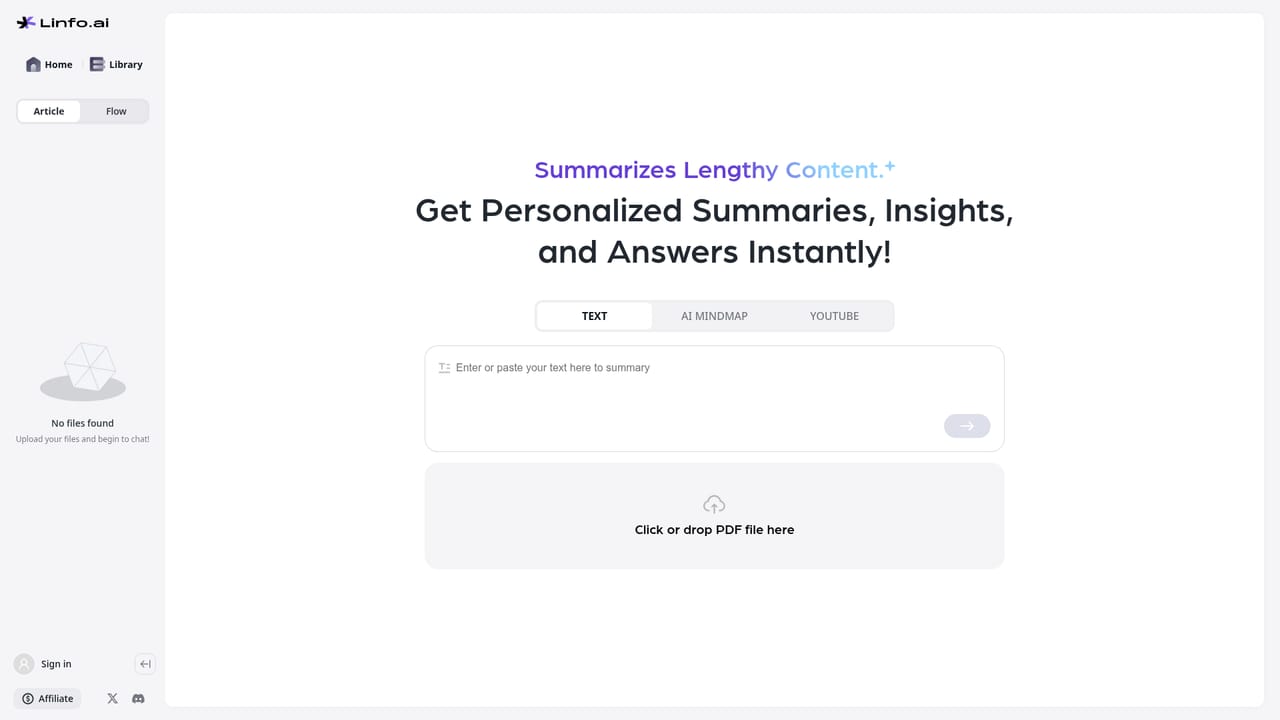
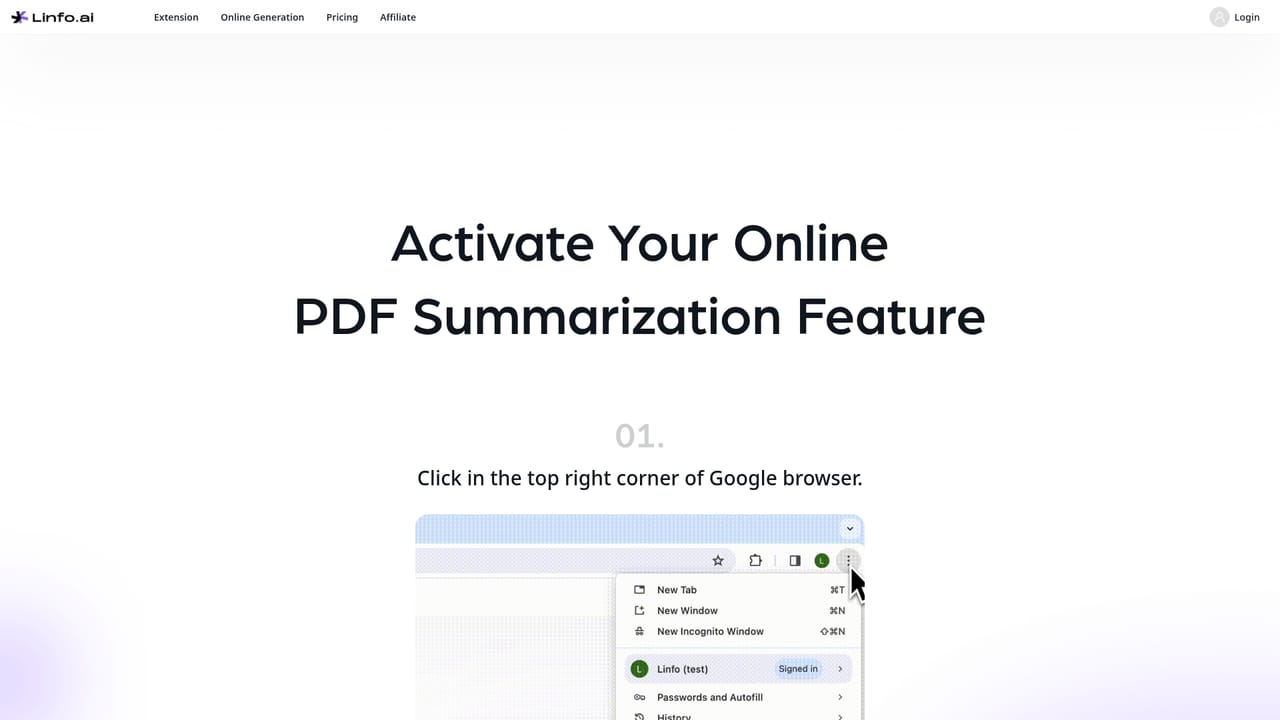
Linfo is a summarization tool built around a single promise: take a long piece of content and return the parts that matter. It accepts web articles and YouTube videos, then generates two linked outputs, a condensed summary of key takeaways and a mind map that shows how the ideas relate to one another. The homepage frames the product as a way to dive deep into any topic and surface valuable insights, which describes the intended reading flow rather than any particular algorithm. The result is oriented toward comprehension and later recall, not toward producing publishable text. The tool is aimed at people who consume more long-form material than they have time to read end to end. Researchers working through papers, students following lecture videos, analysts tracking industry write-ups and knowledge workers who save links they never revisit are the natural audience. A single content unit at a time is the working pattern: you bring a URL or open a document, the tool returns the structured digest, and the mind map gives you a visual index you can scan before deciding whether the original deserves a full read. In practice Linfo ships in three access routes. There is a browser extension for Chrome, an online generation dashboard where you submit content directly, and a local PDF mode that is listed as a separate page on the site. The dashboard and the local PDF page both sit behind the same account, and the subscription page handles plan changes. So the everyday pattern is install the extension for one-click summaries while browsing, or paste a link into the dashboard when you are working away from the article itself. The mind map output is the differentiator against plain summarizers, since it gives a spatial overview instead of another wall of text. The field around it is crowded. General chat assistants can summarize a URL if you paste the text, dedicated video summarizers focus on transcripts, and note tools increasingly bundle AI digests. Linfo's bet is narrower and more visual: one workflow that handles both article and video input and always pairs the summary with a mind map. That makes it a reasonable pick for readers who think in outlines, and a less compelling one for anyone who mainly wants chat-style follow-up questions about a document.
A Chrome browser extension is the only integration named on the site; content can also be submitted manually through the dashboard.
Article and YouTube summarization into key takeaways, mind map generation for each processed item, a Chrome browser extension for in-page use, an online generation dashboard, and a separate local PDF page. The homepage also links to example summaries so you can judge output quality before signing up.
Learn more AI Angels400+ customizable AI girlfriends for NSFW chat, voice calls, and roleplay
 Candy AIExperience the future of companionship with AI friends who chat, role-play, and connect with you on a human level.
 ourdream.aiA vast AI roleplay platform with millions of characters for chat, images, video and voiceAI Angels400+ customizable AI girlfriends for NSFW chat, voice calls, and roleplayCandy AIExperience the future of companionship with AI friends who chat, role-play, and connect with you on a human level.ourdream.aiA vast AI roleplay platform with millions of characters for chat, images, video and voice


