Free trial
No separate trial is needed: the free plan includes most audit and silo features, and signup grants 100 free credits for link insertion with no credit card required.
Learn moreAutomated internal linking that reads your pages and places links for you

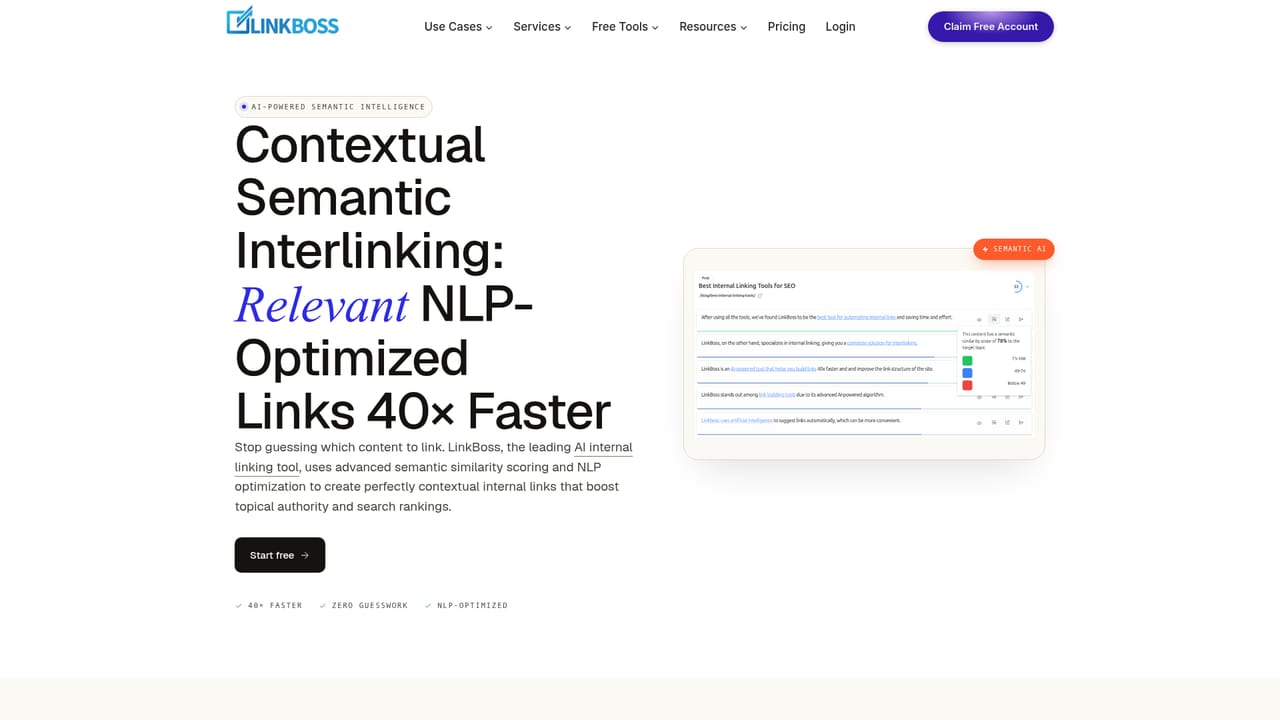
LinkBoss is an AI internal linking tool that scans your pages, finds semantically related content, and inserts contextual links in batches of up to 2,000. It adds one-click orphan and dead end fixes, URL replacement and silo presets on top of a permanently free site audit dashboard.
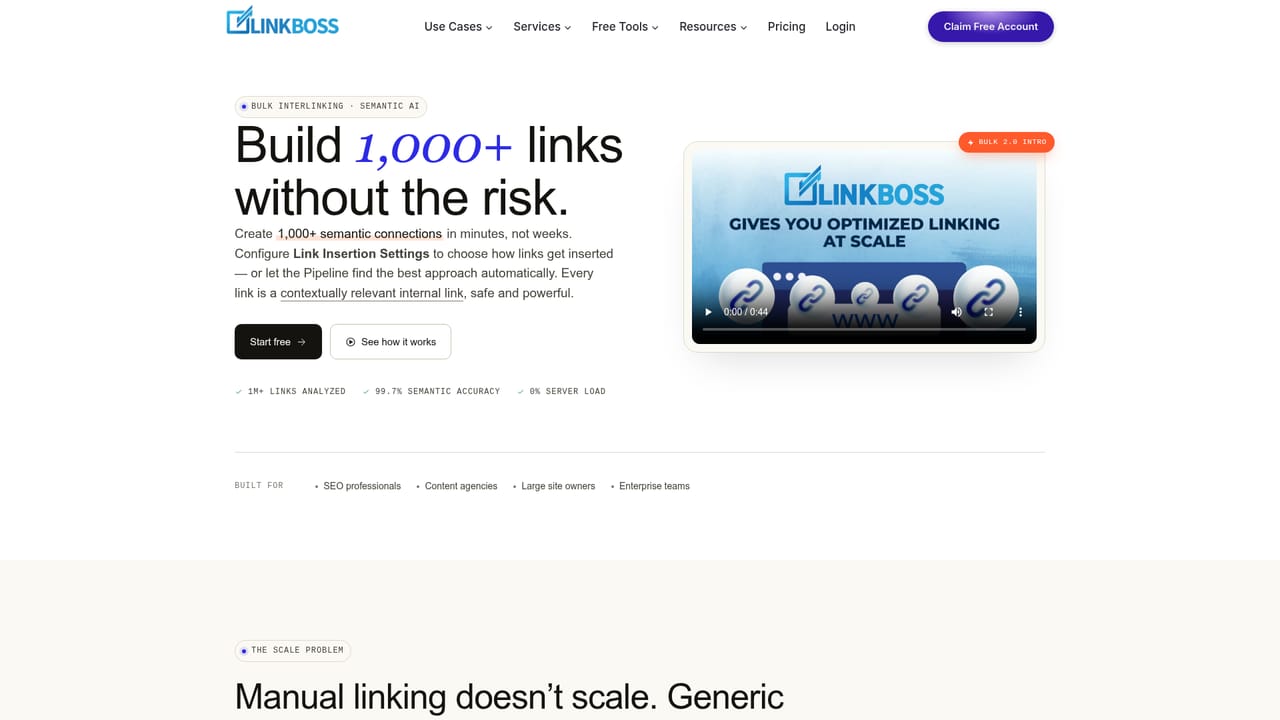
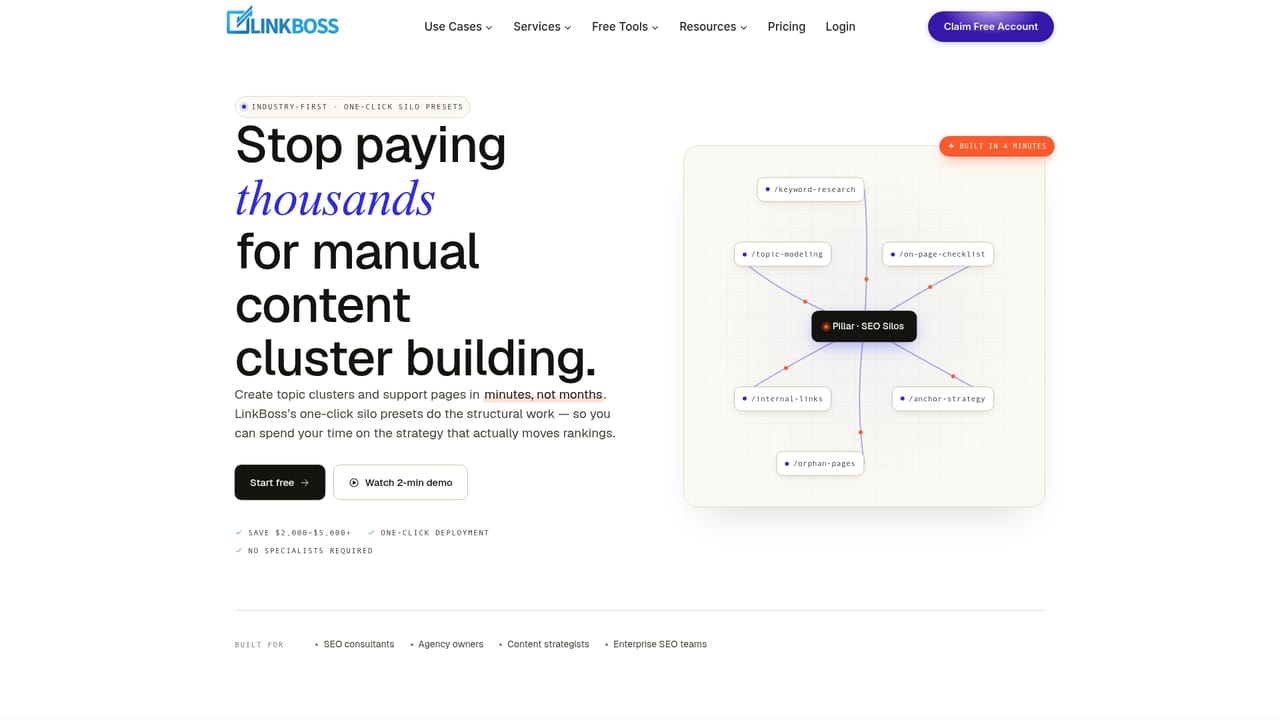
LinkBoss is an internal linking tool built for SEOs who treat site architecture as a ranking lever rather than an afterthought. The product reads every page on a site using NLP, scores pages for semantic relevance to one another, and then places contextual links with anchor text that fits the surrounding sentence. A single batch can carry up to 2,000 links, which is the core of the pitch: work that normally consumes days of manual editing finishes in one reviewed run. The workflow has two modes. In Bulk 2.0 Pipeline Mode, the tool cycles through three placement methods (native insertion into existing sentences, a minimal rephrase, and insertion of a new contextual sentence) and stops at the first method that meets its threshold. Presets range from Conservative to Aggressive, and a Single mode locks the batch to one method instead. In review-first mode, every proposed source and target pair is shown with a visual structure preview before anything is written to the site, so editors can reject pairs they dislike. Beyond bulk interlinking, LinkBoss bundles maintenance jobs that usually get skipped: one-click orphan page fixes (each orphan is paired with a relevant donor page and an in-context anchor), dead end fixes that give every terminal page an outbound link, site-wide URL replacement for renamed pages at zero credit cost, and a Keyword Linker for the narrow cases where an exact-match anchor is actually correct. Snapshots are saved before each edit run, so any post can be compared or restored. Silo presets (Reverse, Priority, Serial and Hybrid Circle) build topic cluster structures from chosen parent and child URLs, and the audit side of the dashboard (orphan and dead end detection, anchor cannibalization, link duplication, link flow scores, GSC keyword data) stays free. LinkBoss competes with Link Whisper, Internal Link Juicer and the linking modules inside Rank Math, Yoast and All in One SEO, differentiating on semantic placement and silo construction. It suits content teams and agencies running multi-site portfolios; small blogs may find manual linking sufficient given that insertion consumes credits.
No separate trial is needed: the free plan includes most audit and silo features, and signup grants 100 free credits for link insertion with no credit card required.
Learn moreA free forever tier covers the site audit, orphan and dead end detection, anchor cannibalization checks, silo presets, site structure visualization and GSC-powered keyword analytics. Credits are spent only when internal links are inserted, and new accounts start with 100 free credits. Paid plan rates are not listed on the homepage.
Learn moreA knowledgebase, blog, changelog, roadmap and contact page are published on the site. Dedicated support channels and response times are not described on the homepage.
Learn moreConnects to WordPress, Shopify and other CMS platforms, with dedicated WordPress plugin and Shopify app pages. Further integration details are not listed on the homepage.
Learn moreBulk interlinking up to 2,000 links per batch with Pipeline or Single placement modes; NLP anchor text generation and anchor distribution analysis; one-click orphan, dead end and URL replacement fixes with snapshots; Reverse, Priority, Serial and Hybrid Circle silo presets; full site structure visualization; link duplication and HTTP/HTTPS audits; GSC rank tracking and keyword discovery.
Learn more AI Angels400+ customizable AI girlfriends for NSFW chat, voice calls, and roleplay
 Candy AIExperience the future of companionship with AI friends who chat, role-play, and connect with you on a human level.
 ourdream.aiA vast AI roleplay platform with millions of characters for chat, images, video and voiceAI Angels400+ customizable AI girlfriends for NSFW chat, voice calls, and roleplayCandy AIExperience the future of companionship with AI friends who chat, role-play, and connect with you on a human level.ourdream.aiA vast AI roleplay platform with millions of characters for chat, images, video and voice


