Free trial
A free trial is offered with no credit card needed, and signing up grants points for use.
Learn moreSearch real papers and draft cited literature reviews in one flow

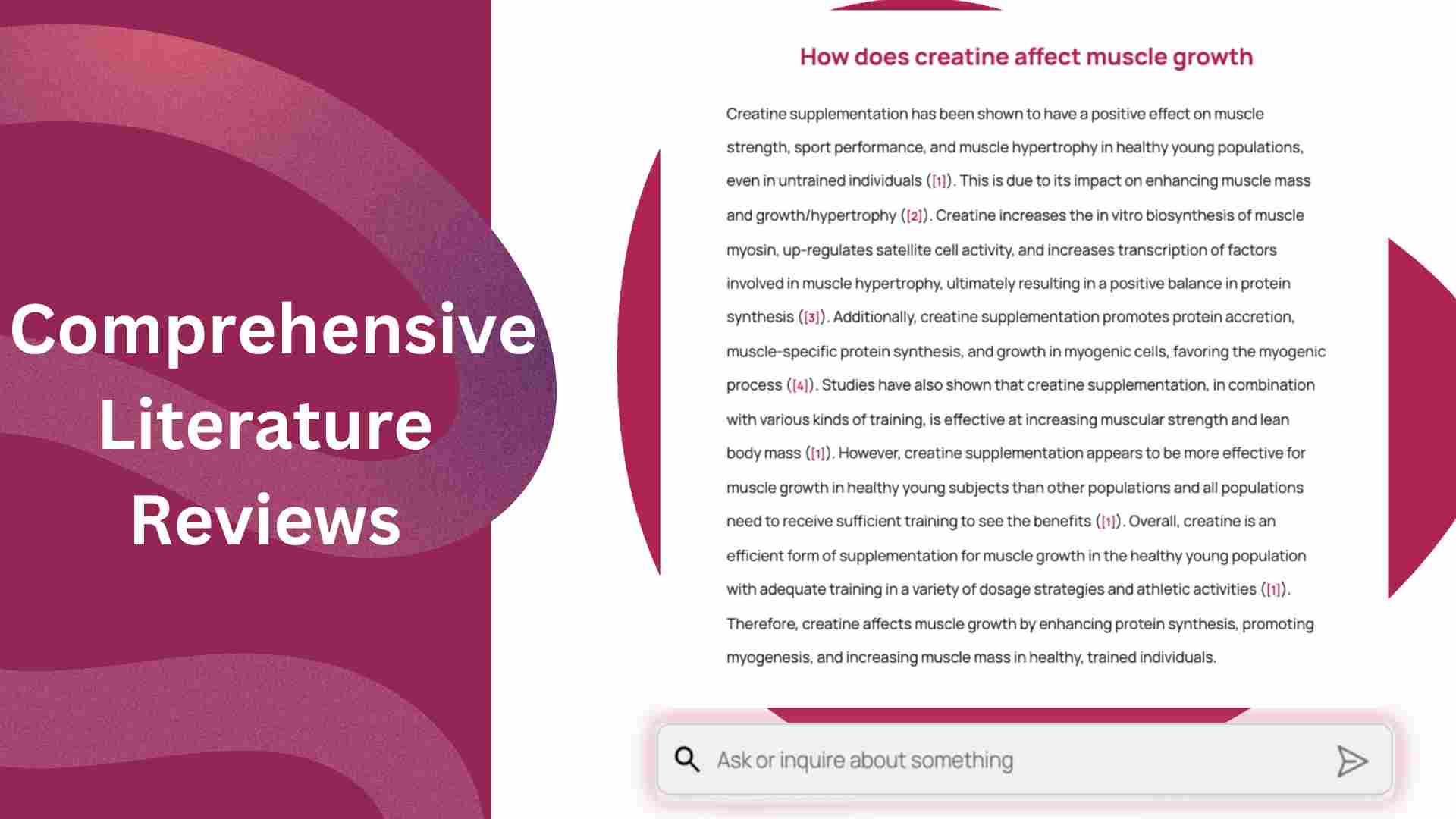
Literfy is an academic research tool that searches real papers and draft cited literature reviews in one flow. Literfy searches Google Scholar, PubMed and Semantic Scholar at once, then builds outlines and drafts literature reviews from the papers a researcher selects, with linked citations and export to Zotero, LaTeX, Word and more.
Literfy is a web-based research assistant that joins two jobs academics usually do in separate tools: finding papers and writing a literature review from them. A user types a research question, and the tool generates search expressions and queries Google Scholar, PubMed and Semantic Scholar together, returning one result list that can be filtered by year, venue and citation count. The writing side works from the papers a user has shortlisted rather than from the model's general knowledge. Selected papers feed an outline builder that produces an editable, section-by-section structure with drag-and-drop reordering. Once the outline is settled, Literfy drafts the full review with each statement tied to a linked source. The site presents this grounding as its answer to fabricated references, a common complaint about general-purpose chatbots used for academic writing. The product demo mentions GPT 5.2 and Gemini 3 Pro as the models doing the drafting. Output is built to move into existing academic setups. Citations can be exported as BibTeX or RIS, synced with Zotero, Mendeley or EndNote, and the finished draft can be exported to Word, LaTeX, Markdown or PDF, with Overleaf mentioned as a supported destination. Testimonials describe topic clustering that exposes gaps in a source list before peer review. The intended audience is graduate students, PhD candidates, researchers, librarians and industry analysts who write surveys, related-work sections or systematic-style reviews. Compared with pure paper-discovery services such as Semantic Scholar or Google Scholar themselves, Literfy adds the synthesis step. Compared with generic AI writers, it limits output to a user-chosen evidence set. The homepage offers a free trial without a credit card, with sign-up granting points, and a demo can be scheduled. Specific plan prices are not listed on the homepage, so buyers need to check what the points allowance covers before committing to a larger project.
A free trial is offered with no credit card needed, and signing up grants points for use.
Learn moreThe homepage does not list plan prices. It mentions that signing up grants points and that a free trial needs no credit card.
Learn moreA demo can be scheduled from the homepage, and a YouTube tutorial and an FAQ are linked there. No other support channels are named.
Searches Google Scholar, PubMed and Semantic Scholar. Exports to Zotero, Mendeley, EndNote and Overleaf, with BibTeX and RIS sync and Word, LaTeX, Markdown and PDF output.
Multi-database search across Google Scholar, PubMed and Semantic Scholar, auto-generated search expressions, filters, a personal library, an editable outline builder, source-grounded review drafting with linked citations, and export to BibTeX, RIS, Word, LaTeX and PDF.
Learn more AI Angels400+ customizable AI girlfriends for NSFW chat, voice calls, and roleplay
 Candy AIExperience the future of companionship with AI friends who chat, role-play, and connect with you on a human level.
 ourdream.aiA vast AI roleplay platform with millions of characters for chat, images, video and voiceAI Angels400+ customizable AI girlfriends for NSFW chat, voice calls, and roleplayCandy AIExperience the future of companionship with AI friends who chat, role-play, and connect with you on a human level.ourdream.aiA vast AI roleplay platform with millions of characters for chat, images, video and voice