Support
A documentation site, a support center, an FAQ page, a status page and a trust center are listed, along with a contact-sales route for teams.
Learn moreResearch assistant that cites every claim to the exact passage
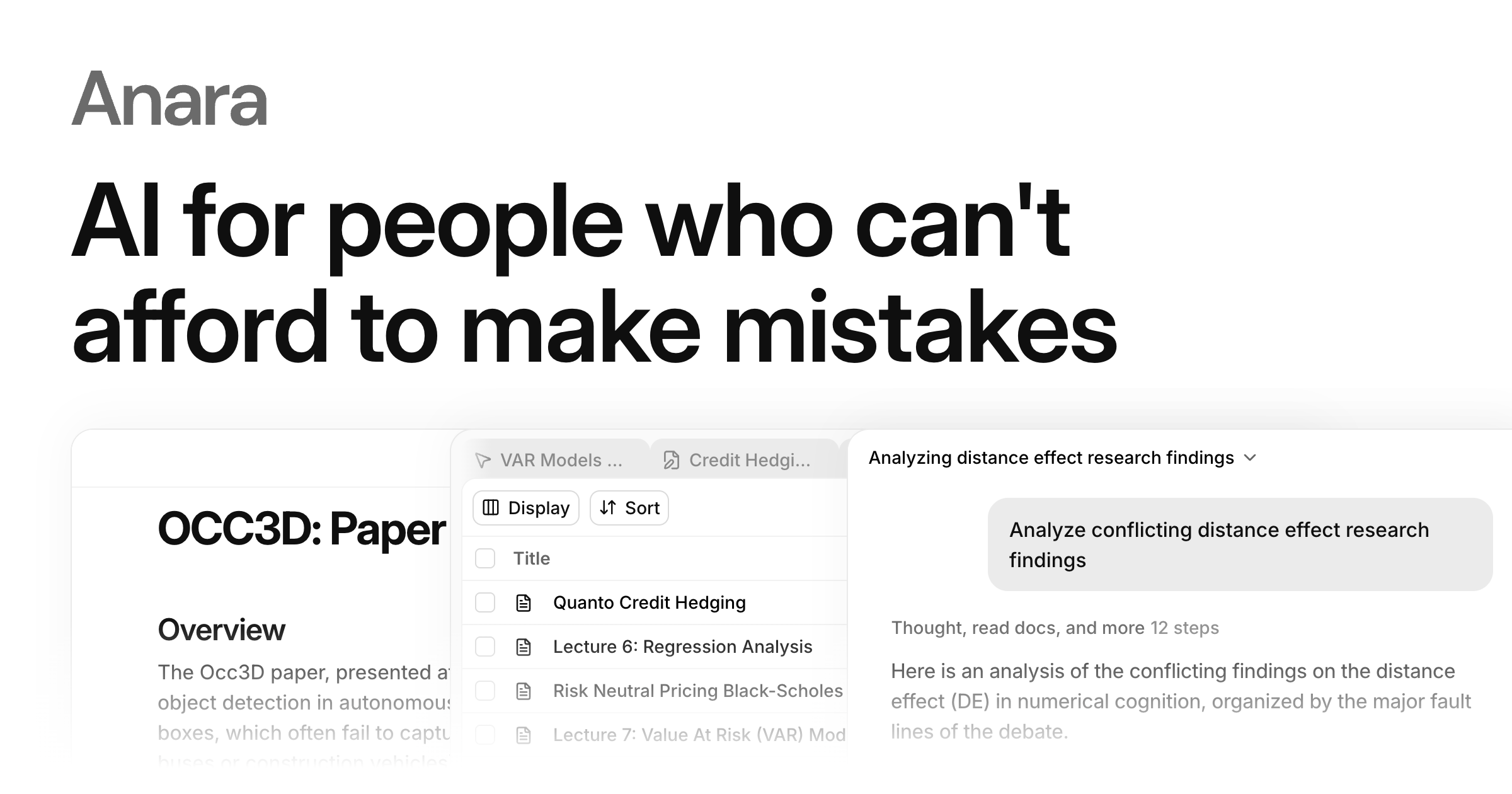
Anara is an AI research workspace that searches academic literature and the web, answers questions across a personal library, and drafts notes with passage-level citations that export to Word, LaTeX or BibTeX.
Anara is a research workspace that combines literature search, a personal document library and a writing editor, with one rule running through all of it: every answer should point back to the passage it came from. It searches a very large index of academic papers (the site cites over 300 million), plus sources such as PubMed, trial registries and the wider web, and lets users save promising results straight into a library. The workflow is built around that library. Researchers upload papers, notes, slides and recordings, or import items by DOI, PMID or URL, and can sync collections from Zotero and Mendeley. Scanned PDFs get OCR and metadata is filled in automatically. Questions can then be scoped to a single paper, a folder or the whole collection, and each reply links to the highlighted passage in the original file so it can be checked without trusting the model. A table view turns a folder into a grid with one row per paper and one column per question, with cited cells and export to CSV or Excel, which suits systematic reviews and evidence screening. Writing happens in a notes editor that suggests citations from the library, formats them in common or custom styles, and exports to Word, LaTeX or BibTeX. A Microsoft Word add-in is also listed. For developers there is an API for paper search and citation resolution, with documentation that includes an MCP server for coding agents. Anara is aimed at scientists, clinical and regulatory teams, consultants, graduate students and universities that need defensible sources rather than fluent summaries. Its own benchmark charts claim higher answer correctness and document recall than NotebookLM, Perplexity, Claude and ChatGPT, though those figures are vendor-reported. Compared with general chatbots it trades breadth for traceability, and compared with reference managers it adds question answering and extraction on top of storage. Enterprise controls include SAML SSO, custom roles and published security documentation.
A documentation site, a support center, an FAQ page, a status page and a trust center are listed, along with a contact-sales route for teams.
Learn moreConnects with Zotero, Mendeley, Benchling, Google Drive, OneDrive, SharePoint, Dropbox, Slack, Gmail and Teams, and draws on sources such as PubMed, arXiv, bioRxiv, medRxiv and ClinicalTrials.gov.
Learn moreLiterature search across 300M+ papers, a file library with OCR and folders, passage-level cited answers, cited table extraction with CSV and Excel export, a notes editor with citation suggestions, Word and LaTeX export, a Word add-in and a paper search API.
Learn more AI Angels400+ customizable AI girlfriends for NSFW chat, voice calls, and roleplay
 Candy AIExperience the future of companionship with AI friends who chat, role-play, and connect with you on a human level.
 ourdream.aiA vast AI roleplay platform with millions of characters for chat, images, video and voiceAI Angels400+ customizable AI girlfriends for NSFW chat, voice calls, and roleplayCandy AIExperience the future of companionship with AI friends who chat, role-play, and connect with you on a human level.ourdream.aiA vast AI roleplay platform with millions of characters for chat, images, video and voice