Pricing
Pods are priced per hour with per-second billing. Examples on the homepage include an RTX A6000 from $0.42/hour, an H100 from $1.75/hour and a B200 from $5.60/hour. Spot pods are cheaper per GPU.
Learn morePer-second GPU pod rentals for AI agents and ML teams

lium.io is a productivity tool. Lium is a marketplace for renting GPU pods, from RTX cards to H100, H200, B200 and B300, billed per second and launched from a browser or a CLI. It is built for ML engineers and for AI agents that start and remove their own pods within a budget.
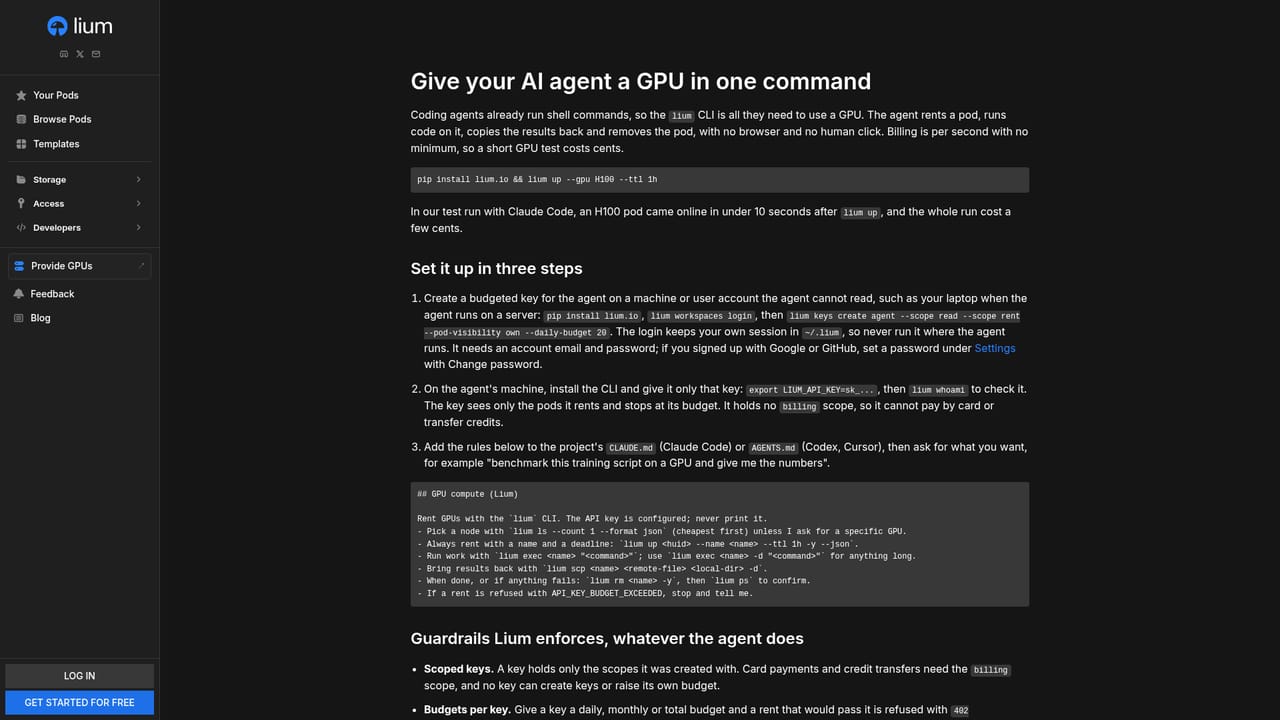
Lium is a GPU rental marketplace where users launch containerized pods on hardware supplied by independent providers. The catalog on the homepage spans consumer cards such as the RTX A6000 and RTX 5090 up to data center parts including A100, H100, H200, B200 and B300, in single-GPU and eight-GPU configurations. Each listing shows the hourly price, the per-GPU price, CPU model, memory, VRAM, disk, open ports, network speeds, uptime, a reliability percentage and the physical location, with filters, sorting, a map view and a cluster view for narrowing the roughly 550 available pods. The service is pitched at two groups. Machine learning engineers and researchers can rent a card for training, fine-tuning or inference without a long contract. The newer angle is autonomous agents: a pip-installed command line tool lets an agent start a pod, run a job and remove it, with a time-to-live flag that auto-removes the pod after a set period and a budget the owner sets in advance. A dedicated agents page and a machine-readable documentation file describe headless signup and the agent skill. In practice, a user browses the listing, picks a pod and is sent to log in before renting. Billing runs per second, so short experiments cost only the time used. Some pods are marked as spot, which are cheaper per GPU but can be interrupted, while others advertise GPU splitting from one GPU so a large machine can be shared. Provider pages, identified by a hotkey, expose each supplier, which suggests a decentralized supply model where quality varies by host. Among alternatives, Lium sits closer to marketplace-style GPU clouds than to managed hyperscaler offerings. The tradeoff is price transparency and variety against the consistency of a single operator. Buyers comparing it with fixed-fleet providers should weigh the marketplace pricing and agent-friendly tooling against differences in uptime, network speed and reliability scores between individual pods, which the listings state openly.
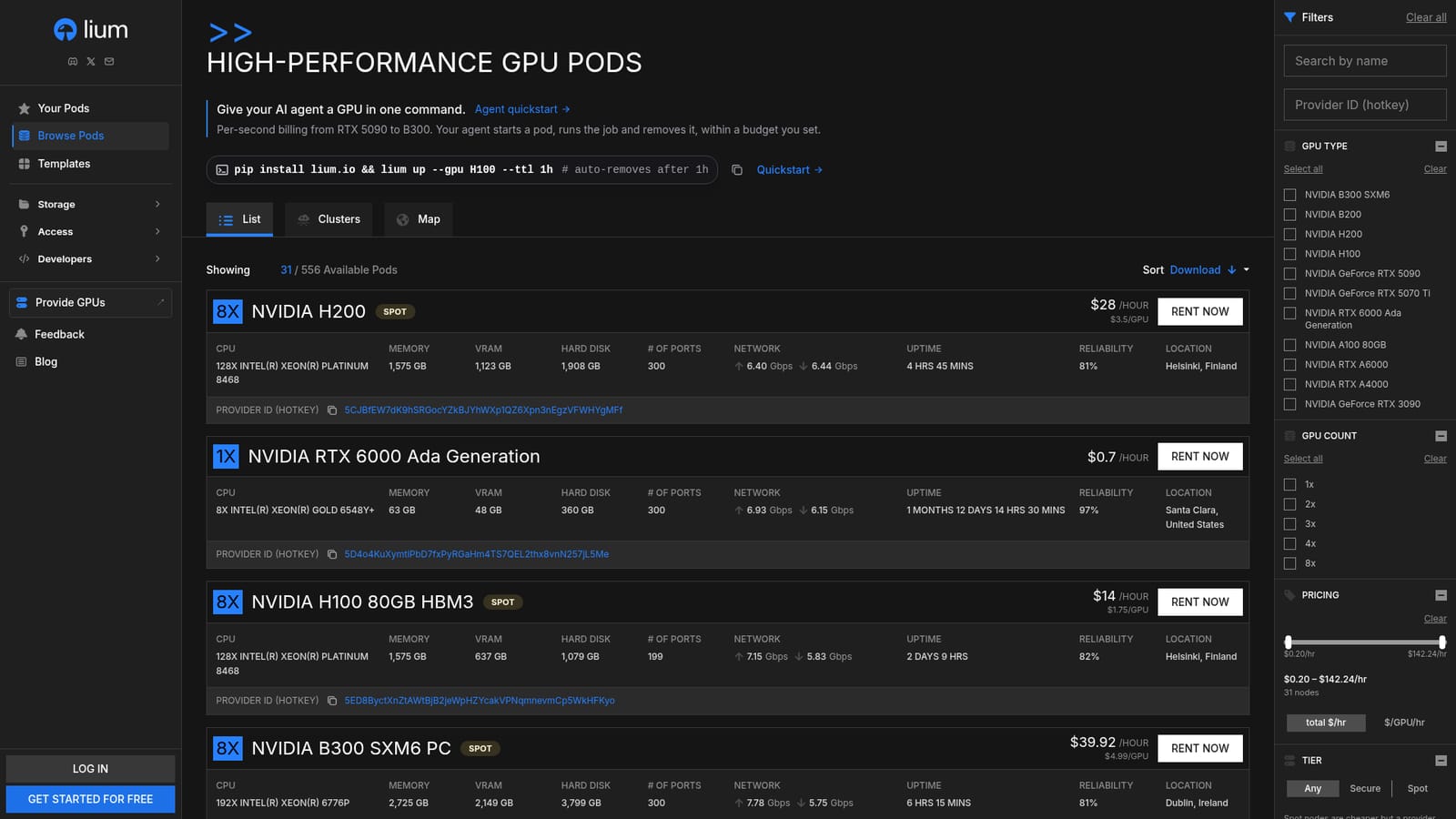
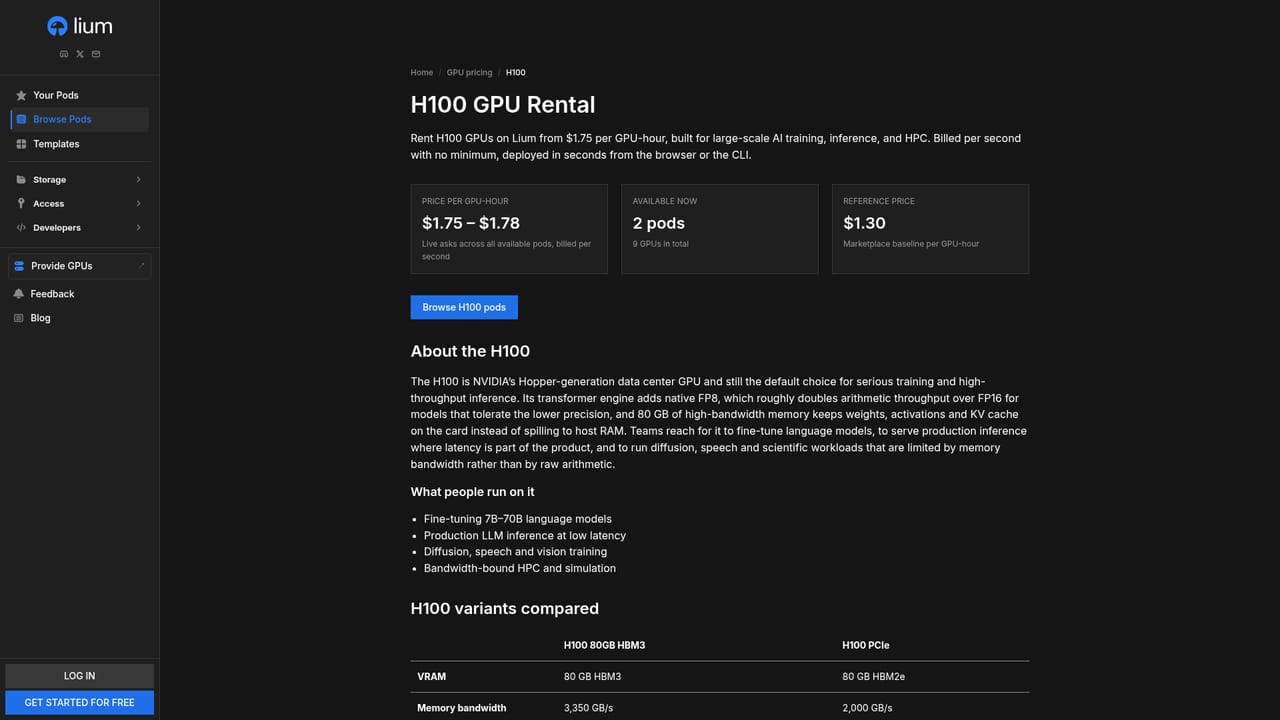
Pods are priced per hour with per-second billing. Examples on the homepage include an RTX A6000 from $0.42/hour, an H100 from $1.75/hour and a B200 from $5.60/hour. Spot pods are cheaper per GPU.
Learn moreWorks through a pip-installed command line tool and a browser interface. The homepage also points AI agents to an agent skill and headless signup documented in llms-full.txt.
Learn moreGPU pod marketplace with RTX, A100, H100, H200, B200 and B300 hardware, per-second billing, list, cluster and map views, filters, spot pods, GPU splitting, a pip-installed CLI with auto-removal TTL and an agent quickstart.
Learn more


