Free trial
No free trial is described on the homepage. The site instead promotes a 35 day money back guarantee on purchases.
Learn moreBusiness planning software with sourced research and connected financials

LivePlan is an AI search tool. LivePlan combines AI guided idea testing, sourced market research, a plan builder, connected financial forecasts, a pitch deck creator and a plan vs. actual dashboard for founders and small business owners who need credible numbers and citations.
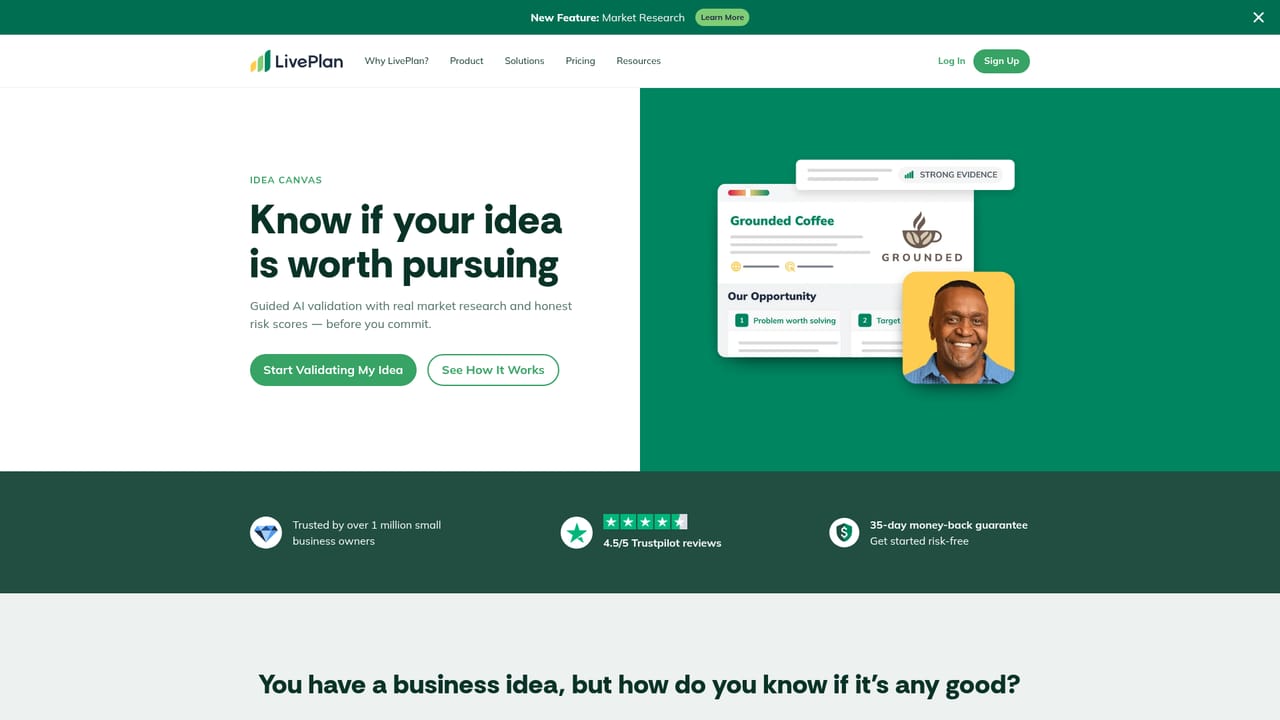
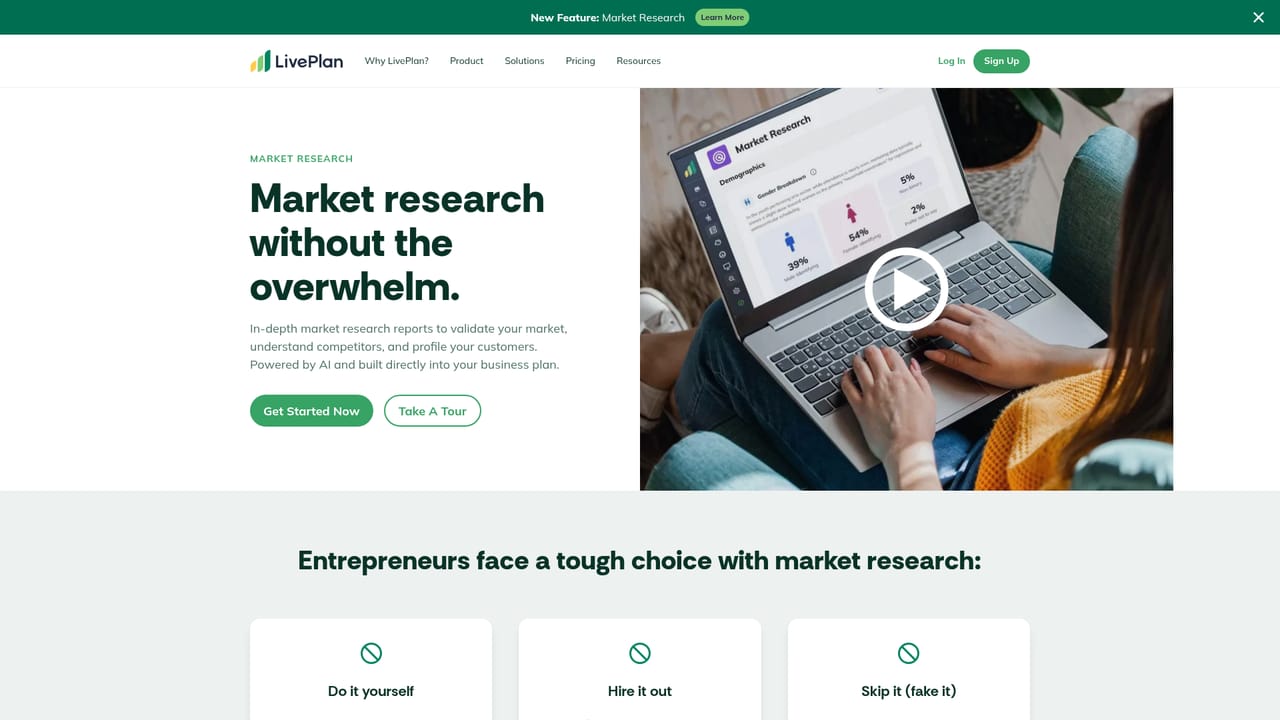
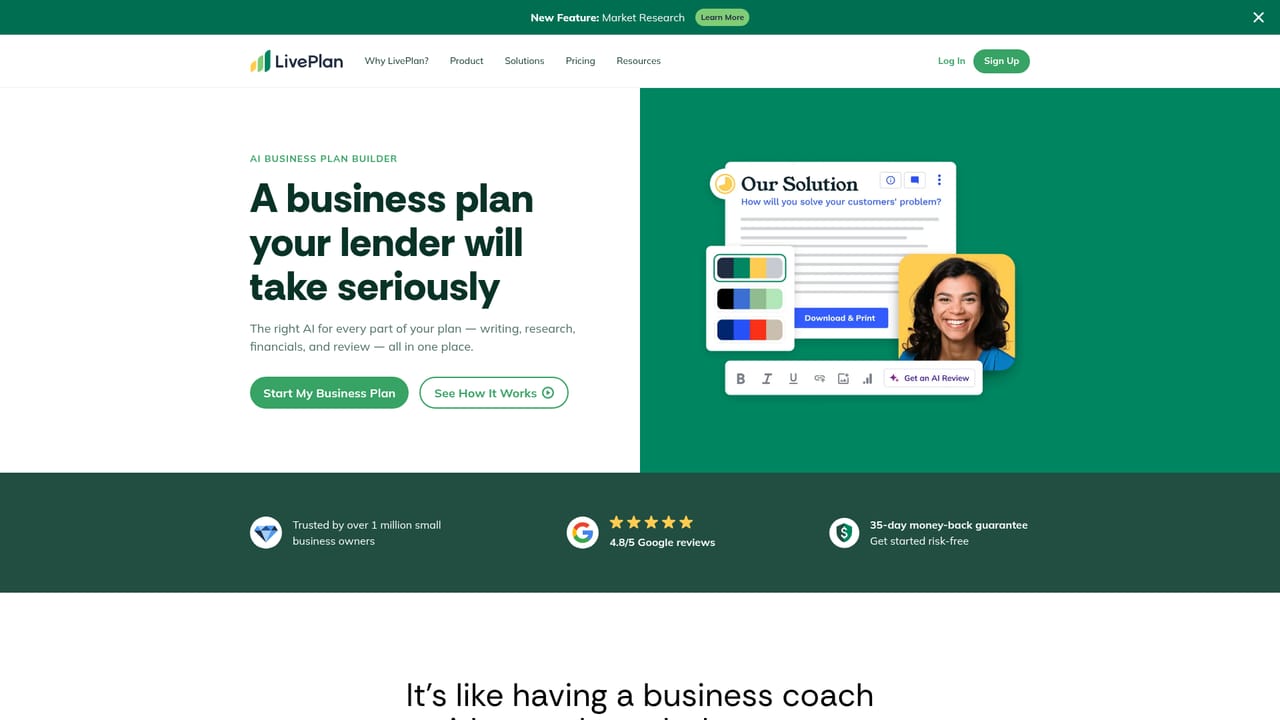
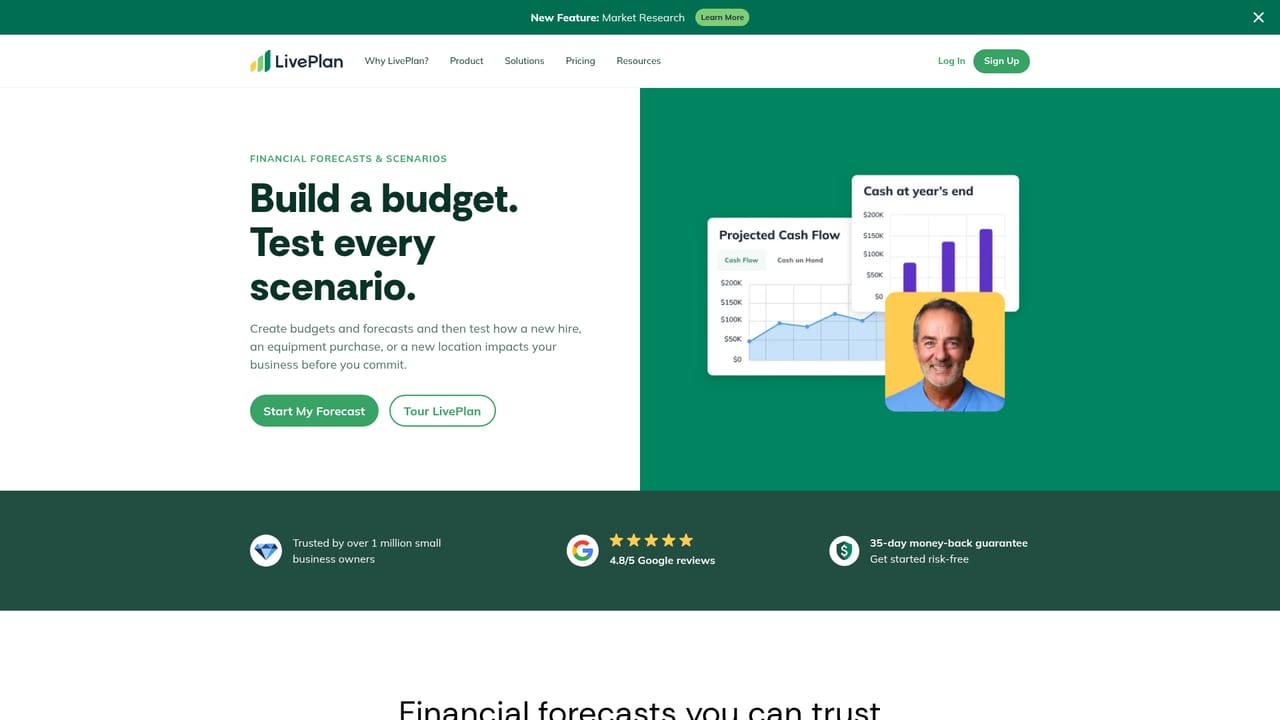
LivePlan is business planning software aimed at founders, small business owners and operators who need a plan that holds up in front of a lender or an investor. The product bundles four things that are usually scattered across spreadsheets, consultants and search tabs: an AI guided idea assessment, citable market research, a written plan builder, and a financial model where the income statement, cash flow and balance sheet are connected to the same assumptions. The company reports over 1.5 million businesses served and a 4.8 out of 5 rating on Google Reviews. The workflow starts in Idea Canvas, which pressure tests a concept and flags risks before money is spent. Market Research then supplies figures drawn from 50 or more verified sources, each with a named citation and tied to your geography, alongside industry benchmarks from a professional research firm. The Plan Builder drafts sections in the voice of your actual business rather than generic filler, and Plan Review reads the finished document the way a lender would, catching places where the narrative and the numbers disagree. A Pitch Deck Creator turns the plan into an investor presentation from templates, with data staying in sync. After launch, Plan vs. Actual connects to accounting software and compares real monthly results against the forecast, so revenue tracking and expense drift are visible without manual reconciliation. That makes LivePlan a fit for solo founders preparing a loan package as well as established small teams that want ongoing budget discipline. It sits closer to a guided planning platform than to a pure AI writing tool, and the homepage draws that line directly: the financial model responds to changed assumptions in a way a general chatbot cannot.
No free trial is described on the homepage. The site instead promotes a 35 day money back guarantee on purchases.
Learn morePaid subscription starting at $20 per month, according to the homepage, with a 35 day money back guarantee. Plan tiers and what each includes are not detailed on the homepage.
Learn moreThe homepage states that accounting software can be connected for plan vs. actual reporting and references QuickBooks in a customer quote. A full integration list is not published on the homepage.
Learn moreIdea Canvas for AI guided idea validation, Market Research with named sources across 50 or more verified providers, a Plan Builder with AI drafting and Plan Review, connected financial forecasting with scenarios, a pitch deck creator, and a Plan vs. Actual dashboard fed by accounting software. Member perks add partner discounts.
Learn more AI Angels400+ customizable AI girlfriends for NSFW chat, voice calls, and roleplay
 Candy AIExperience the future of companionship with AI friends who chat, role-play, and connect with you on a human level.
 ourdream.aiA vast AI roleplay platform with millions of characters for chat, images, video and voiceAI Angels400+ customizable AI girlfriends for NSFW chat, voice calls, and roleplayCandy AIExperience the future of companionship with AI friends who chat, role-play, and connect with you on a human level.ourdream.aiA vast AI roleplay platform with millions of characters for chat, images, video and voice


