Support
Contact email, an on-site chat button and a Substack newsletter for product updates and tips. Terms, privacy and refund policies are published.
Describe a rename in plain words, preview it, apply it in-browser

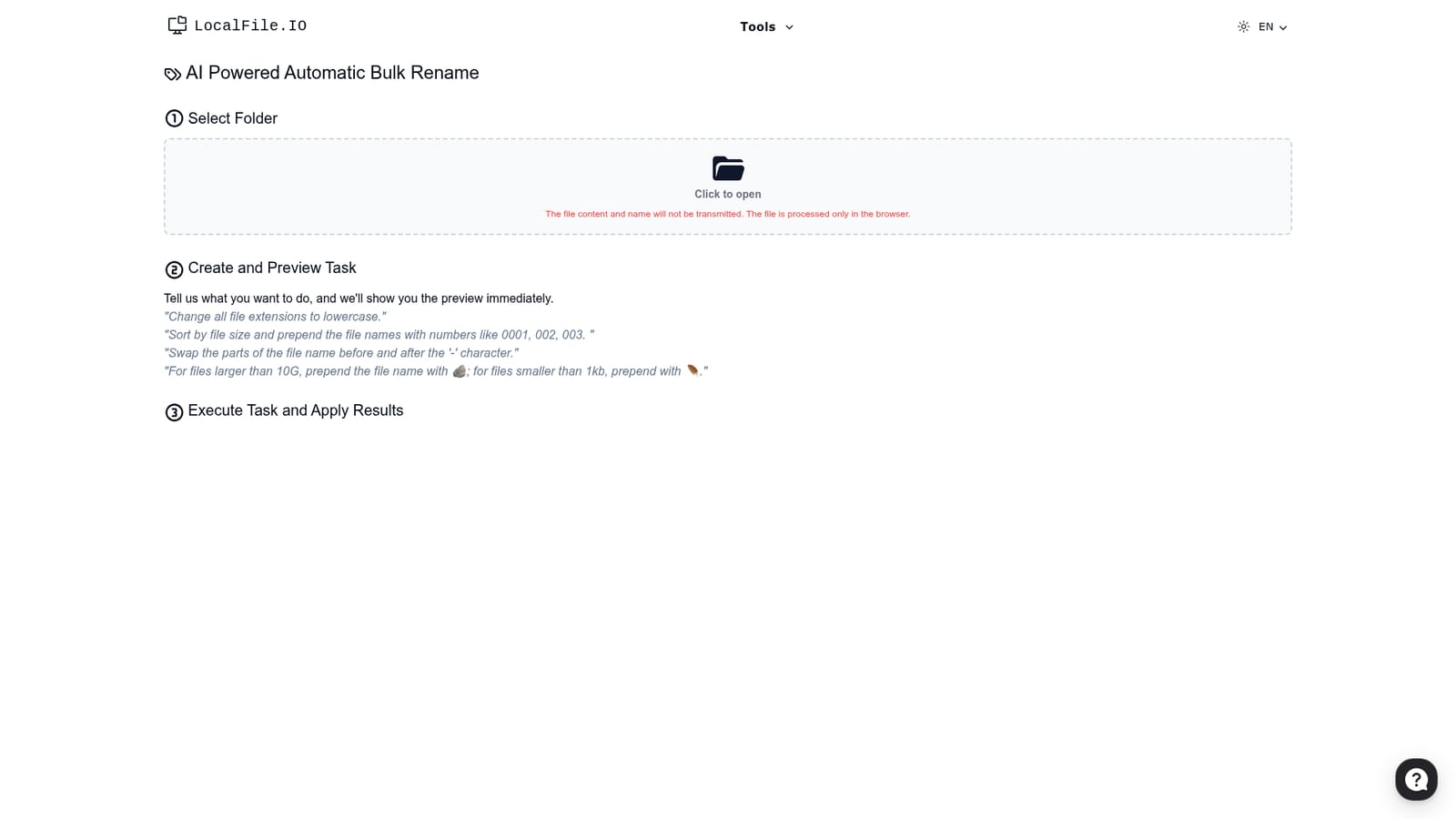
LocalFile.io is a browser-based bulk file renamer. Users pick a folder, describe the change in plain language, check a live preview, then apply it. The site says file names and contents are never transmitted and are processed only in the browser.
LocalFile.io is a bulk file renaming tool that replaces manual find-and-replace patterns and scripting with plain-language instructions. The user selects a folder, types what should happen to the file names, and the tool shows the outcome as a preview before anything on disk changes. It is aimed at people who regularly deal with messy collections of files, such as photographers, archivists, editors, researchers and office workers, and who would rather not learn regular expressions or write shell scripts to tidy them. The workflow has three stages. First comes folder selection, handled through the browser. The site states that file contents and file names are not transmitted anywhere and that processing happens only inside the browser, which is a meaningful point for anyone renaming private or client material. Second, the user writes a task in everyday language and receives an immediate preview of the new names. The examples on the homepage give a sense of the range: lowercasing every file extension, sorting by file size and prepending sequence numbers like 0001, swapping the text on either side of a hyphen, or adding an emoji prefix depending on whether a file is above or below a given size. Third, the user executes the task and applies the results to the files. The page also mentions an option to create an executable file, which suggests a way to save a rename job and run it again, though the homepage gives no further detail. Rules based on file metadata, such as size ordering or size thresholds, make it more flexible than the simple counters found in a typical operating system rename dialog. Within the wider field, it sits between dedicated desktop batch renamers with dense rule builders and hand-written scripts. The trade-off is that the rules come from natural-language interpretation rather than explicit settings, so the preview step matters. The site also runs a Substack newsletter for product updates and tips, lists terms, privacy and refund policies, and offers a chat button and a contact email for questions.
Contact email, an on-site chat button and a Substack newsletter for product updates and tips. Terms, privacy and refund policies are published.
Natural-language rename tasks, instant preview of results, folder selection in the browser, rules based on file size, sorting, extensions and name parts, and an option to create an executable file. Processing stays local in the browser.


