
Luckynote

Chat-style inbox that turns saved reels, links and files into searchable notes

Beginner
Screenshot of Luckynote, Chat-style inbox that turns saved reels, links and files into searchable notes

What is Luckynote?

Luckynote is a chat-style inbox app for saving reels, links, screenshots, voice notes and files, then finding them later through AI search, summaries and extraction of recipes and places. Free plan available, Plus costs $7.99 per month.

Luckynote is a mobile note-taking and saving app built around a simple habit: messaging yourself. Instead of asking users to pick a notebook, tag or folder before saving, it accepts links, reels, videos, photos, voice notes, files and half-finished thoughts into a single inbox. AI works in the background to read what arrives, so a long video becomes a short summary, a cooking reel becomes an ingredient list with steps, and a travel clip becomes a list of places. In practice, capture happens through sharing from Instagram, TikTok, X, WhatsApp, Telegram, the browser or the camera. Text inside screenshots is recognized, voice messages are transcribed, and link context is kept. Retrieval is where the product leans hardest: users can search by a remembered detail, even one that only appears inside an image or audio clip, or ask questions in natural language across everything saved, such as what to cook tonight from stored recipes. Dates found on flyers, tickets or texts can be turned into reminders, and any note can become a task. Folders, subfolders, stars, tags, a Kanban view and filters are available for people who want structure, but none of it is required. The app is aimed at people who already text themselves things to remember and find that thread unusable over time, along with students, creators, journalers and anyone building a loose personal knowledge base. It sits between plain chat-to-self workflows and heavier second brain tools such as Capacities or Evernote: faster to start than a system-first app, with more retrieval power than a messaging thread. Luckynote can also connect to ChatGPT and Claude through MCP, so saved context is available inside those assistants. A free plan covers the basics with limited AI usage, and a paid Plus plan raises storage, file size and AI features. The site states that data is encrypted in transit and at rest but that full end-to-end encryption is not offered, because it would break search and syncing.

How do you use Luckynote?

  1. 1Create a free account
    Sign up on the registration page, then install the iOS or Android app and log in so notes sync across devices.
    Luckynote — Create a free account
  2. 2Save your first reel or link
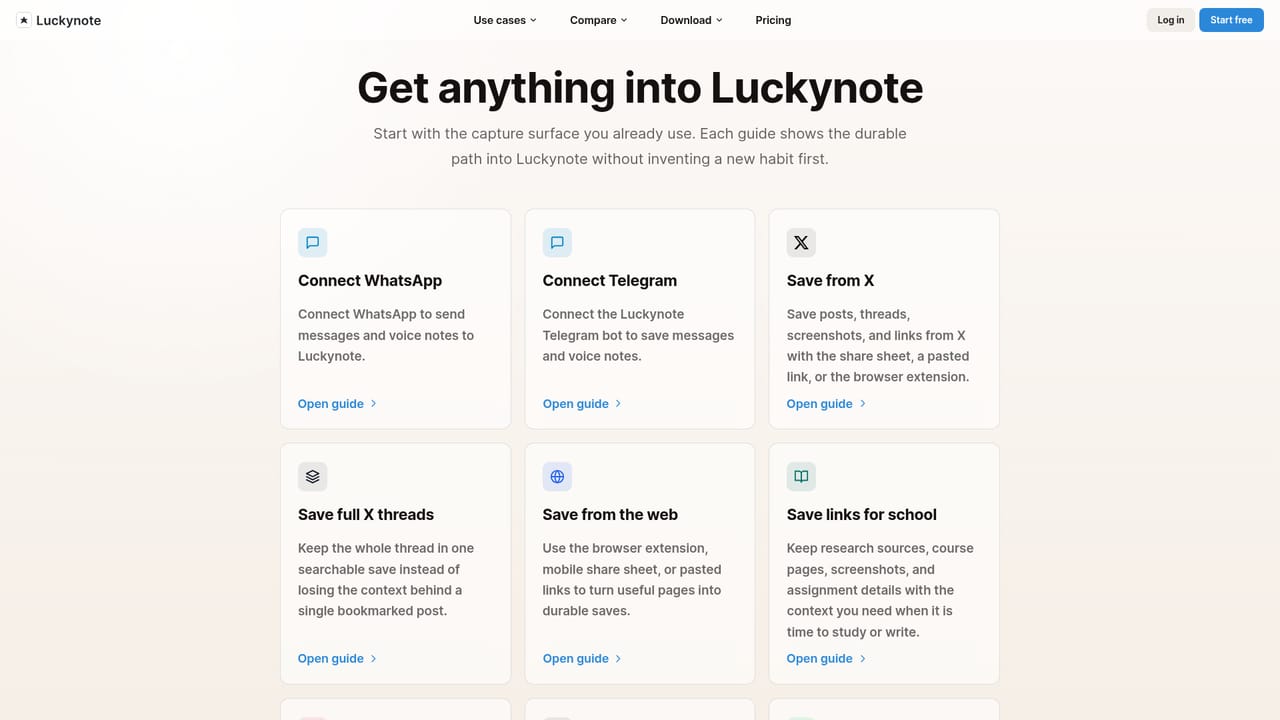
    Use the share sheet from Instagram, TikTok or X to send a post to Luckynote. A guide for each source explains the exact steps.
    Luckynote — Save your first reel or link
  3. 3Forward notes from chat apps
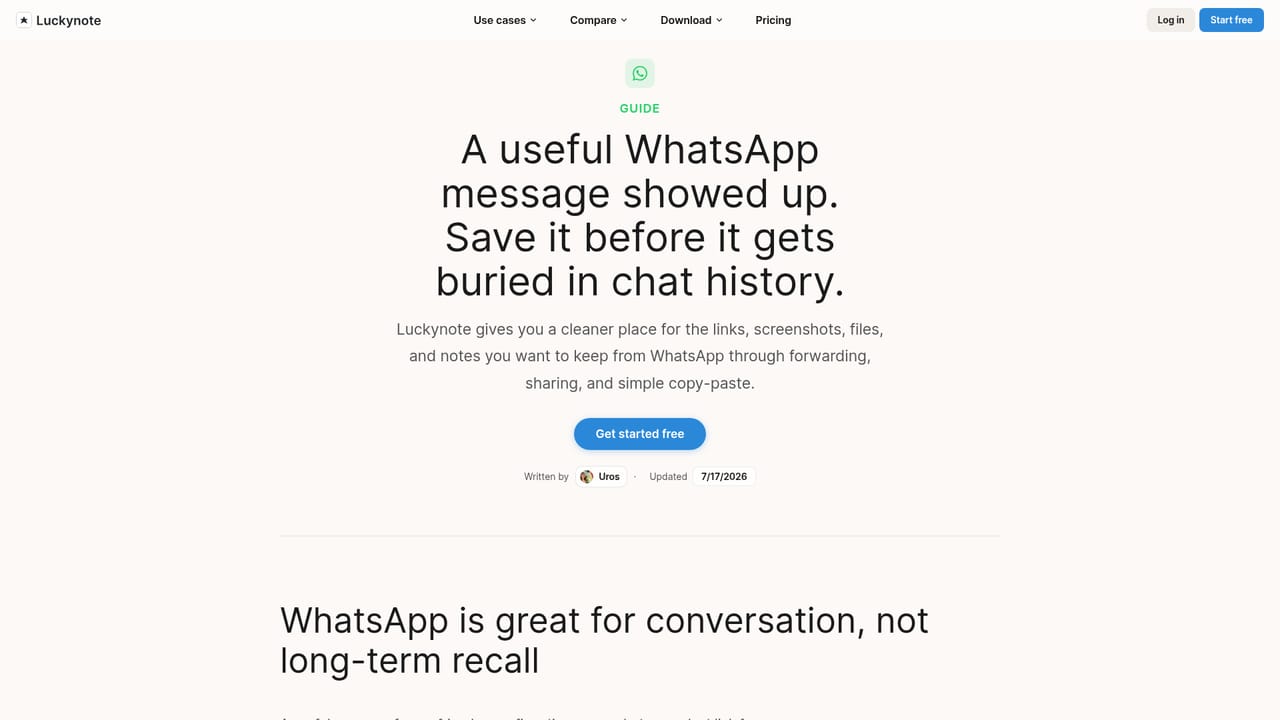
    Send links, voice notes or screenshots from WhatsApp so they land in the same inbox, with voice notes transcribed.
    Luckynote — Forward notes from chat apps
  4. 4Search for what you remember
    Type a detail such as a dish name or a place and let search surface the match, even from text inside a screenshot.
  5. 5Add structure only when needed
    Star key items, file others into folders, or convert a note into a task or reminder once it becomes actionable.
  6. 6Connect your AI assistant
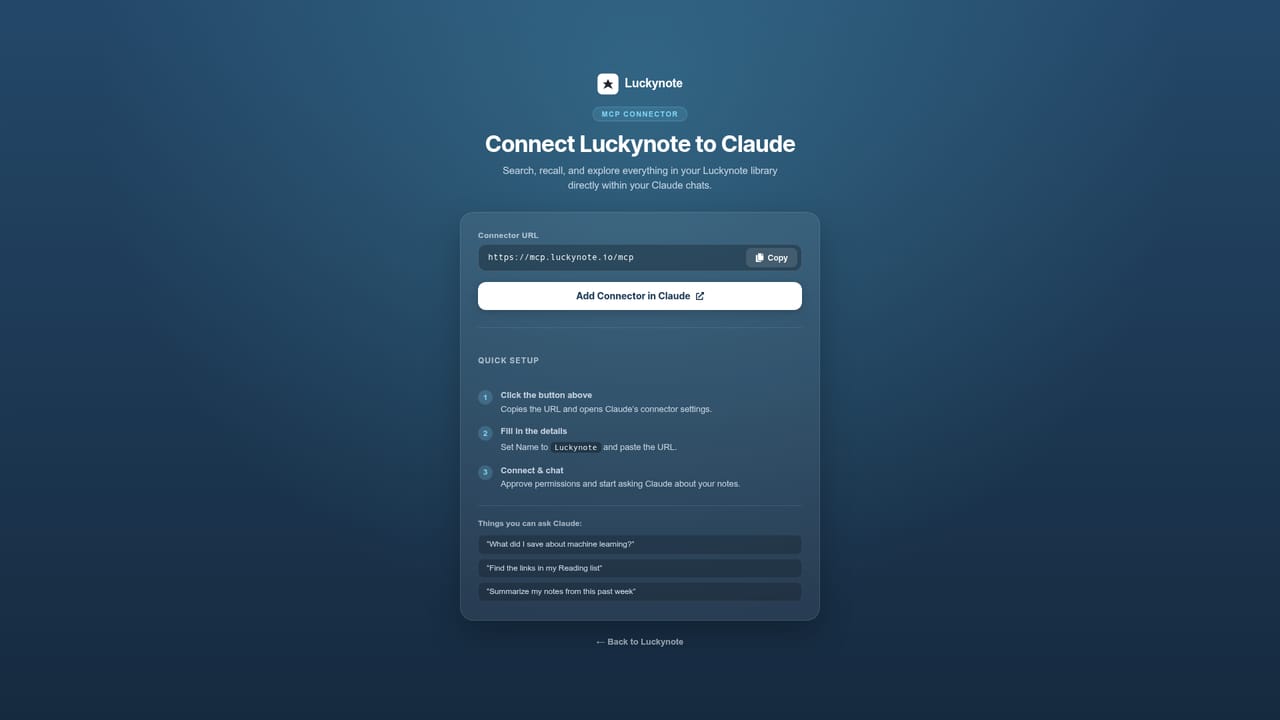
    Link Luckynote to ChatGPT or Claude through MCP so saved context is available inside those tools.
    Luckynote — Connect your AI assistant

Pros and cons

Pros

  • Save-first design removes the need to choose folders or tags before capturing somethingAI
  • Extracts recipes, places and key points from reels, videos and articles in the backgroundAI
  • Search finds details inside screenshots, voice notes and links, plus natural language questions over savesAI
  • Free plan with unlimited folders, sync across devices and cloud backupAI
  • MCP connection exposes saved context to ChatGPT and ClaudeAI

Cons

  • No full end-to-end encryption, which the site says would break search and syncingAI
  • Free plan limits messages and AI usage, and caps storage at 100MB with 10MB uploadsAI
  • Summaries, transcription, smart bookmarks and image text recognition sit behind the paid Plus planAI
  • Only iOS and Android apps are listed, so desktop users rely on a bookmarklet or other sharing routesAI
  • Built by a small team around one founder, so the product is younger than established note appsAI

How much does Luckynote cost?

Pricing

Personal plan is free forever at $0 with limited messages and AI usage, 100MB storage and 10MB uploads. Plus is $7.99 per month billed monthly (yearly billing saves 37%) with unlimited messages, 10x AI usage, 20GB storage and 1GB uploads. Unlimited folders on all plans.

Learn more

Integrations

Connects to ChatGPT and Claude through MCP. Saves arrive from Instagram, TikTok, X, WhatsApp, Telegram, the browser (including a Chrome bookmarklet) and the camera.

Learn more

Features

Chat-style inbox, AI summaries, recipe and place extraction, natural language search across saves, voice transcription, screenshot text recognition, reminders and tasks, Kanban view, folders, stars, filters, cross-device sync, and cloud backup with encryption.

Learn more

Frequently asked questions about Luckynote

  • How much does Luckynote cost?
    Personal plan is free forever at $0 with limited messages and AI usage, 100MB storage and 10MB uploads. Plus is $7.99 per month billed monthly (yearly billing saves 37%) with unlimited messages, 10x AI usage, 20GB storage and 1GB uploads. Unlimited folders on all plans.
  • How do you use Luckynote?
    The walkthrough on this page covers 6 steps: 1. Create a free account 2. Save your first reel or link 3. Forward notes from chat apps 4. Search for what you remember 5. Add structure only when needed 6. Connect your AI assistant.
  • What platforms does Luckynote support?
    Luckynote is available on iOS and Android.
  • What does Luckynote integrate with?
    Connects to ChatGPT and Claude through MCP. Saves arrive from Instagram, TikTok, X, WhatsApp, Telegram, the browser (including a Chrome bookmarklet) and the camera.
  • What are the limitations of Luckynote?
    No full end-to-end encryption, which the site says would break search and syncing. Free plan limits messages and AI usage, and caps storage at 100MB with 10MB uploads. Summaries, transcription, smart bookmarks and image text recognition sit behind the paid Plus plan.

Status

StatusActive
Views0
Outbound clicks0
Added10/18/2026

Platforms

iOSAndroid

Pricing

FreemiumSubscription