Free trial
The free plan doubles as a trial: no credit card is needed, and accounts can be created at any time to test the assistant before upgrading. No separate timed trial is advertised.
Learn moreProton's encrypted AI chat assistant with no logs and no training on your data
Own Lumo by Proton? Verify ownership to get a dofollow link

Lumo by Proton is an AI chat bot tool. Lumo is Proton's privacy-first AI chat assistant. It answers questions, generates images, summarizes documents and searches the web, while storing every conversation under zero-access encryption that Proton cannot read. Free tier available; Lumo Plus adds higher limits and unlimited projects.
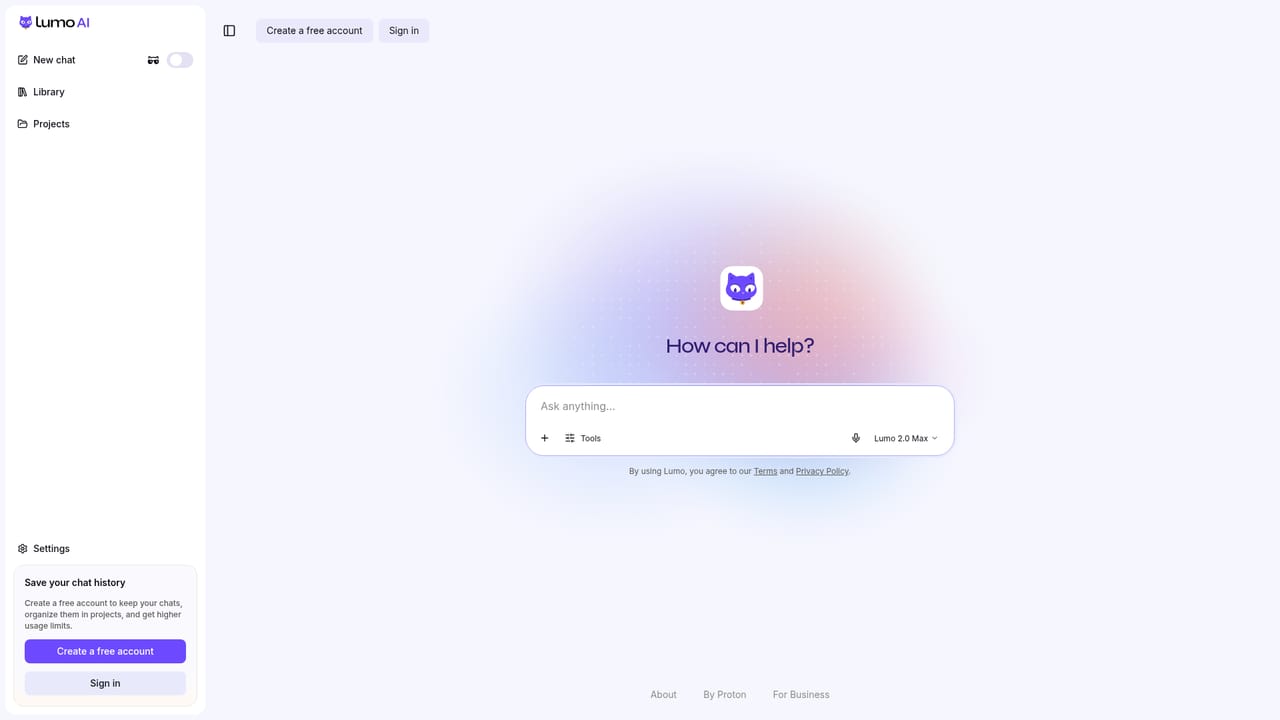
Lumo is a chat-based AI assistant built by Proton, the team behind Proton Mail and Proton VPN. It handles the familiar assistant tasks: answering questions, summarizing documents, drafting reports, generating images from text prompts, planning workloads, and digging through confidential research. What separates it from mainstream chatbots is the storage model. Conversation history is kept under zero-access encryption, meaning the archive can only be decrypted on your device and Proton itself cannot read it. The product also states that chats are not used to train models and are never shared with advertisers or governments. The service sits well with individuals and teams who handle material they would rather not paste into a consumer chatbot: client contracts, health questions, visa paperwork, tax filings, school applications, internal reports. Proton positions it toward both personal users and businesses, with a separate Lumo for Business offering that keeps team conversations encrypted and under organizational control. A free tier covers limited use of the Max model, limited messages and history, limited image generations and one project, while Lumo Plus raises those ceilings, adds unlimited projects and custom Lumos, and bills monthly or yearly with a 23 percent annual discount. Prices are quoted in CHF, EUR and USD. In practice Lumo works like any chat assistant: open a session in the browser, type a prompt (the homepage caps a single input at 1,800 characters when starting a chat), or ask it to produce an image. Projects and Custom Lumos let you organize recurring work and presets. A built-in web search returns current information, and Proton Drive files and folders can be linked into a conversation so the assistant works with your own documents. Guest access over Tor lets you try the assistant without an account. Against ChatGPT, Gemini, Copilot and Claude, the pitch is jurisdictional and architectural rather than raw capability. Lumo is built and hosted in Europe, complies with GDPR, publishes its client code as open source so outsiders can verify the privacy claims, and runs on an ad-free business model. Choosing it means accepting a smaller ecosystem in exchange for a conversation history that stays sealed.
The free plan doubles as a trial: no credit card is needed, and accounts can be created at any time to test the assistant before upgrading. No separate timed trial is advertised.
Learn moreFree tier at $0.00 with no credit card required, offering limited Max model usage, messages, chat history, image generations and one project. Lumo Plus is $9.99 per month on annual billing ($119.88 per year, 23 percent off) or $12.99 monthly, with more of everything, unlimited projects and custom Lumos. Either plan carries a 30-day money-back guarantee.
Learn moreSupport details are not described on the homepage beyond self-serve resources: the security model write-up, the open source code listing, the trust center and the AI guide pages.
Learn moreThe homepage mentions linking files and folders from Proton Drive into conversations. No other third-party integrations are listed, and no public API is described.
Text chat with the Max model, text-to-image generation, web search for current information, document and data analysis, project organization, custom Lumos presets, and Proton Drive file linking. History is stored with zero-access encryption, chats are never used for model training, and the client code is open source.
Learn more AI Angels400+ customizable AI girlfriends for NSFW chat, voice calls, and roleplay
 Candy AIExperience the future of companionship with AI friends who chat, role-play, and connect with you on a human level.
 ourdream.aiA vast AI roleplay platform with millions of characters for chat, images, video and voiceAI Angels400+ customizable AI girlfriends for NSFW chat, voice calls, and roleplayCandy AIExperience the future of companionship with AI friends who chat, role-play, and connect with you on a human level.ourdream.aiA vast AI roleplay platform with millions of characters for chat, images, video and voice


