Pricing
Stability Matrix is free and open source, with the source code published on GitHub. A separate membership programme exists for users who want to fund development and receive perks, early access to features and a community role.
Learn moreOne installer and shared model library for every major AI art Web UI

Lykos AI is a generative art tool. Open source desktop manager that installs ComfyUI, Automatic1111, Fooocus, Forge, InvokeAI and other local AI art interfaces, sharing one model library across all of them with built-in CivitAI browsing and one-click updates.
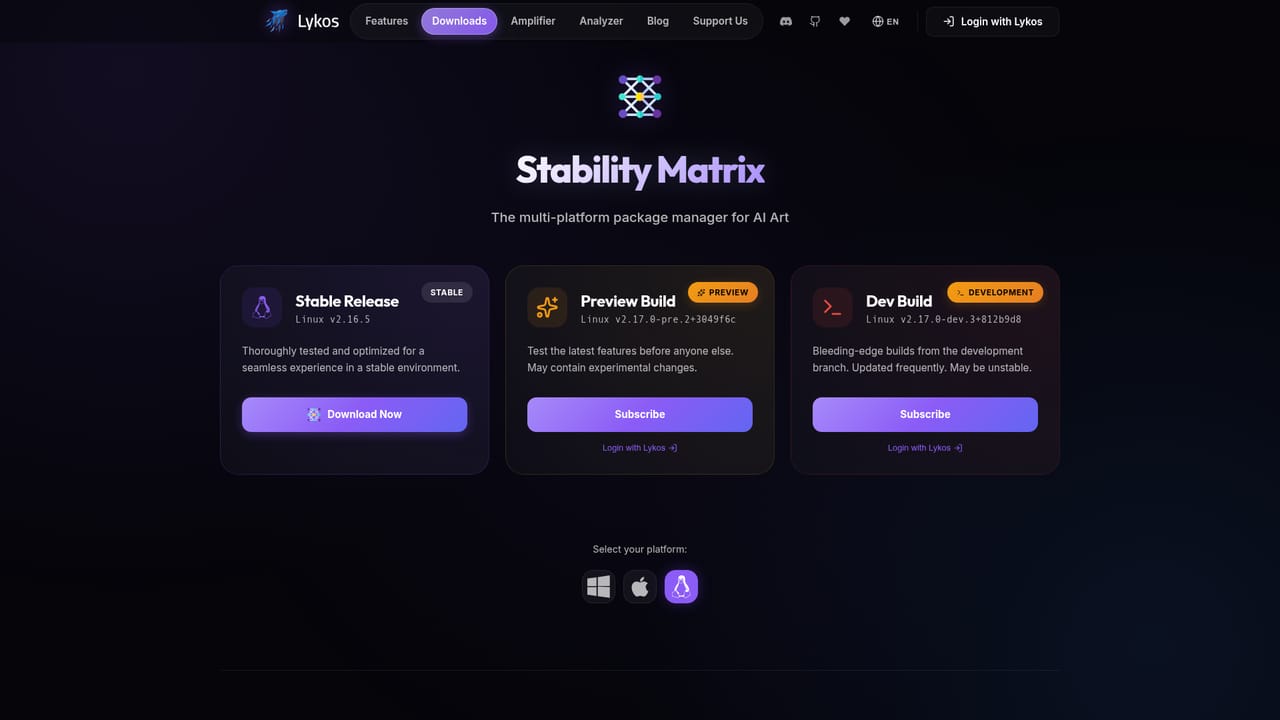
Stability Matrix is an open source desktop application from Lykos AI that installs and manages the front ends people use to run AI art models locally. ComfyUI, Automatic1111, Fooocus, Forge, InvokeAI and a long list of smaller packages can be installed from a single launcher, each one inside a portable, self-contained environment. The stated goal is to remove Python environments, Git clones and dependency troubleshooting from the setup process, so a new interface is a click rather than an afternoon of terminal commands. The feature that carries the most weight is the shared model repository. Every installed interface points at the same checkpoints, LoRAs and embeddings through automatic symlinking, so a 5GB checkpoint is stored once instead of being copied into each UI folder. Existing collections can be imported and enriched with previews and CivitAI metadata. A built-in CivitAI browser handles search and download without leaving the app, and one-click updates keep interfaces, extensions and the manager itself current. Portability is the other quiet advantage. The whole installation lives in one folder, which can be moved to another drive or machine intact, an appealing property for anyone who has rebuilt a broken Python stack more than once. Because everything runs locally, model files and generation history stay on the user's own hardware. Stability Matrix is best understood as infrastructure rather than an image generator. It targets people who already run local diffusion models and want an orderly way to test several interfaces or share one model library across them. Anyone expecting a hosted, prompt-and-go service will find it is the wrong layer of the stack. The download is free and the project is community funded.
Stability Matrix is free and open source, with the source code published on GitHub. A separate membership programme exists for users who want to fund development and receive perks, early access to features and a community role.
Learn moreHelp is routed through the project wiki on GitHub and a Discord community of more than 15,000 members, with video walkthroughs linked from the homepage for setup and model organization.
Ships with a built-in CivitAI browser for models, LoRAs and embeddings, and installs third party Web UI packages such as ComfyUI, Automatic1111, Fooocus, Forge and InvokeAI.
One-click installation of major AI art interfaces including ComfyUI, Automatic1111, Fooocus, Forge and InvokeAI, multi-UI switching on shared resources, a central model repository with global symlinking, CivitAI browsing and download, automatic metadata and previews, one-click updates, and a portable folder based setup.
 AI Angels400+ customizable AI girlfriends for NSFW chat, voice calls, and roleplay
 Candy AIExperience the future of companionship with AI friends who chat, role-play, and connect with you on a human level.
 ourdream.aiA vast AI roleplay platform with millions of characters for chat, images, video and voiceAI Angels400+ customizable AI girlfriends for NSFW chat, voice calls, and roleplayCandy AIExperience the future of companionship with AI friends who chat, role-play, and connect with you on a human level.ourdream.aiA vast AI roleplay platform with millions of characters for chat, images, video and voice


