Album Cover AI

Turn a track into a pack of release-ready album covers in under a minute

Beginner
Screenshot of Album Cover AI, Turn a track into a pack of release-ready album covers in under a minute

What is Album Cover AI?

Album Cover AI is an audio analysis tool that turns a track into a pack of release-ready album covers in under a minute. Album Cover AI analyzes an uploaded track and returns a pack of styled album cover options, aimed at independent artists and producers who want release ready artwork without design software.

Album Cover AI is a browser based generator built around one narrow job: producing artwork for a song. Instead of starting from a blank prompt box, the user supplies the track itself. The service analyzes the uploaded audio, then generates a set of cover options shaped by the mood and character it detects. A style picker sits alongside that analysis, so the output can be steered rather than left entirely to the model. The workflow is deliberately short. Upload an audio file, choose the styles to apply, and wait for the pack to arrive. There is no layer panel, no typography tool and no manual masking, which is the point: the product is aimed at independent artists, producers and small labels who need a finished looking cover without opening Photoshop or hiring a designer for a single release. The site also offers a text to cover path for people who would rather describe the artwork than upload a track. Beyond the core generator, a few supporting pieces round out the offering. Genre hubs cover hip hop, electronic, rock and pop for browsing style references, a parental advisory page handles explicit content labelling, and a blog carries guidance on cover creation. The gallery on the homepage shows a wide range of finished results, from painted portrait styles to stark graphic compositions, which gives a realistic sense of the visual range on offer. In a crowded field of general purpose AI image tools, the differentiator is the audio input and the release specific framing. A Midjourney or DALL E user can reach similar aesthetics with effort, but has to write the prompts and iterate. Album Cover AI trades that flexibility for speed and a musical starting point. Buyers should note that the homepage does not publish pricing, resolution or licensing terms, so those details need checking before committing a commercial release to it.

How do you use Album Cover AI?

  1. 1Open the cover generator
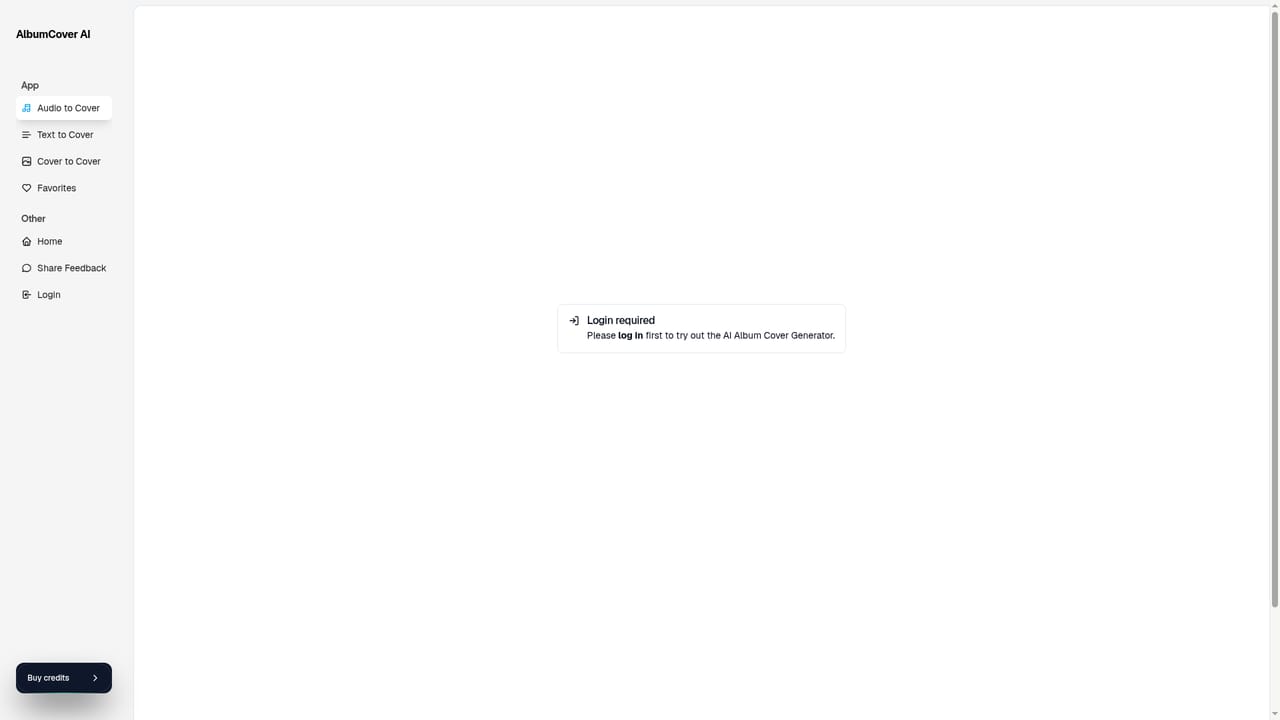
    Go to the generator page to start a new cover project. This is the main entry point for the audio based workflow described on the homepage.
    Album Cover AI — Open the cover generator
  2. 2Upload your track
    Step one of the flow is adding the audio file the tool will analyze. The homepage does not state which formats or file sizes are accepted, so check in the interface before uploading a long mix.
  3. 3Choose your styles
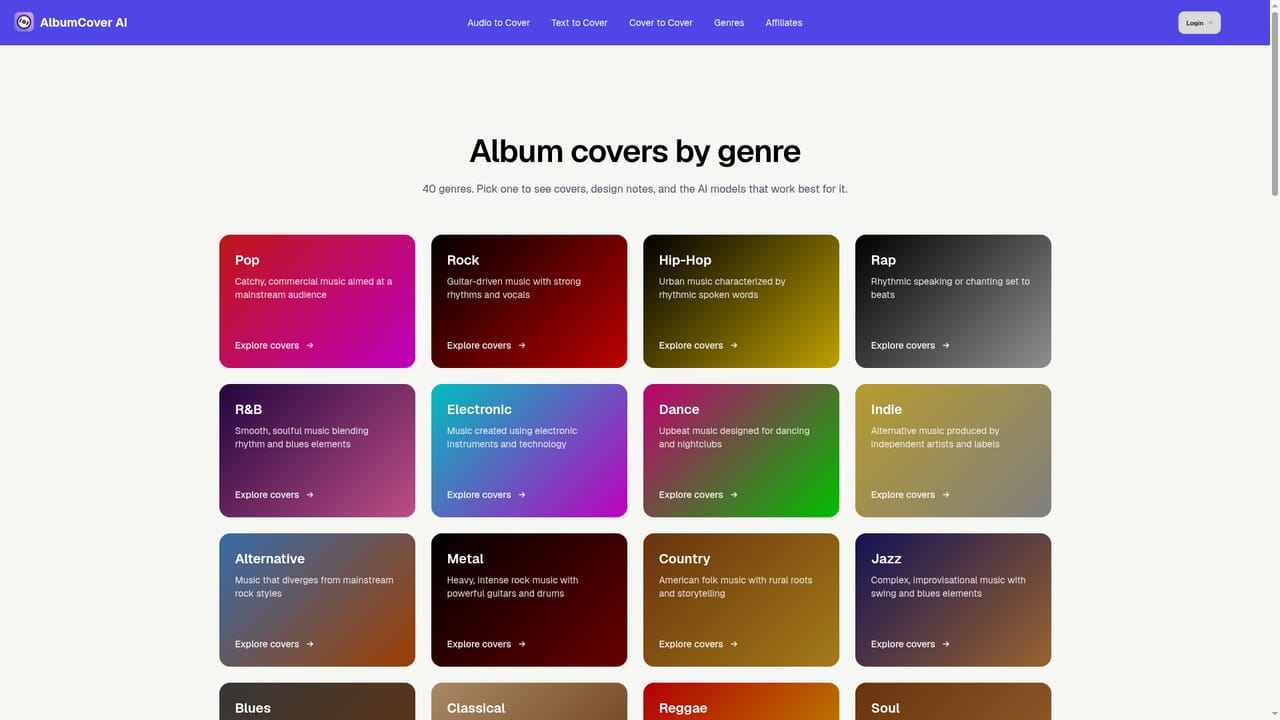
    Step two asks you to select the visual styles to apply. Browse the genre hubs first if you want a reference for how rock, pop, electronic or hip hop covers tend to look.
    Album Cover AI — Choose your styles
  4. 4Collect the generated pack
    Step three is waiting for the set of covers to finish. The result is a pack of variations rather than one image, so review the batch before picking a favourite.
  5. 5Try the text to cover route instead
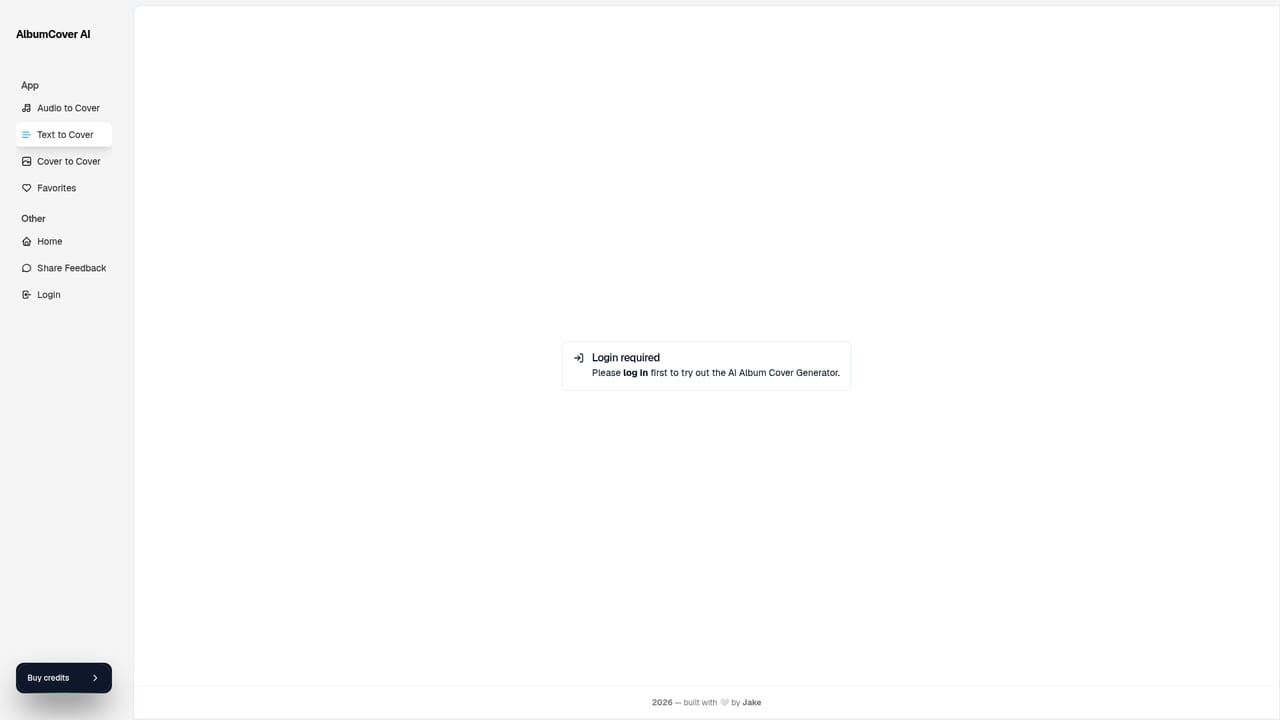
    If you do not want to upload audio, the text to cover page lets you work from a written description of the artwork. This suits covers for singles that are not mixed yet.
    Album Cover AI — Try the text to cover route instead
  6. 6Add an explicit content label
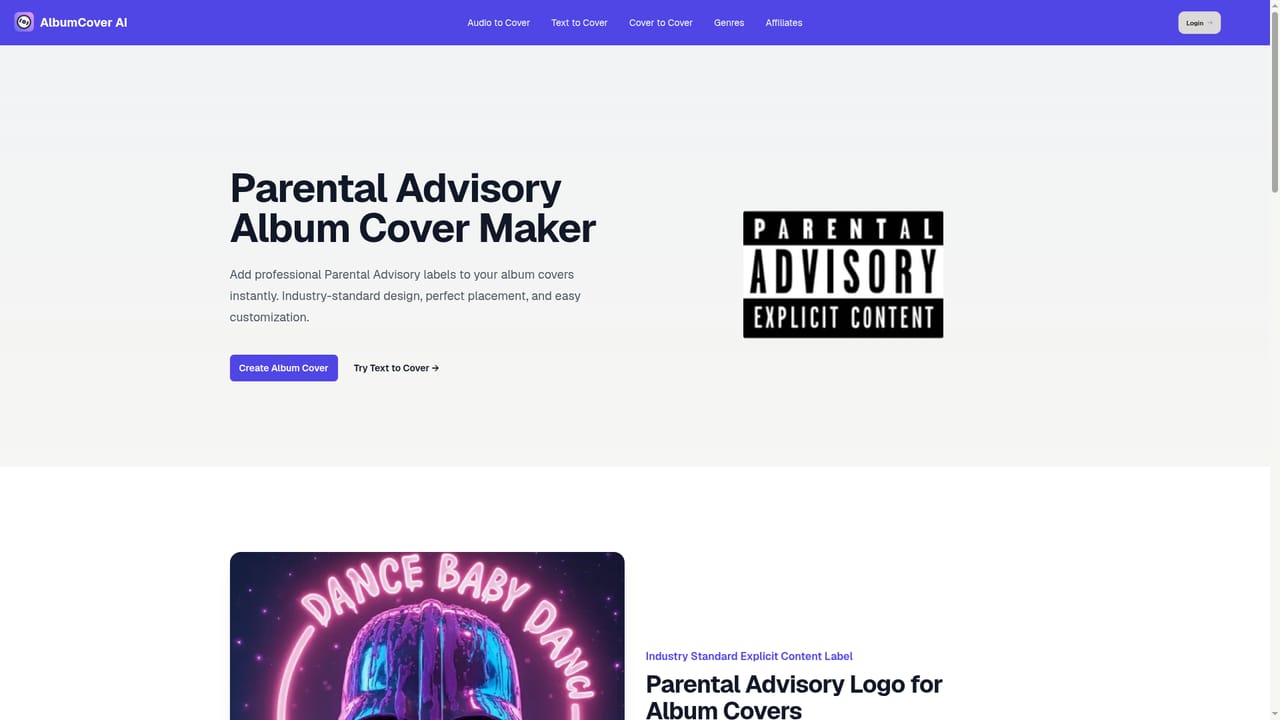
    For releases with explicit lyrics, use the parental advisory page to handle the warning mark instead of assembling it manually in an editor.
    Album Cover AI — Add an explicit content label

Pros and cons

Pros

  • Audio driven generation means the cover is shaped by the track rather than a written prompt aloneAI
  • Three step flow (upload, pick styles, wait) keeps the barrier low for non designersAI
  • Produces a pack of options per run instead of a single image, so there is room to chooseAI
  • Genre hubs for hip hop, electronic, rock and pop make style referencing quickAI
  • Dedicated parental advisory page covers explicit artwork labelling for releasesAI

Cons

  • Homepage publishes no pricing, credits or plan details, so cost is unknown before signing upAI
  • No resolution, file format or commercial licensing information is stated on the siteAI
  • Style control is limited to preset selection, with no retouching or typography editorAI
  • The audio analysis step adds a dependency: results track the upload quality and may miss intentAI
  • Direct comparison with general image models is hard because output variety is only shown through samplesAI

How much does Album Cover AI cost?

Features

Audio based cover generation that analyzes an uploaded track, a style picker applied on top of the analysis, batch output delivered as a pack of options, a separate text to cover workflow, genre hubs for hip hop, electronic, rock and pop, a parental advisory labelling page, and a blog with cover creation guidance.

Frequently asked questions about Album Cover AI

  • How do you use Album Cover AI?
    The walkthrough on this page covers 6 steps: 1. Open the cover generator 2. Upload your track 3. Choose your styles 4. Collect the generated pack 5. Try the text to cover route instead 6. Add an explicit content label.
  • What platforms does Album Cover AI support?
    Album Cover AI is available on Web App.
  • What are the limitations of Album Cover AI?
    Homepage publishes no pricing, credits or plan details, so cost is unknown before signing up. No resolution, file format or commercial licensing information is stated on the site. Style control is limited to preset selection, with no retouching or typography editor.

Status

StatusActive
Views0
Outbound clicks0
Added10/22/2026

Platforms

Web App

Pricing

Paid