Free trial
The free tier works as a trial: sign in, get 3 song generations per day and up to 6 outputs, then upgrade for downloads, privacy and higher limits.
Learn moreTurn rough lyrics into first-listen songs with AI
Own Lyrics To Music.ai? Verify ownership to get a dofollow link
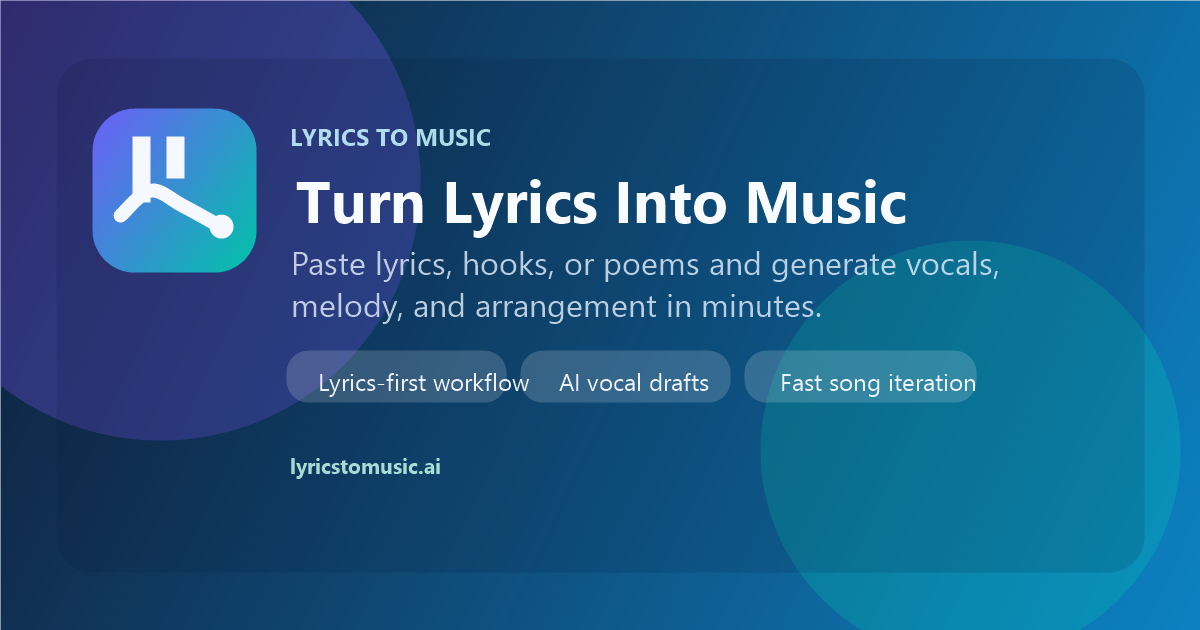
Lyrics To Music.ai is a lyrics extractor tool that turns rough lyrics into first-listen songs with AI. A browser-based AI song generator that builds melody, vocals, sections and production around lyrics, hooks or poems instead of a genre prompt.
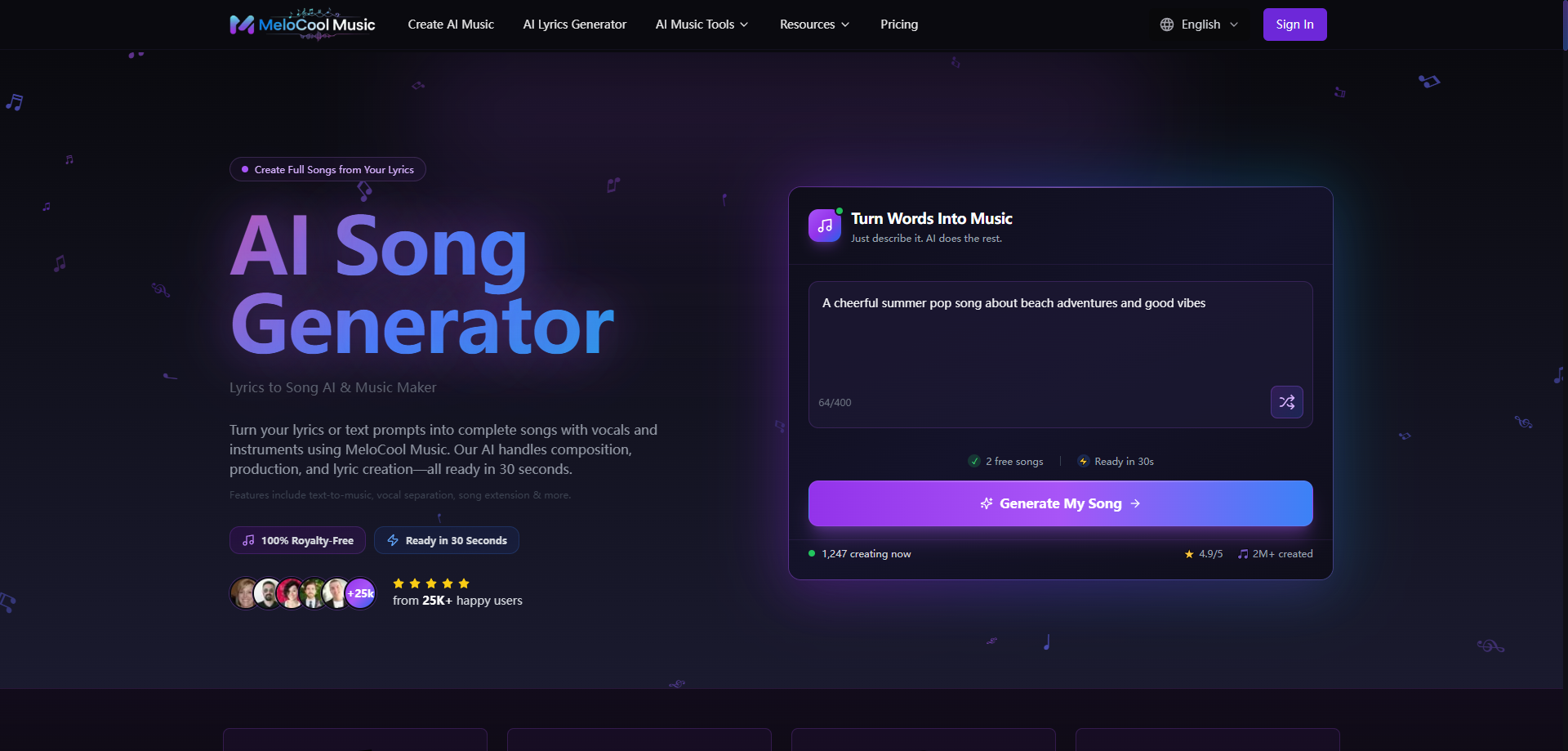
Lyrics To Music is a browser-based song generator built around a simple premise: writers usually have words before they have production. Instead of starting from a genre prompt, the tool takes a lyric draft, a hook, a poem or a half-finished chorus and builds a playable track around it, adding melody, vocal phrasing, song sections and production. The homepage demos show the range it aims for, from emotional pop and cinematic German pop to bedroom pop, latin pop, J-pop and dance-pop, and the workflow accepts messy inputs rather than demanding a finished lyric sheet. The core product is the lyrics-first song generator, and it sits alongside two supporting tools. Text to Music covers projects that need atmosphere before words, taking a scene, mood or short brief and returning instrumental music. The AI lyrics generator is for writing verses, hooks and choruses before any audio exists, so a writer can test angles cheaply and only then move the strongest lines into the song workflow. After generation, an extend tool lets users lengthen a promising track, split vocals and extract stems. Everything runs in the browser, and the site states that no DAW or music theory knowledge is required. In practice the tool suits songwriters and topliners who want to hear an idea back quickly and judge which lines land, plus creators, marketers and indie teams producing hooks, branded intros and campaign drafts without booking studio time. The homepage quotes users testing whether a lyric wants to sound cinematic, poppy or acoustic, and teams evaluating lyric-led concepts before paying for full production. Output is positioned for demos, content, campaigns, client work and release prep. The competitive angle is speed of evaluation rather than finished masters. Comparable tools often begin with a text prompt and treat lyrics as an accessory; here the words drive structure and vocal delivery. The trade-off is depth of manual control, and the free tier makes output public, so private work and downloads require a paid plan.
The free tier works as a trial: sign in, get 3 song generations per day and up to 6 outputs, then upgrade for downloads, privacy and higher limits.
Learn moreA free plan is available after signing in with 3 song generations per day, producing up to 6 song outputs. Free-plan songs are public by default and can be listened to online. Paid plans add downloads, private generations and higher limits, but the homepage does not quote prices.
Learn moreLyrics-first song generation with melody, vocals, sections and production; Text to Music for instrumental tracks from scene or mood descriptions; an AI lyrics generator for hooks and choruses; song extension, vocal separation and stem extraction; browser-based operation with no DAW required.
Learn more AI Angels400+ customizable AI girlfriends for NSFW chat, voice calls, and roleplay
 Candy AIExperience the future of companionship with AI friends who chat, role-play, and connect with you on a human level.
 ourdream.aiA vast AI roleplay platform with millions of characters for chat, images, video and voiceAI Angels400+ customizable AI girlfriends for NSFW chat, voice calls, and roleplayCandy AIExperience the future of companionship with AI friends who chat, role-play, and connect with you on a human level.ourdream.aiA vast AI roleplay platform with millions of characters for chat, images, video and voice