Free trial
Up to 6 trial credits may be given to eligible new accounts, and the Free plan allows 2 songs per month at no cost with a shared queue and 7 day storage.
Learn morePaste lyrics, pick a style, get a finished song with vocals
Own LyricsToSongAI? Verify ownership to get a dofollow link
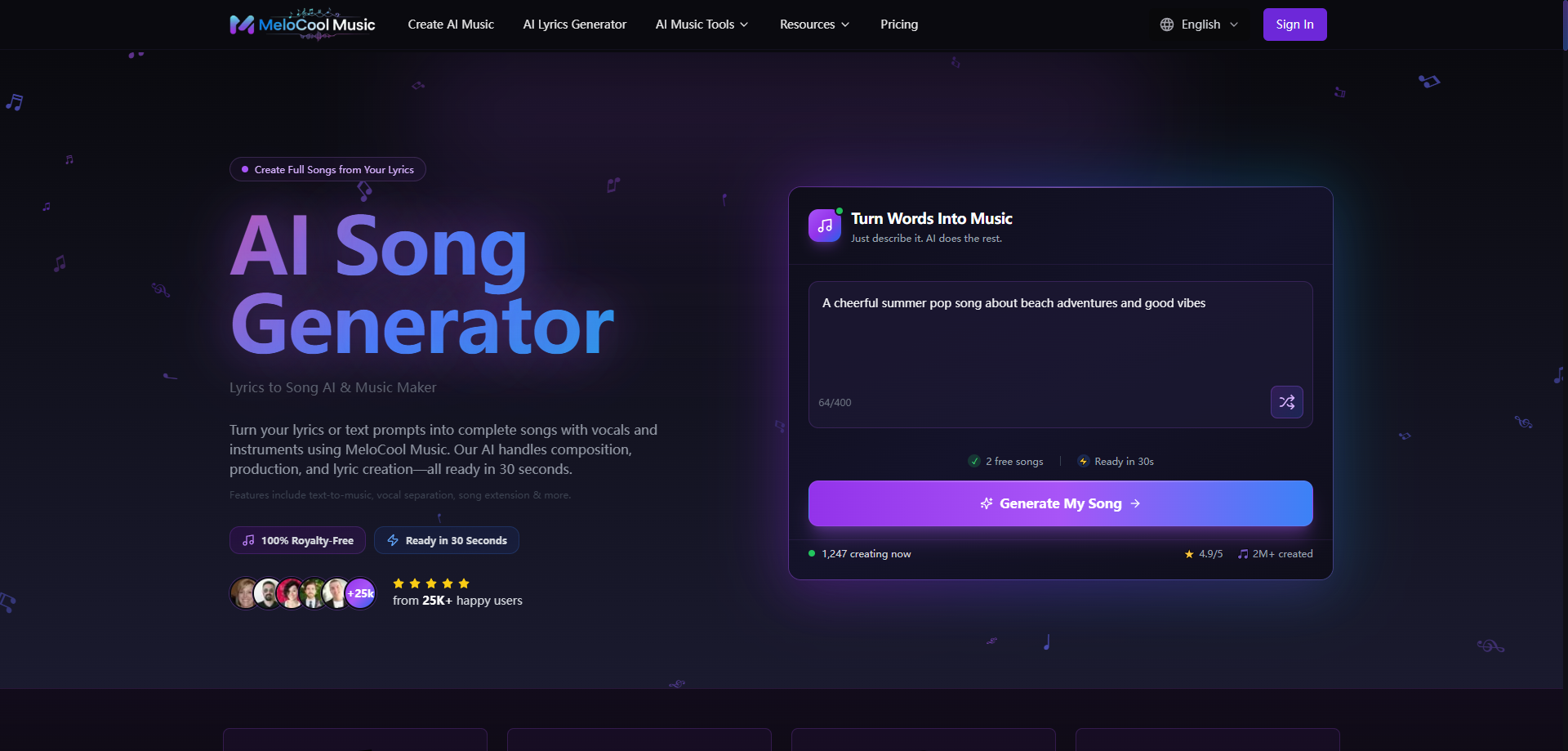
LyricsToSongAI is a death metal generator tool. A web app that turns pasted lyrics or text prompts into complete songs with vocals and instruments, backed by lyric writing, vocal separation, track extension and a set of browser audio utilities. Free tier is limited to 2 songs monthly and premium models need a paid plan.
LyricsToSongAI is a web based music generator built around a fairly specific workflow: you bring the words, and the platform handles composition, vocals and arrangement. Paste a lyric sheet or a poem, describe the sound you have in mind, and the generator returns a structured track with singing and instrumentation rather than an instrumental bed. Text to music prompts are supported too, so a plain mood description works when no lyrics exist yet. The site claims roughly 30 second turnaround times and advertises 15K+ songs generated across 15K+ registered creator accounts, with the interface localized into 14 languages. The core tool sits inside a wider toolkit. There is an AI lyrics generator for writers stuck on a verse, a vocal remover that splits a finished track into acapella and instrumental stems for karaoke or sampling, and a song extension feature that stretches a short clip into a longer arrangement. Exports are offered as MP3, WAV and MIDI, and the paid tiers add a commercial license. Beyond the main generator the site hosts a collection of smaller browser utilities: a spectrogram viewer, key finder, 8 bit converter, lo-fi converter, effect rack, slow reverb generator, synth lab, loop sampler, chord player and MIDI recorder. Over 50 styles and 500+ genre pages cover ground from pop, hip hop and rock to reggae, jazz, epic and chill. The audience is broad by design. Social media creators wanting royalty free background audio, indie game developers needing adaptive loops without licensing costs, podcasters building intro themes, and marketing teams after a consistent sonic identity are all named as use cases. Beginner friendliness is part of the pitch: no theory knowledge or instrument skills required. Producers can use it as a drafting tool that feeds a DAW through MIDI export. The pricing structure is where buyers should look closely. The free tier is capped at 2 songs per month, downloads are gated on several plans in the comparison table, and the meta description notes that basic generations cost 5 credits while premium models are locked behind paid plans. Cloud storage runs 7 days on free accounts and 1 year on Basic and Pro, with permanent storage only on Unlimited.
Up to 6 trial credits may be given to eligible new accounts, and the Free plan allows 2 songs per month at no cost with a shared queue and 7 day storage.
Learn moreFree tier at $0 gives 2 songs per month. Basic is $7.9/mo billed yearly (200 songs monthly, 2 concurrent tasks), Pro is $19.9/mo (800 songs, 5 concurrent), Unlimited is $35.9/mo (2000 songs, unlimited concurrency, permanent storage). Yearly billing discounts run 28 to 47 percent against $14.9, $29.9 and $49.9 monthly rates. Homepage also states 5 credits per basic generation.
Learn more24/7 priority email support is listed across the plan comparison, including on the Free tier.
Learn moreLyrics to song and text to music generation with vocals and structure, AI lyrics writing, vocal and instrumental separation, song extension, MP3, WAV and MIDI export, and more than 50 styles across 500+ genre pages. A separate set of browser tools adds spectrogram viewing, key detection, 8 bit and lo-fi conversion, an effect rack, slow reverb, synth lab, loop sampler, chord player and MIDI recorder.
 AI Angels400+ customizable AI girlfriends for NSFW chat, voice calls, and roleplay
 Candy AIExperience the future of companionship with AI friends who chat, role-play, and connect with you on a human level.
 ourdream.aiA vast AI roleplay platform with millions of characters for chat, images, video and voiceAI Angels400+ customizable AI girlfriends for NSFW chat, voice calls, and roleplayCandy AIExperience the future of companionship with AI friends who chat, role-play, and connect with you on a human level.ourdream.aiA vast AI roleplay platform with millions of characters for chat, images, video and voice