M1K3

A private, on-device AI stack for Apple Silicon Macs.

Intermediate API
Screenshot of M1K3, A private, on-device AI stack for Apple Silicon Macs

What is M1K3?

M1K3 is a native macOS AI app that runs local models, live voice, a document knowledge graph, encrypted call memory and an MCP server entirely on Apple Silicon, with no account, no telemetry and no subscription.

M1K3 is a native macOS application that runs a complete AI stack on the machine itself. Inference, speech recognition, voice synthesis, embeddings and storage all happen locally on Apple Silicon hardware, so the app keeps working with the network cable pulled. It is built in SwiftUI with Metal-accelerated model execution rather than shipping a browser wrapper, and it targets macOS 26 Tahoe specifically. The stack has three parts worth understanding. First, three local models the app calls brains: Mini for instant replies, Lil as the conversational default, and Big for delegated deep work, all switchable in Settings. Second, a private knowledge layer: imported documents are indexed into a knowledge graph with semantic search, and optional consent-gated call recording produces on-device transcripts and speaker-grouped summaries stored encrypted. Third, an agent layer: a ReAct-style agent with web search, page reading and knowledge base tools behind a privacy toggle, plus an MCP server exposing 18 tools over local HTTP so Claude and other MCP clients can query the same knowledge base. It suits privacy-conscious Mac users who want a ChatGPT-style assistant without sending text to a vendor, and developers who want local memory and voice available to their coding agents. Setup is an App Store download or signed DMG, with no account required. Users should expect to pick models and tune settings rather than get a fully managed service. Compared with Ollama, which is a local model server, M1K3 bundles voice, document memory, call capture, an agent and an MCP endpoint into one sandboxed app. Compared with cloud assistants, it trades frontier model capability for locality. It is source-available under the Functional Source License, and organisations can license a separate Teams edition.

How do you use M1K3?

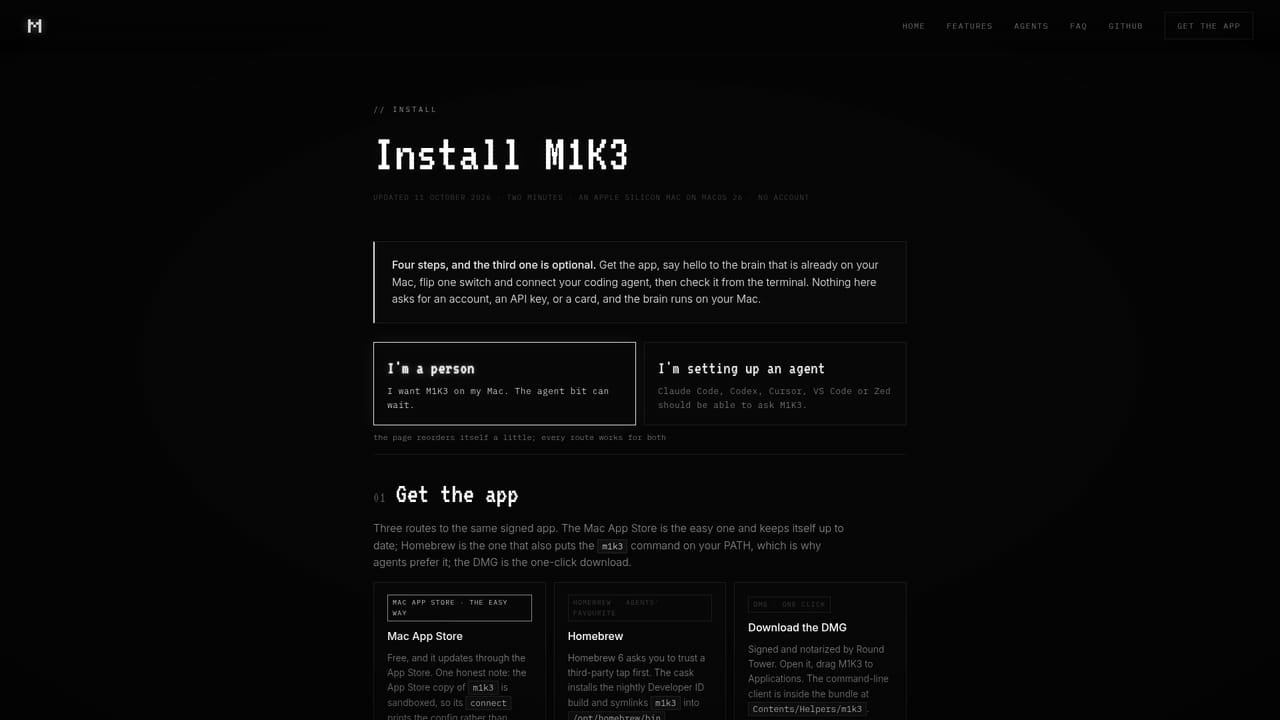
  1. 1Install M1K3 on your Mac
    Download from the Mac App Store or grab the signed and notarized DMG. No account or sign-up is needed to launch the app.
    M1K3 — Install M1K3 on your Mac
  2. 2Pick a brain in Settings
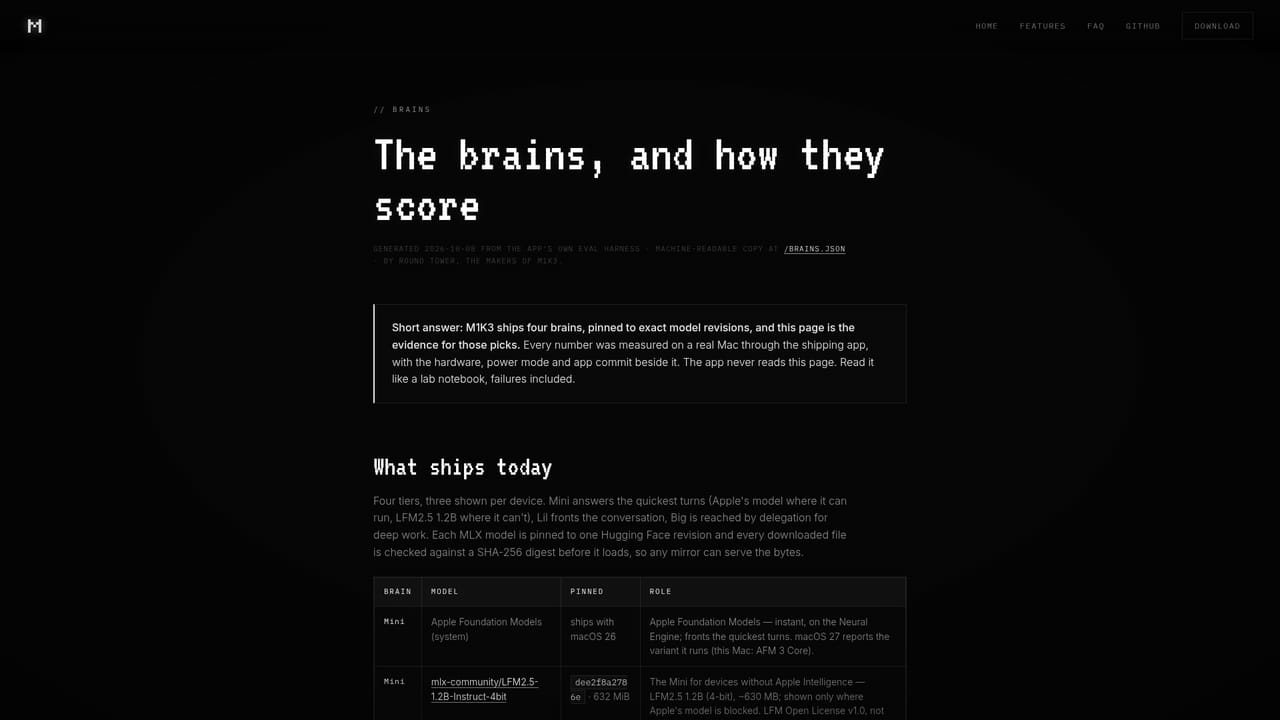
    Choose between Mini for instant answers, Lil as the conversational default and Big for deep work. Compare the underlying models on the brains page first.
    M1K3 — Pick a brain in Settings
  3. 3Import documents and build your knowledge graph
    Add your files and M1K3 indexes them with semantic search, so later questions are answered from your own material rather than general knowledge.
  4. 4Decide how the agent and web behave
    Web search is on by default; switch it off in Settings if answers must stay entirely offline. The agent keeps its tools behind the same privacy toggle.
  5. 5Connect Claude over MCP
    Point your MCP client at the local endpoint on 127.0.0.1:4242 to expose knowledge, memory and voice tools. Long queries route through the async job API.
  6. 6Enable optional modules if you need them
    Heartbeat and Brain at Home are off by default. Turn on the ambient pulse or LAN sharing only when you want those capabilities.

Pros and cons

Pros

  • Runs inference, voice and storage on-device by default, with no account or telemetry reported on the homepage.AI
  • Bundles capabilities most local setups require stitching together: live voice, knowledge graph, call memory and an agent.AI
  • Ships an MCP server with 18 tools so Claude and other agents can query local knowledge over 127.0.0.1:4242.AI
  • Free for individuals, with public source under the Functional Source License and an optional sponsorship route.AI
  • Native SwiftUI build with Metal-accelerated models rather than an Electron or webview wrapper.AI

Cons

  • Requires Apple Silicon and macOS 26 Tahoe, which excludes older Macs and most users on earlier OS versions.AI
  • Three fixed local models offer less flexibility than assembling your own stack, and local quality trails frontier cloud models.AI
  • Web search is on by default, so privacy depends on a setting the user must find and switch off.AI
  • Teams features and fleet admin controls are licensed separately, so organisational use means contacting sales.AI
  • Source-available rather than open source: reselling the app or a copy is barred by the licence.AI

How much does M1K3 cost?

Pricing

Free for humans, forever, according to the homepage. There is no account, subscription or telemetry. Downloads come from the Mac App Store or a signed DMG, and the source can be built directly. Optional GitHub Sponsors donations fund development without gating features. Organisations need a separately licensed Teams edition.

Learn more

Support

Direct email contact is listed as hello@round-tower.ie for Teams enquiries. The homepage and linked pages cover setup, model comparisons and privacy questions, and the source repository is public for reference. No formal help centre or ticket system is described.

Integrations

The main integration is MCP: Claude and other Model Context Protocol clients reach local knowledge, memory and voice tools over HTTP at 127.0.0.1:4242, including an async job API for long requests. Private Cloud Compute can be enabled for select messages to Apple's service.

Learn more

Features

On-device inference with three switchable local models, live voice input with Kokoro neural text to speech, and a private knowledge graph over imported documents. Consent-gated call recording adds encrypted transcripts and summaries. A ReAct agent with web search and knowledge tools sits behind a privacy toggle, and an MCP server exposes 18 tools locally. Also included: self-repairing temporal memory, an optional two-hourly Heartbeat, LAN sharing to your own devices, and a native screensaver.

Learn more

Frequently asked questions about M1K3

  • How much does M1K3 cost?
    Free for humans, forever, according to the homepage. There is no account, subscription or telemetry. Downloads come from the Mac App Store or a signed DMG, and the source can be built directly. Optional GitHub Sponsors donations fund development without gating features. Organisations need a separately licensed Teams edition.
  • Does M1K3 have an API?
    Yes, M1K3 offers an API.
  • How do you use M1K3?
    The walkthrough on this page covers 6 steps: 1. Install M1K3 on your Mac 2. Pick a brain in Settings 3. Import documents and build your knowledge graph 4. Decide how the agent and web behave 5. Connect Claude over MCP 6. Enable optional modules if you need them.
  • What platforms does M1K3 support?
    M1K3 is available on MacOS, iOS and Android.
  • What does M1K3 integrate with?
    The main integration is MCP: Claude and other Model Context Protocol clients reach local knowledge, memory and voice tools over HTTP at 127.0.0.1:4242, including an async job API for long requests. Private Cloud Compute can be enabled for select messages to Apple's service.
  • What are the limitations of M1K3?
    Requires Apple Silicon and macOS 26 Tahoe, which excludes older Macs and most users on earlier OS versions. Three fixed local models offer less flexibility than assembling your own stack, and local quality trails frontier cloud models. Web search is on by default, so privacy depends on a setting the user must find and switch off.

Status

StatusActive
Views0
Outbound clicks0
Added10/22/2026

Platforms

MacOSiOSAndroid

Pricing

FreePaid