Free trial
A seven day free trial is offered, with sign-up through the registration page. No card or usage terms are described on the homepage.
Learn moreResearch, outline and script videos using performance data before a single frame is shot.

Maekersuite is a content writing tool. A data-driven pre-production suite for video teams. Maekersuite combines YouTube research and analytics tools with outline and script writers, title, tag and description generators, aimed at YouTubers, agencies, educators and in-house marketing teams.
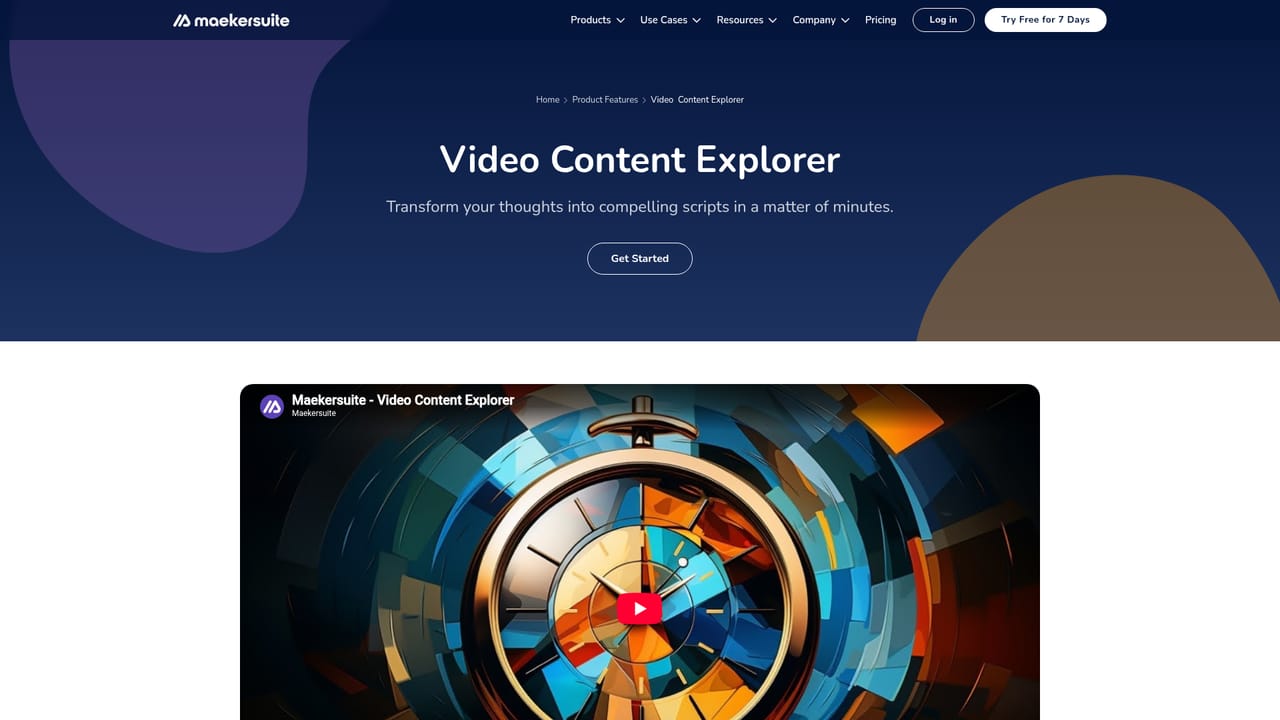
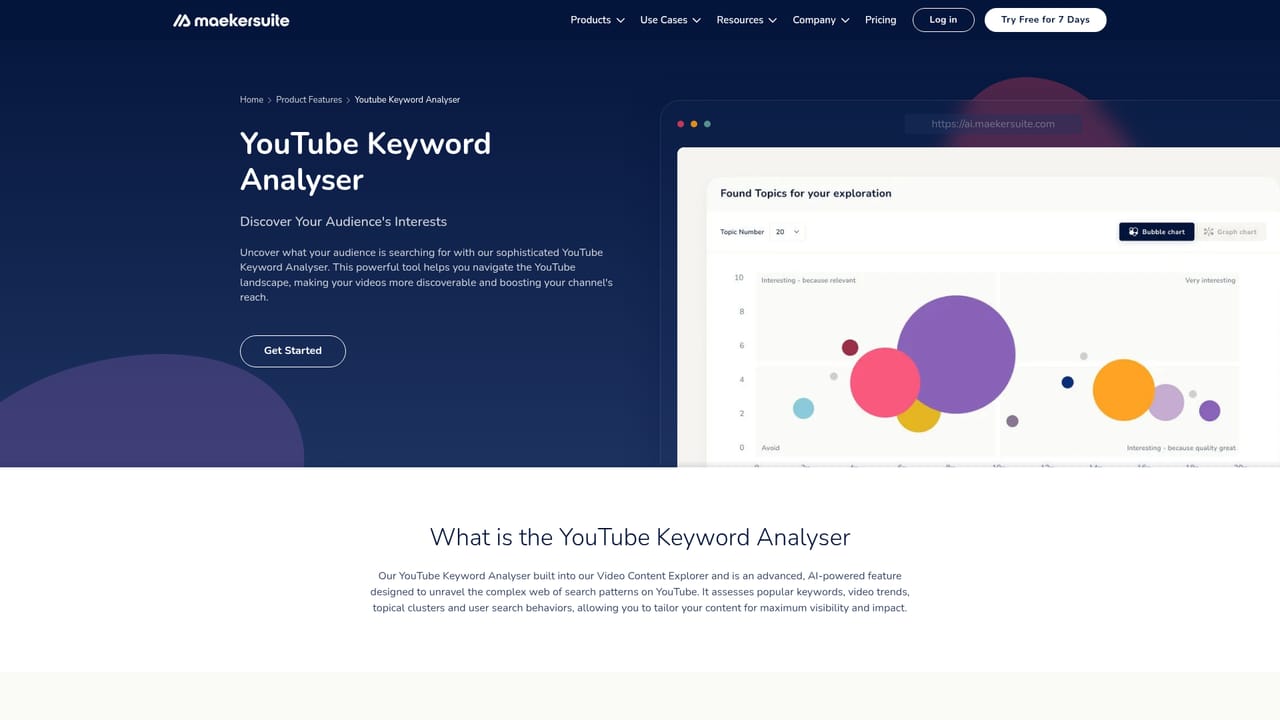
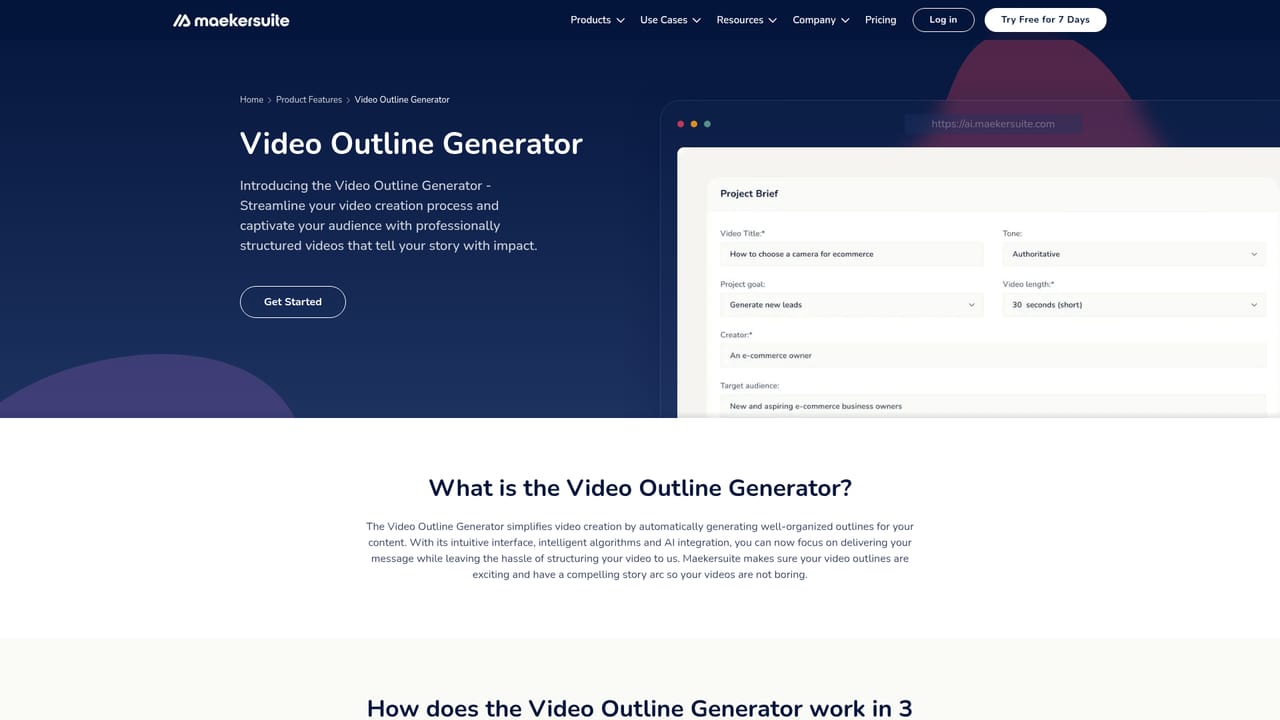
Maekersuite is a data-based pre-production workspace for video teams. Rather than writing scripts from a blank page, it starts from evidence: keyword analysis, performance indicators and content exploration on the research side, then moves into outlining, scripting and title or description drafting on the production side. The stated audience is YouTubers, agencies and business owners, which is reflected in the use case library covering channel growth, CTR and watchtime analysis, explainer and training videos, plus social formats for Facebook, Instagram, LinkedIn, TikTok, X and YouTube. In practice the workflow runs through a set of individual tools that share a home in the same account. Teams can pull video ideas, inspect what is already performing, generate an outline, then draft the script in a dedicated editor that keeps the draft and the edit in one place. Supporting tools handle the packaging layer: title generators, tag and keyword tools, an SEO analyser and a description writer. The intent is that research, script and metadata stay connected instead of living in separate docs and spreadsheets. It fits teams that treat video as a repeatable production line rather than a one-off creative burst. Agencies running briefs for multiple clients, educators building explainer or training content, and in-house marketing teams producing corporate or product videos can use the research layer to justify editorial decisions before committing budget to filming. Pricing is listed on a separate plans page and a seven day free trial is offered for new accounts, so evaluating the full tool set before paying is possible. Compared with general writing assistants, Maekersuite is narrower and more procedural: it assumes you are making a video and pushes you through research, outline and script in sequence. Compared with standalone analytics dashboards, it goes further into the writing stage. The trade-off is specialisation. Teams wanting a single all-purpose writing copilot may find the tool set fragmented across many small utilities, and the product does not position itself as a filming, editing or publishing suite.
A seven day free trial is offered, with sign-up through the registration page. No card or usage terms are described on the homepage.
Learn moreHelp, video guides, a blog and a contact page are linked from the site navigation. No response times or support tiers are stated on the homepage.
Tools span research (Video Content Explorer, Video Ideas Generator, Video Performance and Quality Indicators), scripting (outline generator, AI script writer, script and video script editors) and packaging (title, tag, description, keyword and SEO tools for YouTube). Use case pages cover marketing, channel growth, CTR, watchtime and subscriber analysis, education, social platforms and business video formats.
Learn more AI Angels400+ customizable AI girlfriends for NSFW chat, voice calls, and roleplay
 Candy AIExperience the future of companionship with AI friends who chat, role-play, and connect with you on a human level.
 ourdream.aiA vast AI roleplay platform with millions of characters for chat, images, video and voiceAI Angels400+ customizable AI girlfriends for NSFW chat, voice calls, and roleplayCandy AIExperience the future of companionship with AI friends who chat, role-play, and connect with you on a human level.ourdream.aiA vast AI roleplay platform with millions of characters for chat, images, video and voice


