Support
Support for Goblin Tools runs through Ko-Fi and Patreon, which are listed on the homepage alongside links to the About, Privacy, Terms and Refunds pages.
Learn moreBreak a big to do item into small, manageable steps

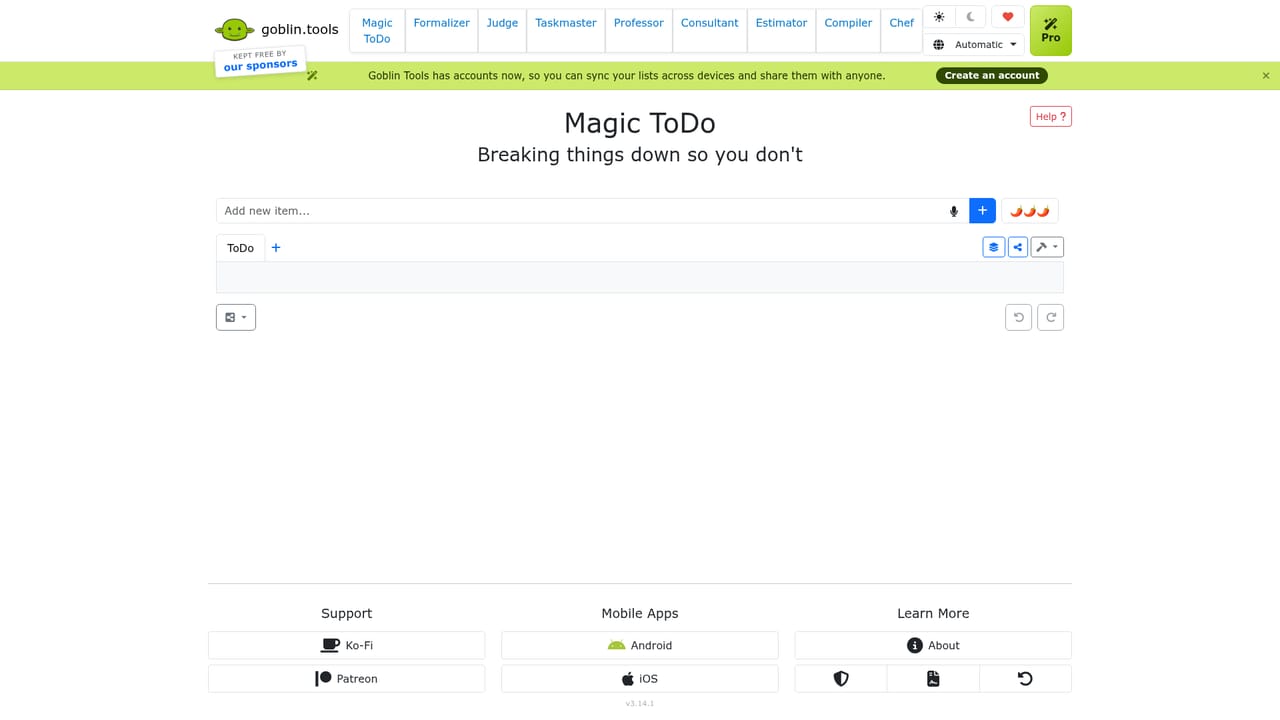
Magic ToDo is an AI task generator tool. A single purpose breakdown tool inside the Goblin Tools collection: enter a to do item and get a list of smaller subtasks, with account sync and sharing for keeping lists across devices.
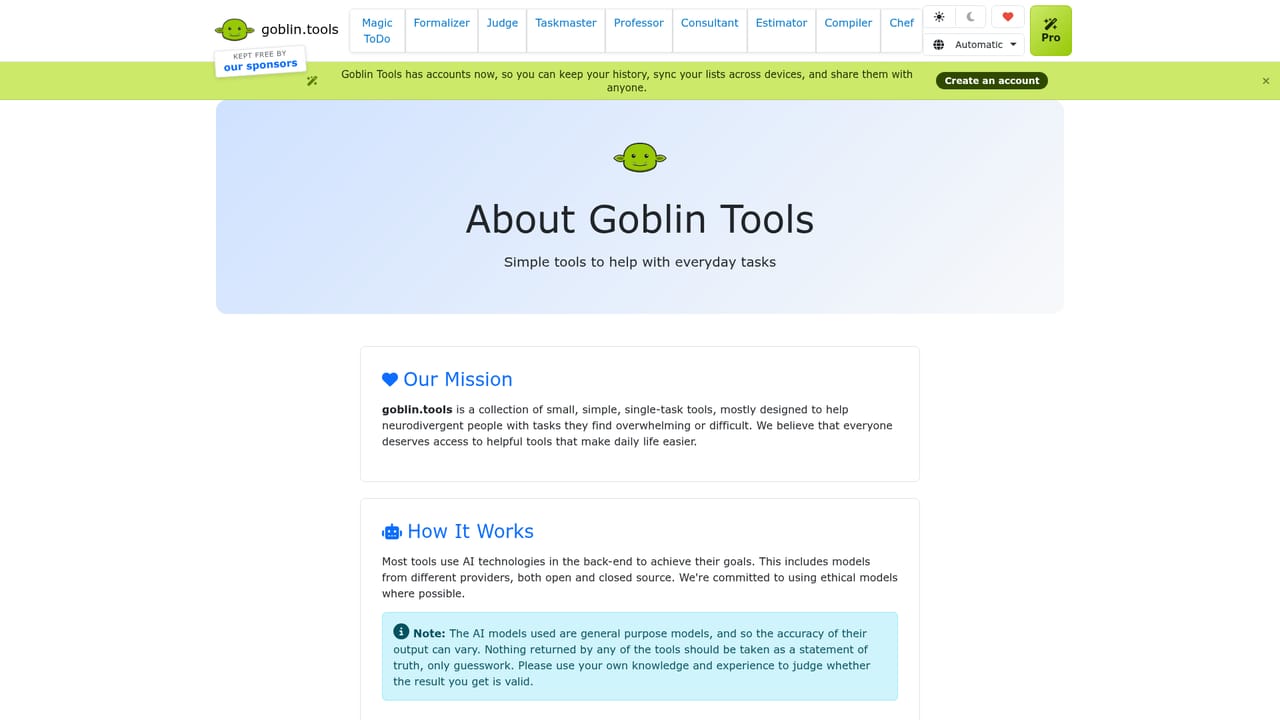
Magic ToDo is one piece of Goblin Tools, a collection of small utilities built for moments when a task feels too large or too tangled to start. The tool takes a single to do item and splits it into smaller subtasks, so a vague entry such as tidy the flat becomes a short sequence of concrete actions a person can actually begin. It sits alongside sibling tools on the same site that handle tone rewriting, emotion reading, time estimation and braindump sorting. The audience is broad by design. People who stall on initiation, students facing coursework, professionals with overloaded lists and anyone who finds conventional task managers too abstract all fit the intended use. There is no project hierarchy to configure and no methodology to learn. The user types an item, asks for a breakdown, and edits or deletes whatever the tool returns until the list matches the real shape of the work. In practice the workflow is a loop rather than a one time conversion. A generated subtask that is still too broad can be broken down again, and individual entries can be removed when they do not apply. Because Goblin Tools now offers accounts, history can be retained, lists can be synced between devices and results can be shared with other people, which makes the tool usable for coordination and not only solo planning. Mobile builds exist for Android and iOS, and the web version runs in the browser. Compared with full task managers such as Todoist or Things, Magic ToDo is deliberately narrow: it assists with the thinking stage of planning rather than with scheduling, reminders, deadlines or team assignment. It is best treated as a first pass that feeds a longer lived system, or as a standalone aid for days when the barrier is deciding where to start rather than tracking what remains.
Support for Goblin Tools runs through Ko-Fi and Patreon, which are listed on the homepage alongside links to the About, Privacy, Terms and Refunds pages.
Learn moreMagic ToDo breaks a single to do item into smaller subtasks, and any resulting step can be broken down again. Goblin Tools accounts add saved history, syncing of lists across devices and sharing with other people. The tool is one of nine utilities on the same site, including a tone formalizer, an emotion reader, a timeframe estimator, a braindump compiler and a recipe generator.
Learn more AI Angels400+ customizable AI girlfriends for NSFW chat, voice calls, and roleplay
 Candy AIExperience the future of companionship with AI friends who chat, role-play, and connect with you on a human level.
 ourdream.aiA vast AI roleplay platform with millions of characters for chat, images, video and voiceAI Angels400+ customizable AI girlfriends for NSFW chat, voice calls, and roleplayCandy AIExperience the future of companionship with AI friends who chat, role-play, and connect with you on a human level.ourdream.aiA vast AI roleplay platform with millions of characters for chat, images, video and voice


