Free trial
No trial is needed: skill creation is presented as free and ready in about two minutes.
Learn moreFree personal AI skills that teach ChatGPT, Gemini and Claude your style

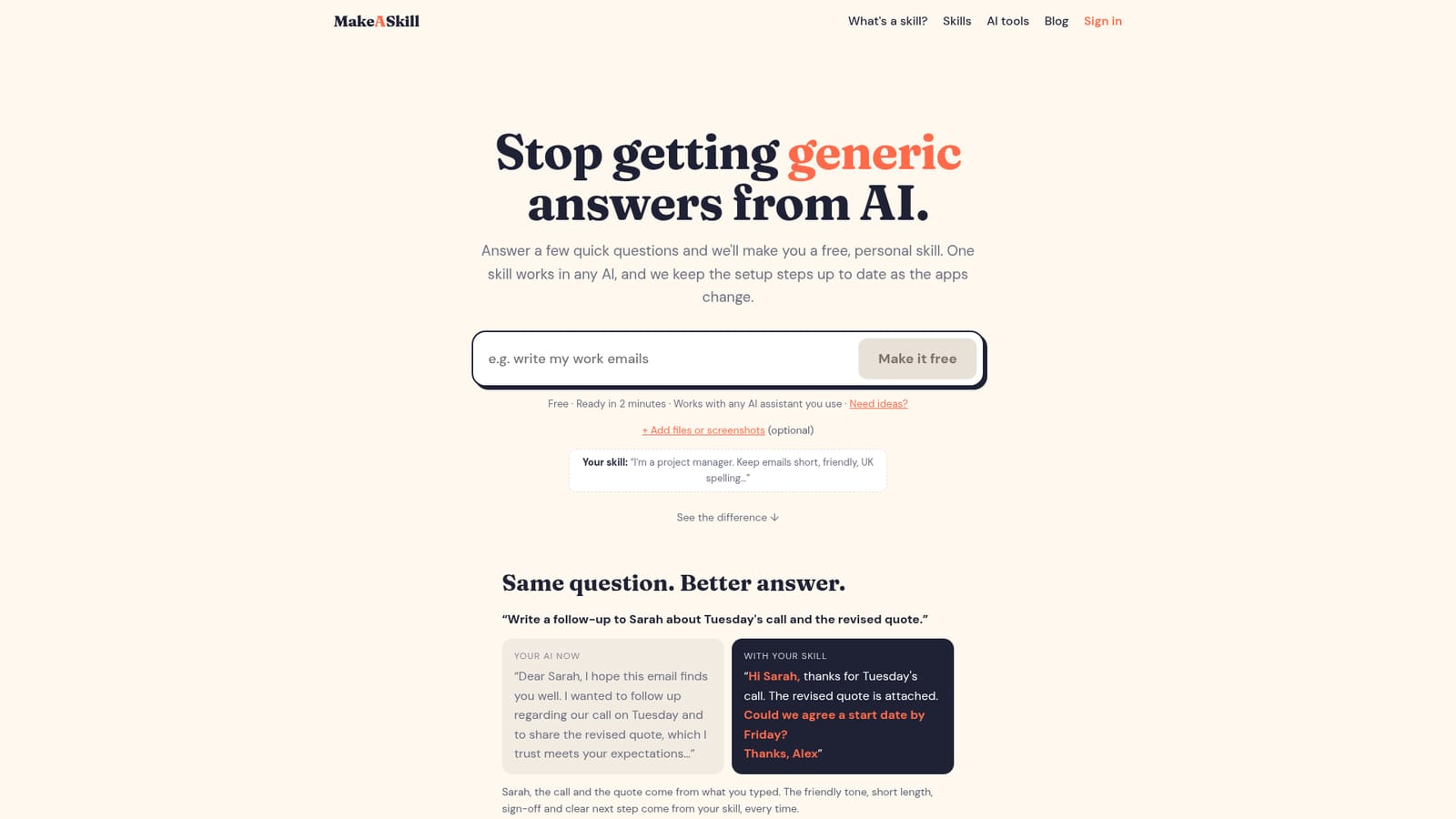
MakeASkill generates a free personal "skill" from a few quick questions: a short set of instructions that makes ChatGPT, Gemini, Claude or Copilot match your tone, format and habits. Setup takes about two minutes.
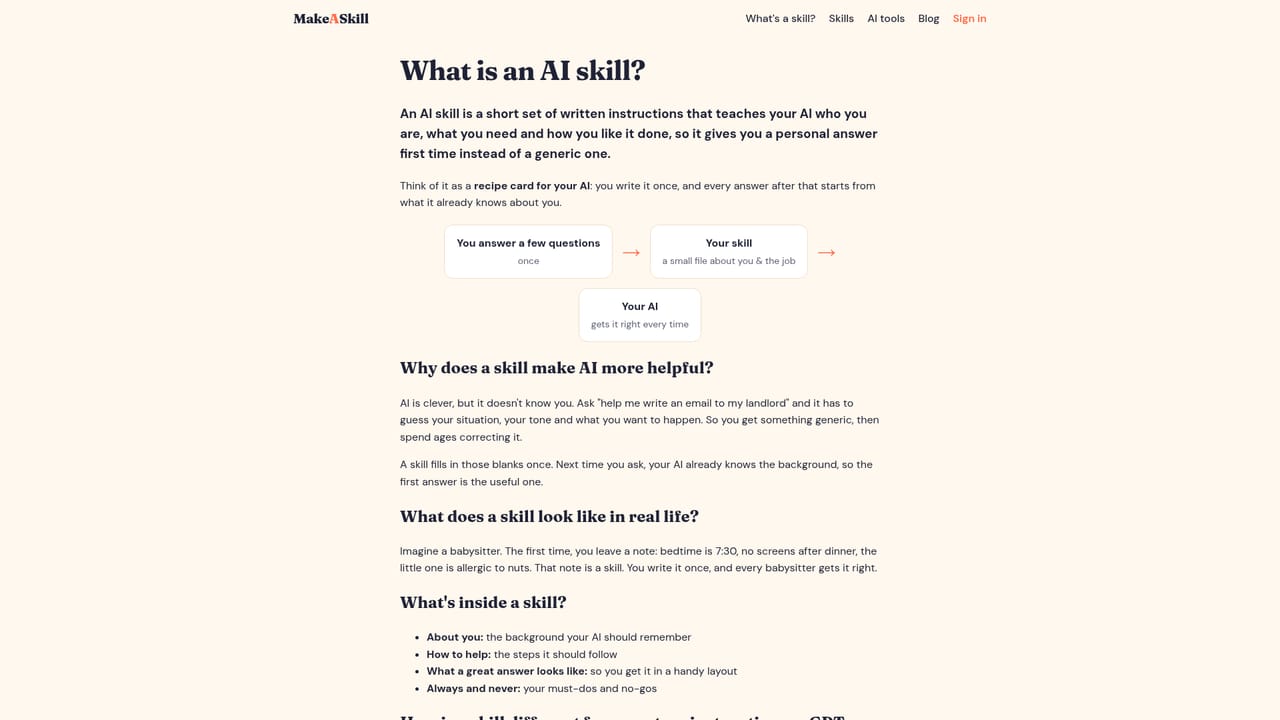
MakeASkill is a web service that turns a few plain-language answers into a "skill": a short set of written instructions telling an AI assistant who the user is and how they like things done. Instead of retyping preferences about tone, length, spelling or sign-offs in every chat, the user keeps one skill and applies it wherever they work. The site states that a single skill works across ChatGPT, Gemini, Claude and Copilot, and that the setup steps are kept current as those apps change. The process is built for people with no prompt-writing background. A visitor describes what they want help with in their own words, optionally attaches files or screenshots, and answers a handful of quick questions. The finished skill appears on screen straight away, and a copy is sent by email. The homepage puts the whole flow at about two minutes. A before-and-after example shows the effect: a generic, stiff follow-up email becomes a short, friendly message with a sign-off and a clear next step, because the skill supplies the style while the user's request supplies the facts. Popular starting points include work emails, meeting notes, slide decks, research summaries, a meal planner and a budget helper. A dedicated explainer page covers what a skill is and why it changes the answers an assistant gives. The service is free, and an optional weekly newsletter shares small, tested tips for getting more from the AI tools a person already uses. Among alternatives, MakeASkill sits close to custom instruction fields, saved prompt libraries and prompt management tools, but it removes the writing step by interviewing the user and generating the instructions. That suits busy professionals, students and casual AI users who want consistent output without learning prompt engineering. Users who need team-wide governance, version control or deep automation will likely need a heavier prompt management product, since the homepage describes a personal, one-person workflow.
No trial is needed: skill creation is presented as free and ready in about two minutes.
Learn moreThe homepage describes the skill as free and does not list any paid plans or prices.
Learn moreThe homepage names no support channel. An explainer page covers what a skill is, and a weekly newsletter shares tips.
Skills are described as working with ChatGPT, Gemini, Claude and Copilot, and with any AI assistant the user already uses.
Generates a personal skill from a few questions, accepts optional files or screenshots, shows the result instantly and emails a copy. Works with ChatGPT, Gemini, Claude and Copilot, with setup steps kept updated. Includes popular starter ideas and a weekly newsletter.
Learn more


