Free trial
A $1 trial is offered on any plan. Checkout displays the trial duration and the renewal amount for your chosen billing period, and the subscription renews unless cancelled from the account.
Learn moreAI studio for UGC ads, talking actors and cinematic clips.

MakeUGC is an AI video talk tool. A browser studio for AI-generated UGC and video ads. Choose from 1,000+ AI actors, write or auto-generate scripts, add your product and render talking-actor clips in minutes. One subscription covers Seedance, Veo, Kling, Nano Banana and other leading models, plus AI Flows, a content library and API access.
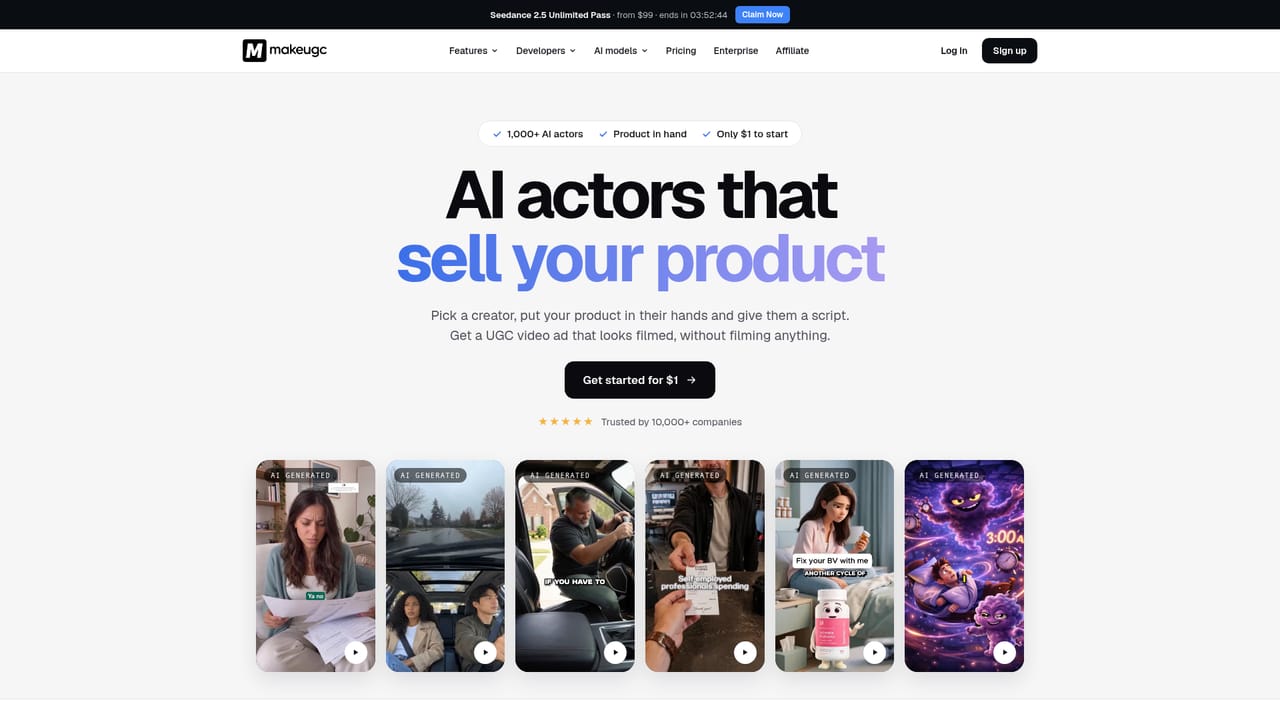
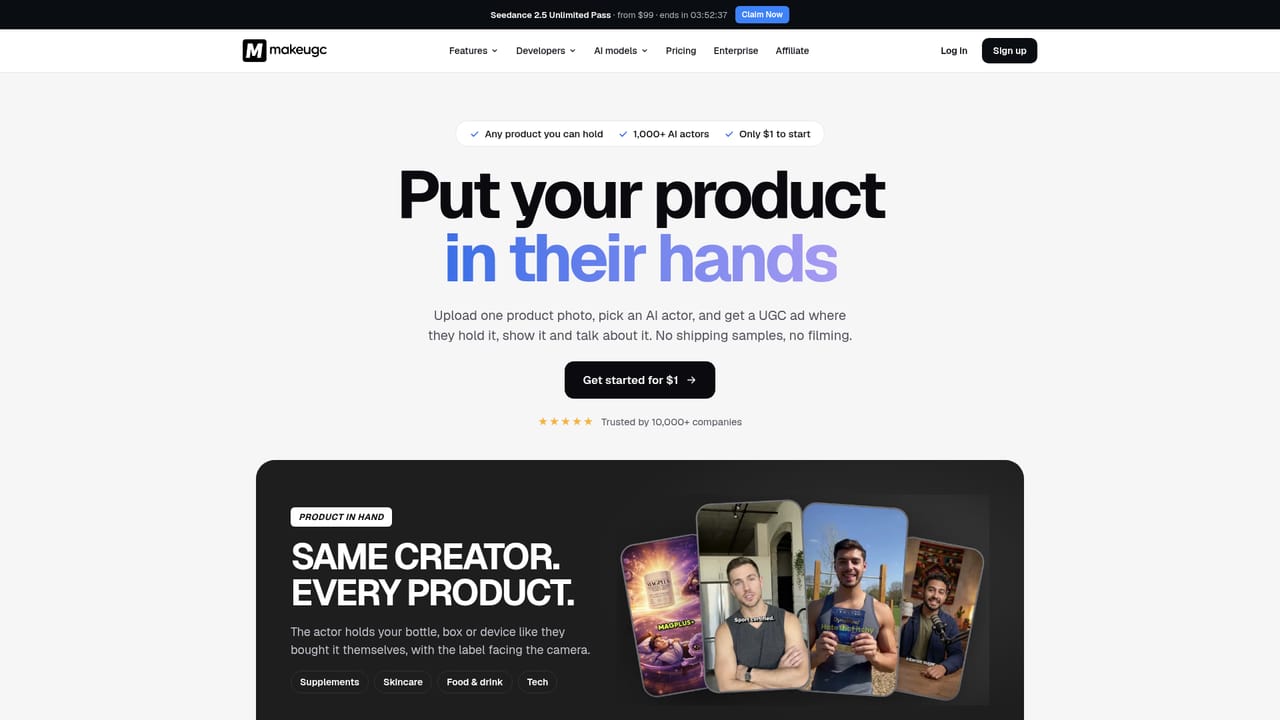
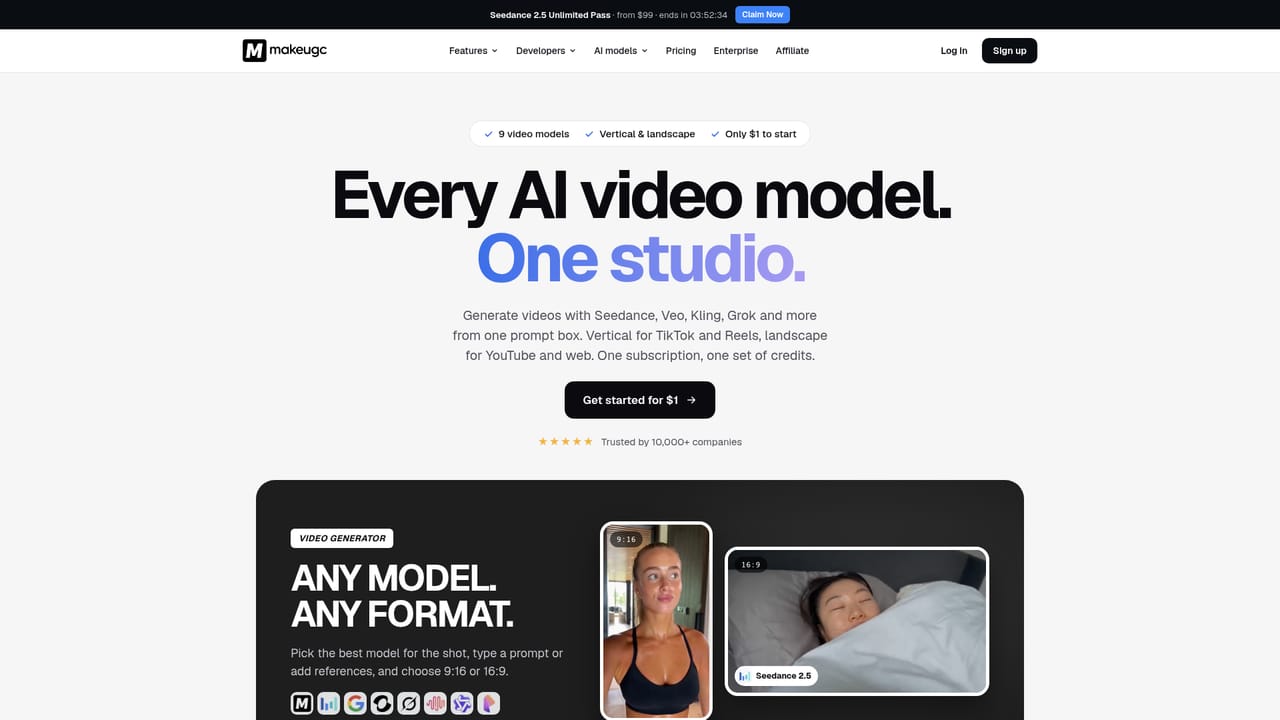
MakeUGC is a browser-based studio for producing short-form video ads without a camera, a crew or a creator roster. The core product is UGC-style advertising: you choose from a library of more than 1,000 realistic AI actors (or clone yourself), write or generate a script, add a product image, and the platform renders a talking-actor clip in roughly two minutes. Captions, music, B-roll and trims are editable afterwards, and output can be exported in HD, 2K or 4K, with batch runs of ten variations available on higher plans. The scope has widened well beyond the original UGC format. MakeUGC gives one credit balance across a large roster of third-party models: Seedance 2.5, Veo 3.1, Kling 4.0, MiniMax, Wan 3.0, Pixverse and others for video, plus Nano Banana Pro, GPT Image 2, Seedream v5 Pro, Flux 2 Pro, Recraft v3 and Imagen 4 for stills. That means the same subscription can produce cinematic B-roll, gaming trailers, Pixar or LEGO style cartoon spots, product photography and thumbnails. Specialised modes cover Product in Hand (an actor holds your product), Motion Control (transferring a performance onto a new character) and image ads. Day to day, the workflow is aimed at performance marketers and small brands who need volume. A node-based canvas called AI Flows lets you chain image generation, product shots, video and editing into one repeatable pipeline that can be run across every SKU. The Content Library holds hundreds of real high-performing UGC ads filtered by niche and format; you drop in a product image and dialogue and the system generates a variation. An API and MCP access are bundled into every plan, so the same credits drive programmatic generation. Compared with single-model generators, MakeUGC competes on breadth and on the ad-specific tooling rather than on raw model quality. Teams already committed to one model vendor may find less value; teams producing many creatives per month will appreciate one bill, one credit pool and templates that start from proven formats.
A $1 trial is offered on any plan. Checkout displays the trial duration and the renewal amount for your chosen billing period, and the subscription renews unless cancelled from the account.
Learn moreThree tiers (Starter $29, Growth $39, Pro $79 per month when billed yearly, with 51% and 47% savings shown on annual billing). Monthly allowances run from 500 to 5,000 credits, with export quality, parallel jobs, custom avatars and template counts rising by plan. Quarterly and monthly billing are also offered. Every plan can be tried for $1.
Learn moreQuestions can be sent to help@makeugc.ai, and an enterprise sales contact is available for larger teams. No other support channels are described on the homepage.
Learn moreAPI and MCP access are included on every plan at no extra cost, using the same credits as the studio. Generation can be scripted for videos, images and avatars.
Learn moreTalking actors with lip-sync across 50+ languages, Product in Hand, Motion Control, cinematic and animated video generation, image ads, a node-based AI Flows canvas, a Content Library of real UGC ads, batch mode and watermark removal. One credit balance covers Seedance 2.5, Veo 3.1, Kling 4.0, Nano Banana, GPT Image 2 and other leading models.
Learn more AI Angels400+ customizable AI girlfriends for NSFW chat, voice calls, and roleplay
 Candy AIExperience the future of companionship with AI friends who chat, role-play, and connect with you on a human level.
 ourdream.aiA vast AI roleplay platform with millions of characters for chat, images, video and voiceAI Angels400+ customizable AI girlfriends for NSFW chat, voice calls, and roleplayCandy AIExperience the future of companionship with AI friends who chat, role-play, and connect with you on a human level.ourdream.aiA vast AI roleplay platform with millions of characters for chat, images, video and voice


