Free trial
The site invites visitors to get started for free, and signup happens on the WowTo app. The homepage does not state how long a free plan lasts or what it includes.
Learn moreTurn screen recordings and slides into multilingual how-to videos

WowTo is an AI video talk tool that turns screen recordings and slides into multilingual how-to videos. WowTo turns screen recordings, PowerPoint decks and PDFs into step-by-step how-to videos with AI voiceovers, talking avatars and automatic subtitles in 20 plus languages, then hosts them in a branded video knowledge base or exports them as MP4.
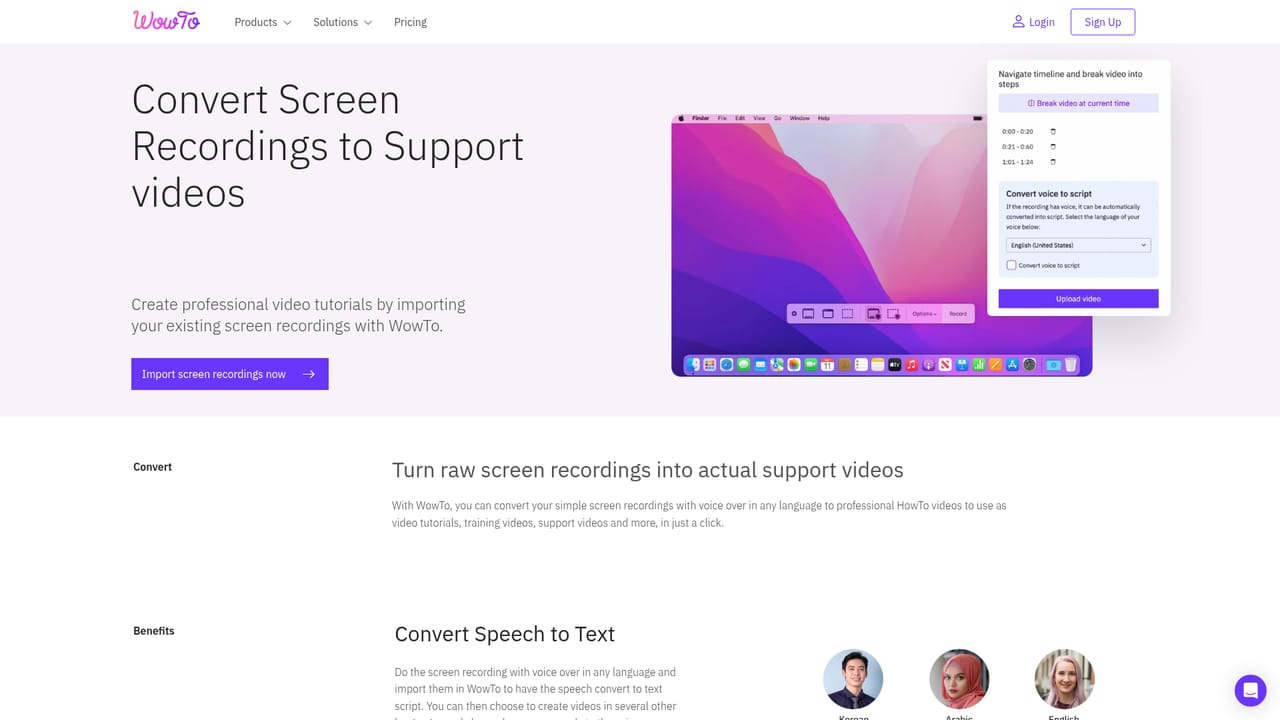
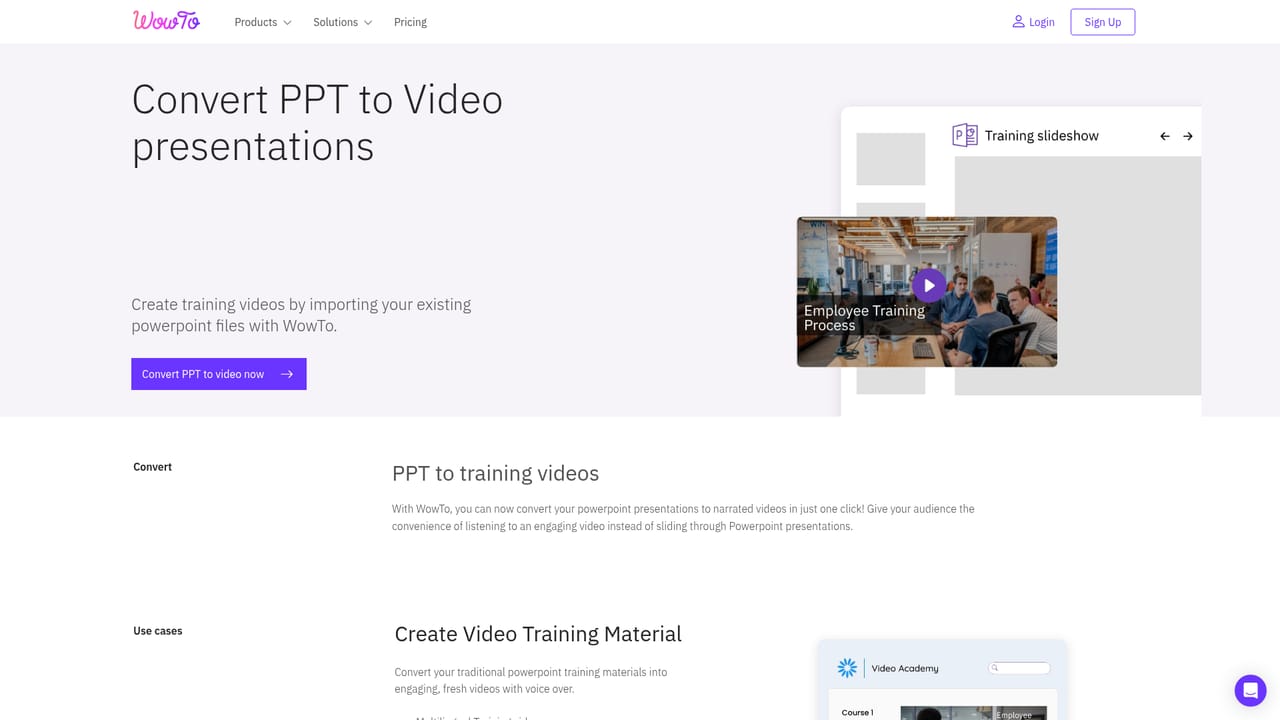
WowTo is a browser based studio for producing instructional videos: customer support walkthroughs, employee onboarding modules and educational clips. Its starting point is capture. A Chrome extension records a workflow as a sequence of discrete steps rather than one continuous screen capture, so each click and screen state becomes its own editable scene. Existing recordings can also be imported and rebuilt into the same step format. The step model is what separates WowTo from a conventional editor. Because every scene is stored separately, a script can be rewritten, a click highlight moved or a new line of narration added without re-recording the whole sequence. The editor includes blur for sensitive information, click highlighting and annotations, which matters when a tutorial shows a billing dashboard or an internal admin panel. AI voiceover and avatars carry the production load. The library lists more than 300 voices across 20 plus languages with dialect choices, and subtitles plus transcripts are generated automatically. A talking avatar can front the video, and a single project can be published in several languages, as the site demonstrates with Google Sheets tutorials offered in English, French and German. Training material already sitting in PowerPoint decks or PDFs can be converted into video instead of being rebuilt by hand. Distribution covers the usual paths: a shareable link, an embed for a help center or internal portal, MP4 export for offline use, and a hosted, branded video knowledge base. Teams weighing options such as Loom or Synthesia should note the distinction: WowTo is built around stepwise software tutorials with translation and avatar layers, not around quick ad hoc screen messages or general purpose avatar films.
The site invites visitors to get started for free, and signup happens on the WowTo app. The homepage does not state how long a free plan lasts or what it includes.
Learn moreChrome extension capture of workflows as editable steps, import of existing screen recordings, conversion of PowerPoint and PDF material into video, 300 plus AI voices across 20 plus languages with dialect choices, automatic subtitles and transcripts, talking AI avatars, blur and click highlighting, annotation tools, step level editing, share links, embeds, MP4 export and a branded hosted video knowledge base.
Learn more AI Angels400+ customizable AI girlfriends for NSFW chat, voice calls, and roleplay
 Candy AIExperience the future of companionship with AI friends who chat, role-play, and connect with you on a human level.
 ourdream.aiA vast AI roleplay platform with millions of characters for chat, images, video and voiceAI Angels400+ customizable AI girlfriends for NSFW chat, voice calls, and roleplayCandy AIExperience the future of companionship with AI friends who chat, role-play, and connect with you on a human level.ourdream.aiA vast AI roleplay platform with millions of characters for chat, images, video and voice


