Free trial
The homepage invites visitors to try the app for free through the login link, which suggests a free entry tier or trial, but no duration, credit allowance or feature limits are stated.
Learn moreA single workspace for AI video generation, templates and model access

Nim Video is an AI video talk tool. A browser based AI video production suite that bundles several generative models with a template library for formats such as talking head reviews, timelapses, motion transfer and fashion clips. Aimed at creators and social teams who want one login and ready made starting points instead of juggling separate model subscriptions.
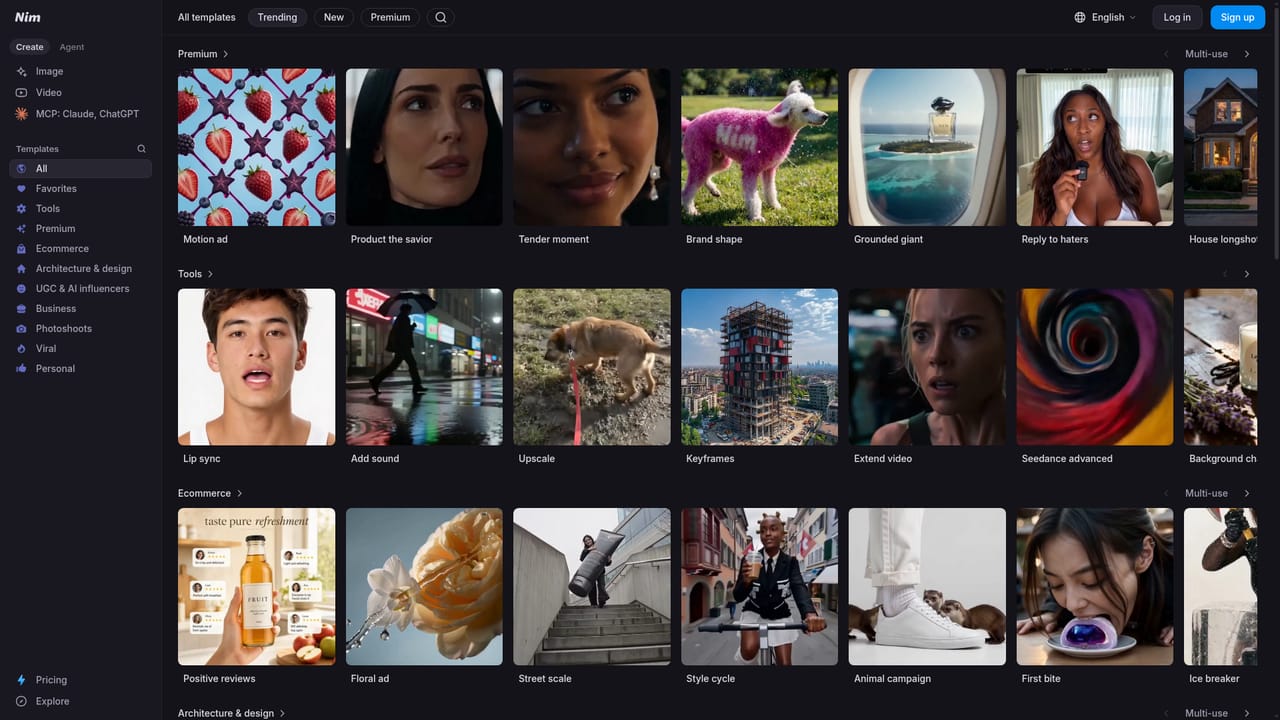
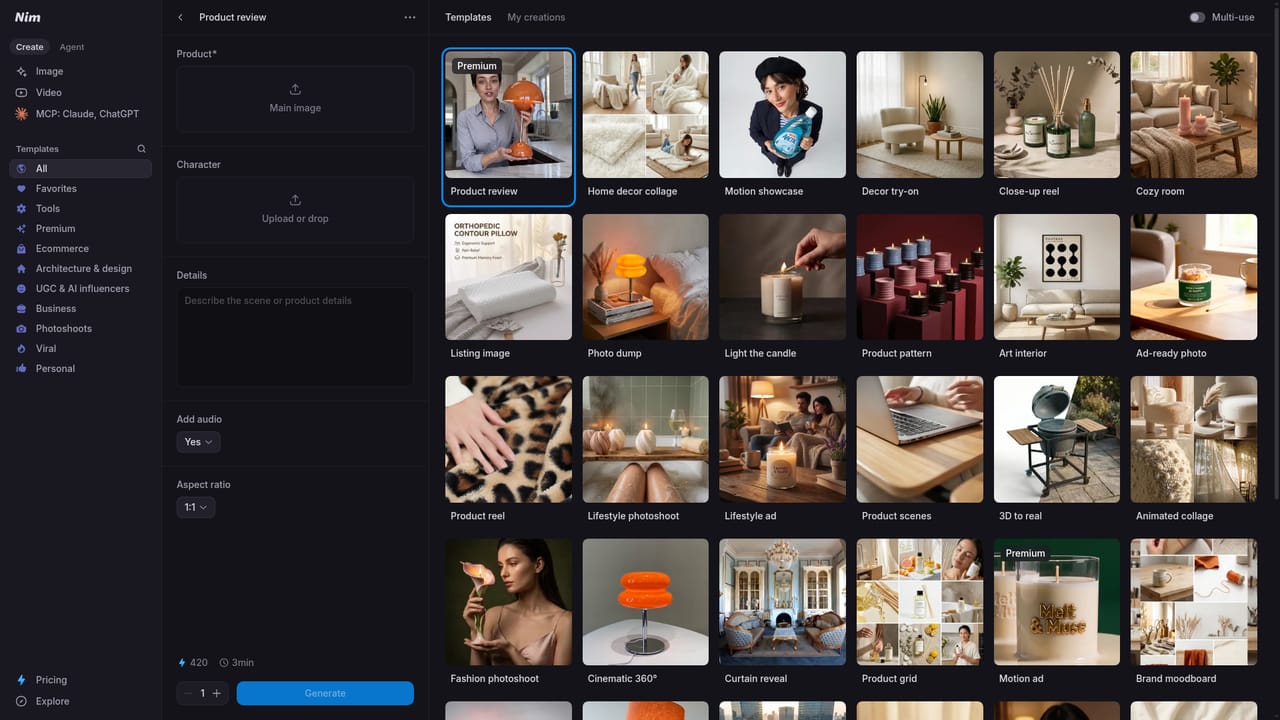
Nim is a browser based production app that gathers several leading generative video models and tools into one workspace. Rather than asking users to juggle subscriptions across separate model providers, the platform presents a shared interface where text-to-image, image-to-video, restyle, lip sync and upscale jobs sit alongside one another. The pitch is breadth: the landing page promises all the best models and tools in one place, and claims a community of over five million creators. The product leans heavily on templates and an inspiration feed. Template collections are grouped by use case, so a home decor talking head review, a real estate timelapse, a fashion bike point-of-view clip and a celebrity selfie style all exist as starting points rather than blank prompts. A keyframes tool supports image driven work, and motion transfer appears as a first class capability. That structure suits social media teams, small agencies and independent creators who need a recognisable format fast and would rather adapt a working recipe than tune a model from scratch. In practice the workflow starts at the template library or the tools area. A creator picks a format, swaps in their own images or footage, adjusts the prompt, and renders. Credentials carry across the whole app, which is the real differentiator against stitching together single purpose generators. Anyone already comfortable with prompt based video tools will settle in quickly, though newcomers should expect some trial and error while learning which model handles a given look best. Nim competes in a crowded field of generative video suites. Its argument is consolidation and curation (curated templates, multiple models, one login) rather than a proprietary engine. Buyers weighing it should compare render credits and output quality per model against specialist platforms, since a shared workspace is only worth it if the underlying models keep pace.
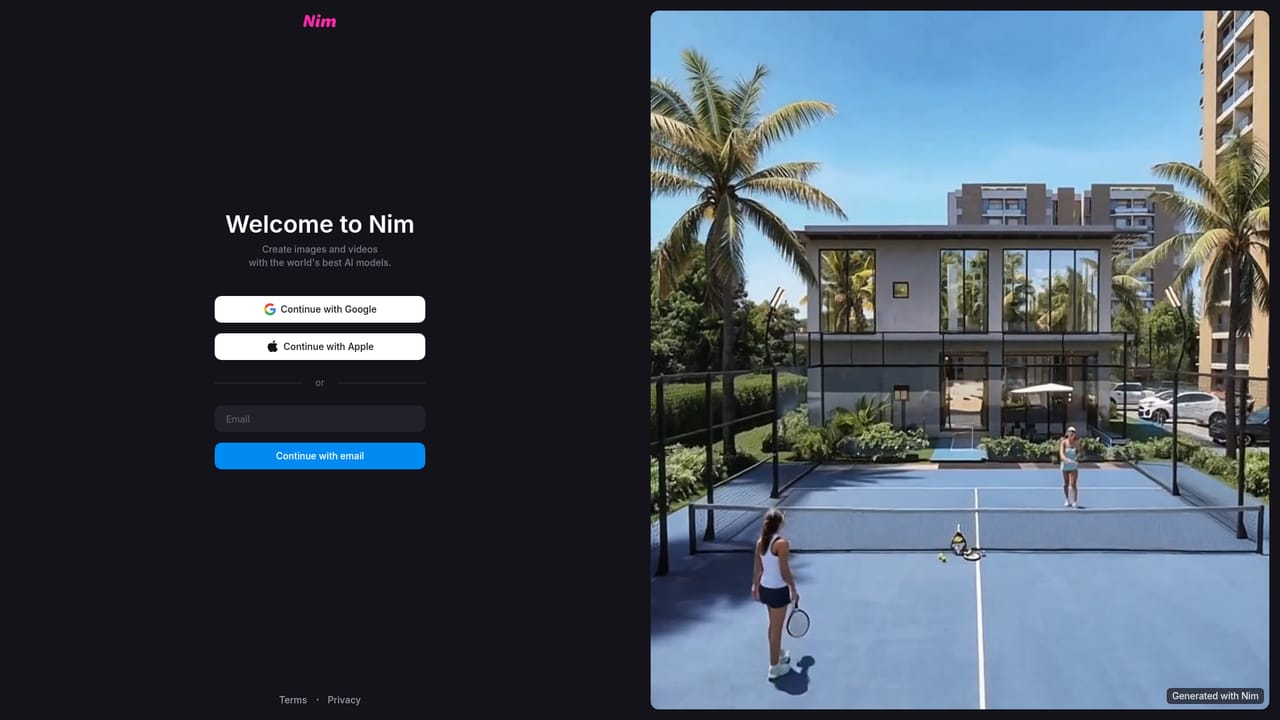
The homepage invites visitors to try the app for free through the login link, which suggests a free entry tier or trial, but no duration, credit allowance or feature limits are stated.
Learn moreText-to-image and image-to-video generation, keyframes, motion transfer, restyle, lip sync and upscale tools are presented as part of one app. A curated template library spans UGC talking head reviews, real estate timelapses, fashion point-of-view clips, celebrity selfie styles, animations and cinematic looks, with an inspiration feed for finding formats.
Learn more AI Angels400+ customizable AI girlfriends for NSFW chat, voice calls, and roleplay
 Candy AIExperience the future of companionship with AI friends who chat, role-play, and connect with you on a human level.
 ourdream.aiA vast AI roleplay platform with millions of characters for chat, images, video and voiceAI Angels400+ customizable AI girlfriends for NSFW chat, voice calls, and roleplayCandy AIExperience the future of companionship with AI friends who chat, role-play, and connect with you on a human level.ourdream.aiA vast AI roleplay platform with millions of characters for chat, images, video and voice


