Free trial
No separate trial is described. A free plan provides 150 monthly credits, a 50 credit daily cap and up to 3 projects, which serves as the way to evaluate the builder before upgrading.
Learn morePrompt your way to a full-stack web app, then take the code with you

Meku turns plain-language prompts into working full-stack React apps with live previews, Supabase auth and databases, one-click hosting, custom domains, and export to GitHub or ZIP. Aimed at founders and small teams who want real code ownership rather than a locked-in page builder.
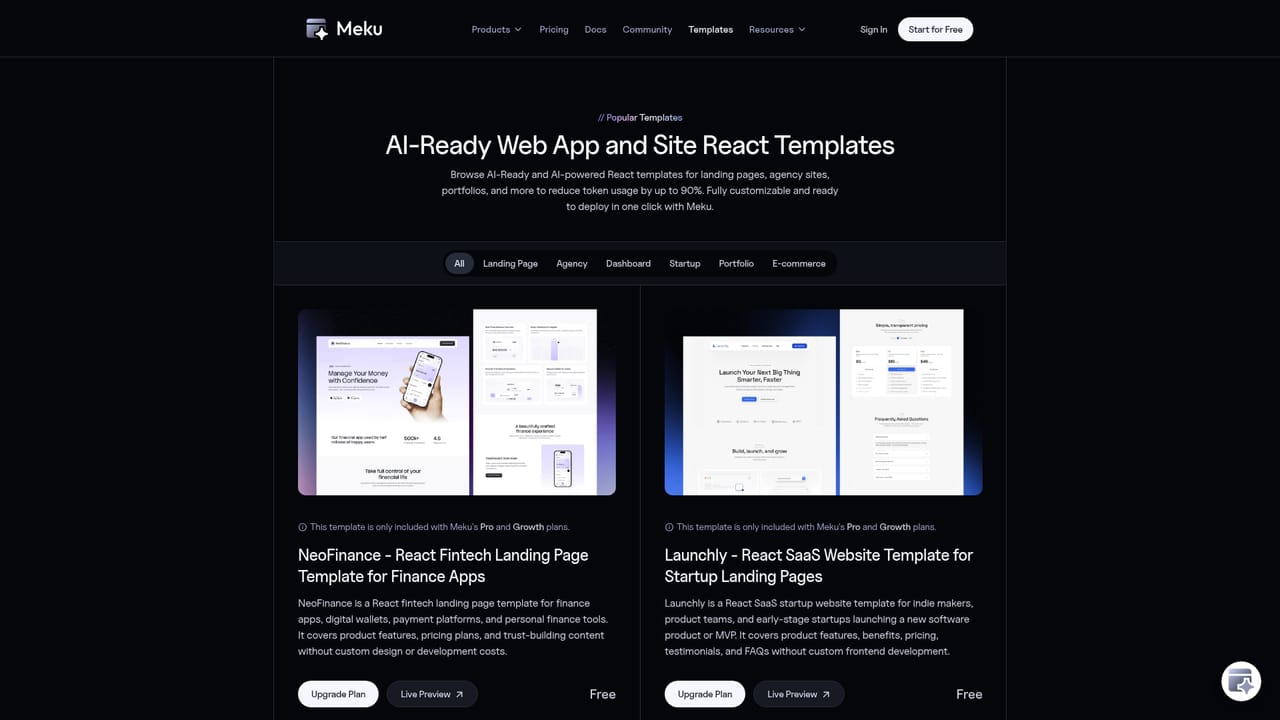
Meku is an AI website and app builder aimed at people who want a working product rather than a mockup. The premise is straightforward: describe what you want in plain language, and Meku writes the code and shows a live preview you can click through straight away. The output is a modern React application built with Vite and Tailwind CSS, so what you get is a real codebase, not a proprietary page format locked inside the builder. The workflow is conversational and iterative. A first version appears within minutes, then you keep chatting to add pages, adjust layouts, change colors, or wire in new features. You can attach files, reference styles, or start from something that already exists: paste a website URL, drop in a Figma frame, or import a repository from GitHub. Custom domains, hosting and SSL come bundled, and projects publish to a free meku.app subdomain if you do not want to configure anything. Meku is clearly aimed at founders, freelancers and small product teams who need dashboards, internal tools, SaaS products, landing pages or online stores without standing up their own infrastructure. Connecting Supabase adds user sign-in, a database and APIs, which moves it well beyond the landing page generators. Team workspaces are included without per seat fees, and credits, members and roles are managed in one place. Developers are not shut out either: a built-in editor, undo and redo, and a full export path mean the generated code can be taken into your own tooling. Against tools like Lovable or other prompt-to-app builders, Meku's pitch rests on code ownership and the export options. ZIP download and GitHub push are stated for paid plans, and hosting your own build elsewhere is explicitly supported. The honest caveat is that iteration quality depends on how well you prompt, and the free tier caps projects and credits, so anyone building seriously will need a paid plan.
No separate trial is described. A free plan provides 150 monthly credits, a 50 credit daily cap and up to 3 projects, which serves as the way to evaluate the builder before upgrading.
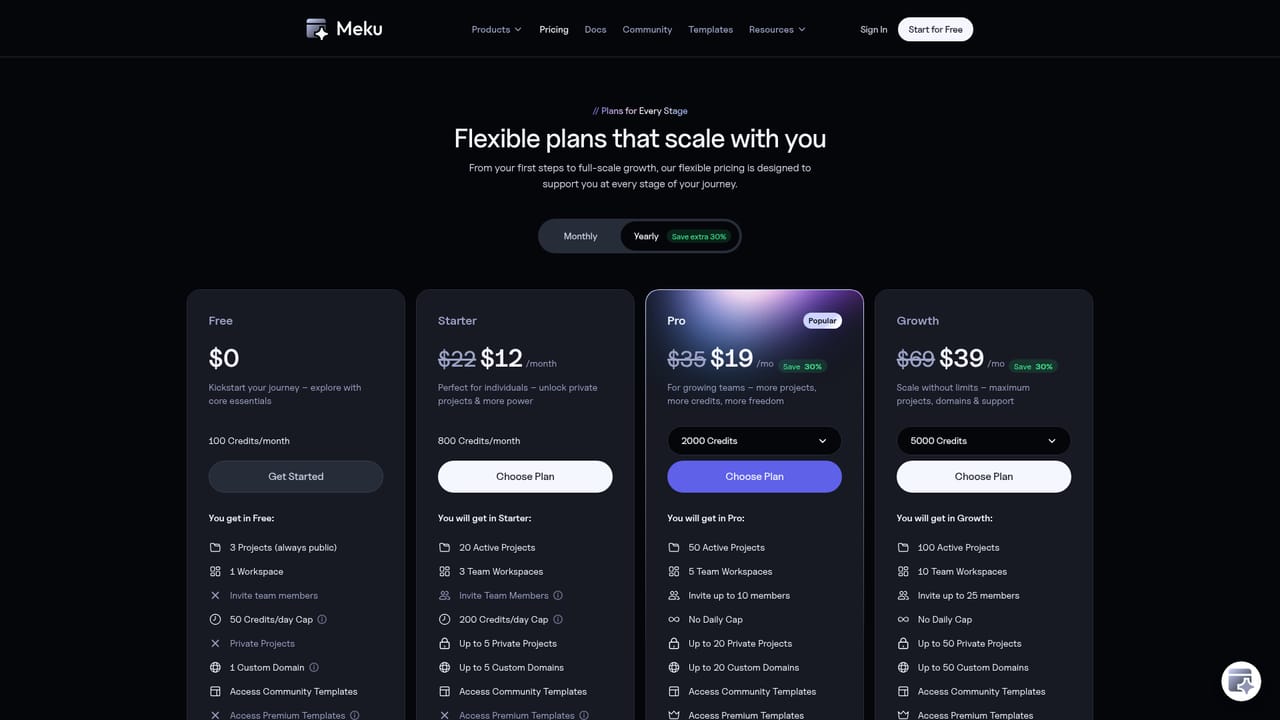
Learn moreMeku runs a free plan plus paid tiers. The free plan caps usage at 150 credits per month with a 50 credit daily limit and a maximum of 3 projects. Plans include team seats without per seat charges, and the number of custom domains depends on the tier. Billing specifics live on the pricing page.
Learn moreThe site answers common questions through an on-page FAQ covering coding requirements, stack details, code ownership, imports, custom domains and cancellation. A contact option is offered for questions the FAQ does not cover.
GitHub for importing and pushing repositories, Figma for turning design frames into pages, and Supabase for authentication, database and edge functions, all managed from inside Meku.
Prompt to live app generation with live preview, website cloning from a URL, Figma frame import, specialized agents that plan multi-step builds, responsive themes, a built-in code editor with undo and redo, one-click deployment with hosting and SSL, custom domains, Supabase auth and databases, team workspaces with shared credits, and GitHub or ZIP export.
 AI Angels400+ customizable AI girlfriends for NSFW chat, voice calls, and roleplay
 Candy AIExperience the future of companionship with AI friends who chat, role-play, and connect with you on a human level.
 ourdream.aiA vast AI roleplay platform with millions of characters for chat, images, video and voiceAI Angels400+ customizable AI girlfriends for NSFW chat, voice calls, and roleplayCandy AIExperience the future of companionship with AI friends who chat, role-play, and connect with you on a human level.ourdream.aiA vast AI roleplay platform with millions of characters for chat, images, video and voice


